

7 apps you should uninstall from your Smart TV.
Smart TVs offer many entertainment features, but not all apps are truly necessary. Below are 7 apps you should consider uninstalling to optimize your device's performance.
When setting up a new smart TV, you almost inevitably encounter a "forest" of pre-installed apps that you never requested.
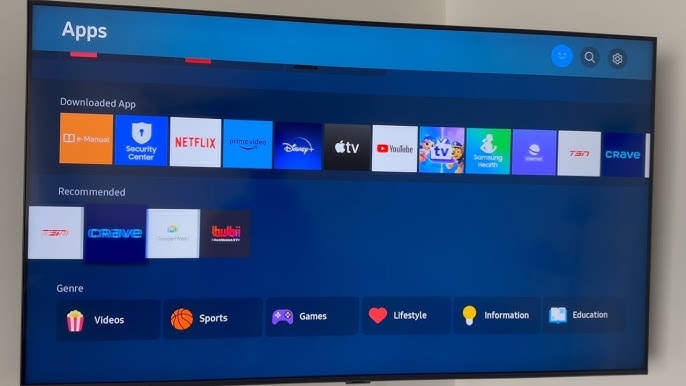
They not only clutter the interface and take up storage space, but can also slow down the device. Therefore, removing unnecessary applications is an important step to improve the user experience.
1. Smart home applications from the manufacturer.
One of the first apps users should uninstall is the smart home app developed by the TV manufacturer. Despite being marketed as a central control tool for TVs and other devices in the ecosystem, these apps are often cumbersome, feature-limited, and not truly necessary.
If you've used platforms like Google Home, Amazon Alexa, or Apple HomeKit, then most smart TVs today are compatible without needing proprietary software from the manufacturer.
In reality, these "homegrown" applications rarely offer additional value compared to the functions already available in the settings menu or remote control. Worse, they often require creating a separate account, requesting many unnecessary access permissions, and tend to collect data in the background that users have little control over.
2The channel viewing application was developed by the manufacturer.
Next on the list of removed apps are pre-installed channel viewing apps like TCL Channel, Samsung TV Plus, LG Channels, etc. At first glance, they look like attractive free TV services, but in reality, most of them only contain low-quality content such as reruns, videos extracted from the web, or little-known low-budget movies.
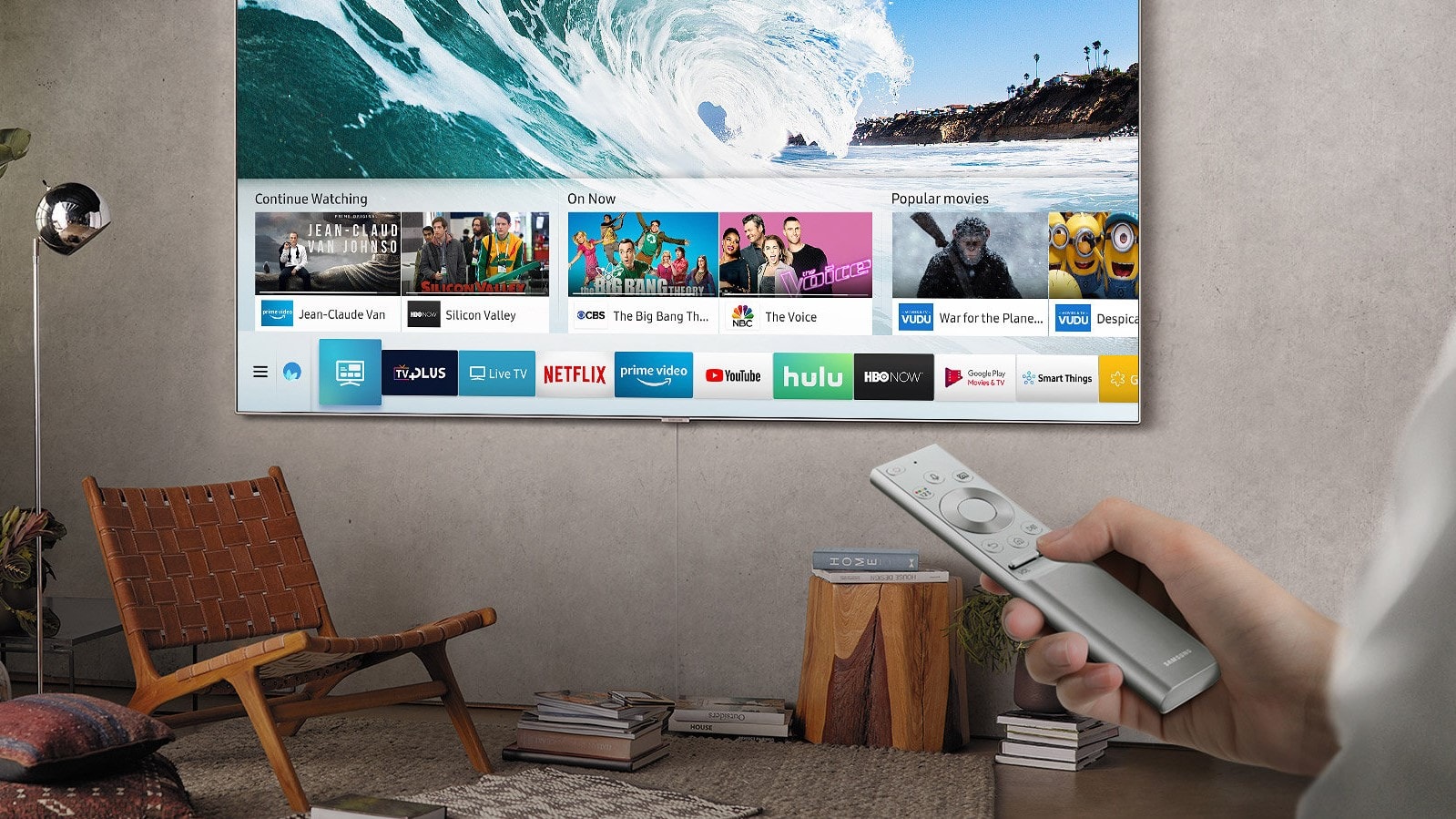
Photo: Internet.
Some apps automatically launch when you turn on the TV, others take up space on the home screen, and most exist solely to play ad-supported content. They focus on attracting user attention to make money from advertising, rather than providing a genuine entertainment experience, especially if you've subscribed to services like Netflix, Disney+, or Amazon Prime Video.
Removing these apps helps the TV boot up faster, provides a cleaner interface, and makes the viewing experience much more pleasant.
3. Exclusive app store
Although most smart TVs today run on popular platforms like Google TV, Fire TV, etc., many manufacturers still integrate their own app stores.
However, instead of providing a better experience, these stores often offer only a poor, heavily regulated list of apps, rife with sponsored content and junk software.
Worse still, some stores secretly install apps that users don't request, display ads, and automatically play videos on the home screen, all of which make the experience cluttered and less smooth.
Therefore, users should uninstall the proprietary app store if possible and only use the official app store that comes with the TV platform. If uninstallation is not possible, automatic updates should be disabled and the store icon removed from the home screen to maintain a clean look.
4Applicationssocial network
In theory, you should be able to run Facebook, TikTok, or other social media platforms on a smart TV. But in reality, the experience is often worse than expected.
The interface isn't optimized for large screens, remote navigation is cumbersome, and input is slow and frustrating, all of which make these apps look like features that were simply added for the sake of it.
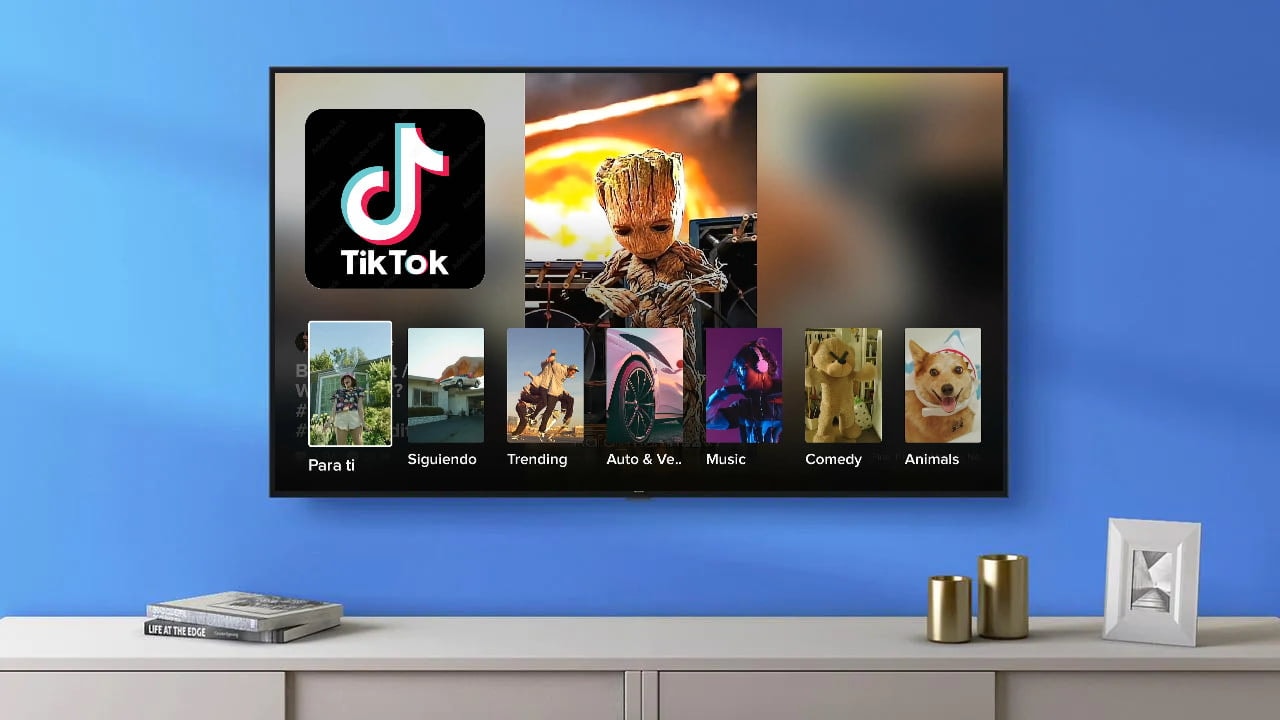
It's almost impossible to post or respond effectively, and viewing photos and videos is also inflexible. Worse, many apps still run silently in the background, sending requests to servers, tracking user behavior, and automatically downloading new content, even when you don't have them open.
Therefore, these are apps that should be uninstalled in the first place, not only because they are impractical but also due to security risks. Entering social media account information on a smart TV, which is not as well protected as a phone or computer, is not worth the risk.
5. Shopping apps
If you come across apps like Amazon, Walmart, or even unfamiliar shopping platforms pre-installed on your smart TV, you should delete them immediately.
The idea of shopping from a TV sounds modern and convenient, but in reality, it's a cumbersome, slow, and unintuitive experience. The interface is often designed to push transactions rather than provide an efficient shopping process.
The bigger problem is that they have almost no relevance to your viewing experience. Do you really need an online store always just a click away from Netflix?
For most users, the answer is no. Instead, these apps consume memory, run silently in the background, and sometimes even send notifications or insert banner ads onto the screen, disrupting your entertainment experience.
Removing them helps streamline the app list, minimize distractions, and free up system resources—a small but worthwhile step to ensure your smart TV runs more smoothly and functions properly for entertainment, not shopping.
6.Game applications
Whether it's a simple puzzle game, a racing game, or an ad-laden version of solitaire, the pre-installed games on smart TVs are often the first on your list of things to uninstall.
Many of these games fail to deliver a true gaming experience, featuring sluggish controls, outdated interfaces, and constant interruptions from ads. Some even include in-app purchases targeting young children, raising concerns about uncontrolled additional costs.
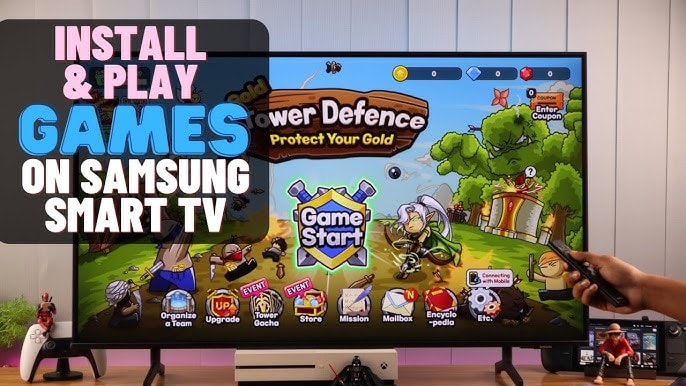
Furthermore, many games run automatically in the background or update silently, consuming bandwidth and occupying valuable storage space, all to maintain an experience that most users will never even use.
7. News and sports apps
On many smart TVs, news and sports apps are often pre-installed. However, most require logging into your TV service to unlock content, and they constantly run background updates for news or scores that you may not be very interested in.
Deleting these apps not only keeps your TV interface clean, but also prevents you from being distracted by unwanted notifications or feeling "forced" to watch uninteresting content.
When you need to catch up on news or follow sports results, you'll proactively search for information instead of letting the TV decide when and what to watch. This makes the entertainment experience much more free and enjoyable.
In summary, removing unnecessary pre-installed apps on your smart TV not only frees up memory and improves system performance, but also allows you to personalize your experience to your liking.