

Things to check carefully before buying a used iPhone.
Buying a used iPhone can save you a significant amount of money, but it also carries risks if you don't check it carefully. Below are some important factors to consider to avoid losing money and getting a defective product.
Recently, many people have discovered serious defects in used iPhones after purchasing them, even though they initially looked shiny and functioned normally.
Therefore, knowing the points to check before buying a used iPhone is extremely important to avoid losing money and getting a faulty device.
1. Check the battery condition: This is the first and most important step when buying a used iPhone.
The battery is one of the fastest-degrading components on any smartphone, and iPhones are no exception. Therefore, before deciding to buy a used device, checking the battery condition should be a top priority.
If you're unfamiliar with the concept of "battery health," it refers to the maximum charge capacity your battery can currently achieve compared to when it was new. This is displayed as a percentage in the Settings.
For example, if the battery shows 90% health, then when you charge it to 100%, it will actually only have about 90% of its original capacity left. According to Apple's recommendation, when this level drops below 80%, you should consider replacing the battery to ensure optimal performance.
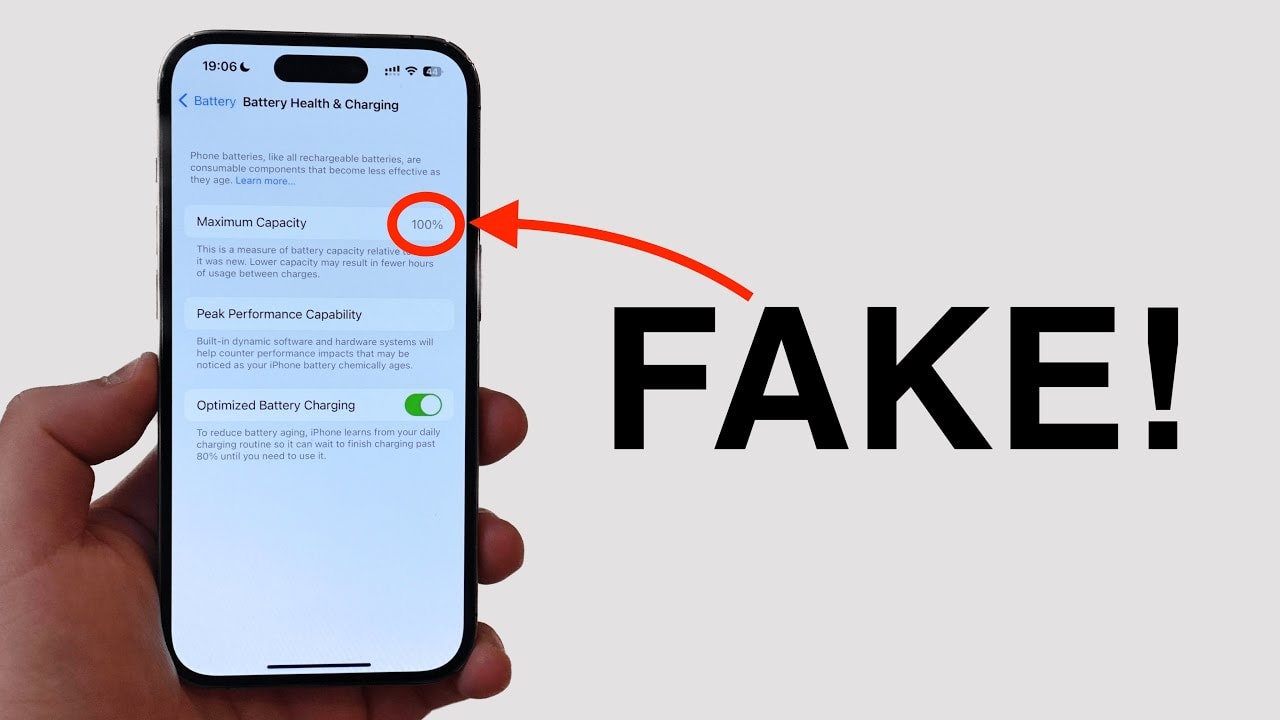
If you buy an iPhone from an acquaintance or a trusted source, you can easily access...SettingnewsBatterynewsBattery statusto check. However, when buying from refurbished stores or third parties, you need to be more cautious. Nowadays, some sellers may use tricks to fake the displayed battery percentage, making you think the device still has a "100% original battery" when in reality it doesn't.
For accurate testing, use third-party diagnostic software such as coconutBattery (for macOS) or 3uTools (for Windows and macOS). After installing the software on your computer, connect your iPhone via cable, select “Trust"Trust" when asked on your phone. The app will provide a detailed report, including the number of charging cycles and actual battery capacity, helping you accurately assess the battery's condition before making a purchase decision.
2. Beware of "fake" screens: Small details easily overlooked when buying a used iPhone.
One of the most easily replaced parts on older iPhones is the screen, especially if the device has been dropped and then refurbished. However, not all screens are of the same quality as Apple's original components. Many devices are replaced with low-quality screens, affecting user experience, durability, and even safety.
A simple way to detect a non-genuine screen is to place the iPhone on a wireless charger and unlock the screen. If you notice the device automatically touching the screen, opening apps by itself, or responding erratically, it's very likely that the device is using a substandard screen, as counterfeit screens often cause touch interference and are not compatible with wireless charging.
Additionally, carefully examine the bezels around the screen. On genuine iPhones, the edges are designed to be even and symmetrical. If the bottom bezel is unusually thick, or the edges are uneven, it could be a sign that the screen has been replaced with a non-standard component.
For iPhone 12 models and later, Apple uses OLED panels, which offer vibrant colors and deep blacks. Some repair shops replace them with cheaper LCD screens, which can be misleading. To check, turn on Dark Mode and open the Settings app. If the background doesn't display deep black but only dark gray, it's very likely an LCD screen, a sign that the device is no longer original.
In short, despite the sleek exterior, the screen is still the easiest part to swap out. Thorough inspection before buying will help you avoid low-quality devices.
3. Don't forget to check the speakers and microphone: These are often overlooked but very important components.
When checking a used iPhone, many people only test the speaker or make a quick phone call to see if the microphone is working. However, the reality is that iPhones have multiple speakers and microphones located in various places, and even a malfunctioning part of them can affect the user experience.
Regarding speakers, iPhones have two main speakers: one at the bottom near the charging port and one at the top near the earpiece (next to the front camera). To check, play some music or video, then hold each iPhone to your ear to see if both speakers produce clear sound. If one side is muffled, distorted, or has no sound at all, the speaker may be faulty.
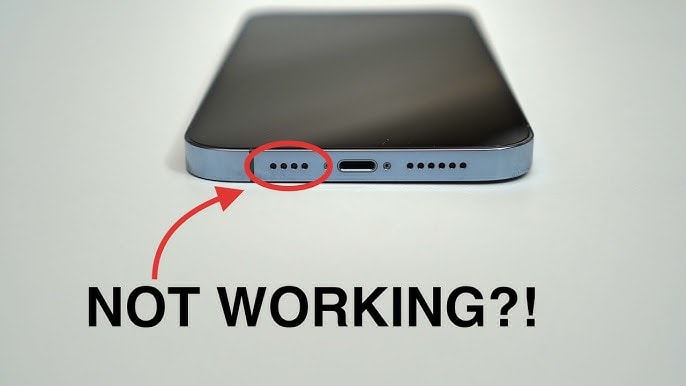
With microphones, Apple equips the iPhone with multiple microphones in different locations, including the front, back, top edge, and bottom edge, to serve functions such as video recording, FaceTime calls, voice calls, Siri virtual assistant, and noise cancellation.
To test the entire microphone, you can open the Recording app, press the record button, and then speak from different angles and directions (in front, behind, from above, etc.). Afterwards, play back the recording to check if the sound is clear and consistent from all directions.
Thoroughly checking the speaker and microphone will help you detect potential faults early, avoiding the purchase of a device that has been dropped, exposed to water, or had its components replaced with substandard parts. This is a simple but crucial step that many people easily overlook when buying a used iPhone.
4. Don't overlook Face ID: An important but easily damaged feature when buying a used iPhone.
One of the features to check carefully on a used iPhone is Face ID – the facial recognition technology that helps unlock the device, authenticate payments, and log into apps quickly.
However, Face ID can be easily disabled if the phone has had its screen replaced with a low-quality one, or if the TrueDepth camera (the facial recognition sensor) has been replaced or is damaged.
Normally, if Face ID isn't working, your iPhone will display a warning on the lock screen when you start it up. However, don't rely solely on the system warning; check carefully yourself to be sure.
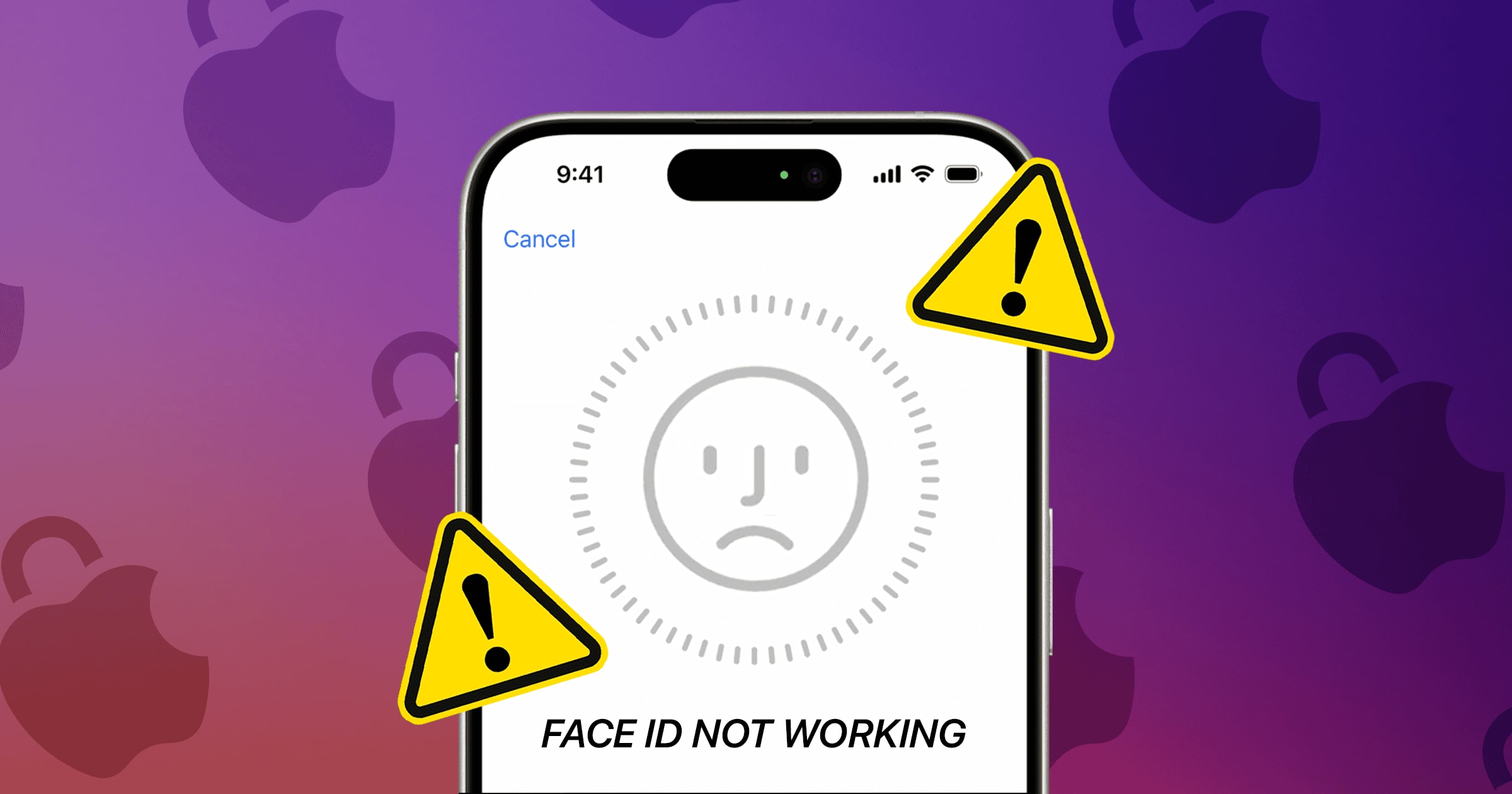
The testing method is very simple:
- EnterSettingnewsFace ID & PasscodeEnter your password if prompted.
- SelectSet up Face IDThen follow the instructions on the screen: place your face within the frame and move your head slowly in a circular motion.
- After the setup is complete, lock your device and try unlocking it with Face ID.
If the setup process goes smoothly and the phone accurately recognizes your face, then the Face ID system is working properly. Conversely, if there are errors during setup or the phone fails to recognize your face, it's very likely that the camera module has been tampered with, and repairs will be quite expensive.
Face ID is not just a convenience, but also a crucial part of iPhone security. Therefore, don't forget to thoroughly check this feature before deciding to buy the device.
5. Beware of Activation Lock: A sophisticated trap that can cost you money when buying used iPhones.
When buying a refurbished or used iPhone, especially online, you absolutely must not skip checking the Activation Lock. If the seller only provides images of the device on the "Hello" screen or the initial setup screen, consider that a serious warning sign; it's very likely a stolen iPhone.
Activation Lock is a robust security feature from Apple that tightly links an iPhone to the previous owner's Apple ID account. Even if the data has been wiped, you still can't use it without entering the correct old iCloud password. This means that if Activation Lock hasn't been removed, the phone you just bought will remain stuck on the activation screen, completely useless.
In many cases, scammers will try to sell such devices at bargain prices, preying on people's desire for cheap deals. But if the seller is unable or avoids deleting the device from their iCloud account, it's almost certainly stolen. Besides the risk of buying a "brick" device, you could also be tracked or reported to Apple by the device's real owner, causing legal trouble.
Therefore, always ask the seller to disable Activation Lock before buying. Checking is simple: go toSettingnewsGeneral settingsnewsSwitch or reset your iPhonenewsDelete all content and settingsIf the device prompts you to enter your iCloud password, it means the device is still locked. The seller needs to complete this step before you can make the payment.
While buying a used iPhone can save you a significant amount of money, you could easily lose it to scammers if you're not careful. The safest solution is still to buy from reputable sources, such as official Apple refurbished stores or retailers with clear warranties.