

3 free ways to turn your TV into a photo storage space.
You can turn your TV or tablet into a photo storage space with 3 free solutions that support NAS and 4K video.
Google Photos has long allowed Android TVs or tablets to be turned into digital photo frames, displaying beautiful moments right on the screen. But not everyone wants to store photos in the cloud; many prefer NAS (Network Attached Storage) to manage their data themselves.
Here are three free solutions to turn your Android TV or tablet into a large photo frame, retrieving data directly from your NAS.
1. Kodi
Kodi is a quick and easy way to set up a screensaver to display photos from your NAS. You just need to share the photo folder via SMB or NFS – most NAS devices support this.
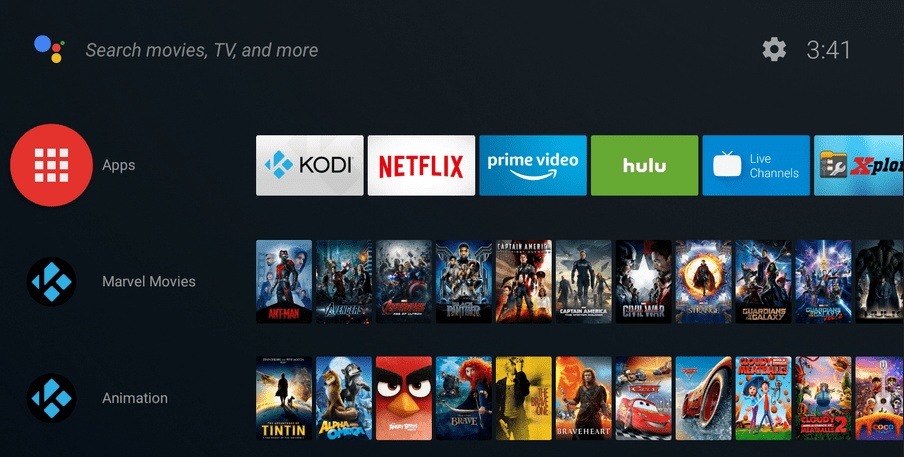
Basic steps:
Install Kodi on Android TV, Raspberry Pi, tablet, or iPad (sideload required).
Go to Settings > Interface > Screensaver > Screensaver Mode.
Select Add More → load Picture Slideshow Screensaver.
Add the network path containing the images, customize the timeout and transition effects (including Ken Burns).
Disadvantages:
You need to open Kodi for the screensaver to work; it cannot be set as the system default.
Prolonged use can fill up the memory (it took the author 4 years to encounter this problem with the Nvidia Shield 8GB).
2. Immich
Immich is a self-hosting solution for photos and videos, running on a computer or NAS via Docker. Besides backing up photos from your phone, Immich also has an unofficial Android TV app for installing screensavers.
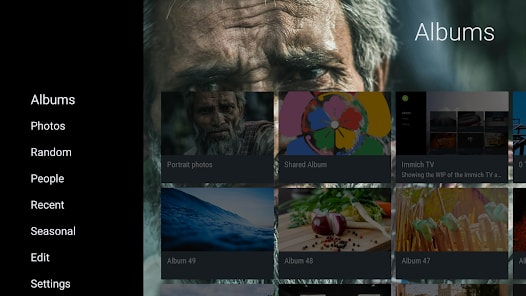
Advantages over Kodi:
Set it as your default screensaver; it will work even when other apps are open.
Supports playing videos from your collection, with or without sound.
It's completely free, with the option to purchase a license to support the project.
The downside is that the installation is more complex, requiring Immich server setup beforehand.
3. Aerial Views Screensaver
Originally designed to play 4K video like Apple TV's screensaver, this app now supports retrieving photos/videos from SMB shares and Immich servers.
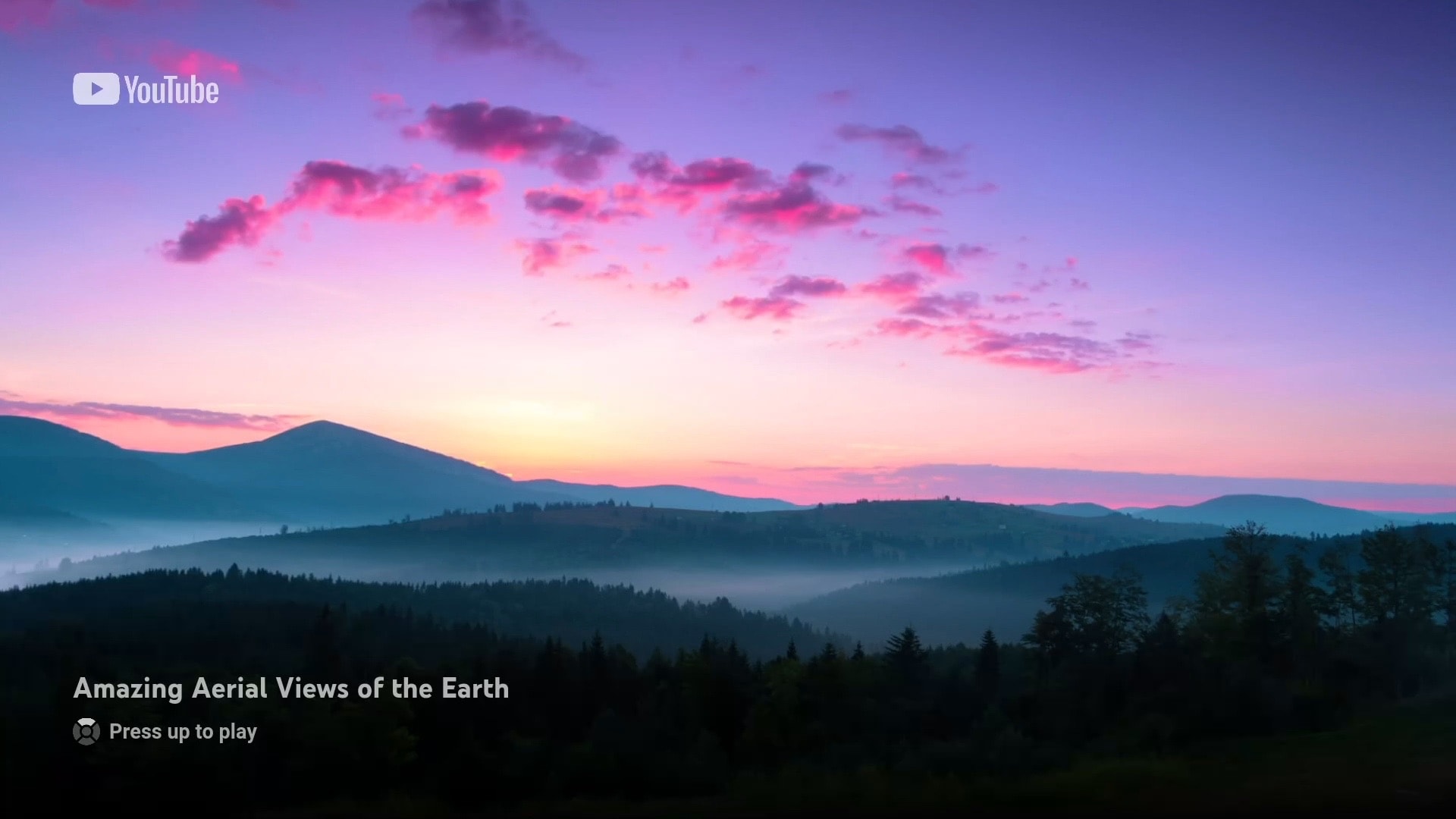
Key features:
Free, open source on GitHub.
Display overlay information: currently playing music, location, date taken, and clock.
Protecting OLED TVs from burn-in when using overlays.
No complex server configuration is required.