
4 warning signs that your iPhone is being tracked.
If your iPhone suddenly slows down, its battery life drops significantly, or you see apps you never downloaded, it could be a sign that your iPhone is being tracked.
Although Apple's iOS operating system is considered one of the most secure mobile platforms currently available, that doesn't mean users are completely immune to the risk of being hacked.
In reality, malicious actors often exploit vulnerabilities arising from careless behavior, such as clicking on links containing malware, downloading fake documents, or opening messages from strangers. However, sophisticated and targeted attacks often don't aim at ordinary users but focus on influential individuals, such as politicians, journalists, or celebrities.
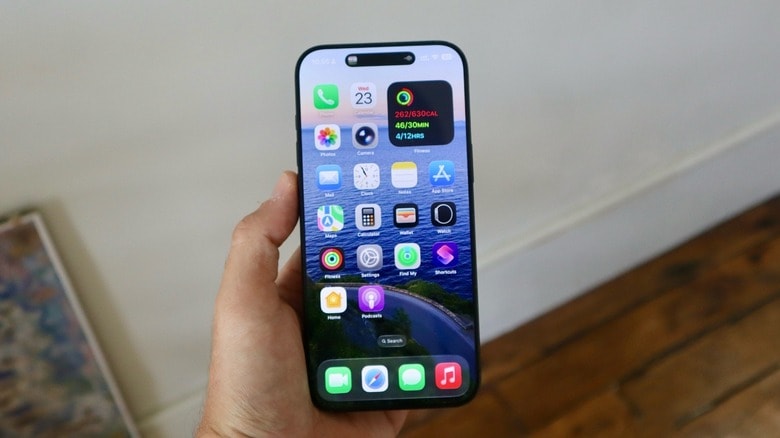
However, if you're concerned your iPhone might be being tracked, early detection of unusual signs is crucial. These warnings include symptoms like unusually high temperatures, rapid battery drain, and more serious situations like the device constantly restarting itself.
It's important to note that these signs don't always mean you're being monitored; they could also stem from outdated hardware or an over-exploited device. Nevertheless, being proactive and learning more about common warning signs will give you an extra layer of protection for your personal data.
1. iPhone battery drains abnormally.
One of the most subtle but noticeable signs that your iPhone may be at security risk is unusually rapid battery drain. Imagine your phone, which was previously working perfectly, suddenly draining battery quickly without any apparent reason. In many cases, this could be due to spyware running in the background, constantly sending your location data or personal information to malicious actors.
To find out, you can go to the sectionBatteryin the applicationSettingCheck to see which apps are consuming an unusually high amount of energy. If you detect any suspicious activity, deleting that app immediately is a necessary step.
Additionally, Apple's recently integrated Security Indicator feature is also a useful layer of defense. When the indicator light appears in the upper corner of the screen—green for the camera, orange for the microphone, and blue for location—you should be wary, as it could be a sign that these access permissions are being misused.
However, a rapidly draining battery doesn't always mean you're being monitored. Factors like a weak network signal, too many background apps, or bugs from a recent iOS update could also be the culprit. Therefore, monitoring your usage habits and carefully checking the cause will help you distinguish between genuine warning signs and other issues.
2. iPhone is overheating unusually.
An iPhone that gets unusually hot, even when not in use, can be a serious warning sign. This could be caused by malware or hidden background apps, especially sophisticated spyware, which keeps the device constantly active. To check, you should go to the settings.Batteryin the applicationSetting, paying special attention to this partBackground activityUnder each application, identify which factors are consuming energy and causing the device to overheat.
However, this doesn't always mean you're being tracked. iPhones can heat up due to charging, gaming, streaming, using maps in the background, or running heavy social media apps.
Additionally, Apple's automated processes, such as photo indexing or iCloud backups, also cause the device to work harder. Users should also pay attention to their surroundings, as charging in hot conditions or using overly tight cases can easily cause the device to overheat.
3. Strange windows appear popping up.
Strange pop-up windows on iPhones, especially those unrelated to web browsing, can be a cause for concern. This could be a tactic used by hackers to trick users into installing malicious configurations via fake websites, dangerous QR codes, or specially designed phishing attacks.
Once unauthorized configurations are installed, your iPhone is at risk of being tracked, as they often come with fake security certificates and can register the device with the Mobile Device Management (MDM) system. This opens the door for attackers to remotely install apps, access data, and monitor your activity.
To protect yourself, go toSettingnewsGeneral settingsnewsVPN & Device Management and Profile CheckingIf you find any unfamiliar entries that are not related to your work or familiar VPN, delete them immediately. However, make sure they are not legitimate profiles set up by your business or agency to manage the device.
4. iPhone restarts randomly.
One of the most serious signs of advanced spyware is an iPhone randomly restarting or iOS crashing for no apparent reason. This is often related to "zero-click" vulnerabilities, such as a malicious message via iMessage that allows an attacker to gain access without any user interaction.
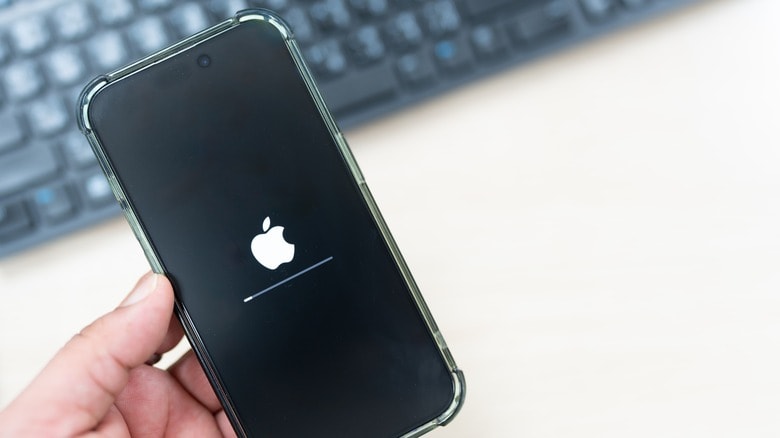
Although these types of attacks are quite rare, if you belong to a high-risk group such as politicians, journalists, or businesspeople, vigilance is necessary. If you suspect your device has been infected, the most thorough solution is to perform a factory reset by going to...SettingnewsGeneral settingsnewsSwitch or reset your iPhonenewsDelete all content and settings.
However, this phenomenon doesn't always stem from a cyberattack. Battery degradation, iOS errors, or even hardware issues like a loose motherboard or liquid damage can also cause abnormal restarts. If you suspect a hardware problem, you should contact Apple Support directly for inspection.
5. How to protect your iPhone from cyberattacks
Exploiting and tracking iPhones is a serious threat, but in most cases, users can protect themselves by maintaining careful usage habits.
First, you should only download apps from the App Store, avoiding installing files, configurations, or certificates from unknown sources. In addition, regularly check the following:Batteryin the applicationSettingThis will help you detect unusual applications that consume excessive energy, allowing you to address them promptly before the risks become more serious.
For those in high-risk groups such as journalists, politicians, or social activists, Apple offers a feature.Lock mode(Lockdown Mode) in the sectionPrivacy & Security.
When activated, this mode restricts many apps, websites, and iOS features to minimize the possibility of exploitation. While some experiences will be limited, this is a worthwhile option if you suspect you might be a target of spyware.
Additionally, remember to update iOS regularly to patch security vulnerabilities, closely monitor installed apps, and consider upgrading to a newer generation iPhone to take advantage of advanced security features, keeping you safer from increasingly sophisticated threats.
Phan Van Hoa