

Beelink Mate SE: A 16TB SSD expansion solution for Mini PCs
The Beelink Mate SE docking station offers two M.2 PCIe 4.0 SSD slots, a 2.5G LAN port, and an SD card slot, but the advertised 80 Gbps speed may be misleading.
Beelink Mate SE: A dedicated storage expansion solution
The Beelink Mate SE is an expansion dock specifically designed for the Beelink SER8, SER9, and SER9 Pro mini PC series. This device offers a solution for upgrading storage capacity up to 16TB via two M.2 PCIe 4.0 SSD slots, while also adding necessary connectivity ports. However, a notable point is the marketing claim of 80 Gbps speeds, which doesn't reflect actual performance when paired with the SER series PCs.
Seamless design and simple installation.
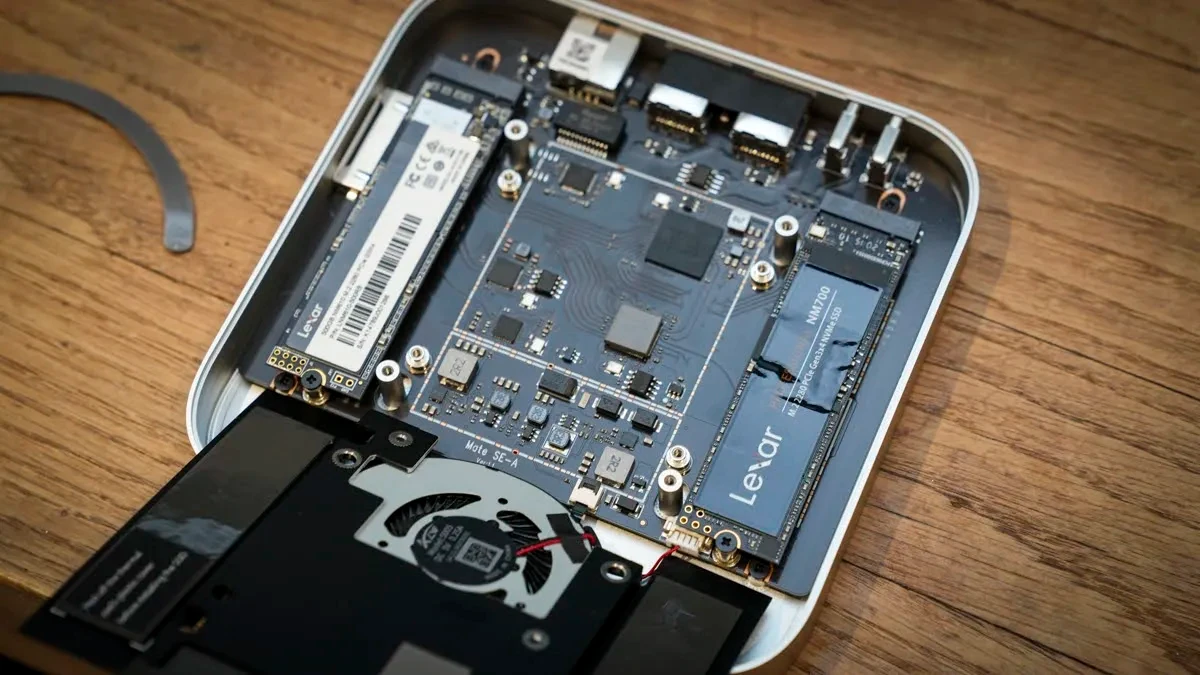
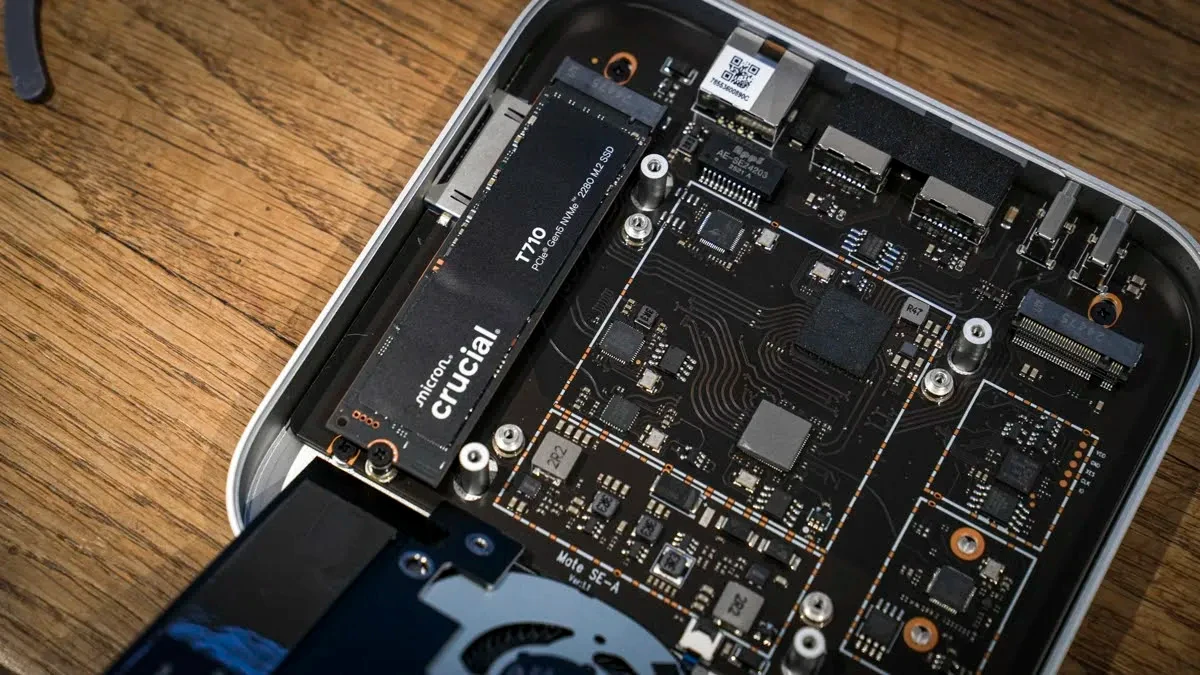
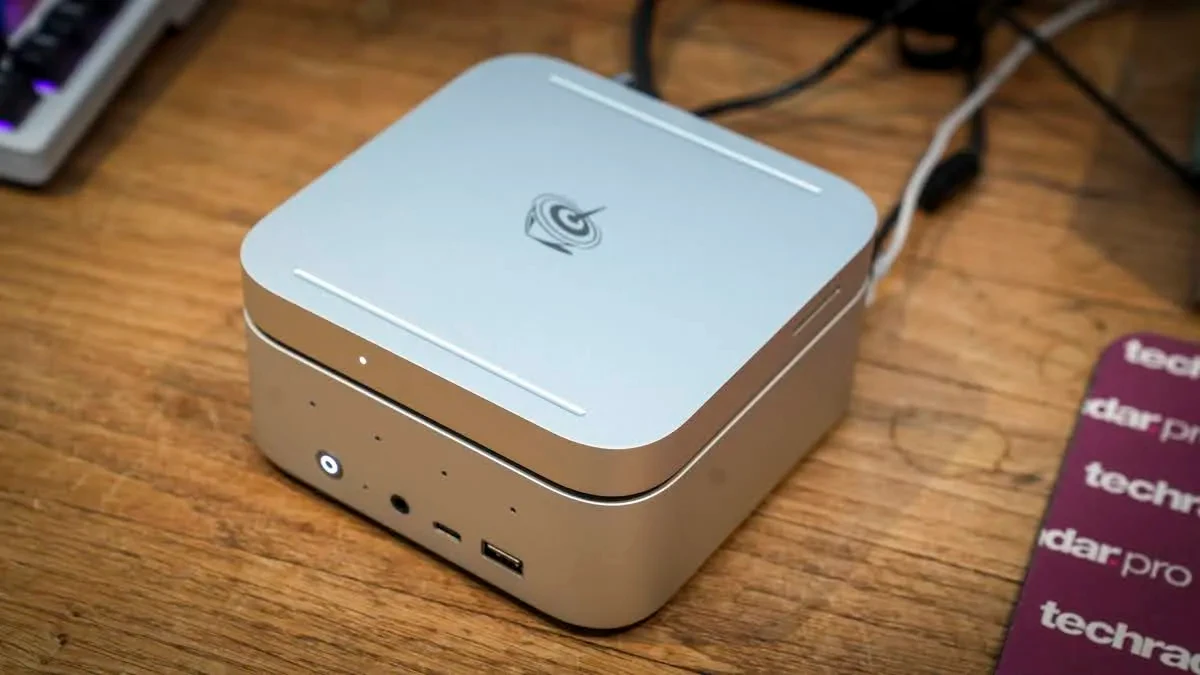
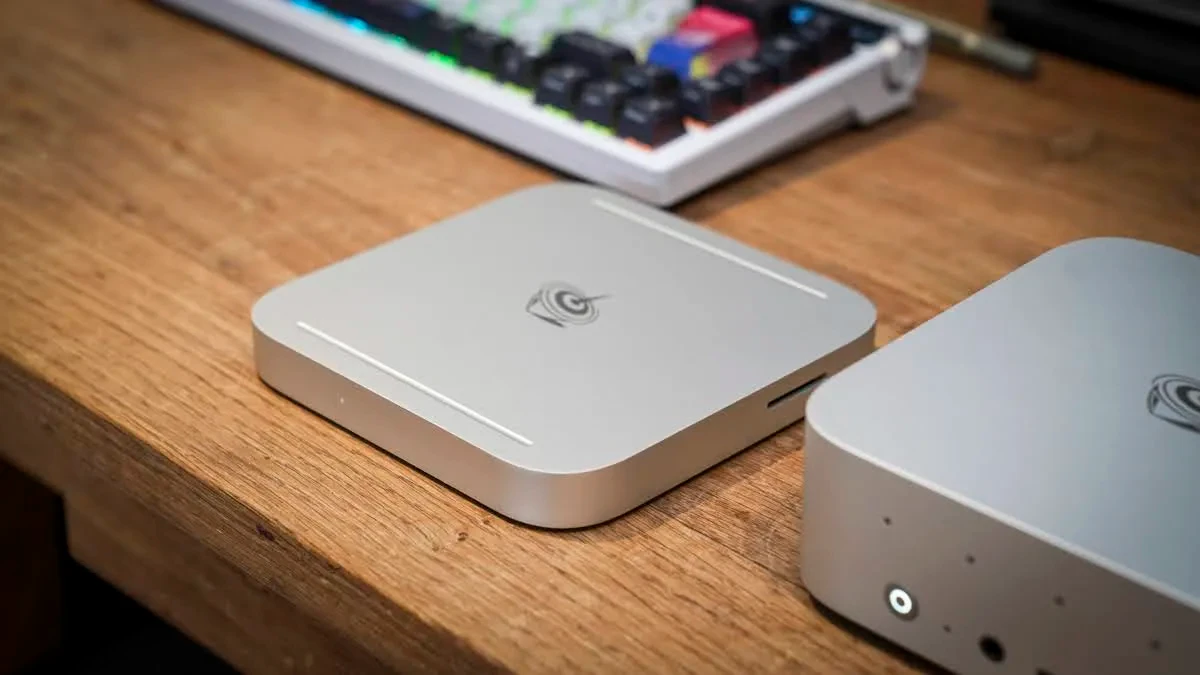
The Beelink Mate SE features a minimalist design, created to fit neatly on top of or under SER series Mini PCs, forming a unified unit. SSD installation is quite intuitive: users simply remove the rubber gaskets, unscrew the four screws on the bottom, remove the heatsink and integrated fan, and then install two M.2 SSDs into the slots.
After assembly, connecting the Mate SE to the Mini PC is done via a short USB-C cable included. The operating system will automatically recognize the new SSDs as internal drives after formatting. Beelink also includes a cooling system with a heatsink and fan to ensure the SSDs run cool, preventing performance degradation due to overheating during heavy tasks.
Real-world performance and connectivity
Although it doesn't achieve the advertised 80 Gbps speeds when used with the SER series, the Beelink Mate SE still delivers impressive data transfer performance, meeting the needs of content creators.
Data transfer speed
In real-world tests using CrystalDiskMark software, the read and write speeds of the SSD installed in the Mate SE, when connected to the SER9 Pro, reached 3368.86 MB/second and 3102.16 MB/second, respectively. These speeds are more than sufficient to smoothly handle large image files in Adobe Photoshop or 4K video editing in Adobe Premiere Pro without significant lag compared to using the device's internal hard drive.
Expansion ports
In addition to its storage capacity, the Mate SE also includes several useful connectivity ports:
- 2.5 Gbps Ethernet port:Upgrade the network speed for the SER8 or provide an additional LAN port for the SER9 to connect a network bridge or access a NAS system.
- SD 4.0 card slot:It's very convenient for photographers and videographers to quickly copy data from camera memory cards.
- Two USB-A 3.0 ports:Suitable for connecting accessories such as webcams, keyboards, and mice.
- USB-C port (data):Used to connect the Mate SE to a computer.
- USB-C port (power only):An additional USB-C port only provides supplemental power (Power Delivery) when needed and does not transmit data.
The 80 Gbps speed issue in advertising.
One of the most confusing aspects of the Beelink Mate SE is its marketing message about 80 Gbps speeds. This speed is only theoretically achievable when connected to devices supporting Thunderbolt 5, such as the latest Macs. When paired with the Beelink SER8 or SER9 Pro, the actual connection is USB4 with a maximum bandwidth of 40 Gbps. Therefore, users should view this as a high-performance USB4 dock rather than expecting 80 Gbps.
Conclusion: Should you buy the Beelink Mate SE?
The Beelink Mate SE is a near-perfect expansion solution if you own a Beelink SER8 or SER9 Mini PC and need to neatly and seamlessly increase your storage capacity. The ability to add up to 16TB of high-speed SSD storage along with useful connectivity ports makes it a worthwhile accessory.
However, if you're not using Beelink's Mini PC or are looking for a docking station with more high-speed port options, there may be other, more affordable solutions on the market. The somewhat misleading marketing message about speed is also a minor drawback to consider.