

Tips to prevent motion sickness when using your phone in the car.
Many people often experience nausea, dizziness, or headaches when using their phones while traveling by car. However, with a few simple tips and some helpful features available on both iPhones and Android devices, you can comfortably watch, read, or enjoy entertainment without getting motion sickness.
Motion sickness while looking at your phone is very common, especially when you're in the back seat or have to read or work while traveling. The main cause is a "sensory conflict": Your eyes see static or slightly moving images on the screen, but your body and the vestibular system in your ears perceive the vehicle shaking or accelerating. This discrepancy overloads the brain, leading to nausea, headaches, fatigue, or dizziness.
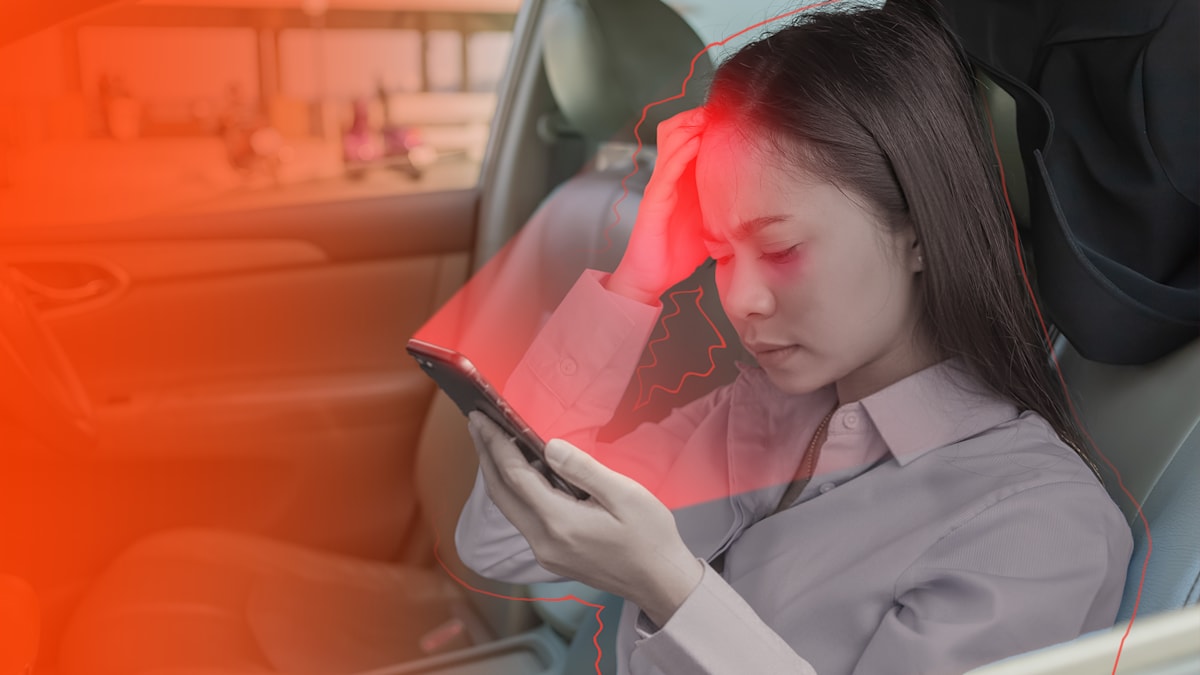
Looking at your phone is an inseparable part of long journeys, especially for those who need to work, read news, or entertain themselves. So instead of "putting your phone down," find out how to effectively reduce motion sickness.
1. Use a dedicated motion sickness app or feature.
One of the most effective ways to reduce motion sickness is to use a support tool specifically designed for this situation.
On Android phones: KineStop app
KineStop is one of the notable motion sickness prevention apps, especially effective when you have to read or watch videos. The app creates a virtual horizon on the screen, helping to synchronize signals between the eyes and inner ears. When the brain receives more consistent signals, the feeling of nausea is significantly reduced.
The great thing is that this horizon line doesn't obscure the content you're watching, but it's still enough to create a sense of stability when in motion. You can download and install this app from the Play Store.
On iPhone: Vehicle Motion Cue feature
Apple integrates a motion sickness prevention feature directly into the iOS operating system, called Vehicle Motion Cue. When enabled, small dots appear near the edge of the screen, simulating the actual movement of the vehicle. This helps the brain recognize the vibrations and reduce feelings of discomfort.
You can enable this feature by going toSettingnewsAccessibilitynewsMovenewsDisplay vehicle motion alerts.
2. Increase the font size to reduce eye strain.
Eye strain is one of the reasons why motion sickness worsens, especially when you have to read small text. Increasing the font size reduces eye strain, fatigue, and the likelihood of dizziness.
On Android phones, go toSettingnewsDisplaynewsFont size.
On iPhone, go toSettingnewsScreen & BrightnessnewsFont size.
Even if you're used to small fonts, increasing the resolution by just one or two levels makes a big difference when moving in a shaky environment.
3. Avoid reading text for too long.
Even with increased font size, reading continuously for extended periods can still easily cause motion sickness. The eyes have to constantly move across each line of small text while the body shakes randomly, which disrupts the brain's balance system.
If you are prone to motion sickness, try adopting these habits:
- Read in short bursts, take short breaks: Every 10 to 15 minutes, pause for a few minutes to allow your eyes to relax.
- Limit texting: Constantly looking between the keyboard and the screen causes eye strain more quickly.
- Use alternative audio content: Podcasts, audiobooks, and articles converted to audio are excellent solutions.
On Chrome and Safari, you can tap the Read Aloud button to listen instead of having it read aloud.
On iPhone, Reader View removes ads, makes text more evenly distributed and easier to read, and significantly reduces eye strain.
4. Adjust brightness and display mode.
Both excessively bright and excessively dim light can strain the eyes, especially at night when the pupils dilate. Adjusting the brightness to suit your environment will allow you to use your phone for longer periods without discomfort.
On Android, go toSettingnewsScreennewsAdjust brightnessor turn onAdaptive brightness(Adaptive Brightness).
On iPhone, go toSettingnewsScreen & Brightness, turn onTrue ToneTo allow the screen to automatically adjust to ambient light.
Turn onNight ShiftGo out at night to reduce blue light exposure. Blue light causes eye strain, and reducing it is an important step to avoid discomfort or headaches while traveling.
5. Avoid apps and games with lots of movement.
Games with fast-paced transitions, 3D simulations, or continuous scrolling are the "enemy" of people prone to motion sickness. The brain has to process too many movements that don't correspond to the body's actual movements, leading to nausea almost immediately.
If you are forced to play or work with these types of applications:
- Reduce the field of view if the game allows it.
- Turn off the "screen shake" or motion blur effect.
- Reduce the speed of movement in the game.
- Reduce interface animations.
If you are sensitive to page transition effects:
On Android phones, go toSettingnewsAccessibilitynewsImprove eyesightnewsRemove animation.
On iPhone, go toSettingnewsAccessibilitynewsMovenewsReduce movement.
This not only reduces discomfort but also makes the interface smoother and less distracting while on the go.