

Google issues an urgent warning about potential SMS scams.
Google recently warned iPhone and Android users not to save suspicious messages, as they may contain malicious links that can steal data and money in seconds.
In recent years, SMS scams have become one of the fastest-growing threats on mobile devices. These attacks have not only increased in number but also become more sophisticated, aided by organized crime gangs and artificial intelligence (AI) technology.
According to Google, this is a time when all smartphone users need to be highly vigilant, as billions of malicious messages are being sent every year, targeting individuals with unprecedented precision.
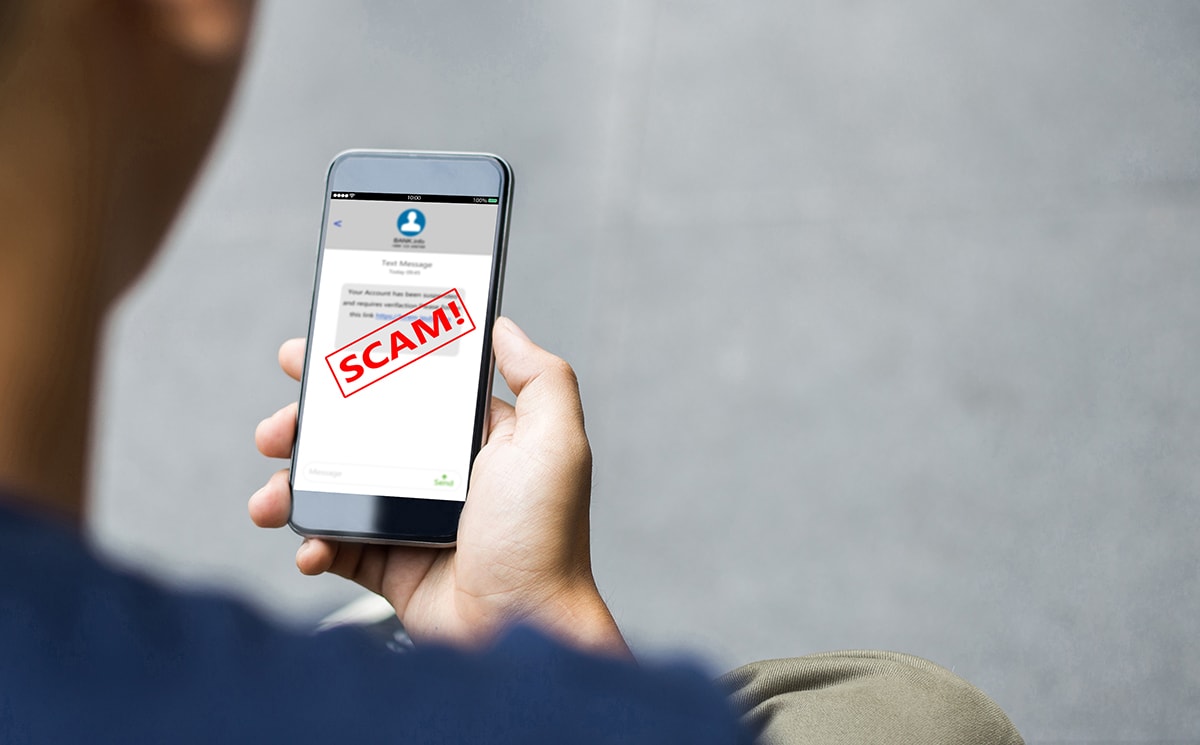
Google describes a common phishing tactic today as sending text messages containing malicious links, disguised as delivery notifications, bank account updates, transaction confirmations, or even security alerts. These messages infiltrate SMS, messaging apps, and social media, making it very easy for users to fall for the scam if they are even slightly careless.
According to the latest statistics from Google, 57% of adults have been victims of SMS scams in the past 12 months, and 23% of them have lost money. This is an alarming figure, highlighting the severity of this type of attack.
To combat the increasingly sophisticated wave of scams, Google has just rolled out a major update to help users detect dangerous messages directly on their phones. The two main tools upgraded by Google are Circle to Search and Google Lens, which analyze message content in real time and alert users when they detect signs of fraud.
For Android devices, users simply press and hold the Home button or navigation bar, then circle the suspicious content in the message. Google's AI will immediately analyze the text and provide a warning. This is considered a visual aid, helping users avoid having to guess whether a message is safe or not.
iPhone users can also use Google Lens through the Google app. In just three simple steps—taking a screenshot of the message, opening Lens, and selecting the captured image—you'll receive a detailed risk assessment, along with advice on what to do next.
Google says its new AI system will provide an overview of the message's danger level, explain unusual signs, and suggest the safest course of action, usually deleting the message immediately. The system will only issue warnings when it reaches a "high level of confidence" to avoid interference or false alarms.
The strongest recommendation from Google, the FBI, and numerous law enforcement agencies is clear: If a message is flagged as a scam, delete it immediately. Don't archive it, don't open the link, and never respond. With large-scale phishing campaigns, malicious domains often only exist for a few days, making investigation and tracing extremely difficult.
In a larger effort to protect users, both Apple and Google have launched new filters to prevent malicious messages from entering inboxes. Mobile carriers have also implemented various system-level blocking solutions. However, this remains an uneven battle in terms of sheer numbers, as millions of malicious messages still slip through every day, leaving users constantly at serious risk.
One concerning issue is that users often carelessly keep suspicious messages on their phones to "read later," inadvertently creating opportunities for malware or exploitation. Even if you don't open the link, some modern attack methods, especially zero-click attacks, can exploit vulnerabilities in the operating system to infiltrate without any user interaction.
Google emphasizes that today's fake messages are no longer as easy to spot as they used to be. They can be written by AI, sound natural, have no grammatical errors, and even use your leaked personal information to increase credibility. This means that even tech-savvy people can unknowingly fall for the trap.
In this context, "don't hold onto suspicious messages" is not just advice, but a necessary measure to protect yourself. A seemingly harmless message can be the starting point for larger attacks, from bank account hijacking to identity theft.