

5 common misconceptions about iPhones that many users have.
Using an iPhone every day doesn't mean we know everything about it. Many seemingly useful "word-of-mouth tips" are actually outdated and may even cause your iPhone to degrade faster.
We often believe we thoroughly understand smart devices because we use them every day. The same is true for iPhones; countless "word-of-mouth experiences" have been spread over the years on forums and social media, gradually becoming accepted as truth, even though they aren't always accurate.
From the tip of putting a wet phone in rice, the habit of always closing apps to save battery, to the worry that charging an iPhone overnight will damage the battery, many once-useful pieces of advice are now outdated. Continuing to apply them is not only ineffective but sometimes even harmful to modern iPhones.
In fact, most of these misconceptions stem from a misunderstanding of how modern iPhones work. The following is an analysis of the most common misconceptions, explaining why they are no longer accurate and why believing them can cause your iPhone to degrade faster.
1. Putting a wet iPhone in rice can "save" the device.
This is probably the most common trick when a phone accidentally falls into water. Many people believe that rice has the ability to absorb moisture, so it will help dry the iPhone quickly. However, in reality, rice is not as effective as many people think.
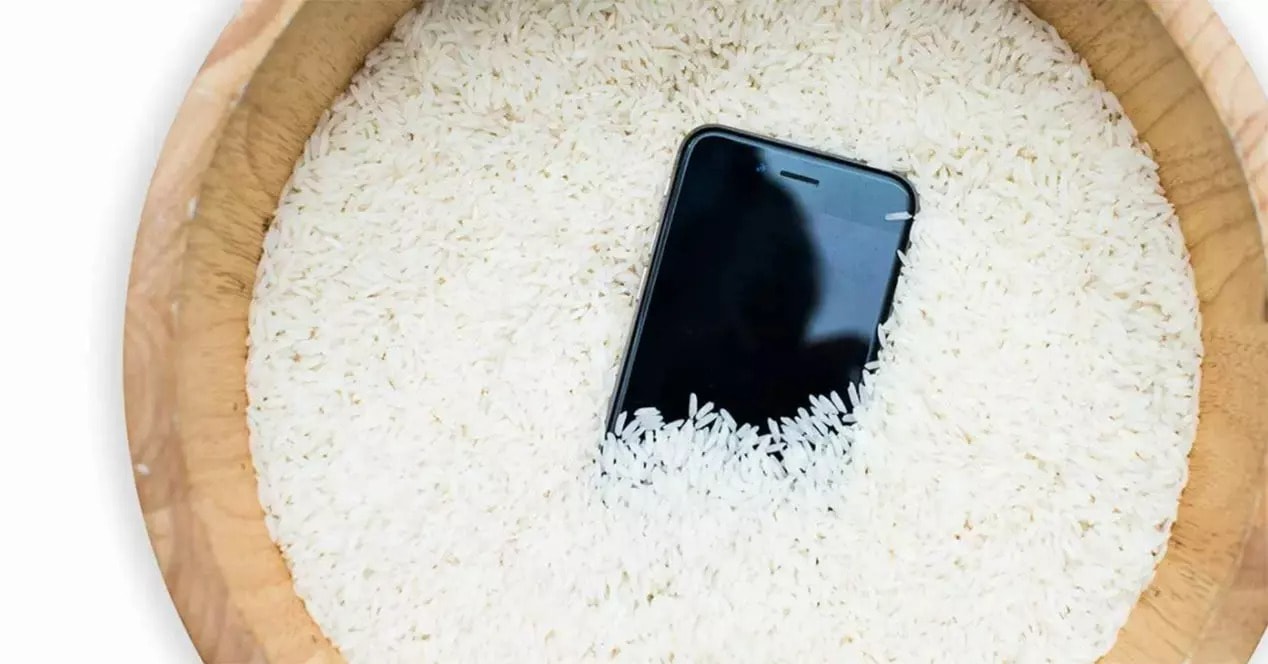
Photo: Internet
Rice only absorbs moisture from the surrounding air; it cannot "pull" water out of the internal components of an iPhone. Worse, prolonged water retention can corrode the circuit board, while rice grains or dust can also get into the charging port and speaker, causing more serious damage to the device.
Apple has also repeatedly advised against using rice. Instead, the company recommends users place their iPhones with the charging port facing down, gently tap to drain the water, and then leave the device in a dry, well-ventilated place for at least 30 minutes.
2. Force closing apps helps save battery power.
Swiping to close multiple apps in the multitasking interface feels like a helpful way to "clean up." But with iPhones, this habit not only fails to save battery but is actually counterproductive.
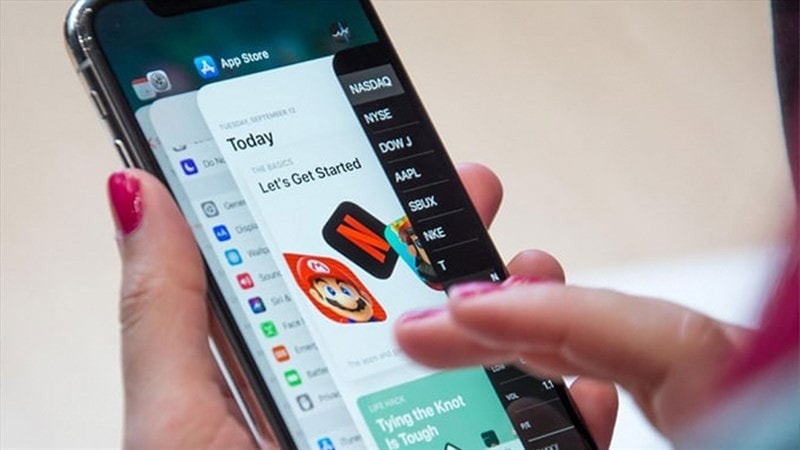
The iOS operating system is designed to "freeze" background apps, causing them to consume almost no power. When you force close an app, the iPhone has to reload all the data from scratch the next time it's opened, a process that consumes significantly more battery than simply leaving the app paused.
Apple recommends only force-closing apps when they freeze or become unresponsive. If you're worried about battery drain, a more effective solution is to turn them off.Refresh apps in the background.in the sectionSetting.
3. Turning off Wi-Fi or Bluetooth in the Control Center completely disables them.
Many people think that tapping the Wi-Fi or Bluetooth icon in the Control Center will completely turn off these connections. In reality, that's not entirely true.
Starting with iOS 11, this action only disconnects from the network or device currently in use, while Wi-Fi and Bluetooth remain active in the background to support features like AirDrop, AirPlay, Apple Watch, and Apple Pencil.
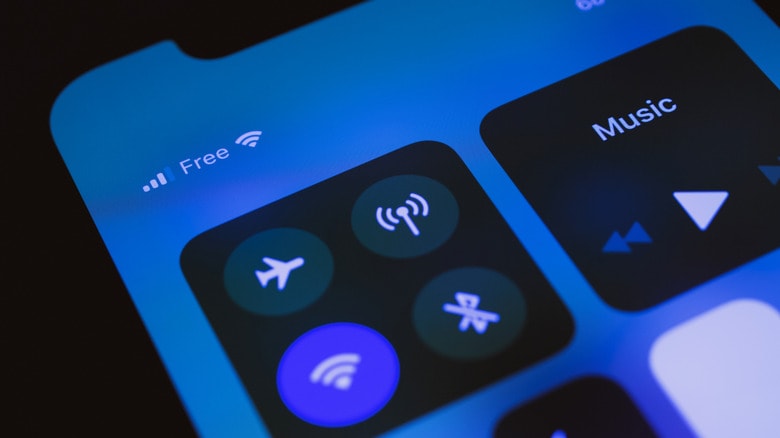
To turn it off completely, you need to go toSettingnewsWi-Fi/Bluetoothand turn it off manually. When the icon in the Control Center is completely grayed out and crossed out, then the connection is actually disabled.
4. Charging your iPhone overnight will damage the battery.
This misconception stems from the old nickel battery era. Modern iPhones use lithium-ion batteries with an intelligent power management system that automatically stops charging when the battery is full.
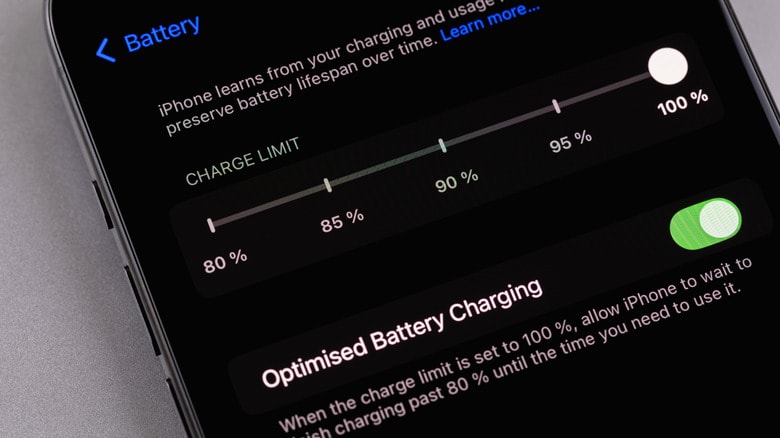
Furthermore, iOS also features Optimized Battery Charging, which helps iPhones learn the user's charging habits. The device will only charge to around 80% for extended periods, and complete the final 20% just before you wake up, in order to reduce battery aging.
Therefore, charging your iPhone overnight is not as harmful as many people fear, as long as you use a standard charger and cable.
5. Apple intentionally slows down iPhones to force users to upgrade to new devices.
This is the most infamous rumor surrounding Apple. In reality, Apple has admitted to throttling the performance of older iPhones, but the purpose wasn't to force users to buy new devices.

As lithium-ion batteries degrade, their power supply capacity suddenly decreases. If the CPU demands high power and the battery can't keep up, the iPhone may unexpectedly shut down. To prevent this, iOS employs performance management mechanisms, limiting processing power in certain situations.
As a result, the device may be slower when playing games or running demanding applications, but in return, it operates more stably and securely, instead of shutting down unexpectedly.