

The Lock Mode on iPhone provides absolute security against hackers.
In the face of increasingly sophisticated cyberattacks, Apple asserts that Lock Mode on iPhones provides absolute security, making it virtually impossible for hackers to attack.
Lockdown Mode is an enhanced security feature introduced by Apple in 2022, designed to protect users from serious cybersecurity threats, particularly targeted attacks.
Unlike conventional security measures, Lock Mode requires user activation. When enabled, it disables many device functions to minimize the risk of hackers exploiting security vulnerabilities.
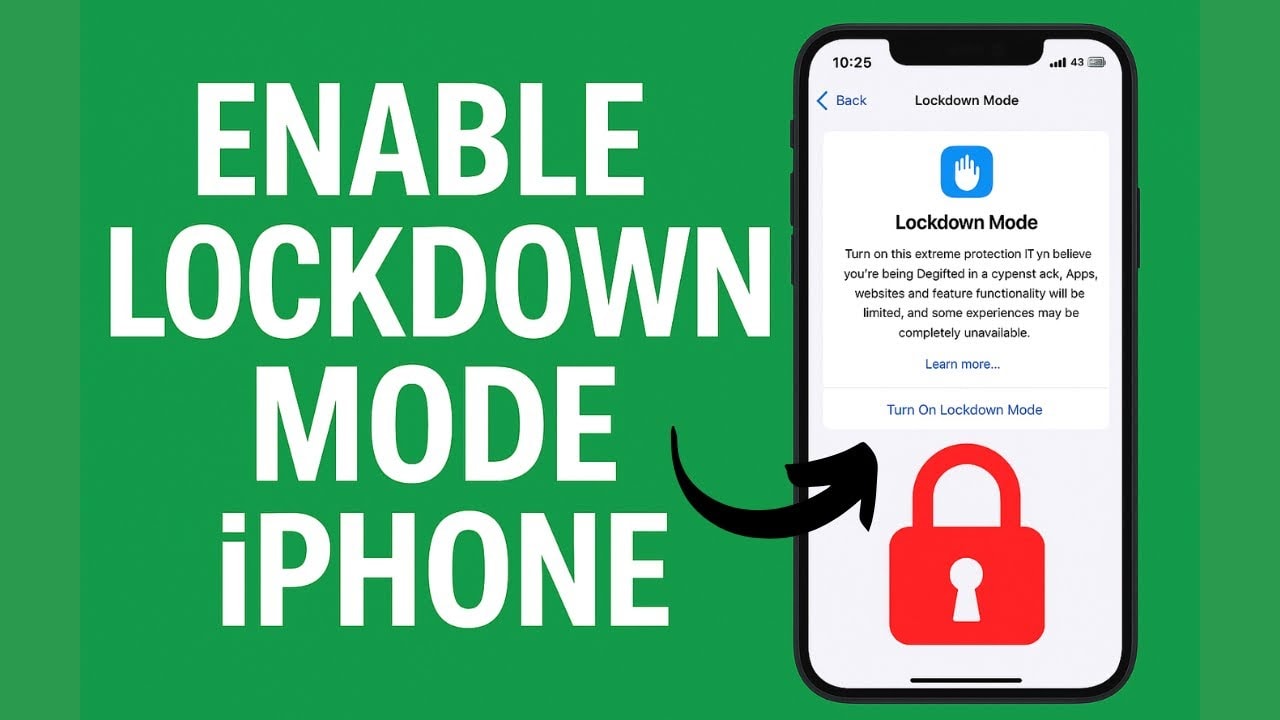
This feature is not only available on iPhones but also supported on iPads, Macs, and Apple Watches, as long as the device is running iOS 16, iPadOS 16, macOS Ventura, or watchOS 10 or later.
Apple asserts that no device with Lock Mode enabled has ever been hacked.
According to Apple spokesperson Sarah O'Rourke, the company has not recorded any successful spyware attacks on devices with Lock Mode enabled.
This information is particularly important given the increasing prevalence of spyware, which is often used to target high-value individuals such as journalists, politicians, or social activists.
One of the prominent names in this field is NSO Group - the company behind the Pegasus spyware that once caused a global sensation.
Apple has even proactively sent alerts to users if it detected signs that their devices might be vulnerable to attack.
The introduction of Lock Mode also reflects the reality that even iPhones – renowned for their security – are no longer "impenetrable" to sophisticated attacks.
Therefore, Lock Mode is considered the "last line of defense," intended for those at high risk of becoming targets of hackers.
What restrictions will there be on an iPhone when Lock Mode is enabled?
To achieve maximum security, Lock Mode will restrict or disable many familiar features:
- Messages: Block most attachments, disable link previews.
- Web browsers: restrict certain web technologies that could be exploited.
- FaceTime: Block calls from strangers you've never contacted.
- Photos: automatically delete location data when shared.
- External connections: Limit connections to unfamiliar devices or accessories.
These changes help minimize the attack surface, but at the same time, they significantly impact the user experience.
So, should users use Lock Mode?
While extremely secure, Lock Mode isn't for everyone. For those who only use their iPhone for basic needs, the limitations of this mode can be unnecessarily inconvenient.
However, for users at high risk of surveillance or cyberattacks, such as journalists, businesspeople, and politicians, this is a very valuable protective tool.
Enabling Lock Mode on an iPhone is quite simple, just go toSettingnewsPrivacy & SecuritynewsLock modeand chooseTurn on Lock ModeHowever, users should consider carefully before activating it, as many features will be limited.
Additionally, Apple recommends that users always update to the latest operating system, install all security patches, and avoid installing apps or opening links from unknown sources.
In summary, Lock Mode isn't a feature for everyone, but it plays a crucial role in the increasingly complex landscape of cybersecurity.
With the claim that it has never been hacked since activation, Apple has somewhat confirmed the effectiveness of this protection layer. If you belong to a high-risk group, this could be a reliable "shield" to protect your personal data from the most sophisticated threats today.