

Turning off or putting your computer to sleep: Which is better for your computer?
Many people still wonder whether they should completely shut down their devices or use sleep mode, and which is the optimal choice for device performance and lifespan.
Turning off a computer or putting it into sleep mode has long been a matter of personal habit. However, behind this seemingly simple choice lies a direct connection to performance, power consumption, and device lifespan.
In fact, closing the laptop lid or putting it to sleep allows users to return to work almost immediately, with all applications and browser tabs remaining. Meanwhile, completely shutting down the computer offers benefits in terms of energy saving and hardware protection in the long term.
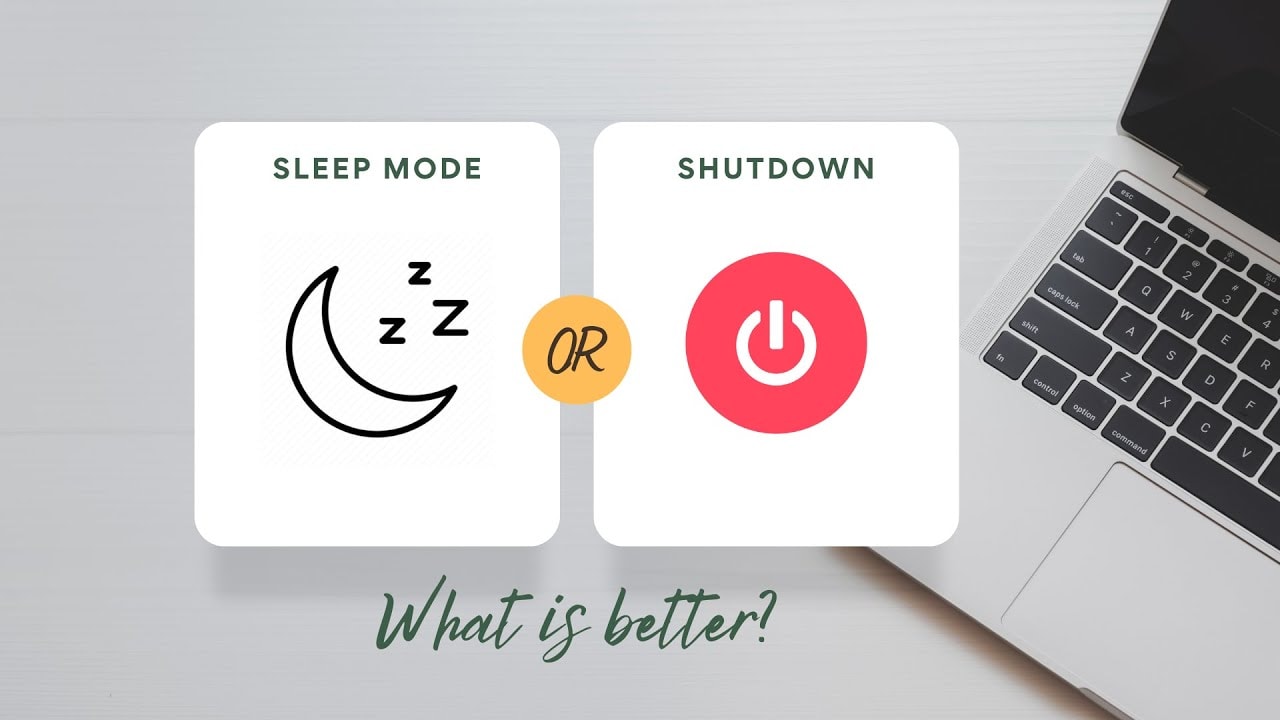
Choosing the right option isn't a one-size-fits-all solution; it depends on your usage needs, downtime, and the operating system you're using. Below is a detailed analysis to help you make an informed decision.
When should you put your computer into sleep or hibernation mode?
Sleep mode is ideal for short breaks, when you want to return to work almost immediately without waiting for your computer to restart or reopening each application. With just a simple action, your entire previous session will be preserved, saving you considerable time.
However, with laptops, users need to consider battery life. Although sleep mode consumes very little power, it still drains the battery over time. Therefore, this option is suitable when you only leave the machine for a short time or when the laptop is always plugged in.
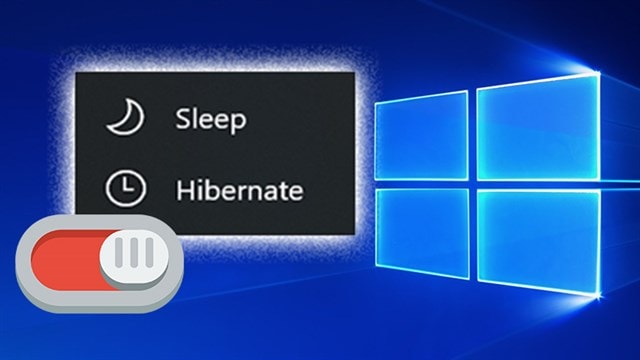
On Windows devices, users have the option of using Sleep mode or Hibernate mode. While Sleep mode keeps the computer running with low power consumption, Hibernate mode uses almost no power but still saves all session data. This is a suitable solution when you won't be using your computer for an extended period but still want to quickly resume work without losing data.
For desktop computers, even without being limited by battery power, sleep mode is still useful during short breaks, helping to save energy and speed up the return to work.
With Apple devices, sleep mode is also optimized to reduce power consumption while still ensuring fast startup times. Mac and MacBook users can customize battery-related settings to limit unnecessary background activity.
In general, the choice between sleep mode and hibernation depends on how long you're away from the machine and your usage needs. Sleep mode is suitable for short-term use, while hibernation is a balance between saving power and maintaining long-term working conditions.
When should you turn off your computer?
If you don't need to use your computer for hours or days, shutting it down completely is a more sensible option than putting it in sleep mode, especially for battery-powered devices. While sleep mode reduces power consumption, laptops running Windows or macOS still consume a certain amount of energy, which can lead to battery drain if left on for extended periods.
On Macs, the "safe sleep" feature allows the system to automatically save all work state before going into sleep mode, helping to reduce the risk of data loss when the battery runs out or there is a power outage. However, this does not mean the device does not consume energy, so users still need to recharge it when they resume use.
Similarly, Windows devices also save the session in sleep mode. Notably, the Modern Standby feature allows the machine to automatically "wake up" to perform background tasks such as downloading updates or syncing data.
These activities can consume extra power and even significantly drain the battery if the device is not used for an extended period. Therefore, turning off the device is a safer and more economical option when you are sure you won't need to use it for a while.
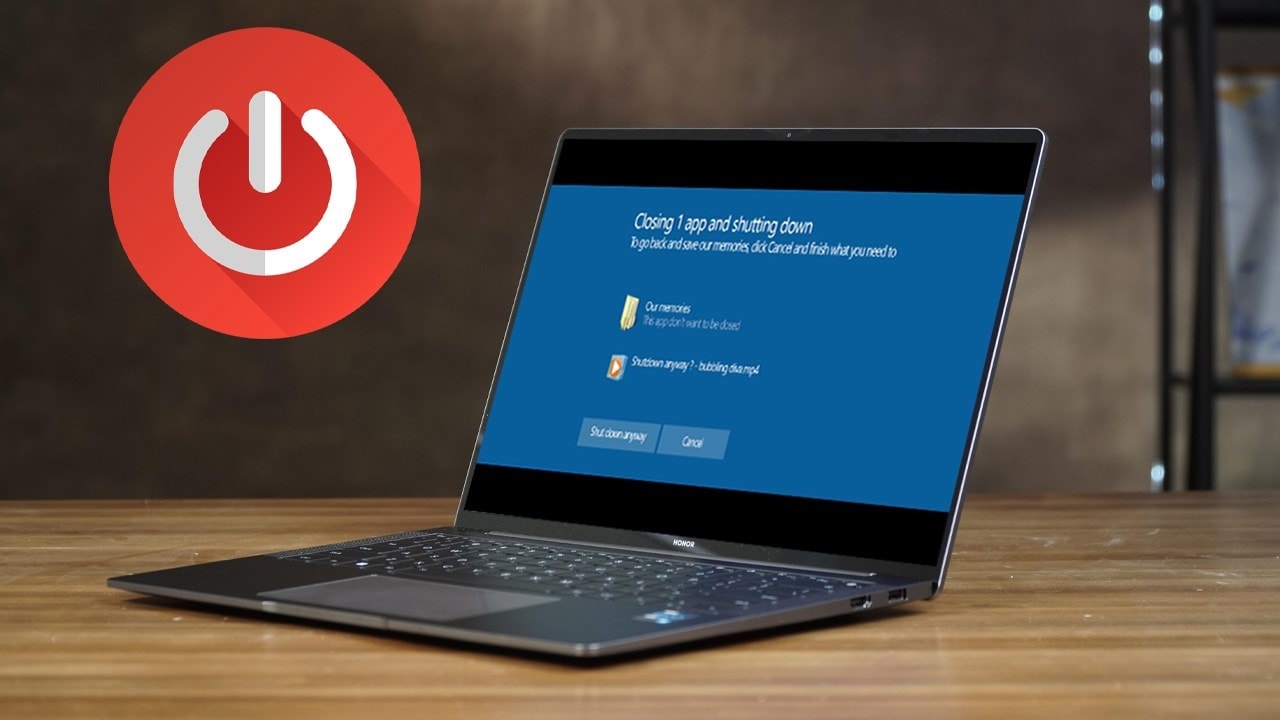
For desktop computers, shutting down at night is also a habit worth maintaining. Unlike laptops, these devices are usually used in a fixed location, so there's no need to take advantage of the "fast startup" feature of sleep mode. You can use sleep mode during the day for convenience, but it's best to completely shut down the computer at the end of the day to reduce energy costs.
Furthermore, regularly shutting down the device offers long-term benefits. Completely shutting down operations helps reduce heat buildup, a factor that can affect component durability over time.
At the same time, the restart process also helps free up RAM, refresh the system, and fix temporary errors that cause applications to run poorly.