

A guide on how to quickly block your HSBC credit card.
This guide provides detailed instructions on how to quickly block your HSBC credit card, in case you lose your card or need to block it for any other reason.
When should you block your HSBC credit card?
During use, there are many situations where you may need to block your HSBC credit card to avoid risks. For example, when the card is lost, your PIN information is compromised, unusual transactions occur, or simply you no longer need to use it.
Additionally, if card service fees increase and you want to save money, blocking your card is also a suitable option.
Block your HSBC credit card via our 24/7 hotline.
One of the quickest ways to block an HSBC credit card is to contact customer service.
You can call 02462707707 (Northern Vietnam) or 02837247247 (Southern Vietnam), select your language, then report the lost card and connect with a support staff member.
Before calling, please have your personal information ready, such as your full name, ID card number, issue date, card number, or account balance. The staff will verify your information and block your card immediately afterward.
Block your HSBC credit card directly at the counter.
If you wish to handle this directly, you can visit the nearest HSBC branch to request that your card be blocked.
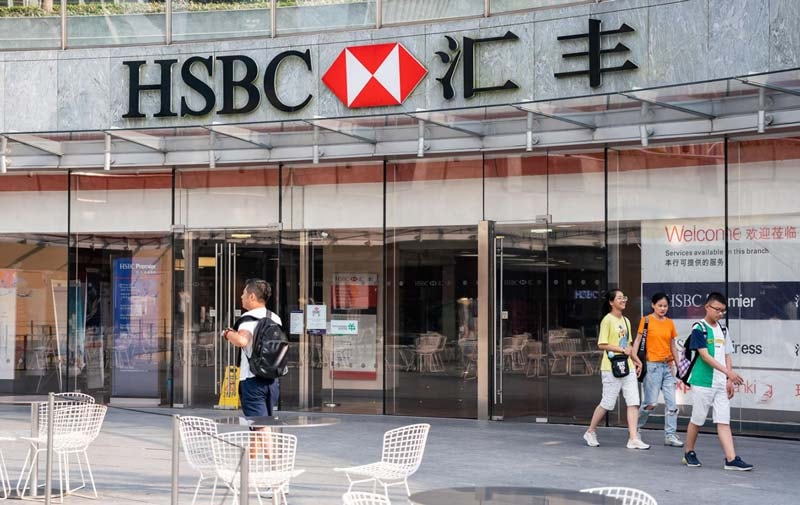
After you provide your identification documents and verify your information, the bank will proceed to block your card.
This is a safe option for those who want to receive further advice directly from a bank employee.
Block your HSBC credit card directly on the HSBC app.
In addition to the call center and branch offices, customers can also proactively block their HSBC credit cards directly through the HSBC Vietnam app.
.png)
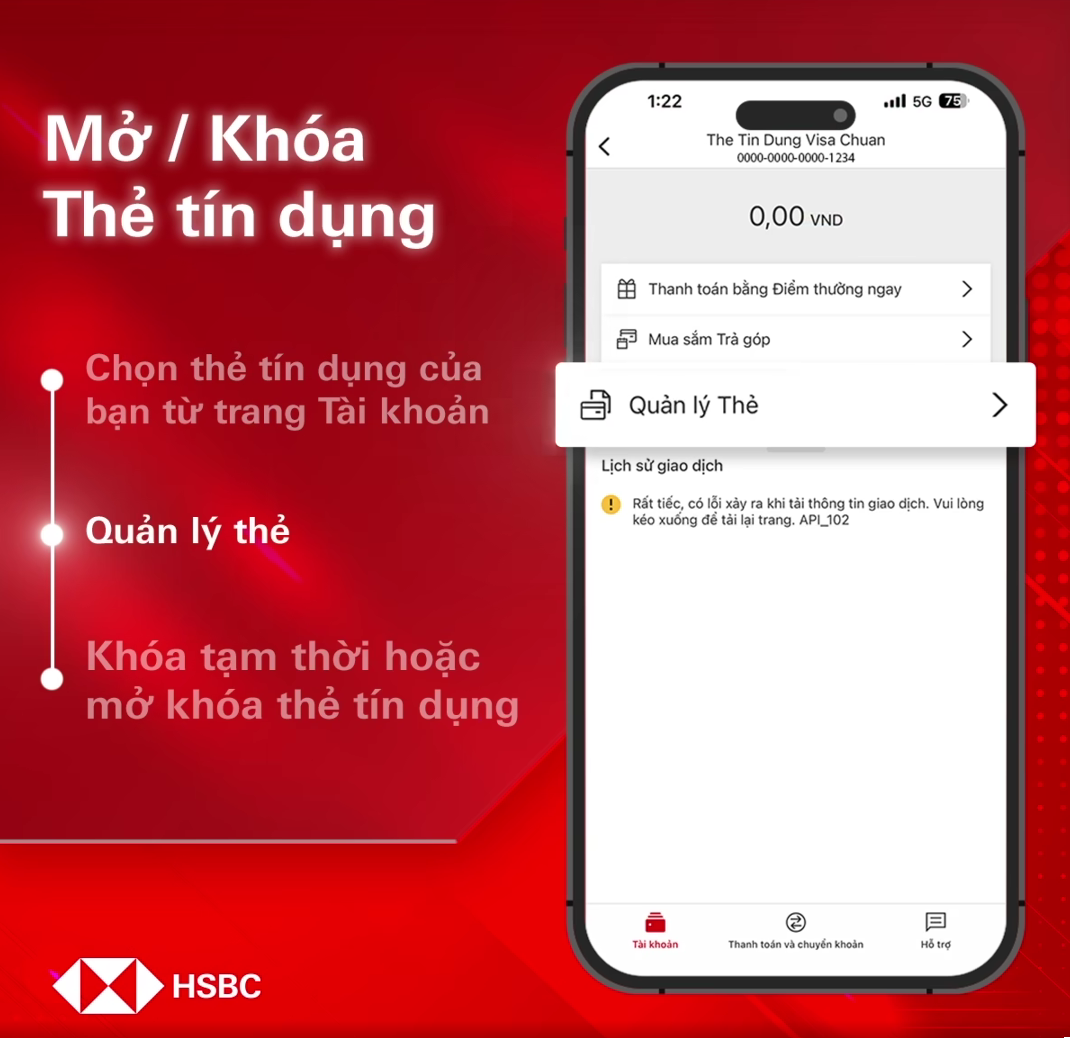
After logging in, select the card you want to block, access the "Card Management" section, and enable the "Temporarily Block Card" feature.
.png)
After confirmation, the screen will display the card's locked status, and you will also receive a notification via email or SMS.
.png)