

Windows 11 File Explorer: 6 upgrades change how files are managed.
From its browser-like tabbed interface and photo gallery view to native RAR/7Z support, File Explorer on Windows 11 has been comprehensively upgraded by Microsoft, making file management faster and more intuitive.
File Explorer, the familiar file management tool on Windows, has received significant improvements since the release of Windows 11. Microsoft has quietly integrated new features that optimize workflows, providing users with a more modern and efficient experience.
These upgrades extend beyond the interface, directly impacting how users interact with, organize, and share data daily. Changes include a dedicated photo gallery view, tabs that function like a web browser, and support for more compressed file formats without the need for third-party software.
Gallery View: Visualize images and videos
One of the most notable changes is the new "Gallery" tab. This feature automatically aggregates all image and video files on your computer into a single interface, similar to the Photos app on a smartphone. The interface displays large thumbnails, making it easier for users to browse and search for content quickly and intuitively.
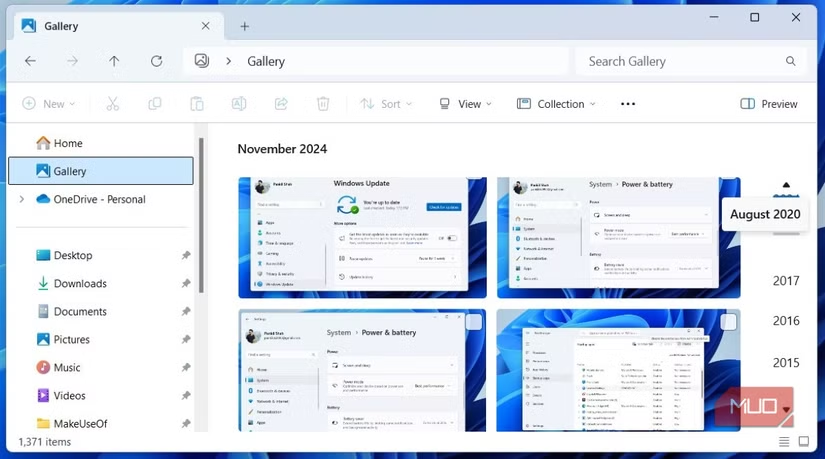
Files in the Library are automatically sorted by date, simplifying the search for old memories or project documents. Additionally, users can utilize the search bar to filter images based on file name, tags, or metadata.
Card interface: Manage multitasking in a single window.
Responding to long-standing user requests, Microsoft integrated tabs into File Explorer in late 2022. This improvement allows users to open multiple different folders within the same window, eliminating the clutter of having to open several separate windows. Users can switch between folders seamlessly, similar to using a web browser.
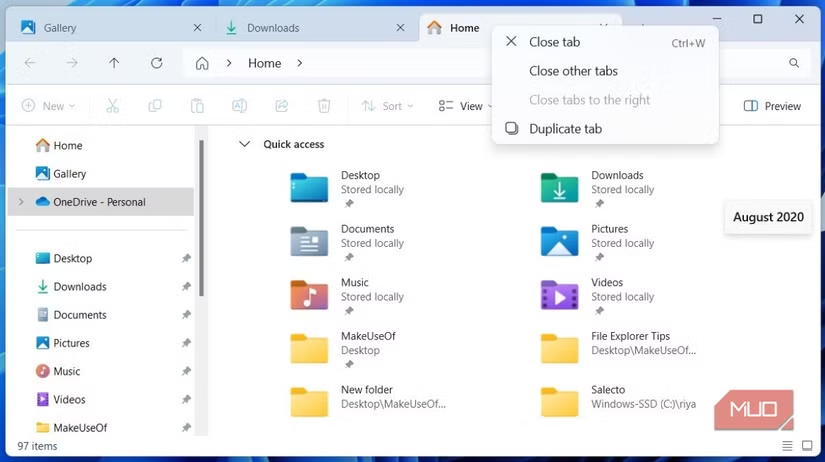
This feature supports drag-and-drop file operations between tabs, as well as familiar keyboard shortcuts such asCtrl + Tto open a new card,Ctrl + Wto close the current card andCtrl + TabSwitching between tabs can significantly improve work efficiency.
Home tab: Quick file access center
The "Home" tab has replaced the previous "Quick Access" tab, becoming a central hub for important files and folders. Here, users can see pinned folders, a list of the 20 most recently accessed files, and files shared with their account.
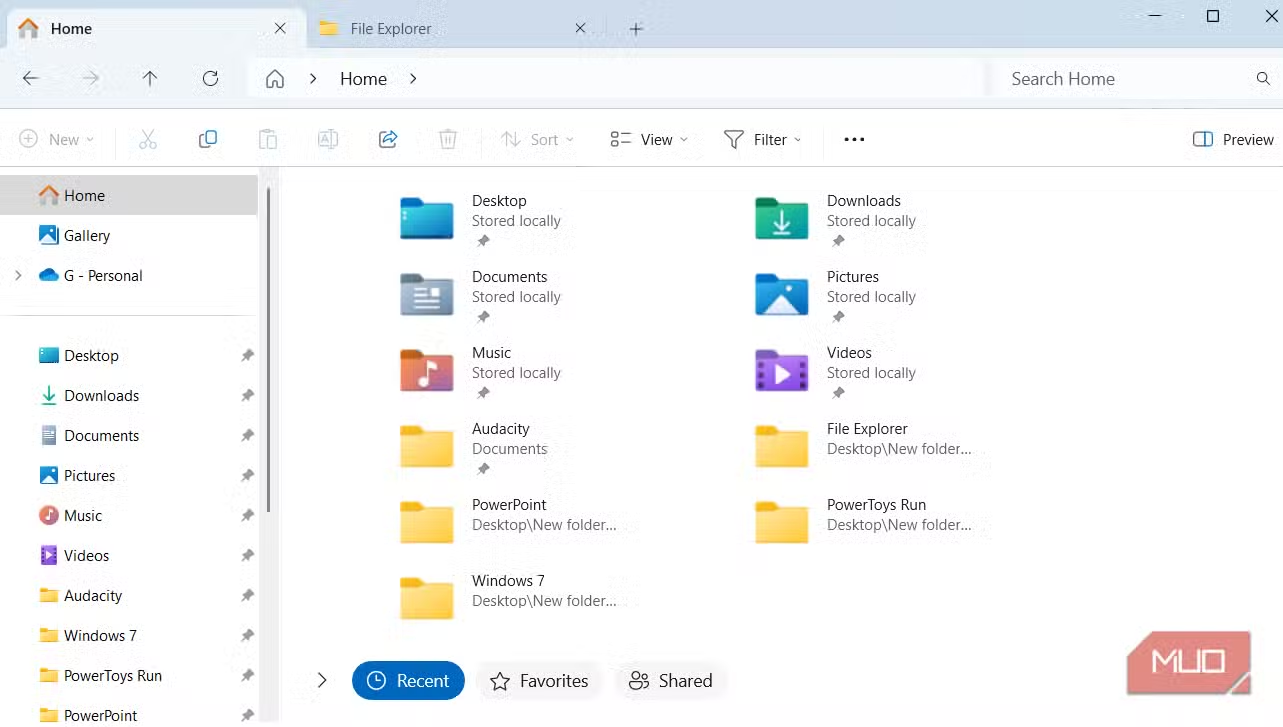
The "Favorites" section allows users to pin any file or folder for one-click access, ensuring the most important documents are always within easy reach.
Connect your phone: Browse mobile files directly on your PC.
Through the Phone Link app, File Explorer can now directly access the storage of linked Android devices. The phone will appear as a drive in File Explorer, allowing users to browse photos, videos, and documents without needing a cable connection or cloud synchronization.
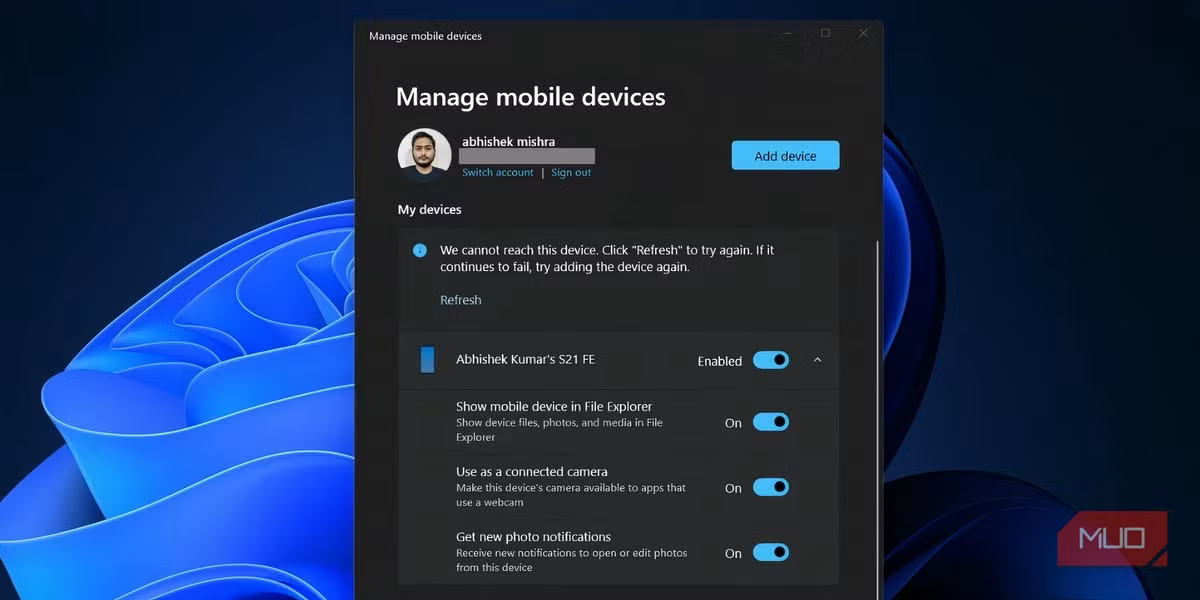
This feature creates a seamless ecosystem between PCs and phones, especially useful for those who frequently need to transfer files or quickly access data from mobile devices.
Smarter and more convenient sharing menu
The "Share" menu has been improved to be more powerful. Right-clicking a file and selecting "Share" brings up an intuitive interface with options such as Nearby Share, Phone Link, and Email. Users can quickly send files to other Windows devices, their phones, or attach them to emails.
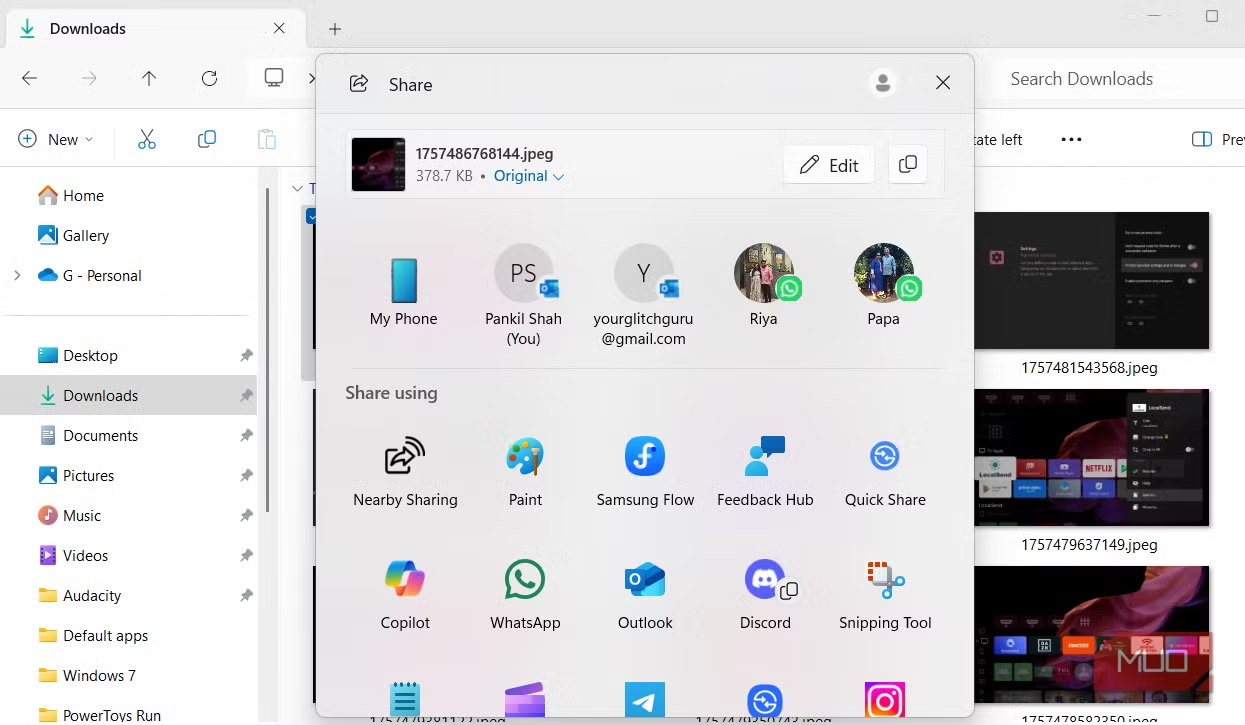
For images, this menu also provides basic editing tools such as cropping, rotating, adding filters, and options for compression levels before sending, allowing for better control over file quality.
Native support for multiple compressed file formats
Previously, File Explorer only natively supported the ZIP format, forcing users to install third-party applications like WinRAR or 7-Zip to handle other common compression formats. Now, Windows 11 has integrated native support for more archive formats, including RAR, 7Z, TAR, GZ, and many others.
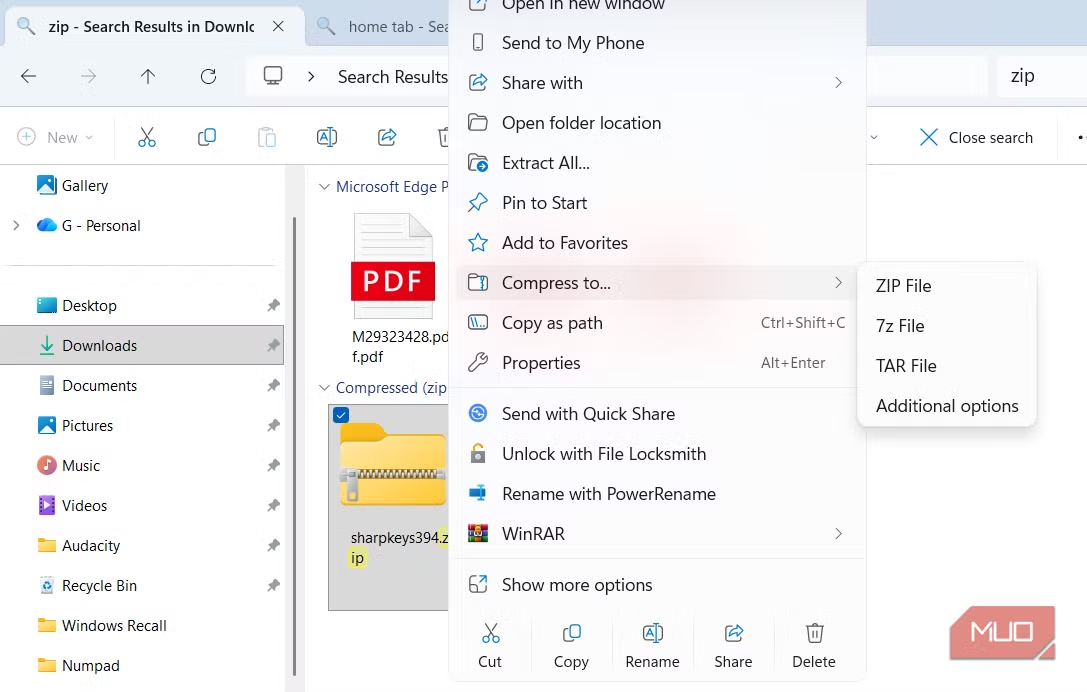
This improvement allows users to view and extract most types of compressed files directly from the familiar File Explorer interface, providing greater convenience and efficiency.