
10 tips to help your smartphone last longer after years of use.
Although modern smartphones are equipped with many advanced technologies, their lifespan still largely depends on how you use and maintain them. Below are 10 tips to help your smartphone last and function reliably for many years.
Today, smartphones are not just communication tools; they have become the "center" of modern life, from work and entertainment to shopping and health management. Whether you use an iPhone or Android, your phone is almost always with you, practically inseparable.
However, with increasingly frequent use, smartphones quickly face risks such as declining performance, battery degradation, and dust accumulation on components.
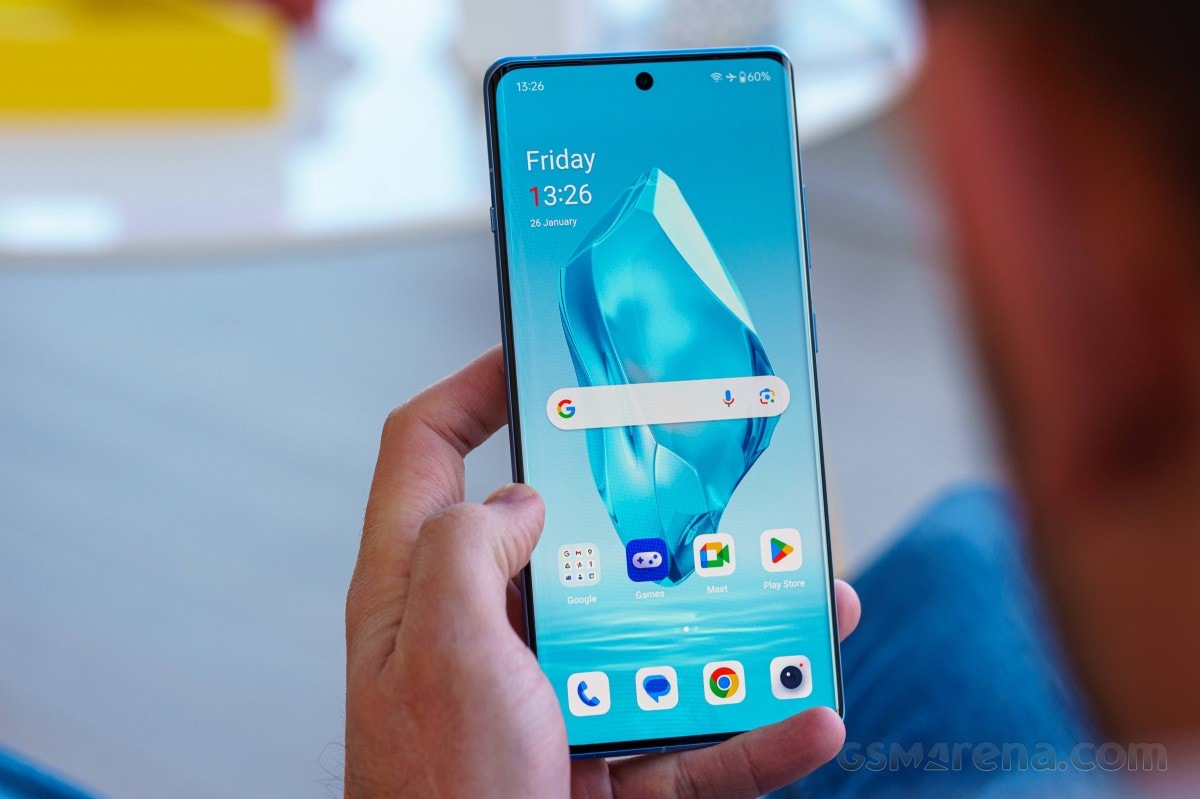
Many people notice a significant difference between a new smartphone and one they've used for a while. However, you can absolutely extend your smartphone's lifespan and maintain stable performance if you know how to apply the right care tips.
1. Use your smartphone carefully.
Treat your smartphone like a valuable piece of technology that needs careful protection. Touchscreens are very fragile, and even a small scratch can significantly reduce the user experience.
Therefore, avoid keeping your phone in the same bag as your keys, don't stuff it in your back pocket, or place it in a place where it's easily bumped. Besides, water is always a dangerous enemy of smartphones; just a little carelessness with wet hands or taking your phone into the bathroom or swimming pool can cost you dearly. Being careful with these small habits will help your phone last longer over time.
2. Keep your smartphone at a suitable temperature.
Temperature is an often overlooked factor, but it directly affects the lifespan of smartphones. To ensure your device always functions reliably, keep it in a dry, cool environment and away from harsh weather conditions.
Just like the human body has a temperature tolerance threshold, smartphones only function well within a certain temperature range; if it gets too hot or too cold, it can slow down or even shut down completely.
An important note is that you should absolutely never place your smartphone on the car's dashboard in direct sunlight, as high temperatures can damage the battery or cause the device to overheat severely.
3. Uninstall unnecessary applications.
Apps offer convenience, but not all of them are useful for your smartphone. Many rarely used apps, like abandoned games or add-on browsers, still quietly run in the background, draining battery and taking up storage space, causing your device to slow down over time.
To maintain performance, regularly review and uninstall unnecessary apps. This simple action not only frees up memory but also saves battery power, keeping your smartphone running smoothly for longer.
4. Update the app regularly.
Whether you use iOS or Android, regular software updates are key to keeping your phone running smoothly, saving storage space, and maintaining processing speed. Updates not only improve performance but also fix bugs and enhance security, helping your device avoid many risks.
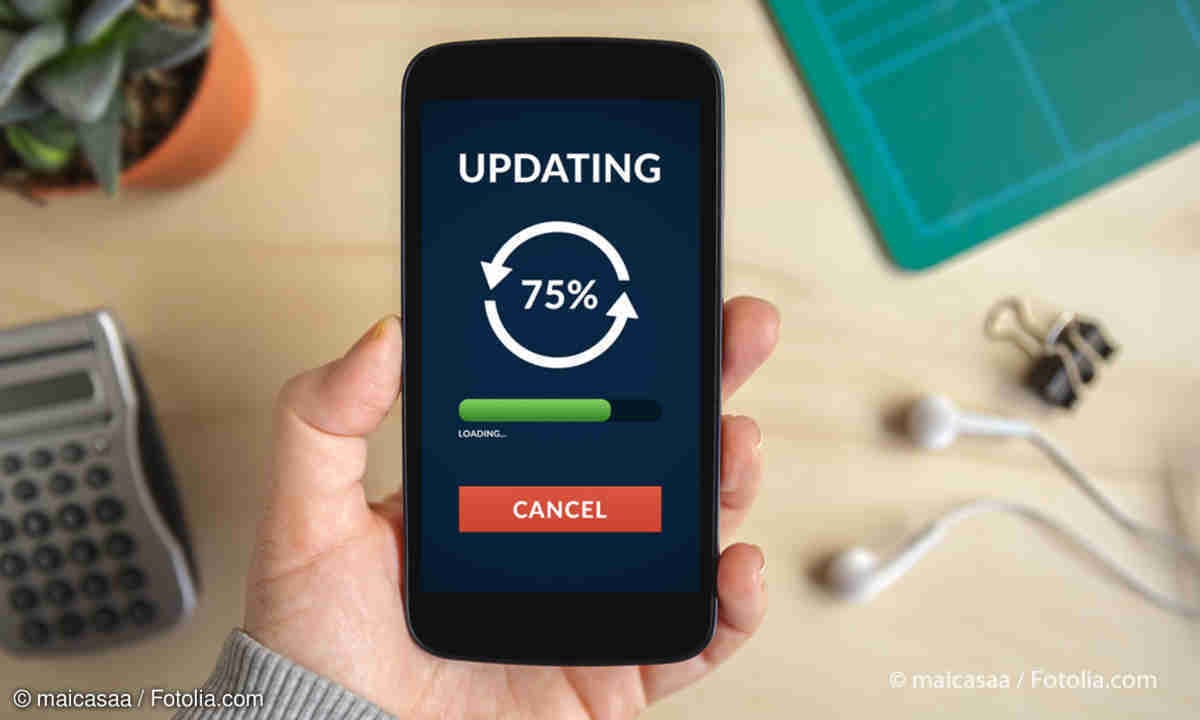
Therefore, enable automatic app updates or proactively check at least once a week to ensure your smartphone is always in optimal condition.
5. Maintain smartphone battery life.
The battery is the "heart" of a smartphone, and how you use it daily directly determines its lifespan. To prolong battery life, avoid letting the battery completely drain before charging. Ideally, maintain the charge level between 20% and 80% and use an original charger. Avoid frequent daily charging or leaving it plugged in overnight, as this can cause the battery to degrade faster.
Additionally, small habits like turning off Wi-Fi and Bluetooth when not in use, reducing screen brightness, or limiting notification vibrations can significantly save energy. Occasionally, you should also turn off your device to give the battery a rest, thereby extending its lifespan and keeping your phone running smoothly.
6. Protect your smartphone screen.
A cracked screen not only reduces the user experience but also leads to expensive repair costs. Instead of waiting until you need to replace the screen, you should invest in a high-quality screen protector. This thin "armor" helps reduce the risk of impacts and scratches, keeping your screen bright and clear.
There are many types of screen protectors available, but prioritize those with good durability and scratch resistance, as this is a simple yet effective solution to extend the lifespan of your phone.
7. Clear some of your smartphone's memory.
Storing too many photos and data on your smartphone not only takes up valuable space but also slows down the device's overall performance. To remedy this, you should regularly delete unnecessary files, sync important photos and data to your computer or cloud storage service, and free up memory for photos that have been "dormant" for years.
In addition, don't forget to clear your cache regularly, as this is the culprit that consumes storage space you could be using for more useful tasks. With these few tips, your phone will not only run more smoothly but also maintain its longevity, providing a stable experience throughout its use.
8. Use a phone case for your smartphone.
In reality, many people love sleek, lightweight smartphones, but to protect these expensive devices, a phone case is almost a necessity.
In case of accidental drops, a phone case will act as a "shield," minimizing damage and avoiding costly repairs. This is a simple but extremely effective tip to keep your phone durable over time.
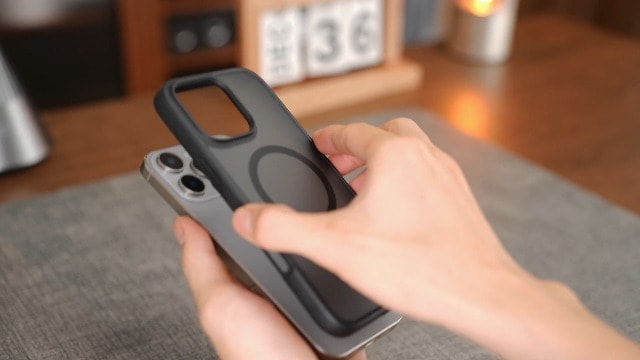
Whether it's a premium or a budget-friendly case, both contribute to extending the device's lifespan and are especially useful if you intend to resell it, as a phone with fewer scratches will certainly retain a higher value on the market.
9. Replace the damaged battery.
Sometimes, even with careful phone use, the battery degrades and no longer holds its capacity as before. This is a sign that you need to replace the battery, not necessarily the entire phone. Replacing the battery correctly not only saves money but also helps the device function stably and extends its lifespan.
If your phone has a removable battery, you can easily replace it yourself. For iPhones or Android phones with non-removable batteries, tech-savvy users can purchase a specialized battery replacement kit, which usually includes a new battery and all the necessary tools. If you're not familiar with the process, the safest option is to take your smartphone to an authorized service center or reputable repair shop.
10. Always back up your smartphone data.
Backing up your data may not extend the lifespan of your hardware, but it's a "safety net" for what's most valuable on your smartphone, from photos and videos to contacts. This way, when it's time to say goodbye to your old phone, you won't have to worry about losing data and won't have to start from scratch.
For iPhone users, make sure to enable iCloud Backup by going toSetting> [Your name] >RCAnewsiCloud backupand always leave this switch in the ON position. Android users also have a similar option inSettingnewsGooglenewsBackupAlternatively, you can utilize the private backup services offered by some manufacturers, such as Samsung. If it's difficult to find, simply open the app.SettingType the keyword "backup" into the search box for quick access.
In short, take good care of your smartphone if you want it to last a long time. Avoid exposing the device to water, dust, or unnecessary impacts, and always keep it in safe condition when using it.
Smartphones today are expensive, but they are also indispensable in work and daily life. Therefore, don't forget to equip them with protective cases and screen protectors, update the software regularly, and avoid exposing them to harsh weather conditions.


