
3 simple ways to make your Android phone run smoother.
Many Android users experience their devices slowing down over time. However, with just a few simple steps, you can significantly improve performance and your daily user experience.
A slow Android phone doesn't necessarily mean you need to upgrade immediately. Performance degradation is inevitable over time, but in many cases, the main cause stems from entirely fixable issues such as accumulated junk files, background apps, or settings that haven't been optimized since out of the box.
With just a few basic maintenance steps taking a few minutes, users can significantly improve their device's responsiveness, making apps open faster and extending battery life. Below are three simple yet effective ways to help your Android device run more smoothly.
1. Delete unnecessary apps.
One of the common reasons for slow phones is the presence of too many unnecessary apps. Many people have a habit of downloading apps to try them out, then forget that they are still running on their devices.
These "forgotten" apps not only take up storage space but also silently run background processes, consuming system resources and reducing battery life. This happens even when you don't have the app open.
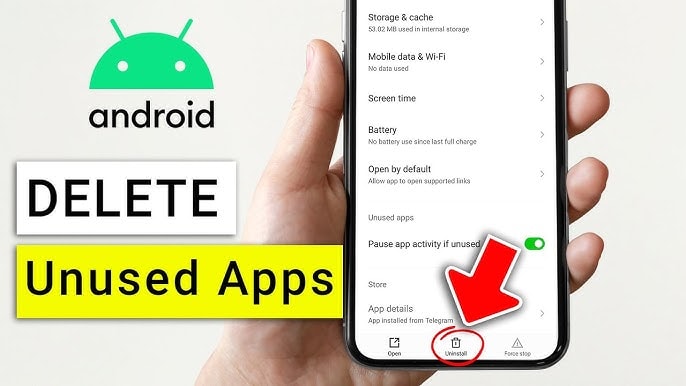
Take some time to review your entire app list. Items that should be "cleaned up" first include: games you only play once and then abandon, shopping apps you rarely use, or apps with duplicate functions.
Uninstalling apps is quite simple. You can press and hold the app icon on the home screen to quickly delete it, or go to Settings → Apps to manage and uninstall multiple apps at once. After cleaning up, you'll notice your device is significantly lighter and more responsive.
2. Delete old files and free up storage space.
Besides apps, unnecessary files are also a silent culprit slowing down smartphones. The Downloads folder often contains a lot of outdated data such as images, videos, and used documents.
You should open your phone's file manager app and check this folder directly. Be proactive in deleting unnecessary files to free up storage space. For important data, instead of storing it on your device, you can transfer it to cloud services like Google Drive or Google Photos for both security and storage savings.
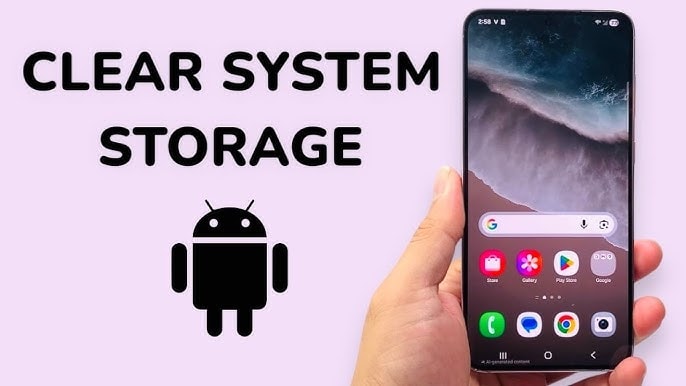
In addition, many file management applications now offer a feature to track large files. This is a useful tool that helps you quickly identify old videos, duplicate photos, or large documents for processing.
It's important to remember that when memory is nearly full, the Android operating system will perform less efficiently because it's constantly struggling with limited space. Just freeing up a few hundred MB can make a noticeable difference in smoothness.
3. Optimize device settings
In addition to cleaning up data, adjusting some system settings also contributes to improving overall performance.
First, you should enable Dark Mode. On devices with OLED screens, this mode reduces power consumption, thereby extending battery life and indirectly helping the device operate more stably. This option is usually found in Settings → Display.
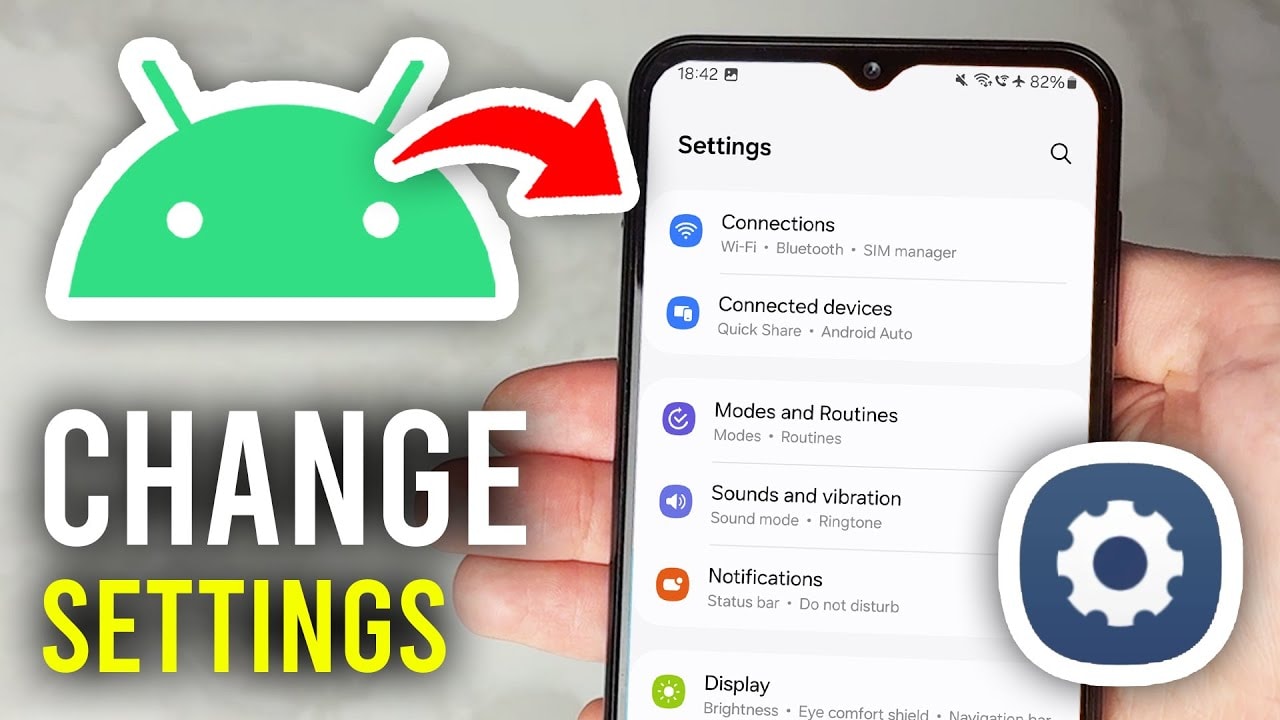
Next, control your notifications. Receiving too many notifications from social media, games, or unimportant apps will cause the system to constantly activate background processes, draining battery and reducing performance. You can go to Settings → Notifications to turn off unnecessary notifications.
Finally, limit automatic app updates via mobile data. When many apps update in the background, especially over a mobile network, device performance is significantly affected. In the Google Play Store, you can set apps to only update when connected to Wi-Fi to ensure a more stable experience.
In general, speeding up Android doesn't require complicated procedures or specialized software. Simply cleaning up apps regularly, managing storage space, and optimizing settings can significantly extend your smartphone's lifespan and maintain stable performance over time.


