
3 misconceptions about iPhones that could harm your device.
Despite being highly regarded for its durability and optimal performance, iPhones are often misunderstood during use, leading many people to unintentionally reduce the device's performance and lifespan.
In the digital age, the iPhone has become one of the most widely used technology products. However, this popularity has also led to the device being constantly surrounded by inaccurate rumors. These seemingly harmless misunderstandings can directly affect the device's performance, battery life, and durability.
Identifying and dispelling misconceptions not only helps users get the most out of their devices but also prevents unnecessary damage. Below are three of the most common misconceptions about iPhones that users need to understand correctly.
Closing background apps helps save battery power.
One of the most common misconceptions is that you need to constantly "swipe" to close background apps to save battery. Many people believe that if they don't do this, the apps will continue to consume resources and drain the battery faster.
In fact, the iOS operating system is designed to manage resources very efficiently. When you're not using an app, the system automatically puts it into a "paused" state. In this state, the app consumes almost no battery power, unless it needs to perform some special tasks such as updating location or receiving notifications.
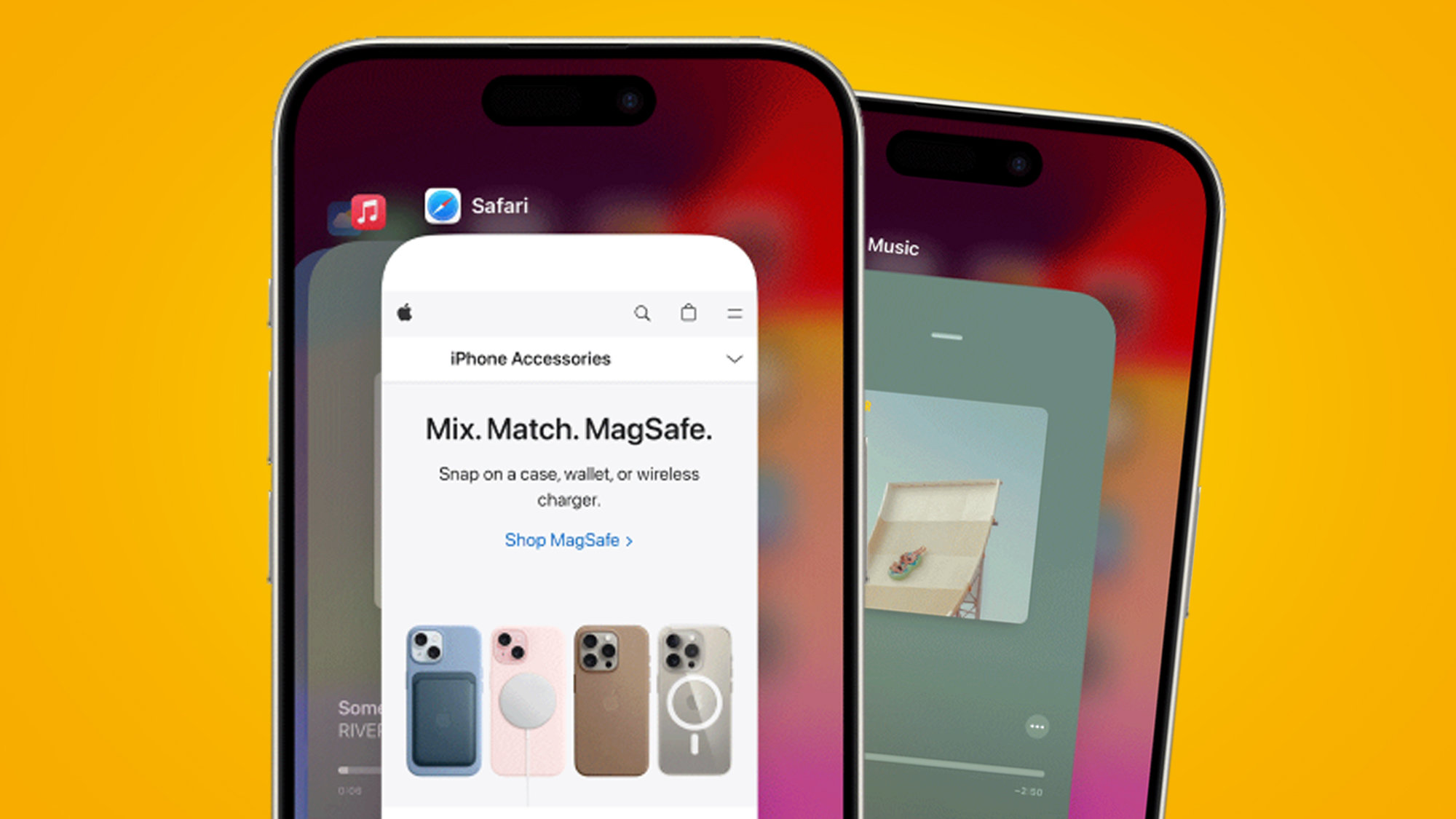
It's worth noting that manually closing apps not only doesn't save battery but can sometimes be counterproductive. Each time you reopen an app, the system has to reload all the data from scratch, consuming more energy than keeping the app in standby mode.
In other words, unless the application crashes or freezes, users don't need to close it frequently.
iPhones cannot get viruses.
Another common belief is that iPhones are completely "immune" to viruses and malware. This stems in part from Apple's closed ecosystem and rigorous app review process.
It's true that iPhones are less susceptible to attacks than many other platforms, but that doesn't mean the device is completely secure. Technically, iPhones can still be targets of malware, especially as attack methods become increasingly sophisticated.
In addition, users can still be scammed through fake links or cleverly disguised malicious applications. These risks are not dependent on the device but are mainly related to usage behavior.
To ensure safety, users should:
- Always update iOS to the latest version.
Avoid installing apps from unofficial sources.
- Do not jailbreak the device.
Be wary of suspicious emails, messages, or links.
Faster battery drain after an operating system update is sometimes a temporary phenomenon as the system needs to optimize its data. This is not a reason to delay important security updates.
An iPhone that's "waterproof" means it's not afraid of water.
Many users believe that iPhones can be used safely underwater because they are advertised as being water-resistant. However, this is an inaccurate understanding.
In reality, modern iPhone models only meet certain water and dust resistance standards (e.g., IP67 or IP68), not "completely waterproof." This means the device can withstand water under limited conditions, such as accidental spills or short-term submersion at a certain depth.
However, this ability will gradually decrease over time due to natural wear and tear. Additionally, seawater, chlorinated water, or other liquids can cause damage more quickly than clean water.
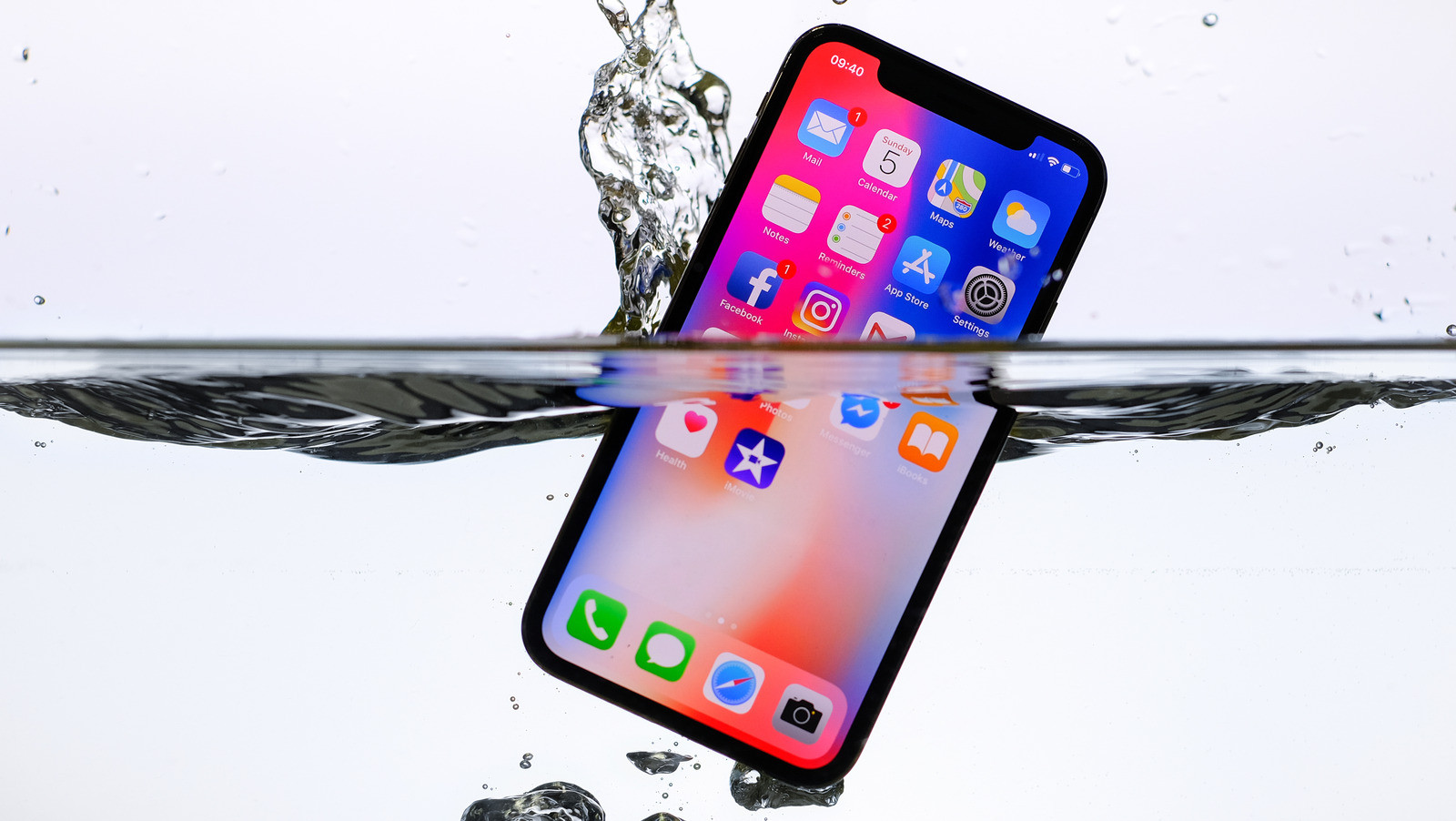
Notably, Apple also discourages using rice to dry out water-damaged iPhones. Tiny dust particles from the rice can get inside and damage components. Instead, users should let the device air dry naturally in a well-ventilated area or follow Apple's official instructions.
The above misconceptions are just a small part of the vast amount of misinformation surrounding the iPhone. In the context of the abundance of information on the internet, verification and accurate understanding are more important than ever.
Understanding how your device works not only optimizes performance but also extends its lifespan. When encountering unclear issues or conflicting information, the best approach is always to consult official sources from Apple or trusted technology experts.


