
4 harmful habits that are silently reducing the lifespan of your laptop.
A laptop slowing down, the battery draining quickly, the fan making loud noises, or loose hinges are considered signs of deterioration. However, most of these problems stem from incorrect usage habits that users unknowingly repeat every day.
As laptops age, performance degradation is inevitable: they run slower, the battery drains faster, temperatures rise, the keyboard loses its firmness, the charging port becomes loose, and the touchpad is no longer as responsive as it once was. This is a natural consequence of wear and tear over time.
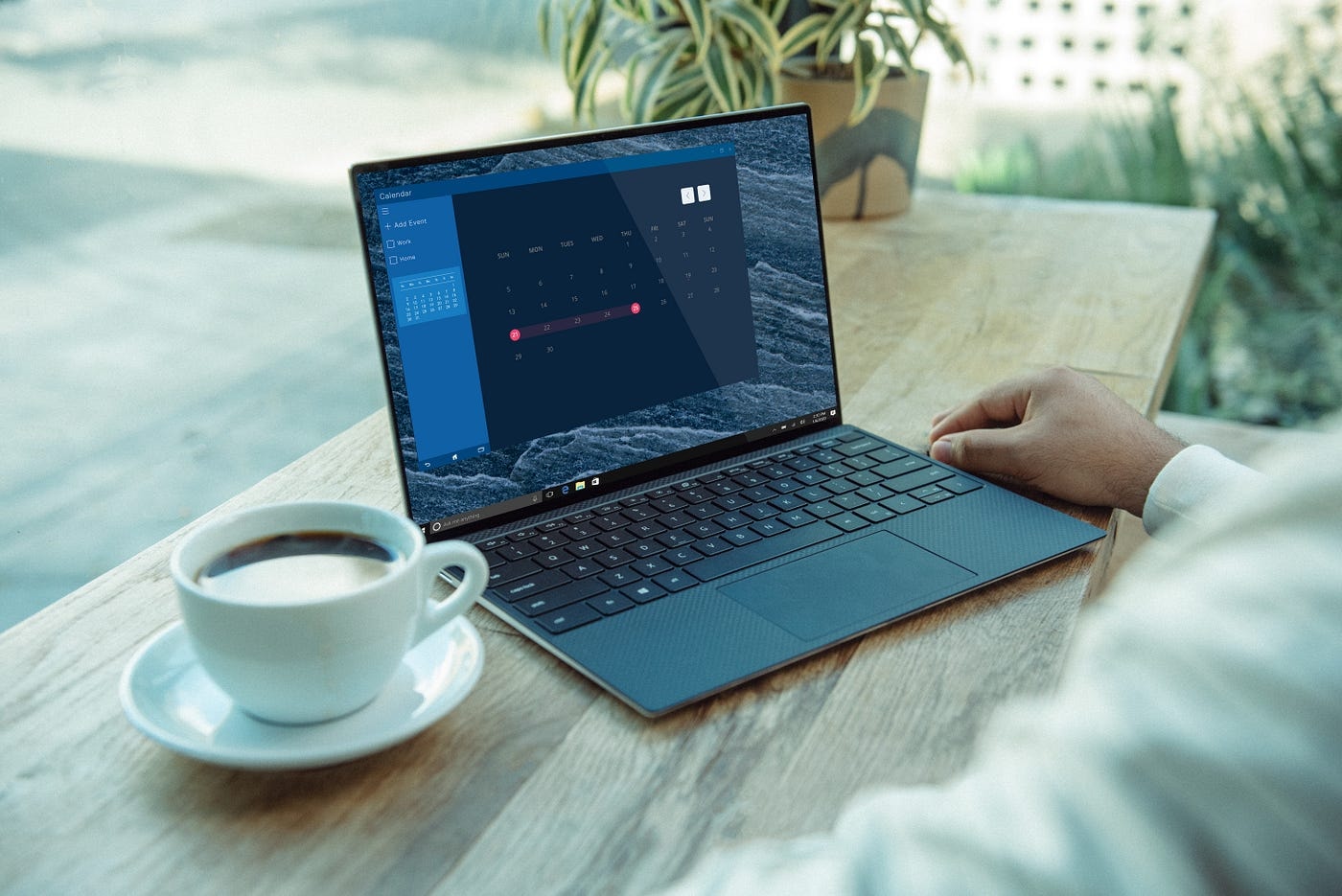
However, not all signs of degradation occur so quickly. Some poor usage habits can cause the battery to wear out at an alarming rate, dropping from about 8 hours of use after three years to less than 2 hours. Carelessness can also force users to replace the screen right after the warranty expires, or make the laptop look as if it just came from a junkyard.
1. Improper use of the charger.
Genuine laptop chargers aren't cheap, especially for gaming or high-end models. Yet, very few people pay attention to how to properly maintain and use this important accessory.
For laptops still using the traditional round charging port, bending the cable, tightly coiling it, or letting the charger be compressed in a backpack can cause the cable to wear out quickly, the connector to loosen, or the adapter to fail prematurely. Constantly having to buy replacement chargers is not only costly but also poses risks to the battery and power supply board.
To avoid this, users should loosely coil the charging cable, keep it away from pets, and avoid placing it in areas where it could be stepped on. When traveling, keep the charger in a separate bag, avoiding contact with heavy objects or hard edges that could bend or break the cable.
2. "Blocking" the laptop's cooling system.
Laptops are portable devices, but that doesn't mean they can be placed on just any surface. Most laptops have ventilation slots on the bottom or sides. When placing a laptop on a pillow, blanket, bed, or other soft surfaces, users inadvertently block the airflow for cooling.
As a result, the fan has to spin faster, the machine heats up noticeably, and performance decreases. More importantly, prolonged overheating can degrade the battery quickly, affect internal components, and shorten the lifespan of the thermal paste between the CPU and the heatsink.
If your laptop frequently gets extremely hot to the touch or the fan makes a loud noise like a "jet engine," it's a clear sign that the usage environment is unsuitable. A simple laptop stand or simply placing the laptop on a flat, hard surface can help control the temperature better.
3. Neglecting regular cleaning and maintenance.
Many people use their laptops for years without ever cleaning the cooling fan. Over time, dust accumulates in the vents and cooling fan, significantly reducing its heat dissipation capacity.
When the fan isn't working effectively, laptops can easily overheat, even to the point where users mistakenly think the machine is infected with malware. A simple solution is to use a can of compressed air to blow away dust from the ventilation vents every few months.
If you have experience, opening up your laptop to clean the fan and heatsink can significantly help it run cooler. Additionally, the keyboard and touchpad should be cleaned regularly, as grease and food crumbs getting stuck between the keys can cause them to become unresponsive over time.
4. Careless use of laptops
Physical damage doesn't usually happen overnight, but accumulates gradually through careless use. When laptops are new, users tend to handle them with care, but over time, carelessness becomes more likely, such as holding the device by the screen, stuffing it into a backpack without protection, placing it on the edge of a table or near drinks.
The hinge is one of the most easily damaged and expensive parts to repair. Opening the lid too forcefully, or being pulled by small children or pets, can damage the hinge, leading to screen cable errors, flickering, or even complete panel failure.
If you frequently take your laptop to work or on trips, a dedicated shockproof bag is a small but worthwhile investment. Basic rules like closing the lid before moving or keeping drinks away from your laptop may seem obvious, but they are often overlooked.


