
4 best non-AI browsers to replace Firefox on Windows 11
With Firefox preparing to integrate AI, browsers like Waterfox, Zen, LibreWolf, and Vivaldi are emerging as optimal alternatives for users prioritizing privacy and performance.
As Firefox prepares to integrate artificial intelligence (AI) features, the user community is reacting cautiously. Anthony Enzor-DeMeo, CEO of Mozilla, confirmed that AI will be present in Firefox but emphasized that user control remains a top priority. To allay concerns about security and system resources, Mozilla plans to launch an "AI kill switch" feature in early 2026.
However, for Windows 11 users who want to completely eliminate the presence of AI right now, the market still offers reliable alternatives. Browsers like Waterfox, Zen, LibreWolf, and Vivaldi provide fast, highly customizable, and privacy-focused browsing experiences without the distracting AI features.
1. Waterfox: A blend of tradition and speed.
Waterfox is one of the oldest and most reputable forks of Firefox. This browser is designed for users who value privacy and want complete control over their browser without telemetry or distracting AI components. Waterfox maintains good compatibility with Firefox extensions but removes unnecessary data-collecting code.
Users can quickly install it via Command Prompt or PowerShell using the following command:get install waterfox.

With a performance-focused design, Waterfox offers a classic tab management system and advanced security options such as anti-fingerprinting, suitable for those seeking a traditional and streamlined web browsing environment.
2. Zen Browser: Minimalist and resource-efficient
Zen Browser is a newly emerging option focused on an uninterrupted user experience. Built on the Firefox open-source platform, Zen proactively removes or disables AI features by default. Its strengths include fast page loading speeds and extremely low RAM consumption, making it ideal for mid-range computers.
Install Zen Browser using the command:get install Zen-Team.
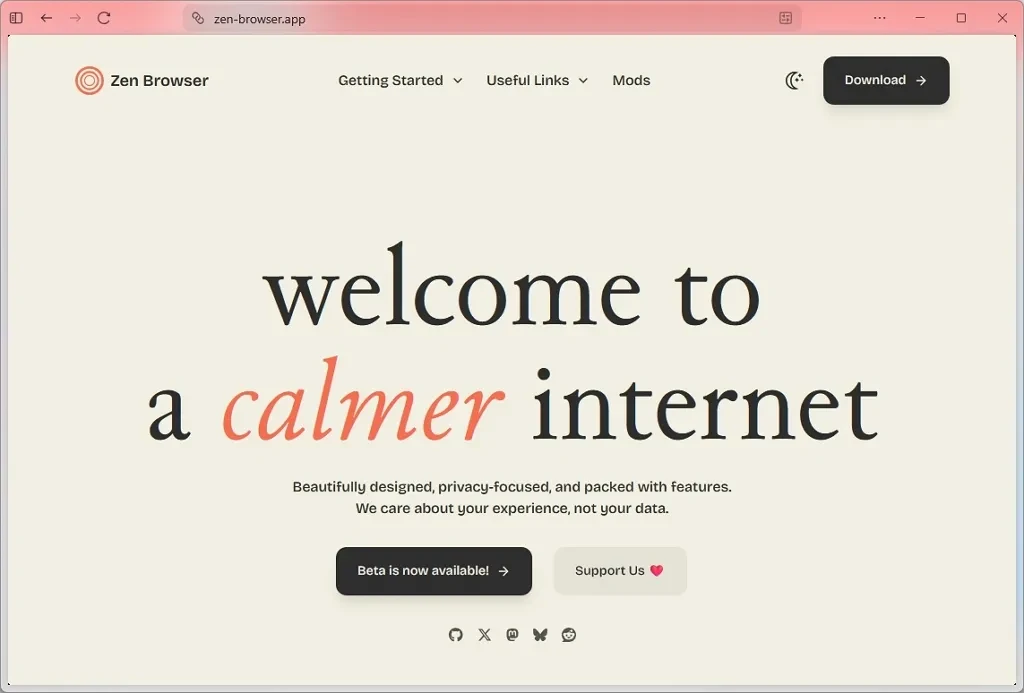
The intuitive interface, with its built-in ad blocker and customizable security settings, allows users to easily master their online space without needing to install too many additional extensions.
3. LibreWolf: The gold standard for open-source security.
LibreWolf is a deeply customized version of Firefox with a single goal: user autonomy. This browser completely removes all links to Mozilla services, including telemetry and AI features. It is considered the most privacy-conscious choice among browsers based on the Firefox architecture.
Installation command:get install LibreWolf.
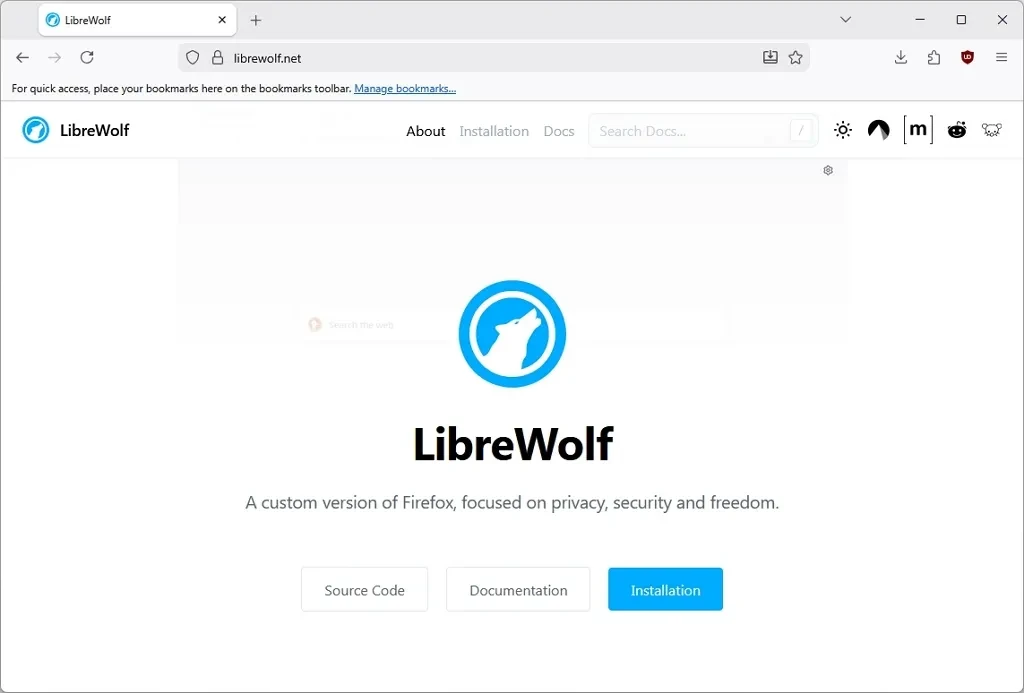
Although it fully supports Firefox extensions, LibreWolf sets its security parameters to the highest level by default, ensuring users are always in a clean environment and not tracked by AI-generated algorithms.
4. Vivaldi: Absolute versatility from the Chromium core
Unlike the three options above, Vivaldi is based on the Chromium source code but takes a completely different approach compared to Google Chrome. The Vivaldi development team is committed to not integrating AI generation into the browser core, instead focusing on providing built-in productivity tools such as an email client, calendar, private feed reader, and advanced tab management.
Users can install it using the following command:get install vivaldi.

Vivaldi allows users to change the position of every element on the interface, from the address bar to keyboard shortcuts and mouse gestures. This is a browser for advanced users who want to personalize their workflow without sacrificing data for AI models.
Summary
The trend of integrating AI into browsers is sparking much debate regarding performance and privacy. The choice between Waterfox, Zen, LibreWolf, or Vivaldi depends on individual user needs: from minimalism and strict security to deep customization. The common thread among these browsers is that they return true control to the user within the Windows 11 environment.


