
5 ways to help limit the leakage of personal information when using the Internet.
Minimizing the amount of data being collected helps users reduce security risks, protect personal information, and enhance safety when using the internet.
In a context where personal data is constantly being collected and exploited, minimizing the amount of data left on the internet has become essential for protecting privacy.

The following practical steps can help reduce the risk of information leaks when using computers, phones, or online services.
1. Limit account logins at public access points.
Logging into email, social media, or personal services on unfamiliar devices always carries the risk of data leaks. Public computers, devices in cafes, or other people's computers can save login sessions if users forget to log out.
Even unintentionally, leaving login information on an unfamiliar device can allow subsequent users to accidentally or intentionally access sensitive data. Furthermore, public Wi-Fi networks often lack security, making information vulnerable to theft during transmission.
To mitigate risks, users should avoid logging into accounts on unfamiliar devices; enable multi-factor authentication (MFA); and use the "sign out of all devices" option when suspecting unauthorized access to their account.
It's always better to be cautious than to deal with the consequences later, especially with sensitive data.
2. Browse the web using a guest profile or sub-account.
Not all online activities require the use of your main Google account. Separating accounts helps prevent data from different purposes from being aggregated and analyzed for advertising or behavioral tracking.
Therefore, to ensure online safety, users should open one Google account for personal needs such as watching YouTube and another account for work or study.
Use Guest Mode when you only need a quick search or are using someone else's device. Guest Mode is especially useful because the browser doesn't save browsing history, cookies, passwords, or form information, minimizing the amount of data collected.
When using other browsers like Safari, Edge, etc., guest mode also helps limit platforms from tracking you through cookies or login data.
3. Activate Incognito or Private Browsing mode on your web browser.
Incognito mode on Chrome or Private Browsing on Firefox or Safari is often mistakenly understood as a tool for complete "invisibility." In reality, this mode does not hide activity from your Internet service provider (ISP) or the website you are visiting.
Incognito mode only ensures that website data and cookies are not saved to your computer and that your browsing history is not recorded.
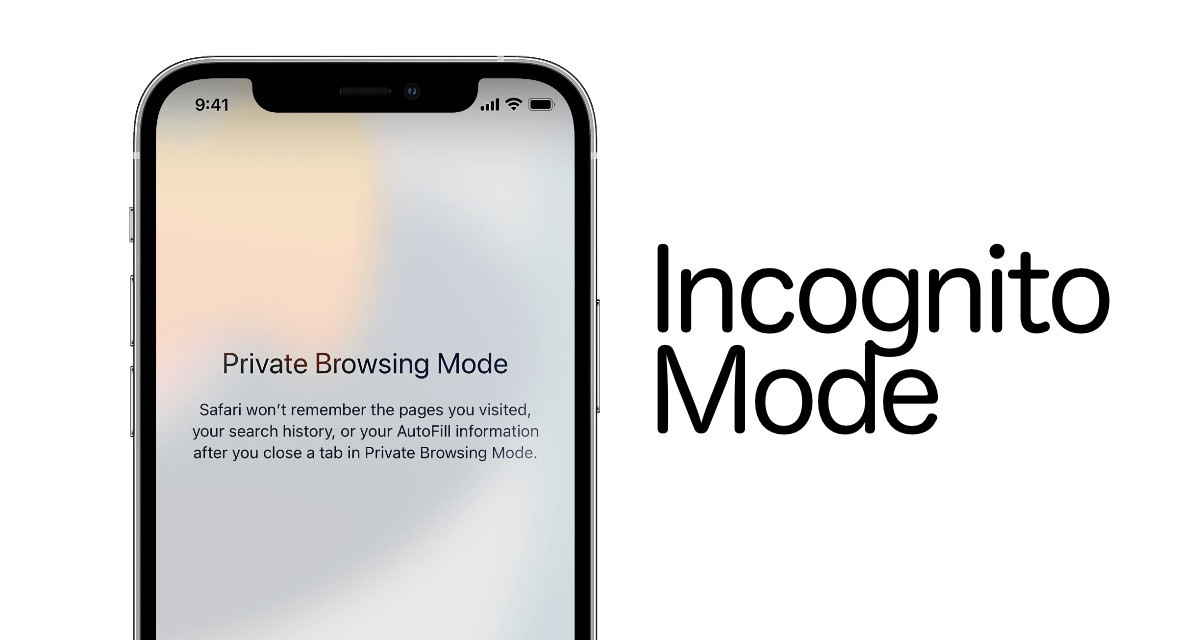
This is especially useful when sharing devices within a family; wanting to log in to multiple different accounts without conflicts and wanting to avoid websites that track visits between them using cookies.
When you close the Incognito window, all session cookies are deleted, making the website perceive you as a first-time visitor.
4. Adjust your browser's privacy settings.
Most modern browsers offer multiple layers of privacy protection, including a Do Not Track option. When activated, the browser sends a request to the website asking them not to collect data. However, websites can ignore this option, as it is not a mandatory requirement.
To increase protection, users can choose to “accept only necessary cookies”; prioritize privacy-focused browsers like Firefox and enable Enhanced Tracking Protection in Firefox to block trackers without affecting website visibility.
Identifying websites that respect privacy also helps users be more proactive when accessing them, limiting the sharing of unnecessary information.
5. Use a VPN to enhance online identity protection.
A virtual private network (VPN) doesn't offer absolute anonymity, but it's still a powerful tool for hiding internet activity from ISPs and websites. Enabling a VPN encrypts traffic and conceals your real IP address.
This helps avoid situations where users are tracked, located, or subjected to distributed denial-of-service (DDoS) attacks, a problem that has affected many users when their IP addresses are leaked.
However, VPNs can slow down speed and drain battery on mobile devices. Therefore, many people only turn on a VPN when they really need to protect their privacy, work remotely, or access public networks.
In summary, minimizing the amount of data left on the internet is not a task that can be accomplished with a single action, but rather a process involving multiple measures to build a robust layer of protection for personal information.
Using accounts responsibly, browsing safely, controlling cookies, blocking tracking, and using a VPN can minimize the risk of data leaks. In an increasingly complex digital world, proactiveness and caution are key to ensuring online safety.


