
5 reasons to consider before buying a used laptop.
While used laptops can save users significant money, the attractive price also comes with risks. Without thorough research, the initial savings can quickly turn into repair and upgrade costs.
With component prices like RAM and SSDs remaining high, many people are opting for used laptops to reduce investment costs. The market currently offers a wide range of suppliers, from manufacturers and refurbishment companies to e-commerce platforms and individual sellers.
However, buying a used laptop also means accepting more risks compared to buying a new one. Buyers often don't know the condition of the machine, whether it has been dropped or repaired, or whether the internal components are still functioning properly.
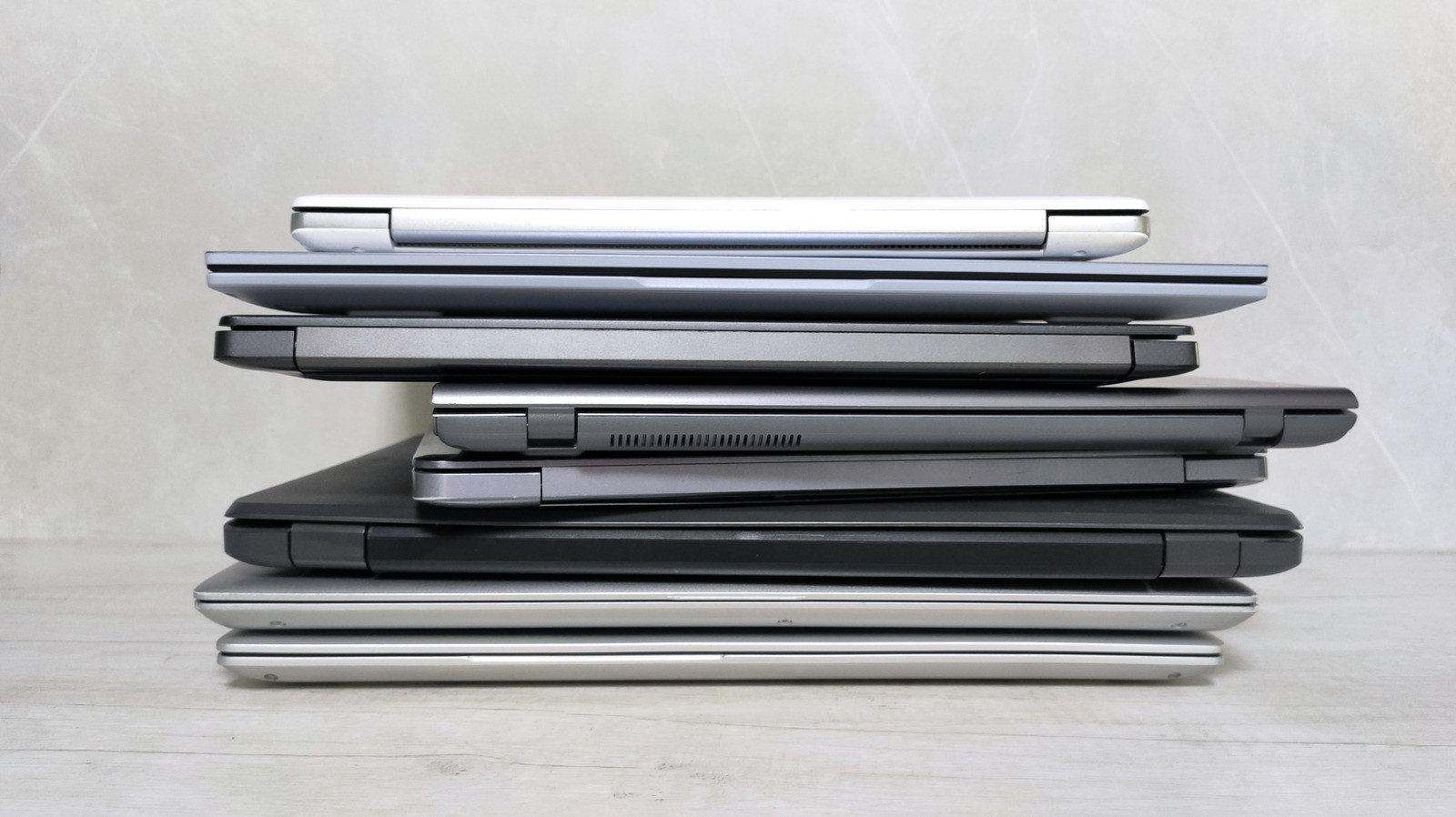
Furthermore, used laptops also mean using outdated hardware, with batteries and storage drives that have worn out over time. For those who only need to browse the web, study, or do office work, this may not be a major issue. However, for professional users or gamers, these limitations will significantly impact their experience.
One option many people consider is refurbished laptops. These are devices that have been inspected, repaired, and restored before being resold. While more reliable than used laptops resold by individuals, refurbished laptops are not exactly like new ones and still need to be thoroughly inspected before a purchase is made.
Here are five important reasons users should consider before choosing a used laptop.
1. There may be damage that is difficult to detect.
This is the biggest risk when buying a used laptop.
A few scratches on the casing usually only affect aesthetics. However, defects such as dead pixels on the screen, broken keyboard keys, dents in the body, loose hinges, or unreliable connectors can directly affect usability.
More concerningly, many problems only appear after a few days or weeks of use, such as noisy cooling fans, the machine shutting down unexpectedly, unreliable USB ports, or unstable power supply.
If buying a device from an individual, users should inspect it in person instead of just looking at pictures. They should also carefully read the product description, ask questions about the repair history, and request a full functional test before making payment.
2. Old hardware will quickly become obsolete.
To save money, many people often choose laptop models that were released several years ago. This means the device uses older processors, memory, and components.
Currently, the machine can still handle office or study tasks well. However, as usage demands increase, especially for photo editing, video editing, programming, or gaming, performance limitations will become apparent.
For example, a laptop with only 8 GB of RAM might be sufficient for basic tasks, but it will quickly become overloaded when opening multiple applications or processing large amounts of data.
Another issue is upgradeability. Previously, users could easily replace RAM or hard drives to extend the lifespan of their devices. However, many modern laptops use RAM soldered directly onto the motherboard or have designs that are difficult to remove, making upgrades nearly impossible.
In addition, outdated hardware also risks becoming incompatible with newer operating systems. In fact, when Windows 11 was released, many older processors were no longer supported by Microsoft.
3. Both the battery and the hard drive have worn out.
Even if the laptop looks new, the two components that need the most attention are the battery and the storage drive.
Lithium-ion batteries have a limited lifespan based on the number of charging cycles. After years of use, battery life will decrease significantly, forcing users to charge them frequently or replace them with new batteries if they want to maintain portability.
Hard drives also have a limited lifespan. If they have been in operation for a long time, the risk of errors or data loss will be higher compared to new components.
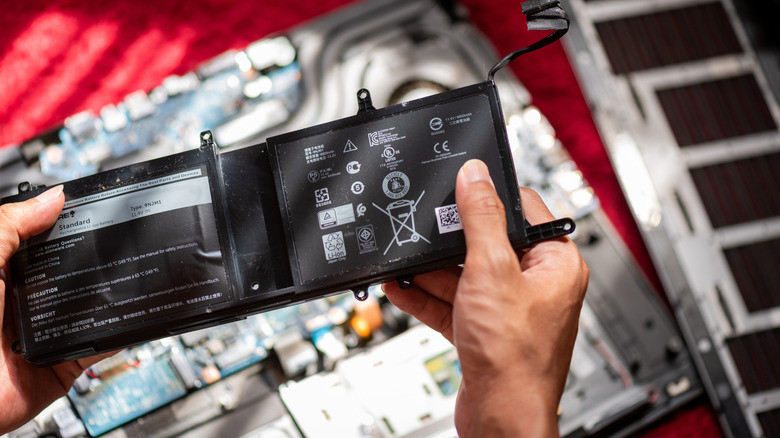
Before purchasing, users should check the battery status using the powercfg /batteryreport report on Windows. For storage drives, software like CrystalDiskInfo can help assess wear and tear and the drive's operational status.
If the battery or hard drive needs replacing soon after purchase, this additional cost can make a cheap laptop no longer truly economical.
4. Warranty coverage is often very limited.
One of the biggest advantages of a new laptop is the manufacturer's warranty.
Meanwhile, most used laptops are no longer under warranty or only have very short-term support from the seller. For refurbished laptops, the common warranty period is only about 3 to 6 months, although some manufacturers still offer warranties up to one year.
If you buy from a private seller, you're almost certain not to receive any warranty.
This is something to consider, because laptop repair costs are not cheap these days. Just a single fault on the motherboard or screen can cost a significant portion of the laptop's value.
5. Short remaining lifespan and low resale value.
Even if the laptop is still working perfectly, its lifespan is certainly not the same as when it was new.
The battery, processor, cooling system, and other components have all undergone a certain period of use. This means that the likelihood of failure will increase sooner, and the effective operating time will be shorter.
This also directly affects resale value. After a few years of use, an old laptop will depreciate much faster due to continued wear and tear and competition from newer, older laptop models appearing on the market.
So, should you buy a used laptop?
Used laptops aren't always a bad option. If you can find a product that's still in good condition, has a clear origin, and is sold by a reputable seller, you can still own a machine that meets your needs well at a reasonable price.
However, before making a decision, carefully consider the hardware condition, battery life, upgradeability, warranty, and usage history of the device.
In many cases, initial savings may not be enough to cover future expenses. Therefore, a wise choice is not just about buying a cheap laptop, but also about buying a reliable device for long-term use.


