
5 helpful tips to extend your smartphone's lifespan.
Smartphones are becoming increasingly expensive, but users can absolutely extend the lifespan of their devices by applying the following helpful tips.
With smartphone prices constantly rising, maximizing the device's lifespan has become a smart choice, both economically and environmentally. High-end models today boast powerful performance, high-quality cameras, and many modern features, but they come with a hefty price tag. Even mid-range models require a significant investment.
Instead of constantly upgrading every year, experts recommend that users extend the lifespan of their devices. This not only saves costs but also contributes to reducing electronic waste, a growing global concern.
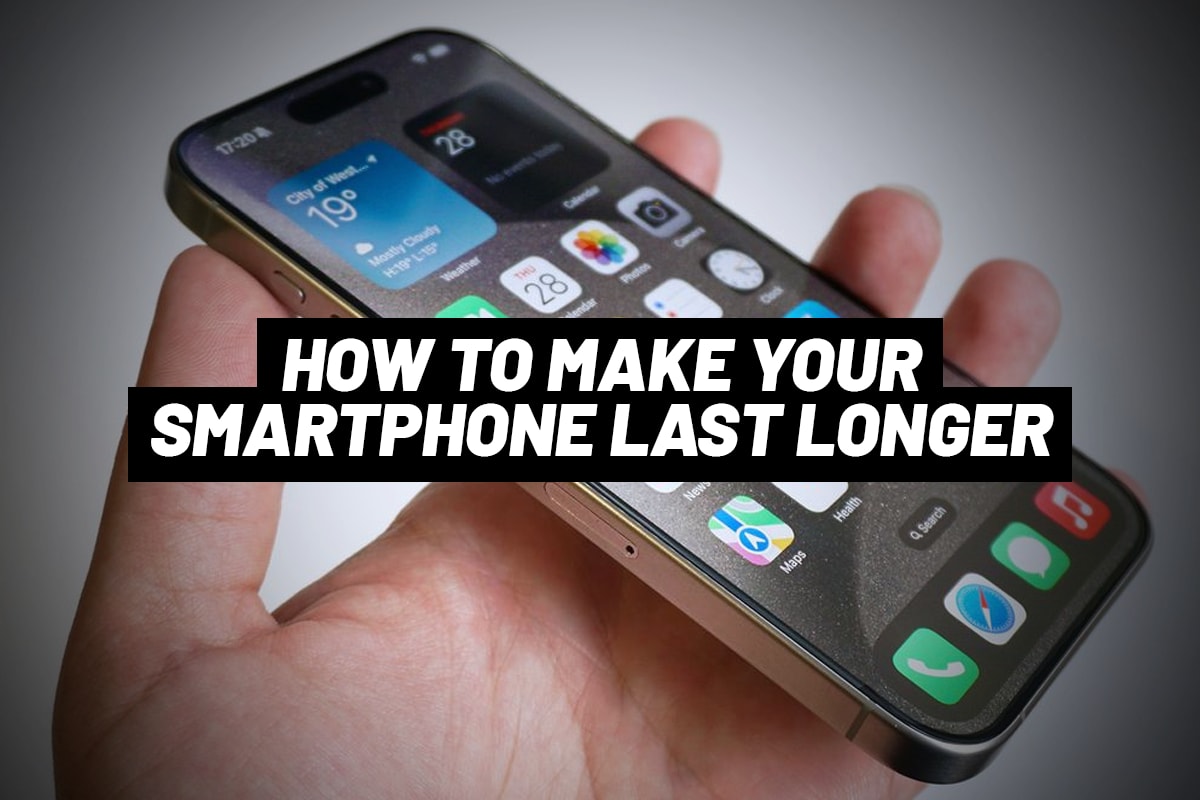
The good news is that many tech companies now offer software updates for extended periods, even up to 6-7 years. This means that, with proper use and maintenance, a phone can last for many years while maintaining security and stable performance.
Here are some important ways to extend the lifespan of your smartphone that users should adopt.
1. Always install software updates.
One of the most important factors in maintaining the longevity of a phone is regular software updates. Updates not only add new features but also patch security vulnerabilities, helping to protect the device from attacks or malware infections.
Using a phone that has stopped receiving security updates poses many risks. In the past, some Android devices were only supported for a short period, forcing users to upgrade even if the hardware was still good. However, this trend is changing as many manufacturers are extending support periods.
Users should enable automatic updates to ensure their devices are always in the most secure state. Additionally, applications need to be updated regularly to ensure compatibility with the operating system and avoid errors.
2. Use a phone case and screen protector.
Protecting your hardware is essential if you want to extend your device's lifespan. A quality phone case can significantly reduce the risk of damage from drops and minimize scratches during daily use.
Screen protectors also play an important role, because the screen is a component that is easily damaged and has high replacement costs. Instead of expensive repairs, users only need to replace the screen protector when it gets scratched to keep the screen looking new.
Keeping your phone in good condition not only ensures a stable user experience but also increases its resale value in the used goods market.
3. Replace the battery when necessary, don't rush to buy a new device.
Batteries are components that wear out over time and are a common reason users feel their phones are "degrading." After a few years of use, battery capacity can decrease significantly, leading to shorter usage time and affected performance.
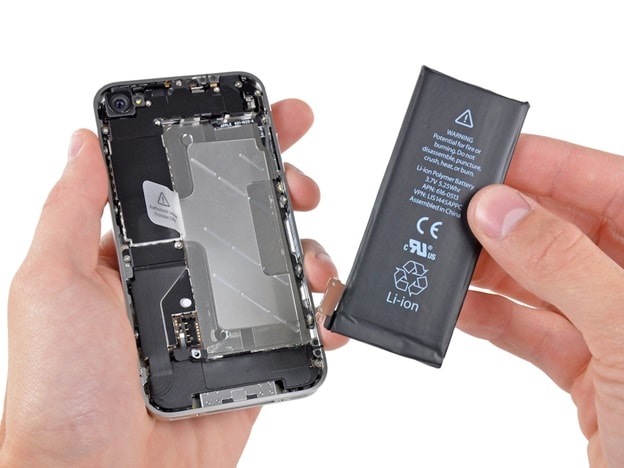
However, instead of buying a new phone, users can completely replace the battery to "revive" the device. This is a cost-effective solution that yields noticeable results.
Currently, battery replacement is quite common, with many options available from authorized service centers to repair shops. Regardless of the method chosen, users should ensure that the replacement parts are of good quality to avoid risks.
4. Clean up memory and optimize the system.
After prolonged use, phones often become "overloaded" with a lot of unnecessary data such as photos, videos, and old apps. This not only takes up storage space but also directly affects performance.
When the memory is nearly full, the device may operate more slowly, or even be unable to install important updates. Therefore, users should regularly check and clean up data.
Some effective measures include deleting unused apps, backing up photos and videos to cloud services, and deleting junk files and temporary data.
If your device is running too slowly, backing up your data and performing a factory reset can help return it to its original state, significantly improving performance.
5. Clean your phone and its ports.
Many people often overlook cleaning their devices, but this is a crucial factor in maintaining stable operation. Accumulated dust and dirt, especially around the charging port, can cause unstable connections or prevent charging altogether.
Instead of immediately assuming the device is broken, users should check and clean the charging port regularly. Simply using simple tools like toothpicks or a soft brush to remove dirt and dust can restore the device to normal operation.
Additionally, the speakers and microphones should be cleaned to ensure sound quality during use, especially when making phone calls.
Using your phone for longer periods not only offers financial benefits but also contributes to environmental protection. Every smartphone produced consumes resources and energy, and generates a significant amount of electronic waste when discarded.
In this era of rapidly developing technology, constant device upgrades are no longer a necessity. With simple habits like updating software, protecting hardware, replacing batteries on time, and cleaning up data, users can easily extend their phone's lifespan for many years.


