
5 mistakes to avoid when setting up a new smartphone.
Owning a new smartphone is always exciting. However, many people unintentionally make mistakes right from the initial setup, causing the device to fill up quickly, drain the battery fast, and compromise security.
Common mistakes when setting up a smartphone, whether Android or iPhone, include neglecting security features, installing a plethora of unnecessary apps, granting all access and notification permissions, delaying software updates, or hastily discarding the old phone. Some errors affect performance, while others reduce battery life and the long-term user experience.
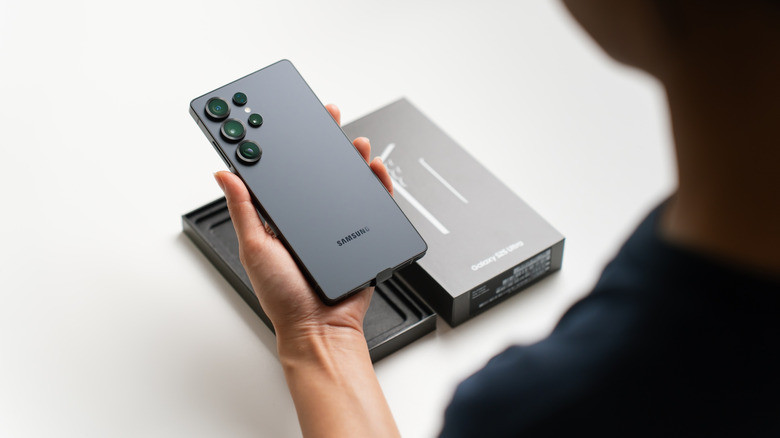
With smartphones increasingly becoming devices that serve almost all daily needs, from payments and communication to entertainment and work, setting them up correctly from the start will help the device operate more stably, safely, and reliably over time.
Ignoring important security features
When setting up a new phone, many people often rush to skip security-related steps in order to quickly start using the device. This is one of the most common mistakes.
Today, smartphones store a lot of important personal data such as bank accounts, passwords, private photos, and work information. Therefore, enabling all layers of security from the start is essential.
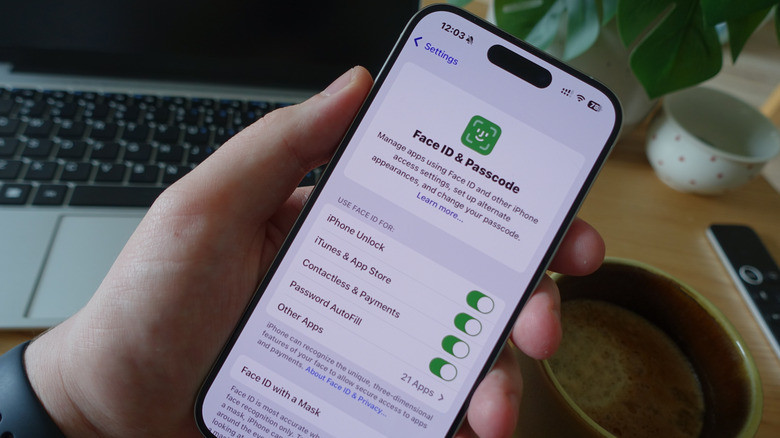
Both Android and iPhone now come with numerous built-in security features such as password locks, fingerprint or facial recognition, device location tracking, and anti-malware tools. When fully configured, these features can help reduce the risk of data theft and increase the chances of recovering a lost phone.
Additionally, users may consider installing a virtual private network (VPN) or antivirus software, especially if they frequently download apps from outside the official Android app store. VPNs enhance privacy when accessing the internet, while security software helps detect and remove malware.
In addition, updating the software immediately after activating the phone is also very important. Updates not only patch security vulnerabilities but also add new features and optimize device performance.
Install all apps immediately
Many people have a habit of re-downloading all the apps they used on their old phone as soon as they switch to a new one. While convenient, this is a way to quickly fill up storage space.
Many practical applications are rarely used, yet they silently consume storage space and system resources. With many smartphones now eliminating microSD card slots, memory management has become even more crucial.
Furthermore, many features that previously required third-party applications are now integrated directly into the operating system. For example, some Android devices now support adjusting flashlight brightness directly without needing to install additional apps.
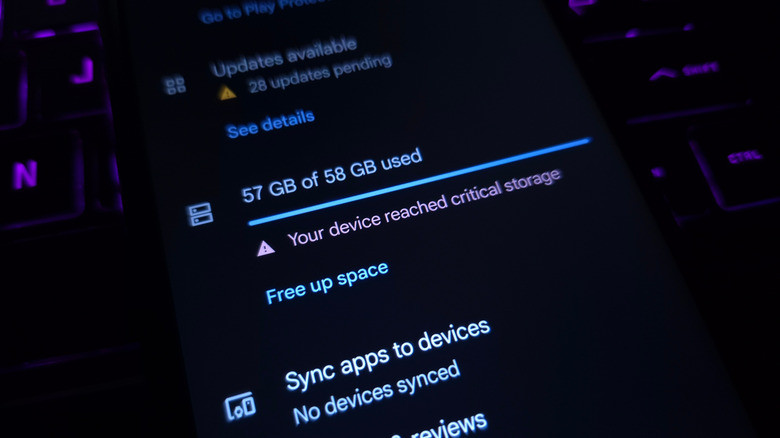
Setting up a new phone is also a good time to "clean up your phone's storage." Users should boldly delete unnecessary pre-installed apps to free up memory and help the device run more smoothly.
In particular, "speed booster," "junk cleaner," or "battery saver" apps are no longer really necessary on newer smartphones. Most phones now have much smarter resource management and battery optimization mechanisms.
Accept all requests for application access permissions.
During the setup process, smartphones often repeatedly request permission to access the camera, microphone, contacts, location, or storage. Wanting to complete the process quickly, many people tend to tap "Allow" for all requests.
However, not all applications need all of these permissions to function properly.
For example, if an app only reads social media content without posting photos or videos, it may not need access to the camera or photo library. Granting too many unnecessary permissions can increase the risk of personal data leaks.
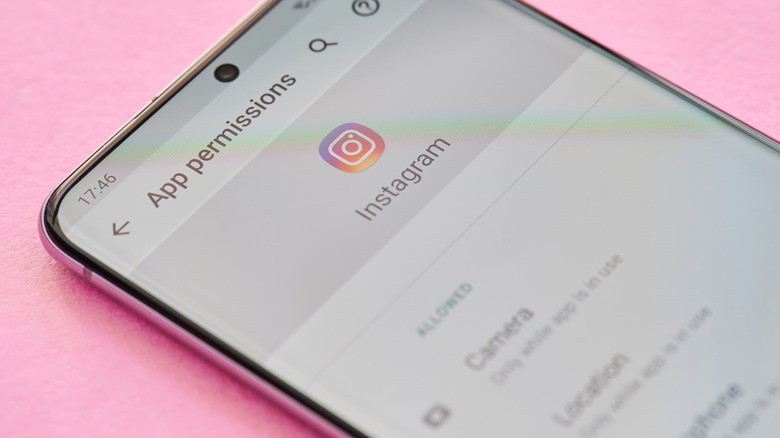
Photo: Internet.
Similarly, allowing every app to send notifications will cause your phone to constantly vibrate or display distracting alerts. Furthermore, too many background notifications can even negatively impact battery life.
A sensible solution is to only enable notifications for essential apps like banking, messaging, or work, while disabling or downgrading notifications for entertainment, shopping, or advertising apps.
Transfer all data from your old phone to your new one.
A new phone isn't just a hardware upgrade; it's also an opportunity to refresh your user experience. However, many people copy all their data from their old phone to their new one without filtering it.
As a result, outdated apps, junk files, or unnecessary data continue to exist on the new device, wasting space and impacting performance. Of course, transferring data is still very useful for photos, contacts, passwords, and important personal settings.
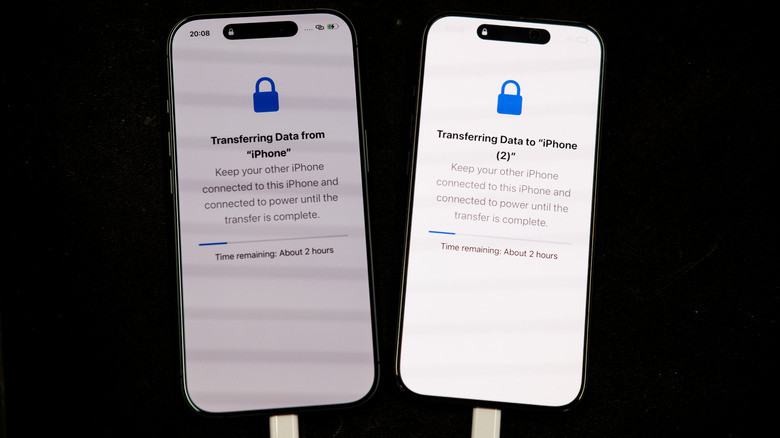
However, the best approach is to take the time to "clean up" your old phone before transferring data. Users should delete unused apps, remove unnecessary files, and only transfer truly essential data to the new device.
This helps new smartphones run more smoothly right from the start and prevents memory from becoming overloaded quickly.
Rush to sell or discard your old phone.
After setting up their new phone, many people immediately sell it or erase all data on their old device. However, this may be a premature decision.
In the early days of use, problems such as missing data, unstable application performance, or login issues are entirely possible. At this point, an old phone will serve as a useful "backup option."
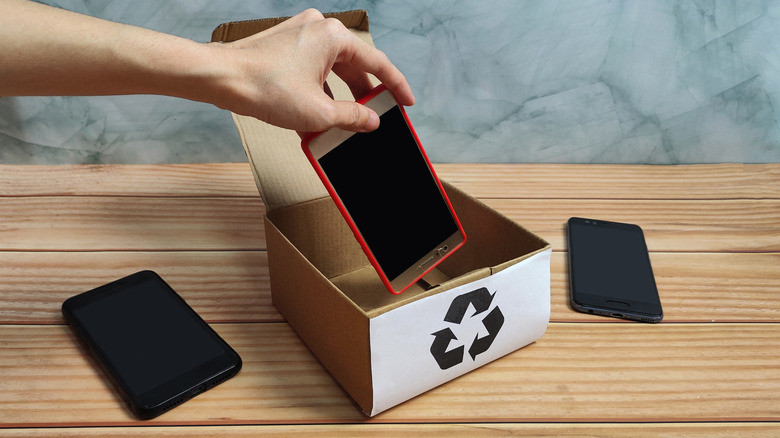
Users don't necessarily need to continue using their old devices daily, but should keep them for at least a few weeks before performing a factory reset or selling them.
Additionally, the original box and accessories of the new phone should also be kept. In case of warranty exchange or resale later, having the complete box and accessories usually makes the smartphone more valuable.


