
5 deadly mistakes when placing your Wi-Fi router that will make your internet connection as slow as a snail.
Did you know that the placement of your Wi-Fi router greatly affects your network speed? Incorrect placement can lead to slow Wi-Fi or even loss of connection. Discover 5 common router placement mistakes and how to fix them for a strong and stable network.
In the digital age, Wi-Fi has become an indispensable part of our daily lives. From work and study to entertainment, Wi-Fi plays a crucial role in connecting us to the online world.
However, not everyone knows how to optimize their Wi-Fi performance. One of the most important factors affecting Wi-Fi quality is the router's placement.
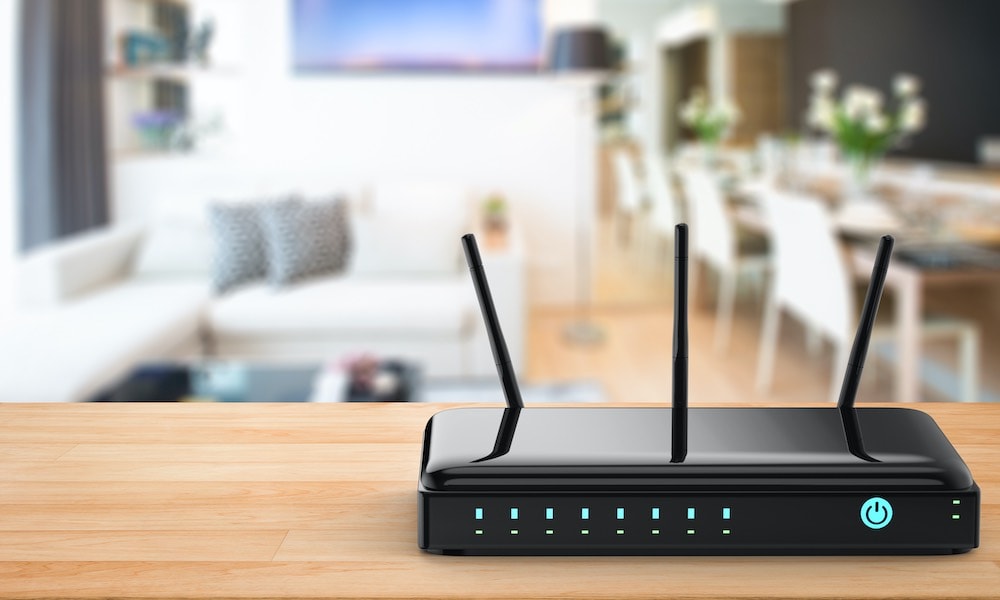
Placing your router in unsuitable locations can lead to weak signals, slow speeds, and unstable connections. This article will help you identify 5 locations to avoid when placing your Wi-Fi router, thereby optimizing your home or office Wi-Fi network.
1.Place the router on the floor.
The placement of your Wi-Fi router can significantly affect connection quality. Placing it on the floor doesn't mean you'll lose the signal completely, but it won't perform optimally.
Imagine a router as a light bulb illuminating a room; if placed on the floor, the light will be blocked by furniture and walls, limiting the illuminated area.
Conversely, if placed on a high table or shelf, the light can spread evenly throughout the space. The same applies to Wi-Fi routers; placing them higher up helps you receive a stronger Wi-Fi signal.
However, mounting the router directly on the wall isn't the best option. Walls can weaken or obstruct the signal, resulting in less effective Wi-Fi.
Instead, place the router on an open surface, about 30 cm away from the wall, to ensure the signal is not blocked and can spread optimally throughout your space.
2.Place the router behind the sofa.
If you're looking for a "neat" place for your router in the living room, you might consider putting it behind the sofa. It sounds convenient, but it's a mistake, just like placing the router against a wall or directly on the floor.
Technology experts suggest that users should minimize the number of solid obstacles that Wi-Fi signals need to pass through.
Although sofas aren't as dense as walls, they can still weaken Wi-Fi signals, significantly reducing connection speeds. To ensure a strong and stable signal, choose an open location that isn't obstructed by large pieces of furniture.
3Place the router in the basement.
Some people hate the look of their router so much that they hide it in the basement. However, this is a big mistake in setting up a home network. The most important principle is to place the router where you use the internet the most, and obviously, that's not the basement.
Besides poor coverage, basements also harbor many potential Wi-Fi signal interference factors. For example, fluorescent lights, electrical wiring, or copper pipes on the ground floor can all significantly affect connection quality.
Therefore, if you want a strong and stable Wi-Fi signal, place your router in a central, open location, not in a hidden spot like a basement.
4.Place the router inside the cabinet.
Hiding your router in a cabinet might seem like it would make the space tidier, but it's a serious mistake. Not only does it degrade Wi-Fi signal strength, but placing the router in a confined space also risks overheating, affecting performance and lifespan.
In fact, there have been unfortunate incidents. A woman in Florida (USA) reported that her house was destroyed in a fire that may have been caused by her Wi-Fi router.
While this is a rare situation, a more common risk is that your router will gradually degrade due to poor heat dissipation, and may even shut down automatically when it overheats. To ensure performance and longevity, place your router in a well-ventilated area, instead of hiding it in a cabinet.
5.Place the Wi-Fi router nearby.another router
Wi-Fi operates on its own radio frequency band, and any device broadcasting on the same band can cause interference, including other routers. Receiving devices like TVs or smart speakers won't affect your Wi-Fi, but if you have multiple routers or network ports close together, you might experience problems.
This doesn't apply to mesh Wi-Fi systems, which are designed to use multiple routers simultaneously to extend coverage. However, if you have multiple separate routers that aren't part of the same system, they can interfere with each other.
If you want to improve your Wi-Fi signal, choose a Wi-Fi Mesh system or upgrade your router instead of placing multiple individual routers close together.
So where should you place your router to get the best signal?
Choose a central location in the house.
For optimal Wi-Fi coverage, the router should be placed in the center of the house, rather than in a corner or against a wall. This helps distribute the signal evenly throughout the space, instead of having a strong signal in one area and a weak signal in others.
Place the router in a high, well-ventilated location.
The router should be placed at least 1–1.5 meters above the ground to avoid signal absorption or obstruction from the floor and low furniture. Ideally, place it on a shelf or table, avoiding placing it directly on the floor.
Avoid obstacles and interfering devices.
For optimal Wi-Fi performance, keep the router in an open space, avoiding placing it too close to objects like thick walls, wooden cabinets, or tempered glass. It's especially important to avoid placing it near electronic devices such as microwaves, TVs, and Bluetooth speakers.
A solution to hide the router without affecting the signal.
If you don't like seeing the router, you can place it in a wicker basket, plastic box, or open shelf to keep the space tidy while still ensuring signal flow. Avoid using metal boxes, as metal can block and interfere with Wi-Fi.
If you're experiencing slow Wi-Fi, check your router's placement immediately. Don't forget to share this article to help your friends and family get a smoother internet connection.


