
5 essential security features your new smartphone should have.
In an era where personal data has become a "gold mine" for cybercriminals, smartphones need not only powerful specifications and a beautiful design but also exceptional security. Before upgrading to a new device, make sure the phone you choose has these five important security features.
Today's smartphones are not just tools for making calls, sending texts, or browsing social media; they are also silent "digital bodyguards," equipped with a range of safety features that can help you overcome critical situations, even saving lives in life-or-death moments.
Whether you're using an iPhone, Samsung Galaxy, Google Pixel, or any other Android phone, most modern mobile operating systems have built-in emergency support tools. The problem is that many users are unaware of their existence or have never activated them.
Therefore, when buying a new phone, in addition to installing apps and logging into social media, you should take a few minutes to set up security features. This seemingly small step can help you avoid countless problems, from theft and accidents to life-threatening situations.
Here are 5 of the most important safety features on smartphones that every user should know.
1. Emergency SOS call: When every second counts.
In emergency situations like accidents, attacks, or other dangerous circumstances, every second can be a matter of life and death. You don't have time to unlock your phone, enter a password, or search for a phone number. That's where the emergency SOS feature comes in handy.
On an iPhone, you can simply press and hold the power button and the volume button, or swipe to select "Emergency" directly from the lock screen to quickly call emergency numbers (e.g., 113, 115). Newer iPhone models also automatically activate location reporting and send alerts to loved ones.
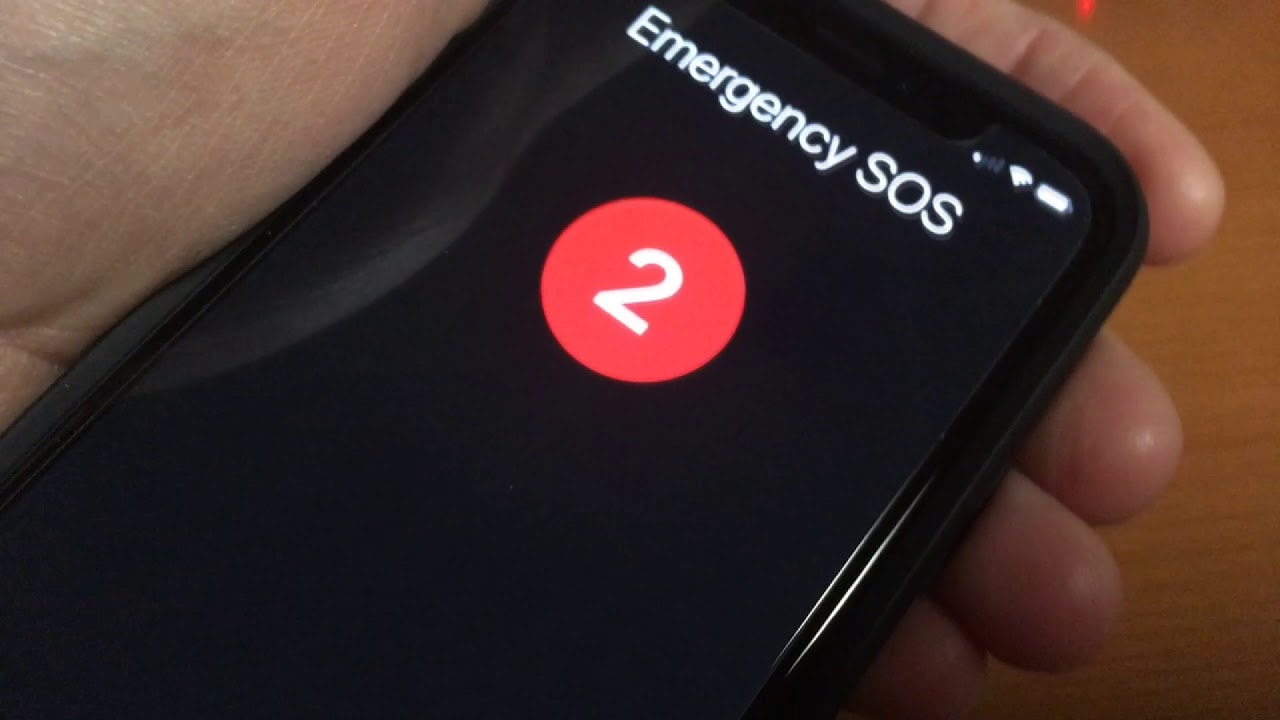
With Android phones, this feature is located inSettingnewsSafety & Emergency(Safety & Emergency). Once activated, you can choose to automatically call after a few seconds of countdown or require confirmation before dialing. Some Samsung and Pixel models also allow sending automatic location messages to emergency contacts.
However, it's important to note that SOS only works when there's a cellular signal and is not available if you turn it on.Airplane modeorSave battery power.
2. Automatically alert family members in case of an incident.
Your phone can not only call for help, but it can also automatically notify your loved ones if you are in danger. This is one of the less-noticed features, but it is incredibly useful in emergencies or traffic accidents.
iPhone 14 and later users can add “Emergency contact" in the appHealth(Health), in the sectionMedical ID(Medical ID). When you call an emergency number (such as 115), your iPhone will automatically send a notification and your current location to your loved ones, and it will continuously update if you move.
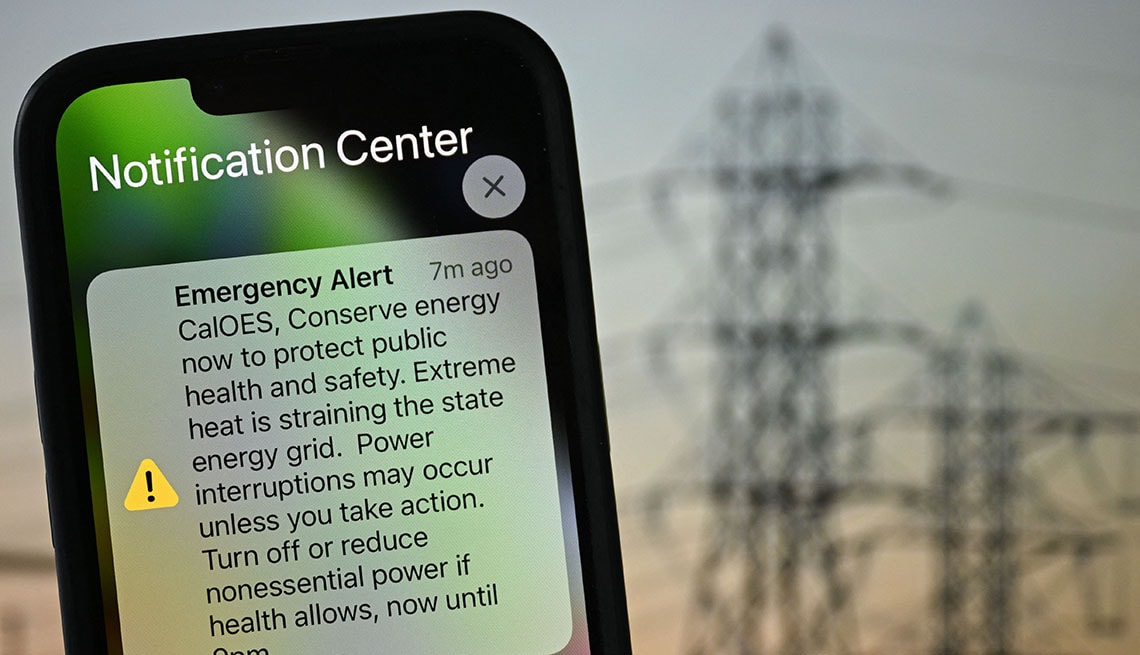
With Android, the same feature is located within the app.Urgent(Emergency) orPersonal safety(Personal Safety). You can configure it to automatically send location notifications, device status, or images to trusted contacts in the event of a collision.
This real-time information helps families and rescue teams respond more quickly, especially in situations where you are unable to call for help directly.
3. Driving Mode: Minimize distractions, increase safety
According to statistics from the U.S. National Highway Traffic Safety Administration (NHTSA), more than 400,000 accidents each year are caused by using a phone while driving. And sometimes, just a notification or message lighting up the screen is enough to distract you for a few seconds—a long enough time to cause a disaster.
Both iPhone and Android offer this.Driving mode(Driving Mode) allows you to automatically mute notifications, hide messages, or enable automatic replies to avoid distractions.
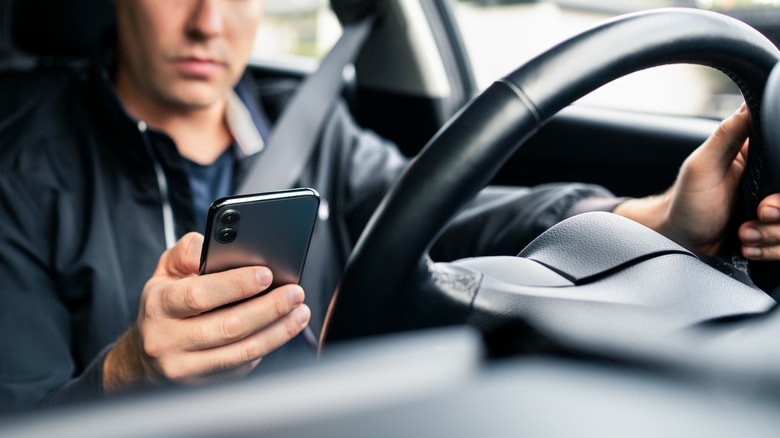
On iPhone, this feature is calledPassion Focus, located withinControl Center(Control Center). When activated, you can ask Siri to read messages, or set up automatic messages to notify others that you are driving.
On Android, findSettingnewsRegimen and HabitsWith Modes and Routines or Digital Wellbeing, you can set up custom rules such as blocking notifications, enabling dark mode, muting sound, or only allowing calls from important contacts.
This is a simple yet extremely effective form of protection, especially in an era where phones have become constant companions everywhere.
4. Anti-theft features: Protects data and devices.
Losing your phone not only causes financial damage, but also poses a serious security risk as personal data, bank account information, or work-related information may fall into the wrong hands.
Technology companies have enhanced security measures through smart anti-theft features, allowing you to remotely locate, lock, or erase data.
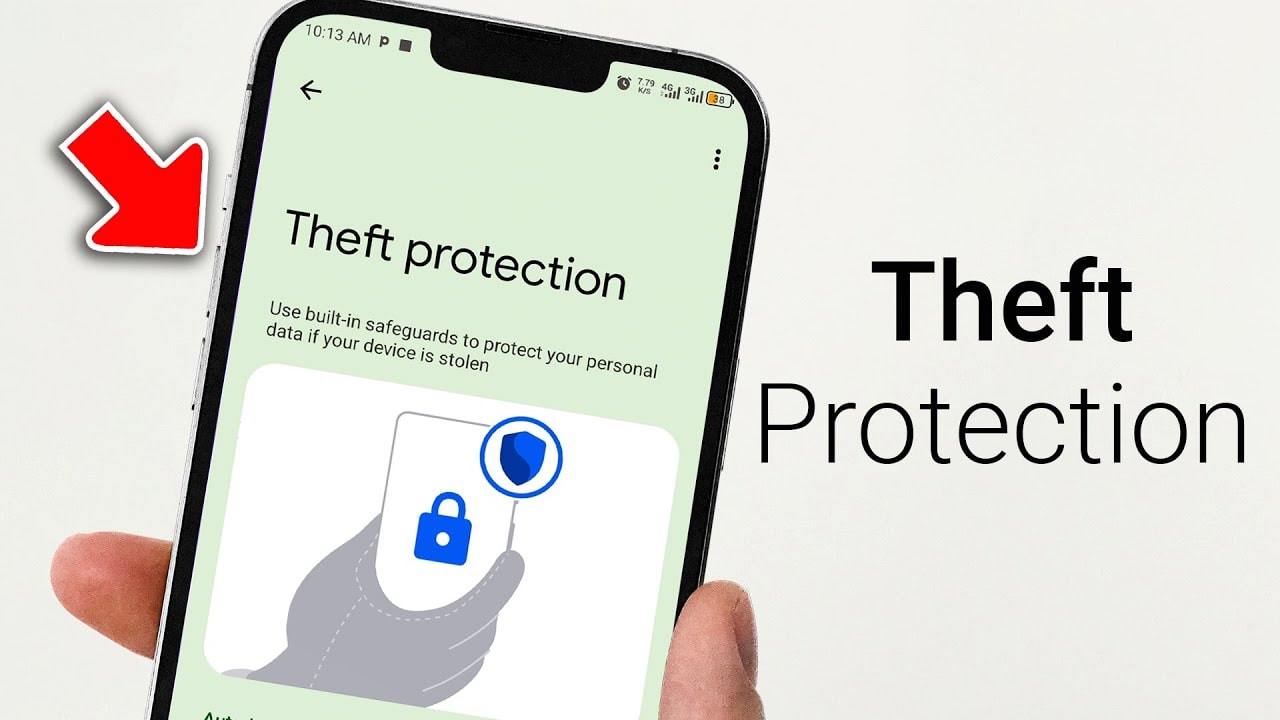
On iPhone, the featureProtecting against stolen equipment.(Stolen Device Protection) in iOS 17 and later will require Face ID or Touch ID authentication if someone tries to change the password or sign out of iCloud when the device is outside of a familiar area.
At the same time, the featureFind My iPhone(Find My) helps locate your position on a map, play a sound, or activate a device.Loss mode device(Lost Mode) to lock the device and display a contact message.
On Android, you can useFind my device(Find My Device) to help track location, remotely lock, or erase data. Some models also include this feature.Theft detection lock(Theft Detection Lock)Authentication failed(Failed Authentication Lock) goodRemote lock(Remote Lock) helps disable the device if there is suspicion of unauthorized access.
Thanks to these tools, you can minimize losses, protect personal data, and increase your chances of recovering your device.
5. Store emergency medical information: For when you are unable to speak up for yourself.
No one wants to think about emergencies, but accidents or strokes can happen at any time. If you are unconscious or unable to speak, medical personnel need information about your allergies, blood type, medications you are taking, or underlying medical conditions to provide the correct treatment.
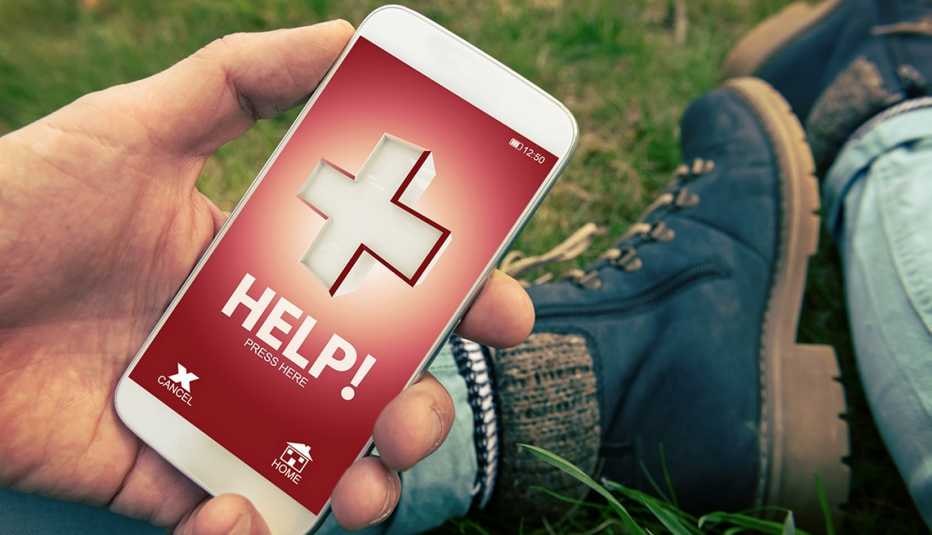
On iPhone, open the app.Health(Health), selectMedical ID(Medical ID) and enter your personal information, medications, allergies, and blood type. You can enable the "Display when locked"This allows healthcare workers to access information without unlocking the phone."
Android users can access the app.Personal safety(Personal Safety), add similar details and enable the "Display on lock screenSome devices also allow for the automatic sharing of medical information when calling for emergency assistance.
Setting it up only takes a few minutes, but in a critical situation, it can be the deciding factor between life and death.
In summary, tech companies are increasingly moving towards "user-centric safety," transforming phones into comprehensive personal protection tools. Whether you're an iPhone or Android user, proactively activating safety features not only protects yourself but is also a responsible act towards your loved ones and the community.


