
9 scams to watch out for when buying a used laptop for new college students.
While used laptops can significantly save freshmen money, they also carry risks such as misrepresented specifications, being stolen goods, or having pre-installed malware.
With new laptops facing price pressure due to rising component and storage costs, the used computer market has become an attractive option, especially for freshmen preparing for the new academic year.
However, a laptop advertised at a "bargain" price isn't necessarily a good deal. Buyers may face various scams from dishonest sellers or fraudsters.
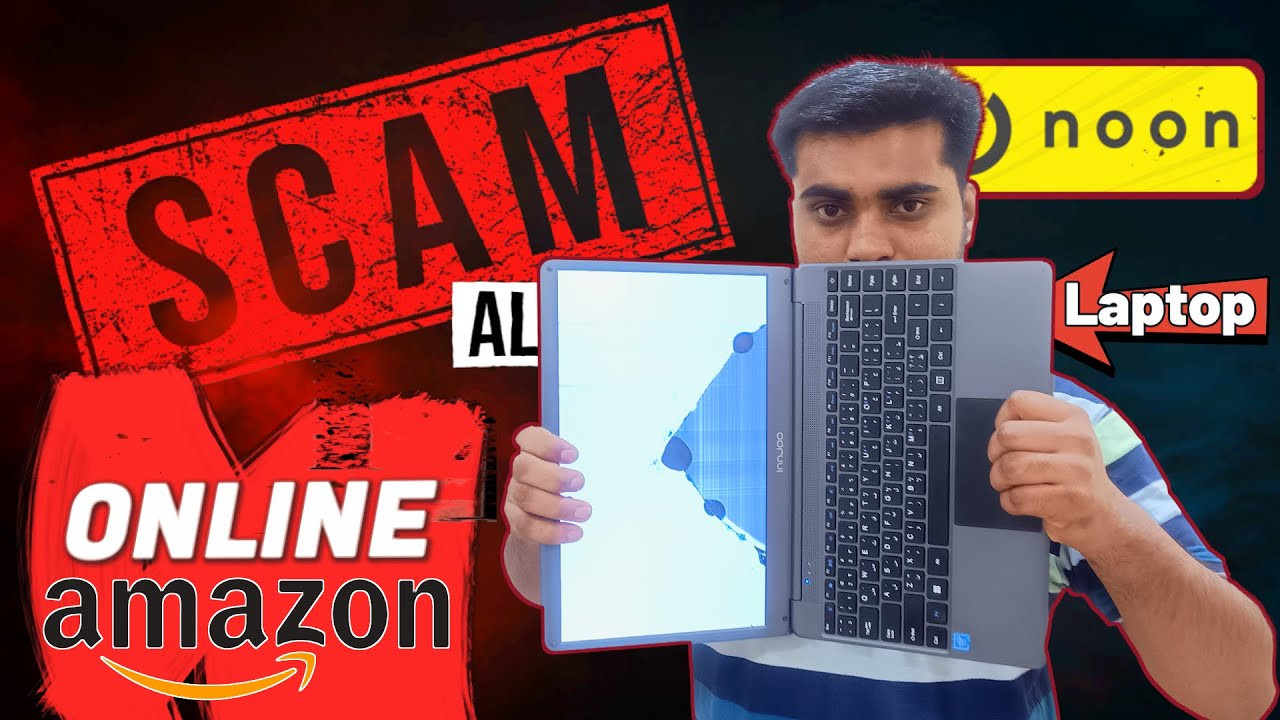
Below are some common risks that users should be aware of when buying a used laptop for new college students.
1. Creating a fake website to sell non-existent laptops.
Fake websites are becoming increasingly difficult to identify as scammers can use AI to create interfaces, images, and content that closely resemble those of real stores.
If you come across a used or refurbished laptop at an unusually low price on an unfamiliar website, do thorough research before buying. You can check user reviews on reputable platforms, verify the domain name, and check when the website was registered.
In particular, avoid sellers who require payment via cryptocurrency, gift cards, bank transfers, or other methods that do not offer a refund mechanism in case of disputes.
2. Selling laptops using stolen or AI-generated photos.
A listing with many attractive photos doesn't necessarily prove the seller actually owns the laptop.
Scammers can take photos from another listing and use them to sell a non-existent device. Even AI-generated images can make verification more difficult.
Buyers can use reverse image search or Google Lens to check if the image has already appeared elsewhere.
Notably, if the seller repeatedly makes excuses for not being able to show the device in person, urges payment because "someone is about to buy it," or refuses to meet in person, these are very clear warning signs.
3. Selling stolen laptops
A cheap laptop could be stolen property. If you buy one, you could lose both your money and the laptop if the rightful owner requests its return.
Before making a purchase, ask the seller to provide proof of origin, such as an invoice or order information.
If in doubt, you can request a photo of the device's serial number and check if the device has been reported stolen. When meeting in person, ensure the device can be logged in, is functioning normally, and is not locked by a business account.
4. The laptop's quality is not as advertised.
Another scam involves advertising a high-end model but delivering a different laptop with lower specifications to the customer.
To avoid being scammed, buyers should inspect the hardware directly instead of relying solely on information in Windows.
Tools like CPU-Z and GPU-Z can help accurately identify the CPU, GPU, RAM, and many other hardware parameters.
If you have time, run additional performance tests. A 10-15 minute test will not only confirm the configuration but also assess the cooling system and the machine's ability to operate under load.
5. Concealing a worn-out or damaged battery.
Laptops are generally subjected to more impacts and wear and tear than desktop computers. Therefore, a machine that looks good on the outside may still have serious problems inside.
Carefully check several key components such as the battery; screen; hinges; keyboard and touchpad; ports; casing and cooling system.
With Windows laptops, buyers can use the command `powercfg /batteryreport` to generate a battery status report.
If possible, check both the bottom and the internal components for signs of repair, corrosion, or liquid ingress into the machine.
6. Counterfeit refurbished laptops
Some sellers use the word "refurbished" to increase the value of laptops, even though in reality the machine has only been cleaned and had Windows reinstalled.
If buying a refurbished machine, you need to ask about the following factors:
Who carried out the renovation?
Has the battery been checked or replaced?
Are the components genuine?
- Has the cooling system been cleaned?
- Should the thermal paste be replaced?
- Is the SSD experiencing excessive wear and tear?
Is the device still under warranty?
If you have to pay extra for a "refurbished" laptop, buyers need to make sure that the refurbishment has actually been done.
7. The computer has malware or spyware pre-installed.
Used laptops may contain malware that the previous owner accidentally installed, or in some cases, may be intentionally infected with data-stealing software.
Therefore, after buying a used laptop, you shouldn't immediately use your personal accounts or save important data on it.

The safest approach is to erase all data and reinstall the operating system from scratch. If your computer supports secure erasure in the BIOS, you can use that feature; otherwise, you can create a bootable USB drive to erase the drive and reinstall Windows.
8. Payment methods that deprive buyers of protection.
Here's an important principle when buying used laptops online: don't accept payment methods that lack buyer protection just because they're cheap.
Sellers requesting cryptocurrency, gift cards, or other non-refundable payment methods should be considered a warning sign.
Platforms with buyer protection mechanisms are generally safer. However, even with these platforms, buyers still need to be wary of scams that trick them into switching to off-platform payment methods.
9. BIOS lock or activation lock
A laptop might be functioning normally but has its BIOS or enterprise management lock locked.
With a locked BIOS, users may not be allowed to change system settings or boot from a different drive. Laptops previously owned by a company may also still be managed by the old company's security system.
Therefore, if buying directly, check the BIOS before making payment. If buying remotely, this is a risk that is very difficult to assess.
In particular, if the device is still under the management of the previous company, the buyer may be virtually unable to use the machine until the managing entity removes the lock.
What should buyers check before purchasing a used laptop?
A cheap, used laptop might be a reasonable option, but don't just check the specifications and price.
Before making a payment, you should at least take these steps:
- Check the seller and the origin of the machine.
- Please request to see the machine in person if possible.
- Compare the CPU, GPU, RAM, and SSD specifications with the listing information.
- Check the battery, screen, keyboard, ports, and hinges.
- Run a test run of the machine for about 10-15 minutes.
- Check the BIOS and enterprise management keys.
- Payment methods that lack buyer protection are not accepted.
- After purchasing, wipe the hard drive clean and reinstall the operating system before logging into your personal account.
Especially for students, saving a few million dong by buying a used laptop becomes meaningless if the machine quickly breaks down, gets locked, or causes users to lose data and money.
A cheap laptop is only truly a bargain when the buyer verifies the origin, specifications, and condition of the machine before making the payment.


