
Apple blocked the downgrade to iOS 26.1 after releasing iOS 26.2.
Apple has officially stopped signing iOS 26.1. This means that users who have upgraded to iOS 26.2 will not be able to downgrade.
Apple has officially stopped signing iOS 26.1, a routine move that occurs after a new version of the operating system is released. Therefore, iPhone users who have updated to iOS 26.2 will not be able to revert to version 26.1.
Downgrading the operating system via Finder on macOS or the Apple Devices app on Windows will no longer be possible with this version.
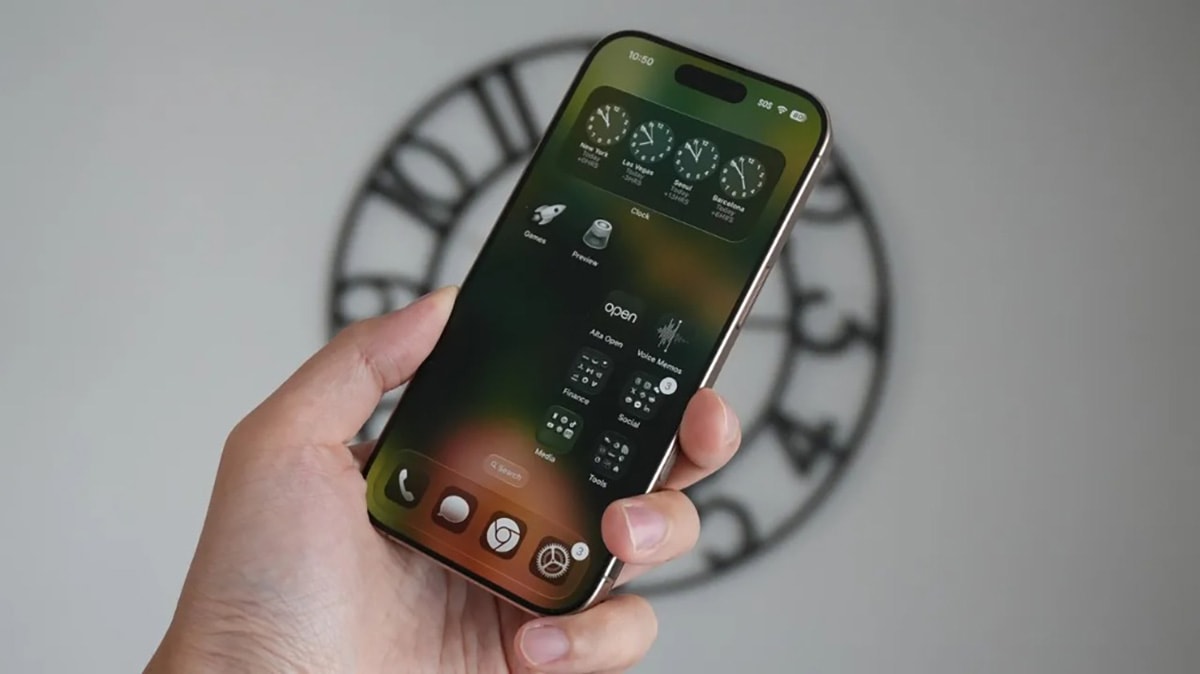
Why does Apple implement "signal lockout"?
"Signing" is a security verification step performed by Apple's servers. When a user installs a version of iOS, the device connects to Apple to confirm that the version is still "signed," meaning it has been approved by the company. If a version is no longer signed, the installation process will fail.
The primary purpose of this is to protect users. By preventing the installation of older iOS versions, Apple ensures that devices are running the latest software with critical security patches, minimizing the risk from vulnerabilities that have already been fixed.
Current status of iOS versions
Currently, iOS 26.2 is the only version of the software that users can publicly install. This version, released last week, brings several improvements such as the Liquid Glass slider for the lock screen clock and offline lyrics viewing in Apple Music.
Meanwhile, the next version, iOS 26.3, has its first beta available for developers and users participating in the public beta program.
Users of older versions are not required to upgrade to iOS 26.2. However, once they decide to upgrade, there is no way to revert to versions that Apple has stopped signing.


