
Apple has released a critical security update for older iPhones; users should install it immediately.
Apple has just released an emergency security update for some older iPhone models after discovering a dangerous exploit tool that could be used to gain unauthorized access to users' financial applications.
Apple has just released two new software updates: iOS 15.8.7 (build number 19H411) and iOS 16.7.15 (build number 20H380). These updates are specifically for older iPhone and iPad devices that are no longer eligible for upgrades to newer iOS versions.
According to Apple, these updates focus on patching critical security vulnerabilities and fixing several software bugs that could affect device performance.
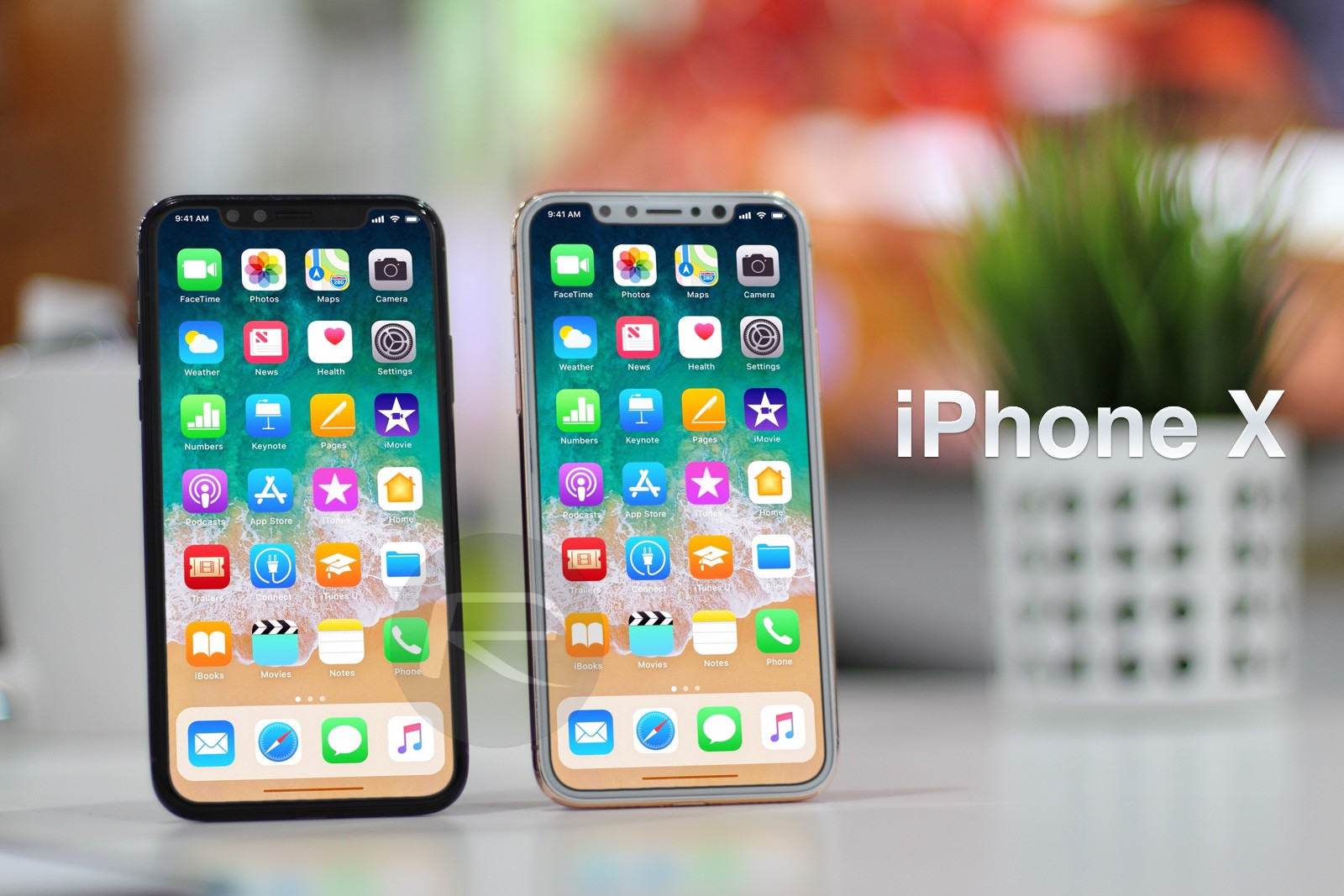
The iPhone models receiving iOS 16.7.15 include the iPhone X (released November 2017), iPhone 8, and iPhone 8 Plus (released September 2017). These devices cannot be upgraded to iOS 17.
Meanwhile, devices receiving iOS 15.8.7 include the iPhone SE (first generation), iPhone 7, and iPhone 6S. These models cannot be upgraded to iOS 16.
Apple also releases similar updates for several older iPad models. For example, iPadOS 16.7.15 is available for the 5th-generation iPad (released in 2017), the first-generation 9.7-inch iPad Pro (released in 2016), and the first-generation 12.9-inch iPad Pro (released in 2015).
Additionally, iPadOS 15.8.7 is also expected to be released for iPad Air 2 and iPad mini 4.
Why does Apple release these updates?
iOS and iPadOS updates typically include patches to fix software bugs and security vulnerabilities. Apple recommends that users install them as soon as possible, otherwise their devices could become targets for malware.
Apple has not yet disclosed details of the specific threat that led to the release of these updates. However, Google's Threat Intelligence Group (GTIG) recently discovered a dangerous exploit toolkit called "Coruna".
This toolkit targets iPhone devices running iOS 13 to iOS 17.2.1, which means operating system versions released between September 2019 and December 2023.
The primary goal of the attack was to steal login credentials for financial applications on mobile phones.
To install the new security update, users go toSettingnewsGeneral settingsnewsUpdate the software.Then follow the on-screen instructions.
Simply accessing a malicious website can lead to an attack.
According to security researchers, users can become infected with malware simply by accessing a website that has been infected with malicious code. These sites could be fake cryptocurrency sites or gambling websites.
After infiltrating the system, the Coruna malware identifies the iPhone model and iOS version being used, then selects the appropriate attack method.
This software is particularly dangerous because it can decode QR codes, scan text on phones to find keywords like "bank account," and collect login data from financial applications.
When it detects sensitive information, the malware will switch from search mode to data theft mode.
Furthermore, Coruna can scan the user's photo library. Thanks to optical character recognition technology, it can read text within images.
This is especially dangerous because many people have a habit of taking photos of their passwords or account information, inadvertently turning their photo library into a valuable data source for hackers.
After gathering enough information, hackers can attempt to log into the victim's online banking account from another device.
In some cases, if Coruna detects that a user is installing a specific banking app, it can even download additional attack modules specifically designed for that app.
The Lockdown mode can help prevent attacks.
One notable point is that the Coruna malware is believed to stop functioning if the iPhone is in Lockdown Mode.
This is a special security feature from Apple, designed to protect devices against sophisticated cyberattacks.
Users can enable this feature by going toSetting> selectPrivacy & Security> selectLock Mode(Lockdown Mode) > pressTurn on Lock Modeand enter the device passcode.
However, this mode will restrict some iPhone functions, so Apple recommends using it only when necessary to protect the device from serious cyberattacks.
Security experts recommend that users update immediately when patches are released, especially on older devices, to reduce the risk of vulnerability exploitation and protect personal data.


