
Apple releases a critical security update for older iPhone and iPad models.
Apple has just released iOS 16.7.15 and iOS 15.8.7 to patch critical security vulnerabilities for older devices that are no longer able to upgrade to the latest operating system.
Apple has officially released new software updates including iOS 16.7.15, iPadOS 16.7.15, iOS 15.8.7, and iPadOS 15.8.7. These versions are specifically designed for older iPhone and iPad models that cannot run the newer generations of iOS or iPadOS operating systems.
Protecting users on devices that no longer support the new software.
This move by Apple aims to ensure that mobile devices released years ago still maintain the necessary level of security. These updates don't introduce new features but mainly focus on strengthening the system, patching potential vulnerabilities, and protecting users' personal data from cyberattacks.
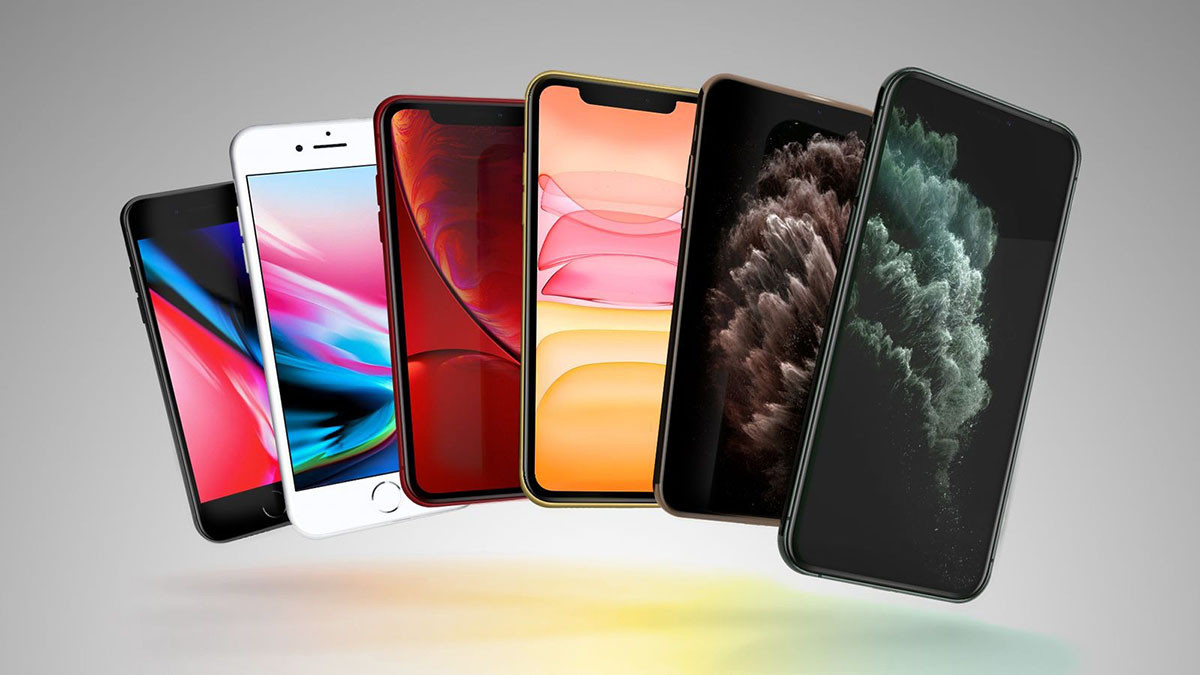
Maintaining software support for older devices allows users to continue using their machines stably and securely. This is especially important for customers who don't need to upgrade their hardware but still require a secure work and communication environment.
Apple's commitment to long-term device support.
Apple has long been known for its long-term software support policy. Typically, the company commits to providing security updates for iPhones for at least five years from launch. However, in reality, this support period often lasts much longer than initially promised.
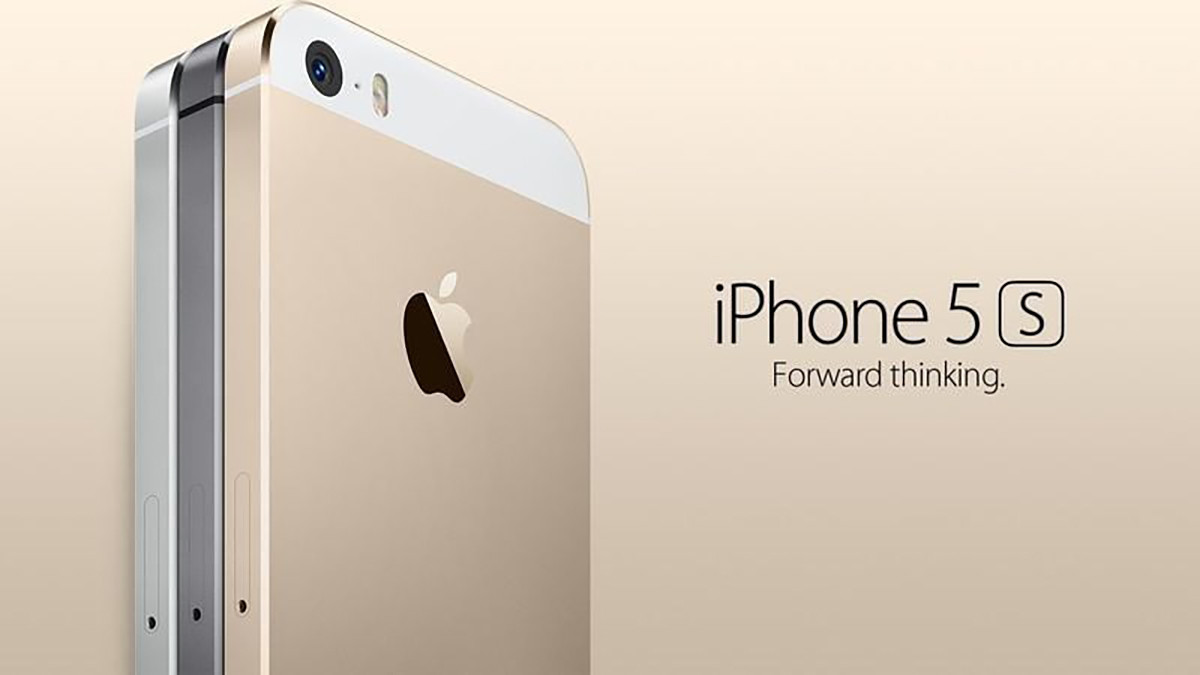
The clearest evidence is that the iPhone 5s still receives security updates even though the device was released 13 years ago. This is considered a major competitive advantage, helping to increase the product's lifespan and build user confidence in its durability.
Instructions for installing and upgrading software
To install the latest security patches, users can follow these steps:
- Open the applicationSetting(Settings).
- Access the sectionGeneral settings(General).
- SelectUpdate the software.(Software Update)
The upgrade process is quite fast and only takes a few minutes to complete, depending on your internet connection speed. For devices with automatic updates enabled, the system will automatically download and install the new software over the next few days while the device is charging and connected to Wi-Fi.


