
Unexpected and useful uses for the 'Windows' key on your keyboard.
You often work with computers but rarely use the "Windows" key, but in fact, this small key has many useful applications.
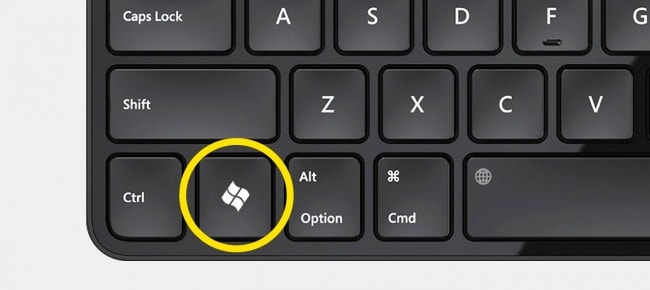 |
| The Win key on the keyboard is often overlooked because many people don't know its truly useful applications. |
Here are some very useful uses for the 'Win' key:
Win: Opens the Start Menu, or in Windows 8.1 it opens the previous window.
Win + MMinimize all windows.
Win + Shift + MRestore the minimized windows.
Win + LChange user or lock the device.
Win + PSwitch to connect to an external monitor or projector (only available from Windows 7 onwards).
Win + AOpen Action Center (in Windows 10).
Win + DMinimize all windows to display the desktop.
Win + EOpen Windows Explorer; in Windows 10, open Quick Launch.
Win + FOpen 'Find files and folders'.
Win + Ctrl + FOpen 'Find computers'.
Win + KOpen the Start menu – 'Connections' (in Windows 8 and 8.1).
Win + ROpen the 'Run' dialog box.
Win + UOpen Utility Manager.
According to Infonet


