
How to effectively free up 25GB of Android storage using the Files by Google app.
The Files by Google app provides a smart cleaning toolkit that helps Android users reclaim up to 25GB of storage space by removing junk files and duplicate data.
In today's technological era, with artificial intelligence (AI) features and large-scale language models deeply integrated into the Android operating system, storage space on phones is shrinking faster than ever before. Besides traditional files like photos and videos, system data and AI models can occupy tens of gigabytes of memory, directly impacting device performance.
Files by Google: An intelligent memory management solution.
To address the storage problem, Files by Google has emerged as a sophisticated and completely free file management tool. Beyond simply browsing files, this application integrates intelligent algorithms to analyze data structures, helping users accurately identify elements that are unnecessarily filling up memory.
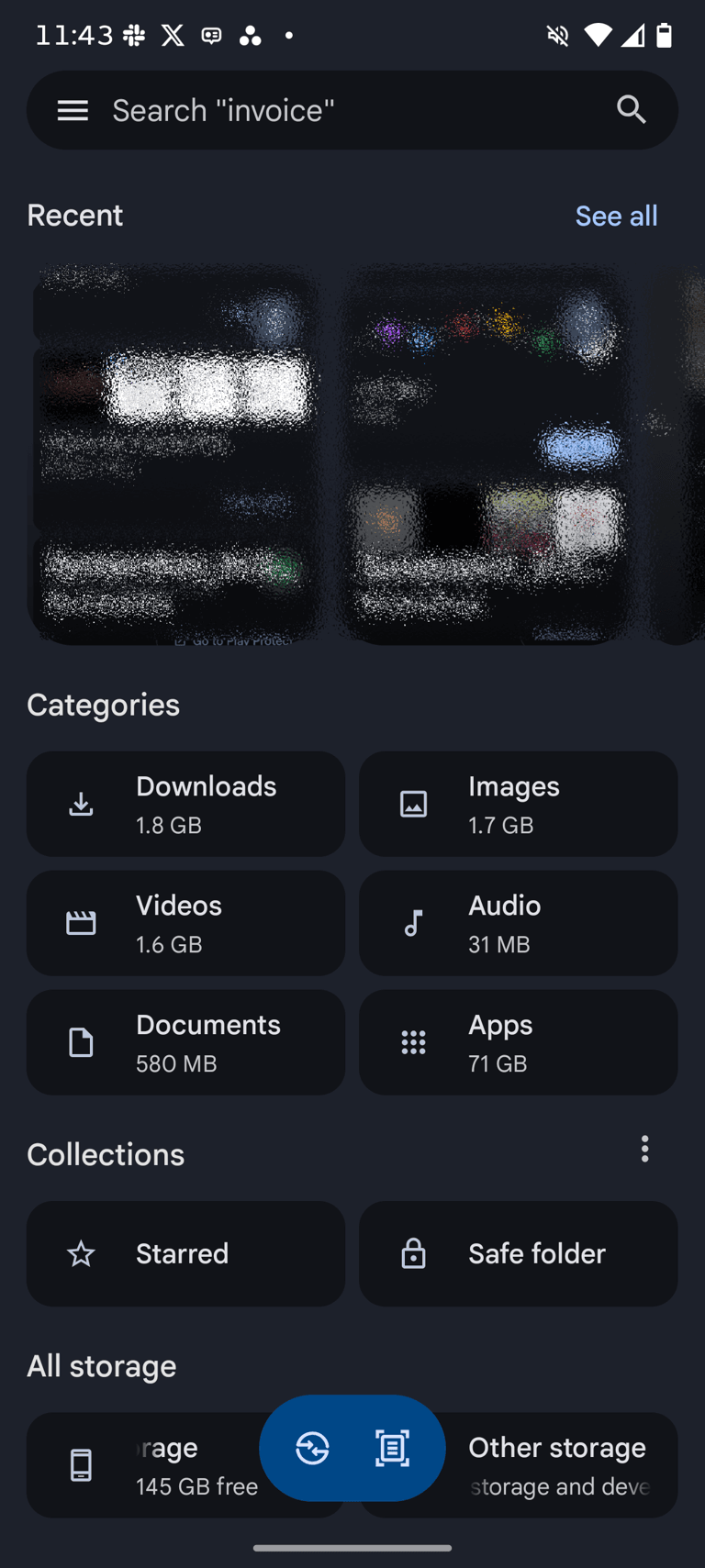
Junk data classification and cleanup mechanism
Files by Google's strength lies in its ability to scientifically categorize data through its Clean feature. Instead of manual review, the application automatically performs the following tasks:
- Identify duplicate files:The algorithm compares content to find identical photos, videos, or PDF documents that exist in multiple different folders.
- Filter out low-quality images:The system automatically separates blurry photos or memes with little practical value so users can consider deleting them.
- Manage screenshots:Old, often-forgotten screenshots will be grouped together for quick processing with just one touch.
- Statistics on rarely used apps:The application provides a list of software programs that haven't been opened in a long time, which is a group of data that takes up a large portion of system memory.
Fast memory optimization process
To start freeing up storage space, users simply need to follow these easy steps. After opening the app, access the three-line icon in the upper left corner and select "Clean." Here, all optimization suggestions will be displayed visually.
In addition to cleaning up junk files, Files by Google also supports searching for large files or videos downloaded from the browser. The ability to filter data by size and file type gives users complete control over what is taking up storage space.
Practical effectiveness and stability
Thanks to an automated and intelligent processing procedure, users can free up to approximately 25GB of memory in a short time. Maintaining sufficient free space not only increases storage for new photos but also helps the Android operating system run more smoothly, minimizing lag caused by excessively full cache memory. This is considered the most optimal and safest solution currently available to maintain performance for Android devices without the need for software that deeply interferes with the system.


