How to fix 5 bottlenecks causing unusually slow home internet.
Slow network speeds often stem from old Ethernet cables, outdated network switches, or hardware limitations. Check these 5 bottlenecks now to optimize performance.
Many users are frustrated when their internet speed isn't as fast as they'd hoped, even after subscribing to a high-speed plan. The cause could be as simple as an old Ethernet cable or, more complexly, the way their home network attached storage (NAS) system is set up.
1. The Ethernet network cable is too old or outdated.
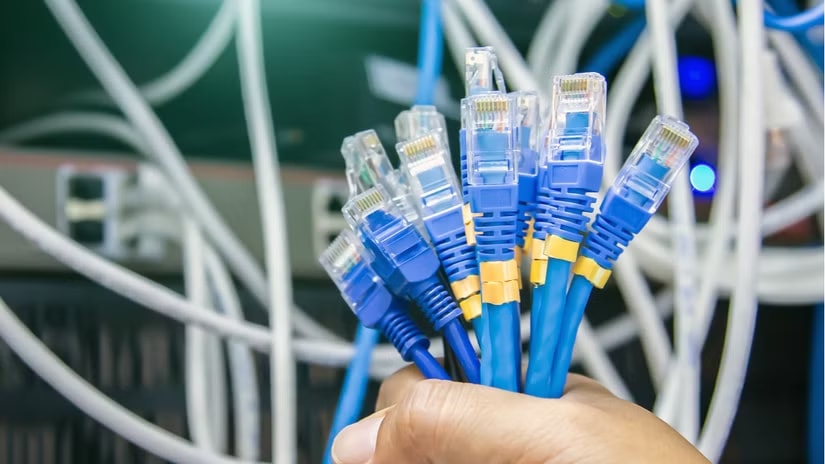
CAT5 cables are now outdated for modern networking standards. While theoretically capable of supporting gigabit speeds, they are unreliable for connections faster than 100 Mbps. If you're using CAT5 (or CAT5e in some poor conditions) cables to connect your NAS, computers, or switches, this is a bandwidth limiting factor.
2. Use a low-speed network switch.
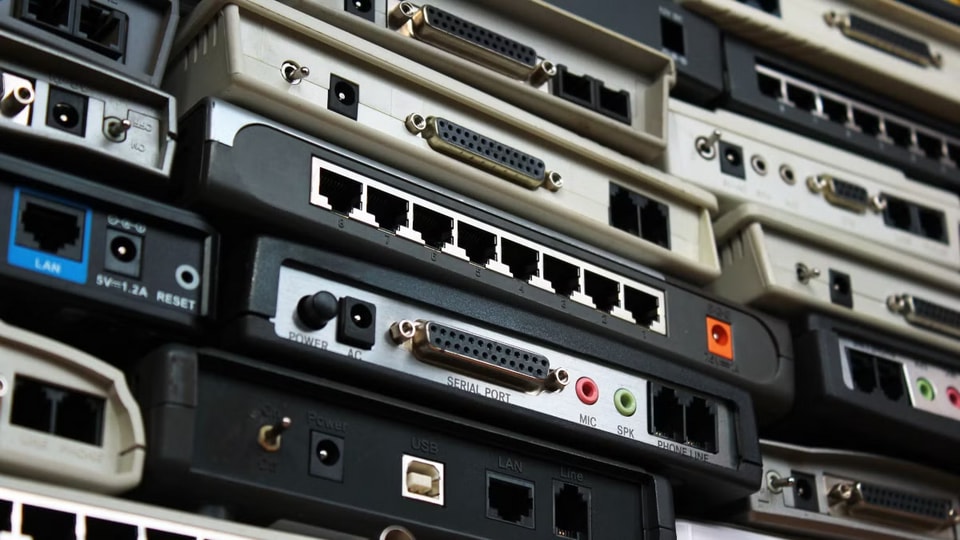
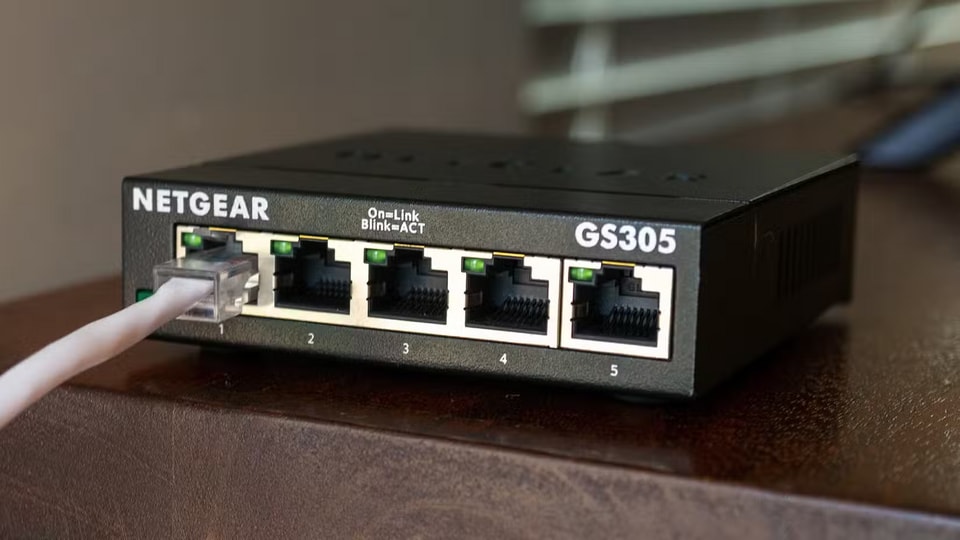
Accidentally using an old 10/100 switch in your network will immediately slow down all devices connected through it. These switches are often overlooked in remote locations such as attics or electrical cabinets. By 2026, there's no reason to maintain 10/100 equipment. Instead, you should replace it with a gigabit switch or faster standards to ensure you don't clog up the entire system.
3. The network card on your computer is not fast enough.
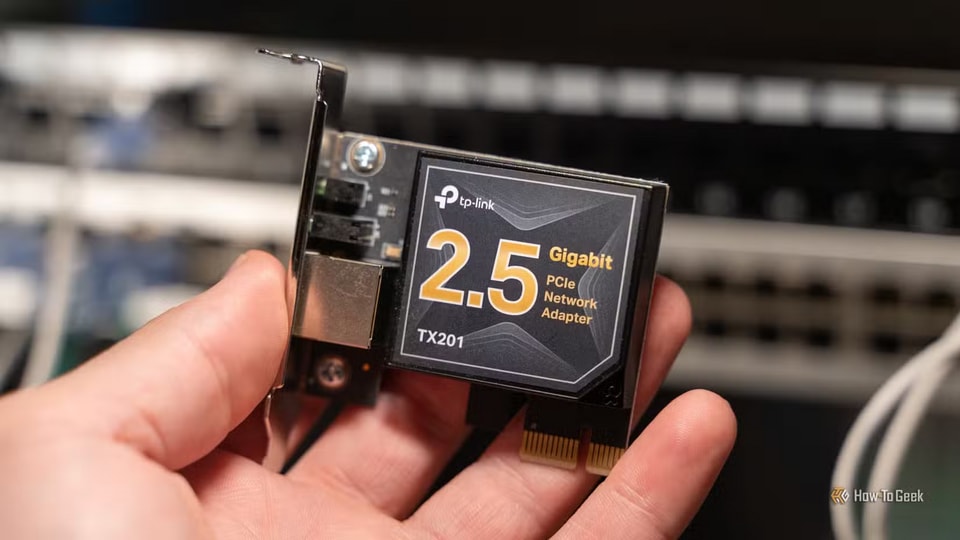
Gigabit network cards are a common standard, but they can become a bottleneck if you're deploying a multi-gigabit network (2.5Gb/s or higher). Many NAS devices now come equipped with 2.5Gb/s ports, but if your computer only has standard gigabit ports, transfer speeds will be limited. The solution is to upgrade to a PCIe 2.5Gb/s network card for your desktop or use a USB-C to 2.5Gb/s Ethernet adapter for your laptop, which is quite affordable.
4. The storage system does not meet the transmission speed requirements.
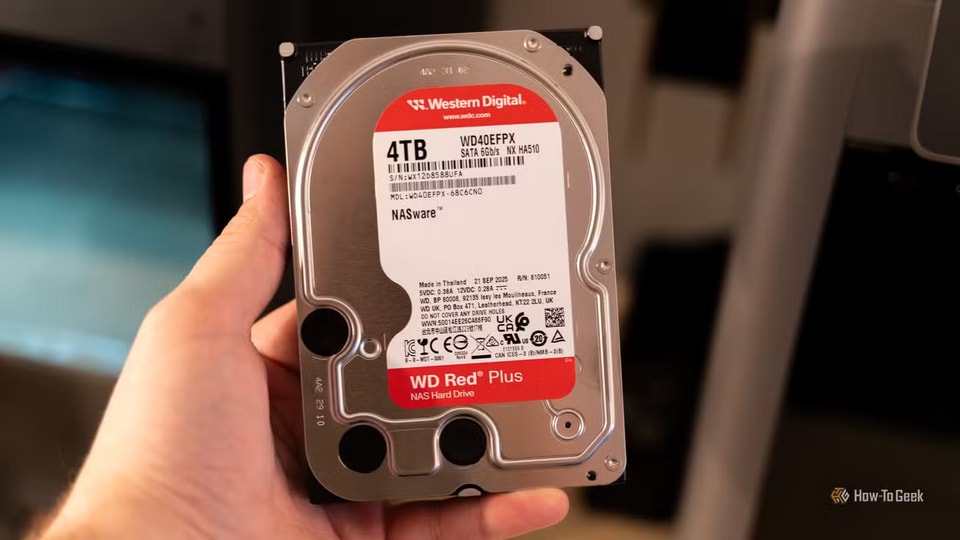
Network speed depends not only on the cables but also on the read/write capabilities of the hard drives. For example, if using two slow hard drives in a RAID1 configuration on a NAS, the actual speed will only reach about 100MB/s, failing to fully utilize the multi-gigabit connection. To overcome this, users can configure an SSD cache in front of the hard drives to increase the speed of temporary file writing before transferring it to the main hard drive array.
5. Internet packages with lower bandwidth than the local network.
It's important to distinguish between local area network (LAN) speeds and external network speeds (Internet from your ISP). You might have an extremely fast 2.5Gb/s local infrastructure for transferring files between computers, but if your internet plan only offers 300Mb/s, downloading data from Steam or other external sources will still be limited. In this case, the only solution is to upgrade your plan with your service provider.