
How to check if your Android device has been hacked.
Android devices have recently become targets for hackers, and you're worried about the security of your phone or tablet?
Recent security vulnerabilities in the Android operating system have become a major concern for users and cybersecurity experts alike. One of the most serious vulnerabilities is the Stagefright Security Bug, which allows hackers to easily install malware on Android devices with just a simple SMS message.
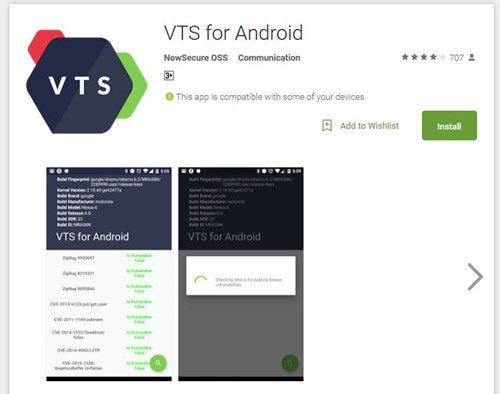 |
| The VTS for Android utility is now available for free download on the Play Store. |
Although Google quickly fixed this security vulnerability with the latest update to the Android operating system, it will take some time for this update to reach users, depending on the update schedules of manufacturers.
Therefore, if you are waiting for a new Android update and are concerned about the security of your Android device, follow these steps to check if the operating system is safe.
- First, download the Android Vulnerability Test Suite (VTS) app developed by NowSecure from the Google Play Store. This utility helps you check the security of your device by scanning the system for 22 critical security vulnerabilities, including Stagefright, and alerts you if your Android phone or tablet has been compromised.
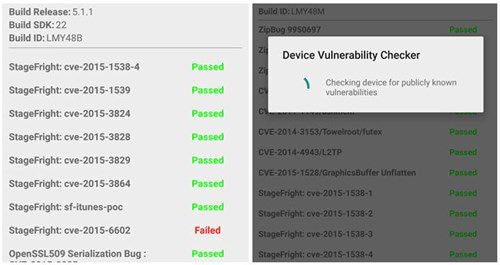 |
| The device's status when scanning with VTS. |
- The system security scan and check process takes approximately 30 seconds. Upon completion, if any "Failed" messages appear, you need to restore the system to its original state to ensure safety.
According to PCWorld
| RELATED NEWS |
|---|


