
HP 785M Review: An Ergonomic Mouse That Challenges Logitech
The HP Ultra-Fast Scroll Wireless Mouse 785M impresses with its magnetic scrolling system, sophisticated ergonomic design, and highly customizable performance at a price of around 100 euros.
The HP Ultra-Fast Scroll Wireless Mouse 785M is an ergonomic wireless mouse designed for optimal office productivity. Inspired by Logitech's MX Master series, this product integrates multiple programmable buttons, an auxiliary horizontal scroll wheel, and ultra-fast charging technology, promising to be a direct competitor in the high-end segment.
Detailed specifications
Here are the basic specifications of the HP Ultra-Fast Scroll Wireless Mouse 785M:
| Parameter | Detail |
|---|---|
| Model | HP Ultra-Fast-Scroll Wireless 785M |
| Connect | USB-C, 2.4 GHz, Bluetooth |
| Maximum sensitivity | 6000 DPI |
| Number of programmable buttons | 6 buttons |
| Weight | 123 g |
Ergonomic design and grip experience
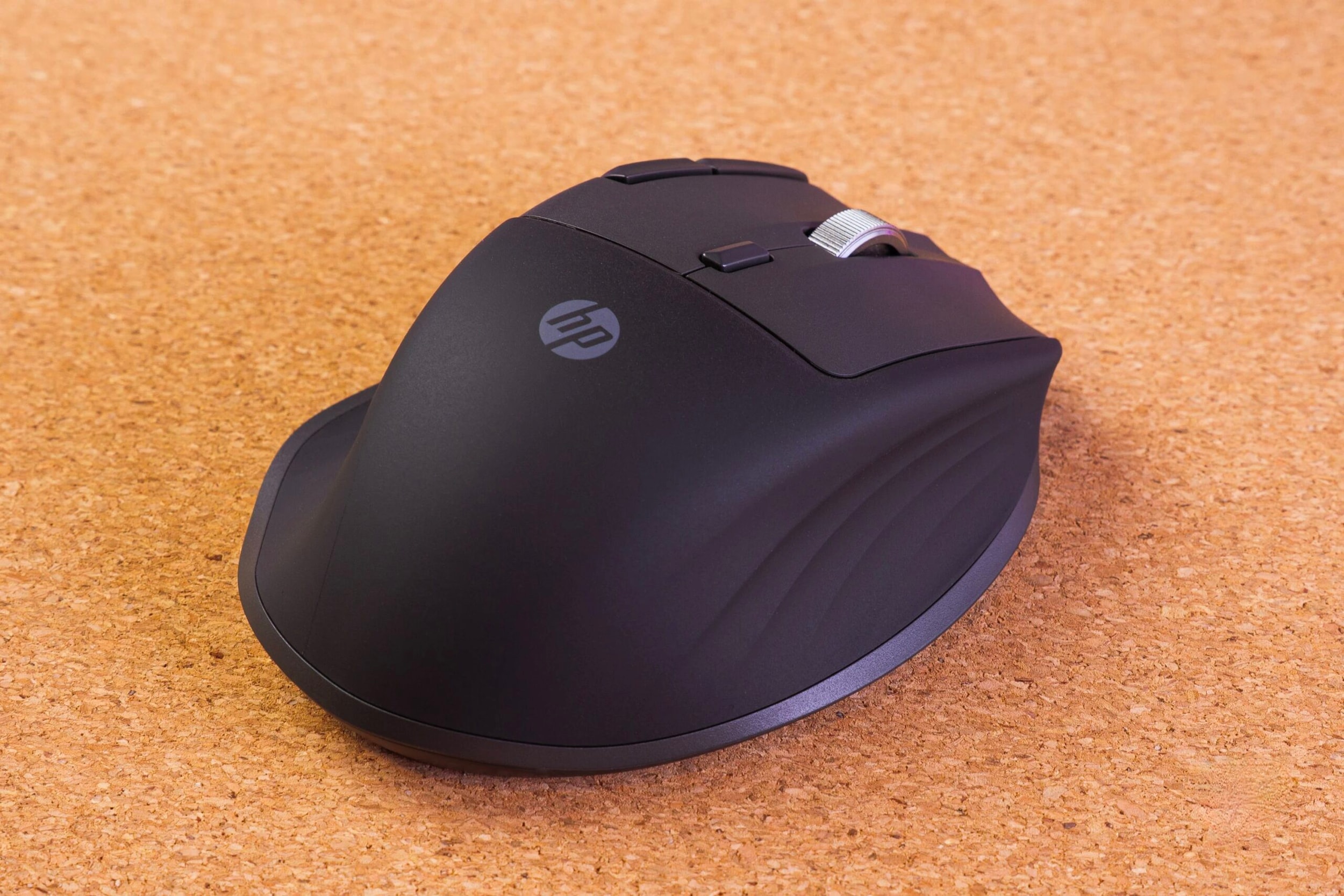
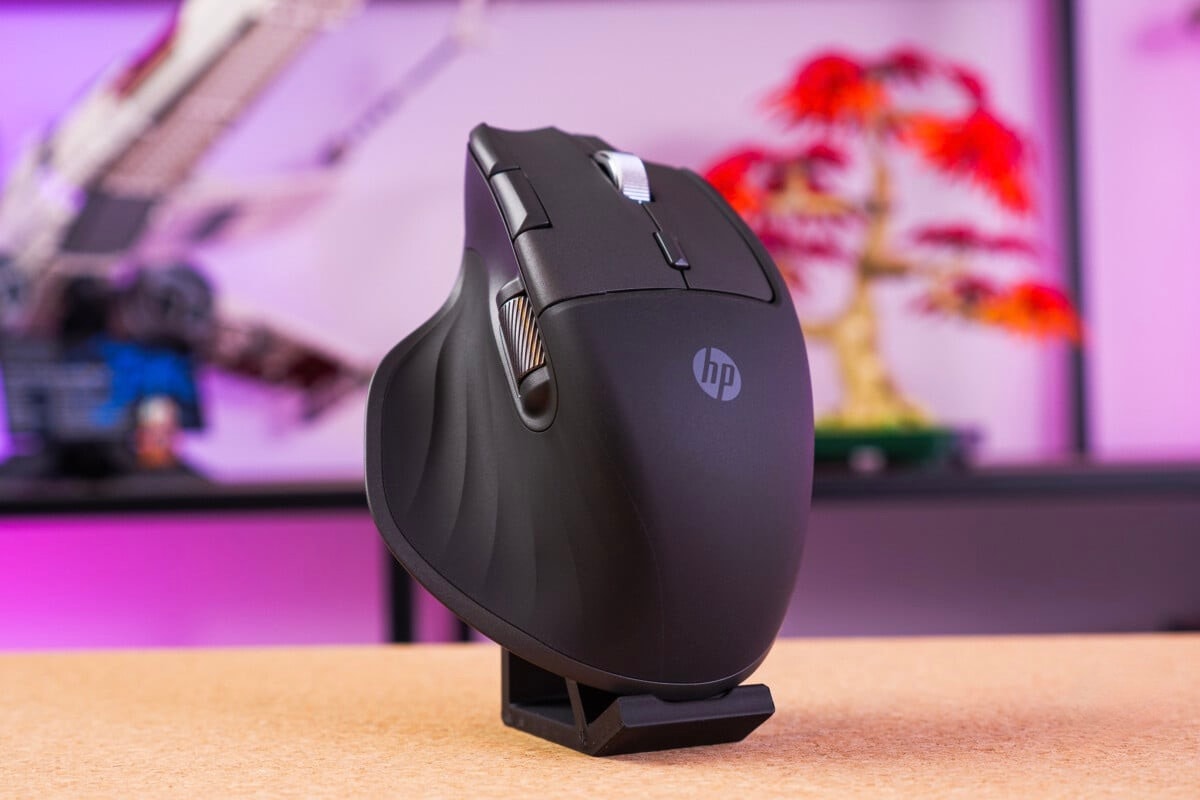
In terms of appearance, the HP 785M boasts a substantial design with a wide base, providing comfortable resting space for the thumb and fingers on the sides. Weighing over 120g, the mouse feels solid and stable while still ensuring agility during movement.
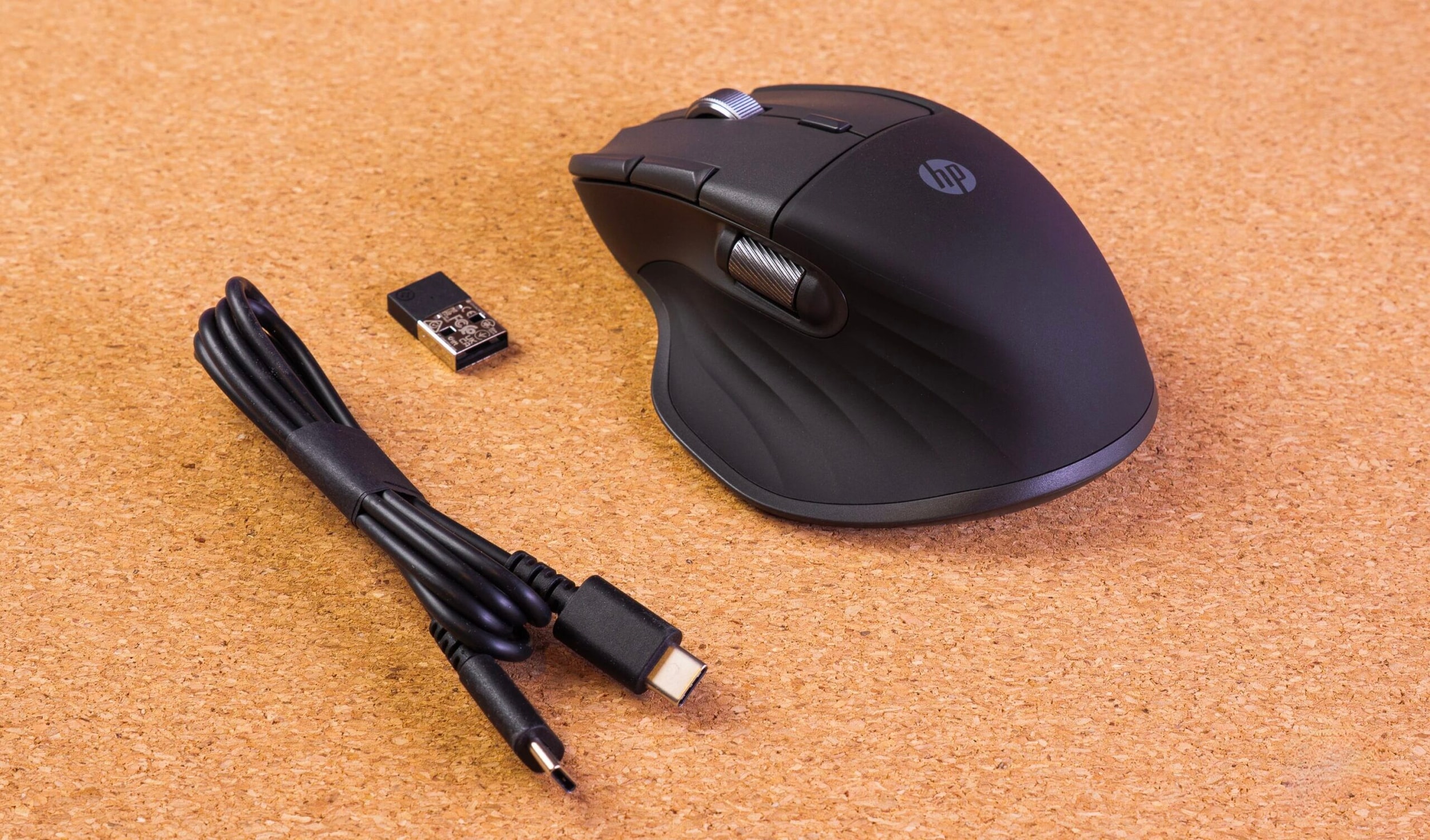
Despite its large size, the mouse body is quite compact. For users with average-sized hands, the palm may not fully touch the back of the mouse, creating a different experience compared to traditional ergonomic gaming mice.
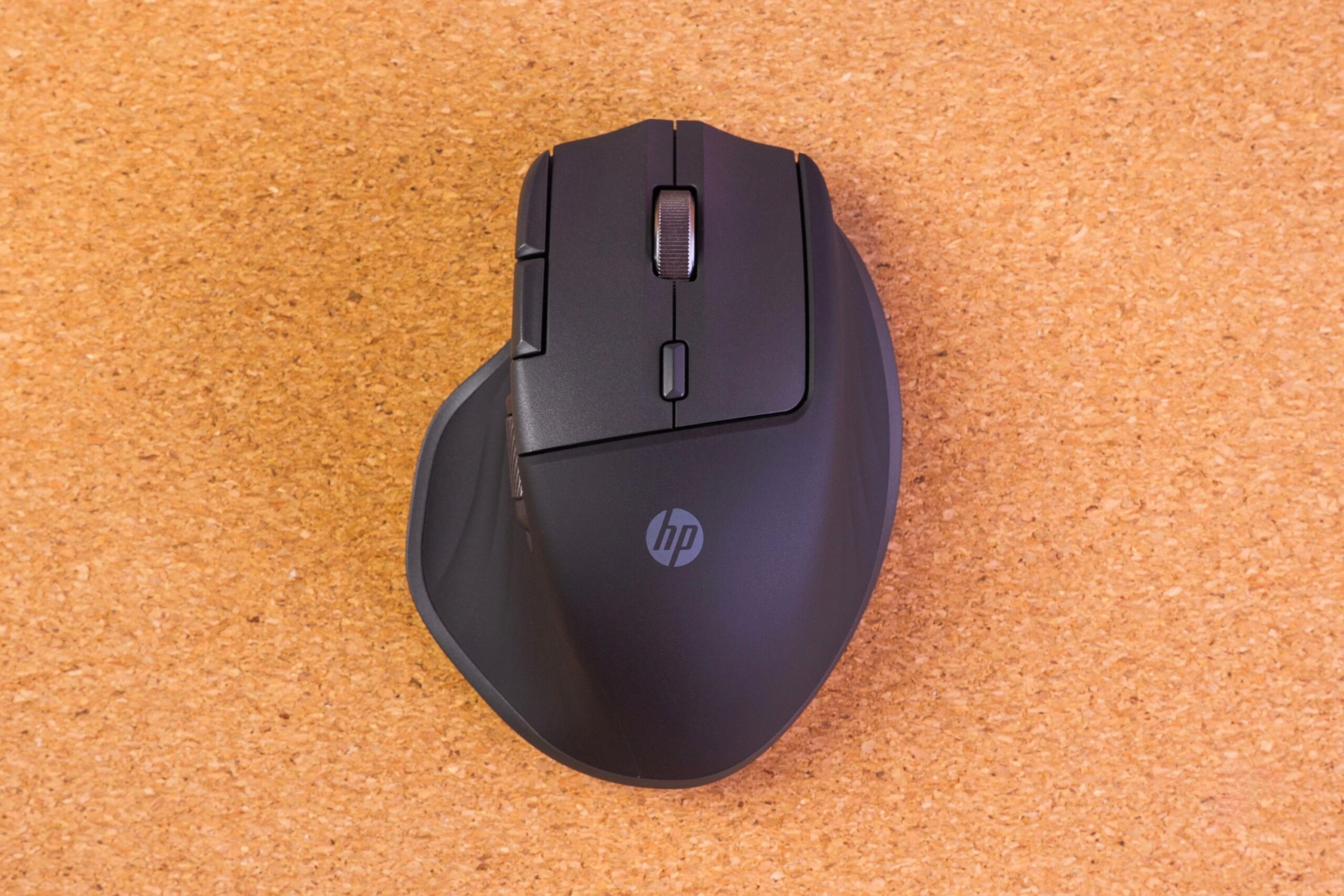
The mouse is primarily constructed from plastic. The main contact areas are covered with a soft, "peach skin"-like plastic coating, providing a pleasant tactile feel. The entire device uses a professional charcoal gray color scheme, suitable for modern workspaces.
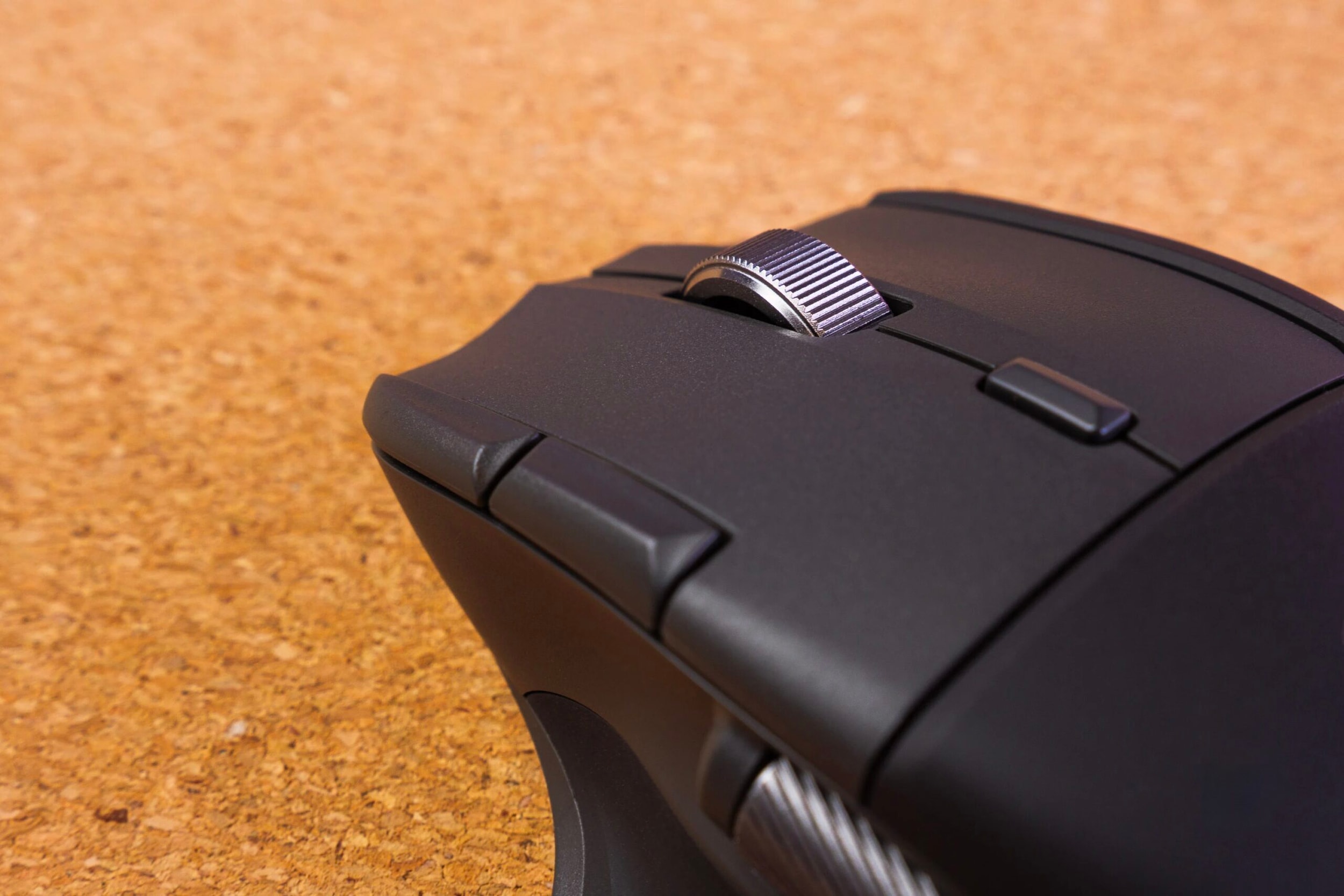
Magnetic button and scroll wheel system
Besides the two main, smoothly operating buttons, the HP 785M features two additional buttons next to the left button, replacing the usual side buttons. This change requires users a short time to get used to the button operation.
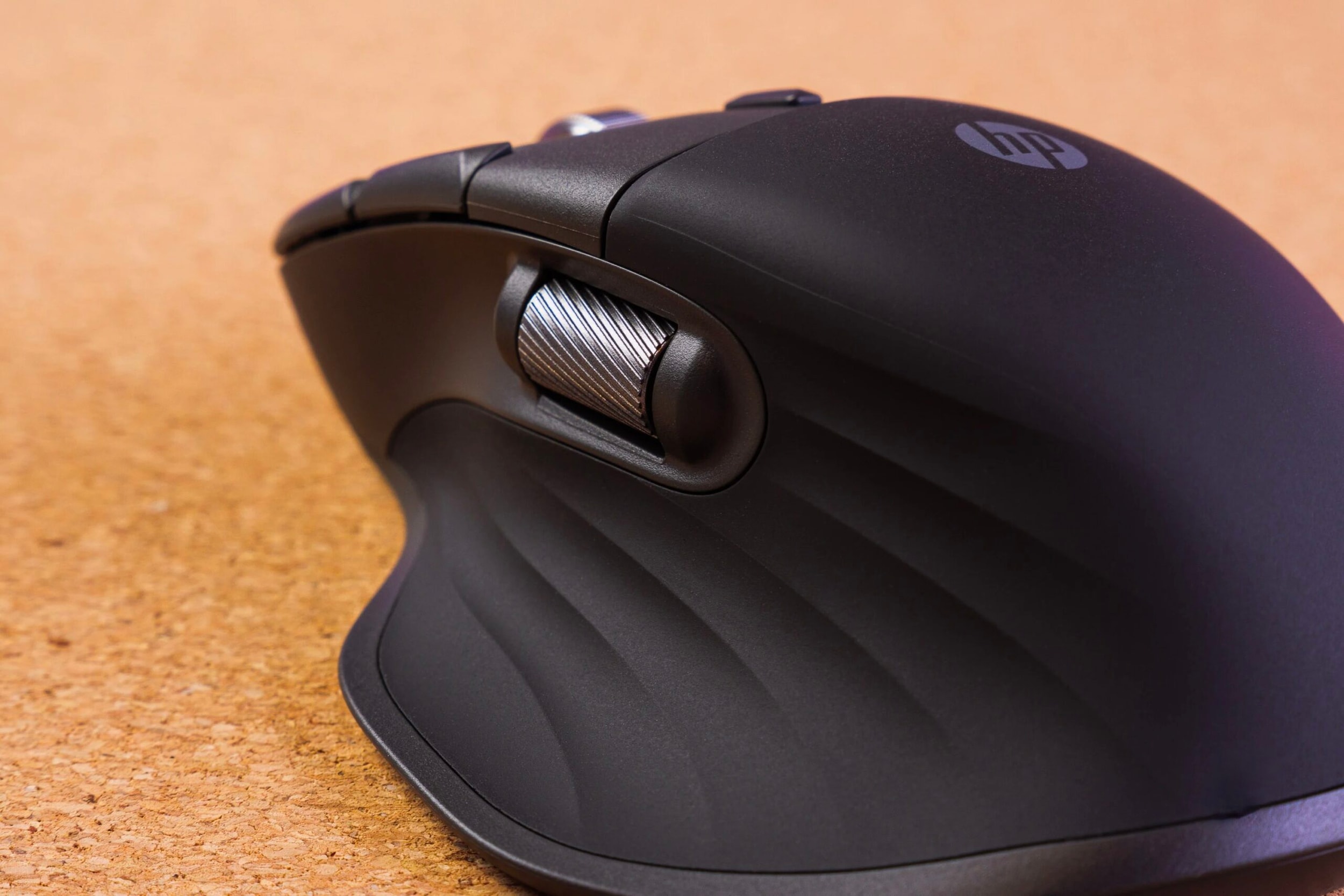
The technological highlight lies in the magnetic scroll wheel, which can switch between smooth free-scrolling and serrated scrolling modes. Additionally, a second horizontal scroll wheel positioned above the thumb makes handling long spreadsheets or video timelines more convenient.
Connectivity and battery life
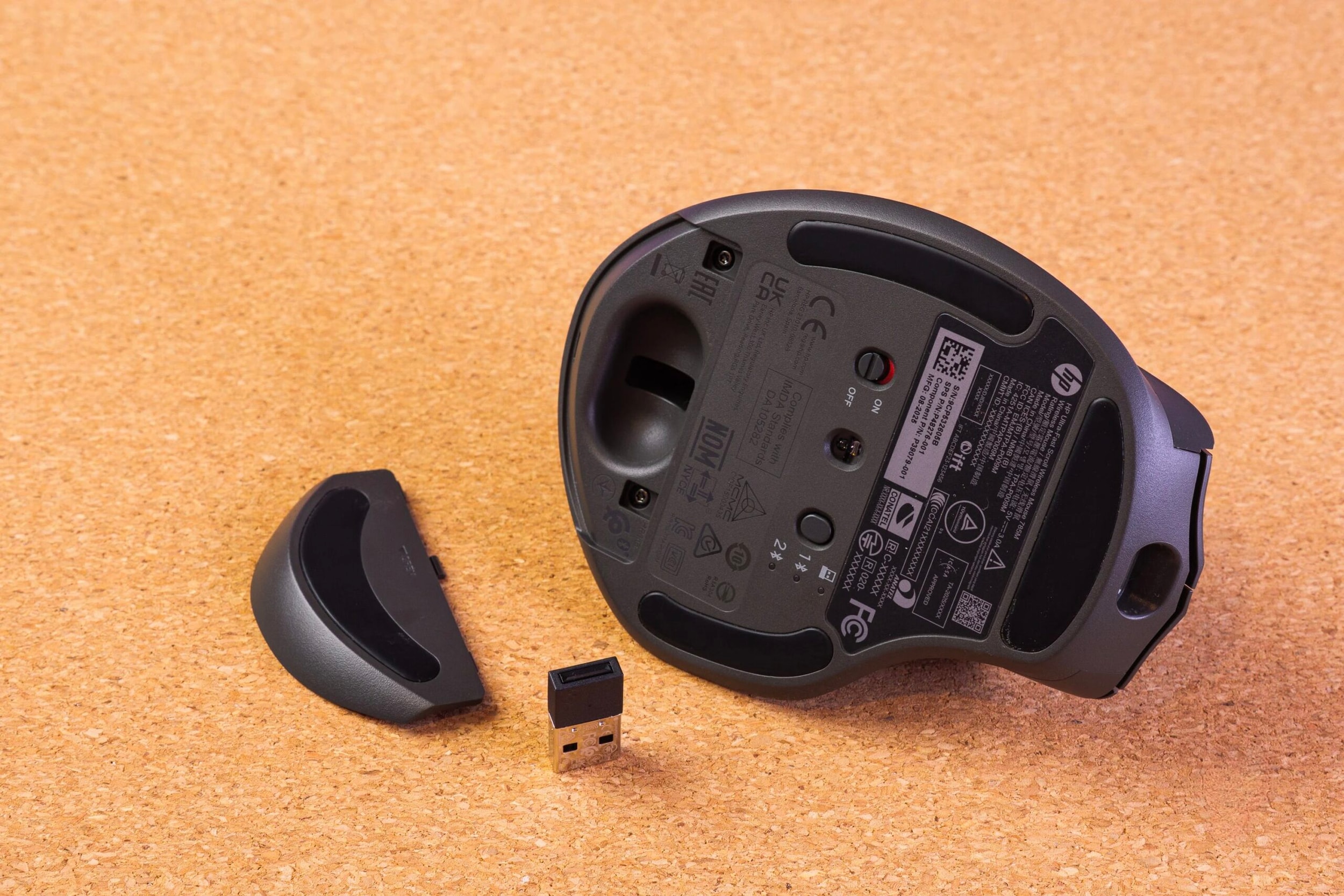
The HP 785M supports multiple connections via Bluetooth and a 2.4 GHz USB dongle. It allows simultaneous pairing with two Bluetooth devices and quick switching via a button on the bottom of the mouse. The manufacturer claims a battery life of up to one month. Notably, the fast charging feature via the USB-C port allows for significant energy recovery in just a few minutes of charging.
Deep customization via HP Accessory Center software
Right out of the box, the buttons are pre-assigned shortcuts like "Back" or "Next". However, the real power lies in the HP Accessory Center software, which allows users to reprogram all the buttons for specific applications.
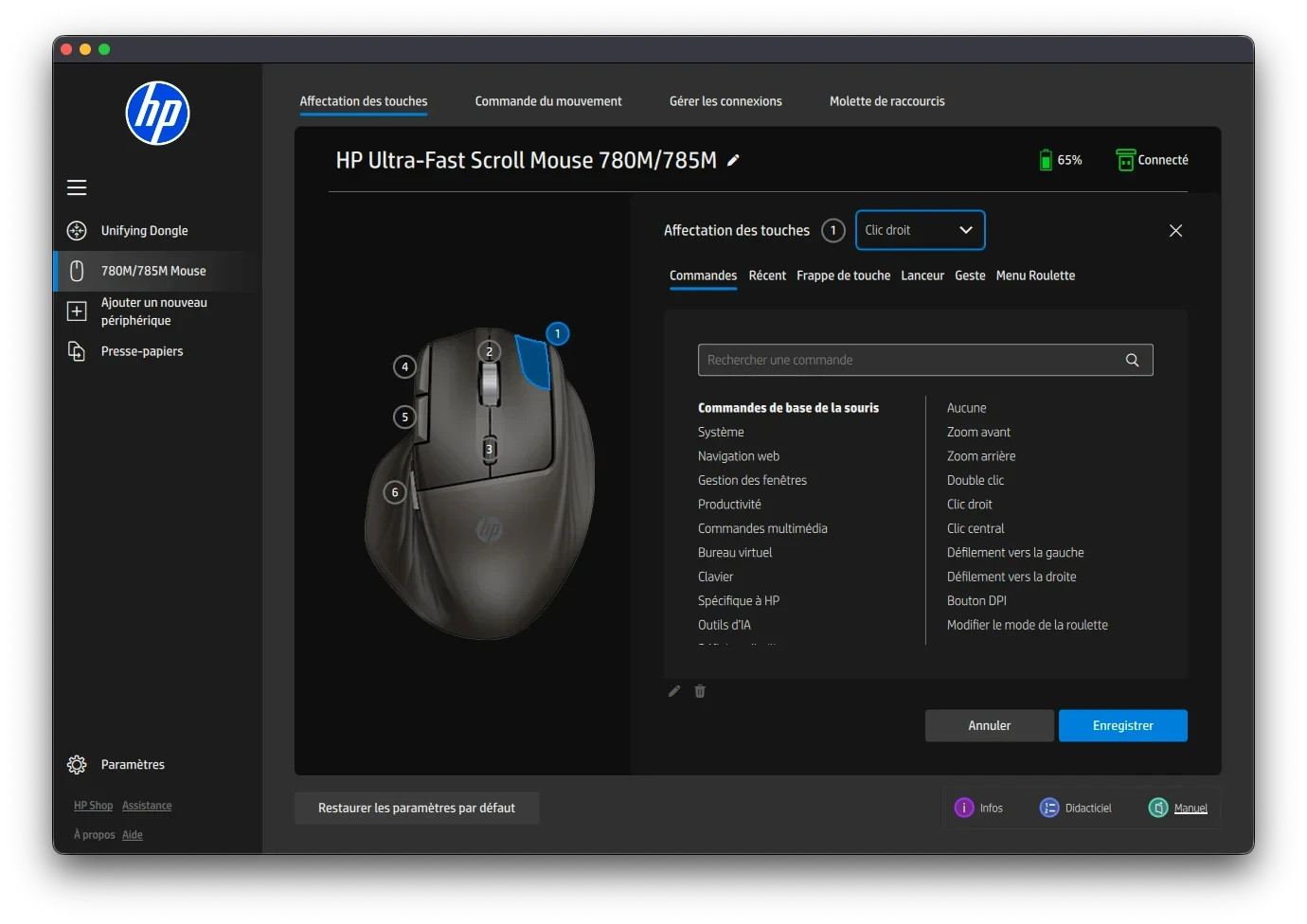
Key features include the Disposition Board and Action Ring, which optimize workflows within Office suites or graphics software like Photoshop.
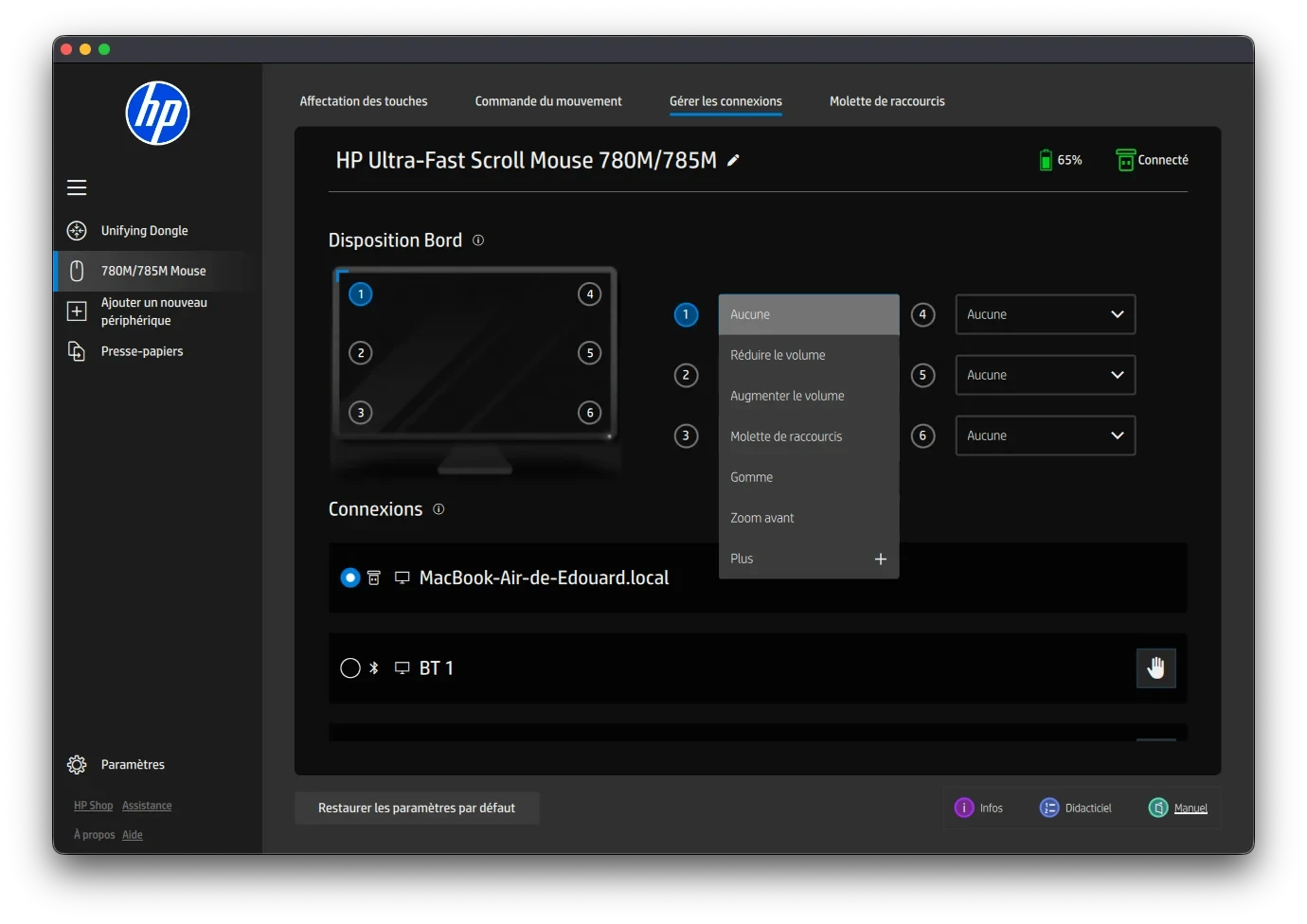
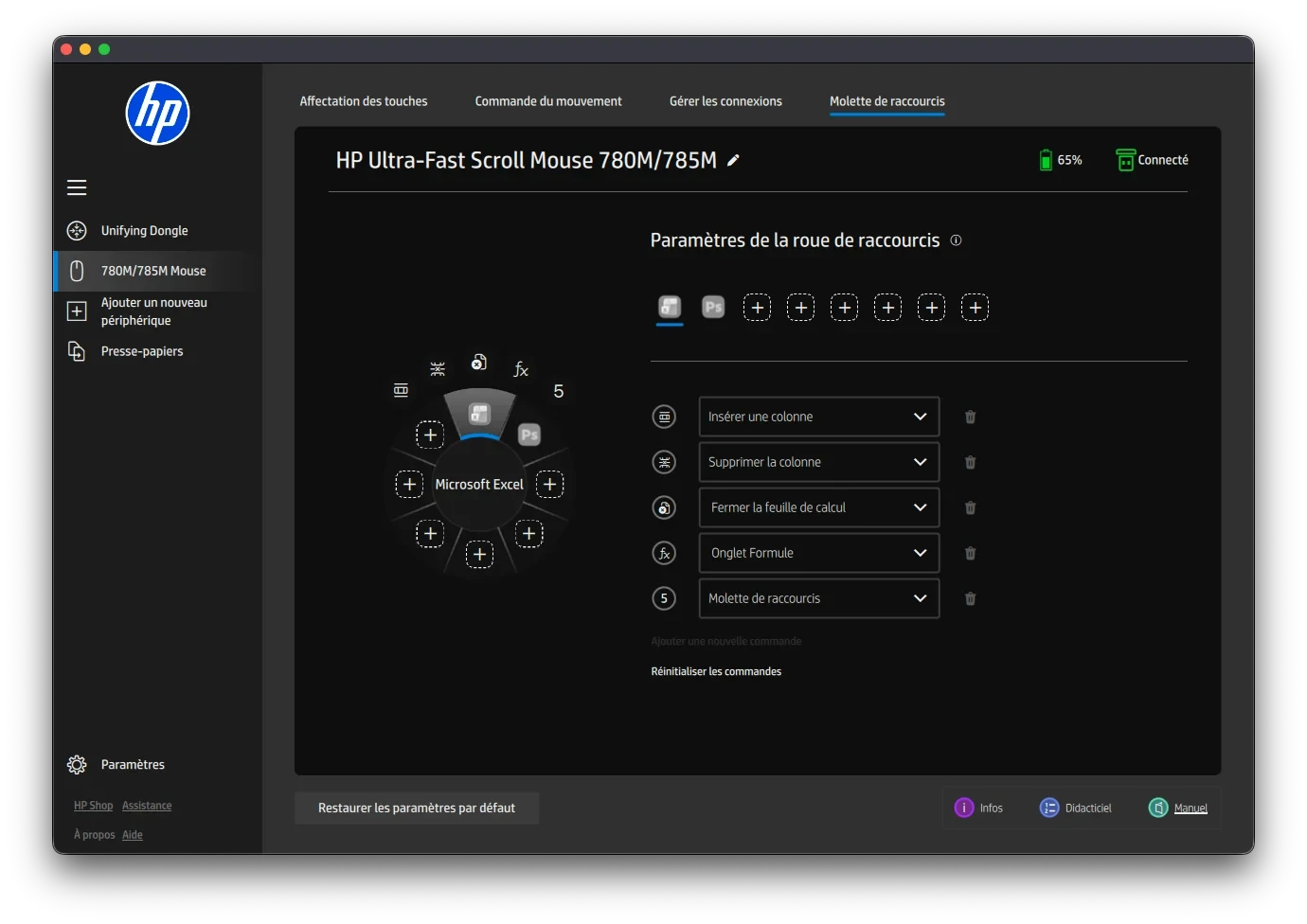
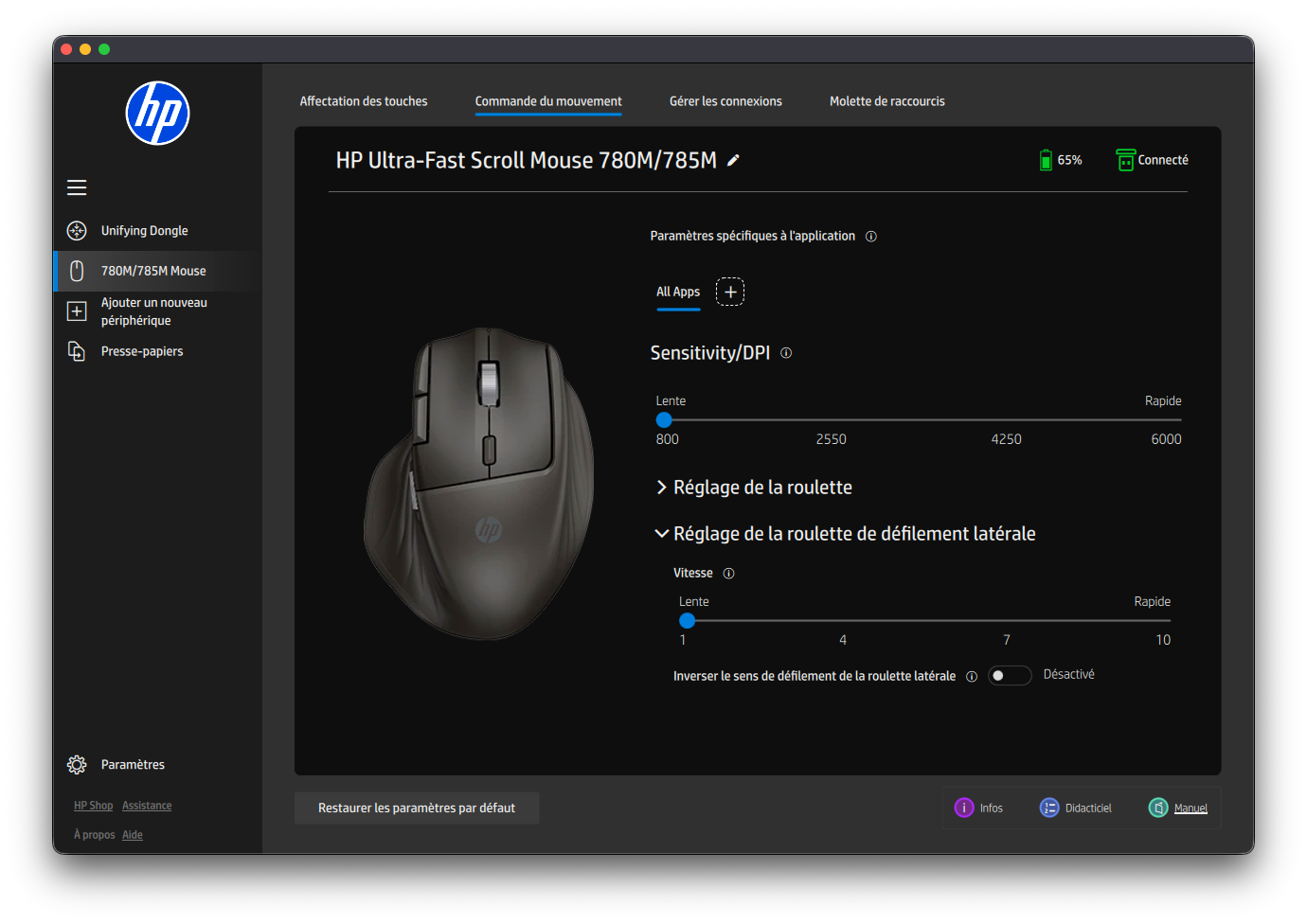
Users can also adjust the sensitivity from 800 to 6,000 DPI and customize the scroll speed of the horizontal wheel. All settings are saved directly to the mouse's internal memory, allowing the configuration to be maintained without constantly running software.
Overall assessment
At a suggested retail price of 100 euros, the HP Ultra-Fast Scroll Wireless Mouse 785M is significantly cheaper than its competitors in the same segment while maintaining good build quality and functionality. Despite some minor software limitations on macOS, it remains a compelling alternative for office workers and professional content creators.
Advantage:
- High-end ergonomic design and exquisite craftsmanship.
- A diverse range of buttons and a smooth magnetic scroll wheel.
- It has good battery life and supports fast charging.
- The software is highly customizable and integrates well with work applications.
Disadvantages:
- The HP Accessory Center software sometimes encounters errors on macOS.
- The location of the secondary button may take some time to get used to.


