
Warning signs that your phone is infected with spyware.
Spyware, lurking in the shadows, may be monitoring your every move. It not only violates privacy but also has serious consequences, such as stealing personal and financial information.
Spyware doesn't just operate on personal computers; it can also infiltrate your mobile devices. It can sneak into smartphones through various means, such as hiding as fake apps or even turning trusted apps into data-stealing tools.

Even some apps designed to track work or assist parents can be misused to monitor you. Either way, mobile spyware can steal personal information, track your location, record conversations, and much more.
What is spyware?
Spyware is a type of malicious software designed to silently collect information from your device without your knowledge. It exists in many different forms, each created to serve specific purposes.
Information that spyware can collect includes: login data (username, password); browsing history; GPS location; text messages, emails or calls; and financial information such as credit card numbers.
Spyware often operates stealthily, is difficult to detect, and can be installed through various means such as downloading fake applications; clicking on malicious links in emails or websites; and exploiting security vulnerabilities on devices.
Spyware can have many serious consequences, from violating privacy and stealing personal information to posing financial or security risks. Protecting your device from spyware requires careful application downloads, web browsing, and the use of reliable security software.
Warning signsThe phone is infected with spyware.
You may notice several unusual signs if your device is being targeted by spyware. These signs often begin with suspicious messages, such as phishing emails, social media messages, or fake SMS messages. These messages often contain malicious links or dangerous attachments, encouraging you to click on or download them.
Additionally, you may receive fraudulent payment requests or failed delivery notifications cleverly disguised as official contact information.
For more advanced spyware, messages can be personalized and specifically targeted to you. This type of software often requires physical access to the device to install, but some sophisticated versions can be set up in just minutes without your knowledge.
How to detect spyware on your phone
If your device has been compromised by spyware, several unusual signs can help you recognize it. Pay attention to the following signs:
Battery drains quickly:Your phone battery might drain faster than usual, or the device might overheat for no apparent reason.
Abnormal behavior:Apps frequently freeze, crash, or the device restarts randomly. You might also notice settings like GPS or Wi-Fi automatically turning on or off without permission.
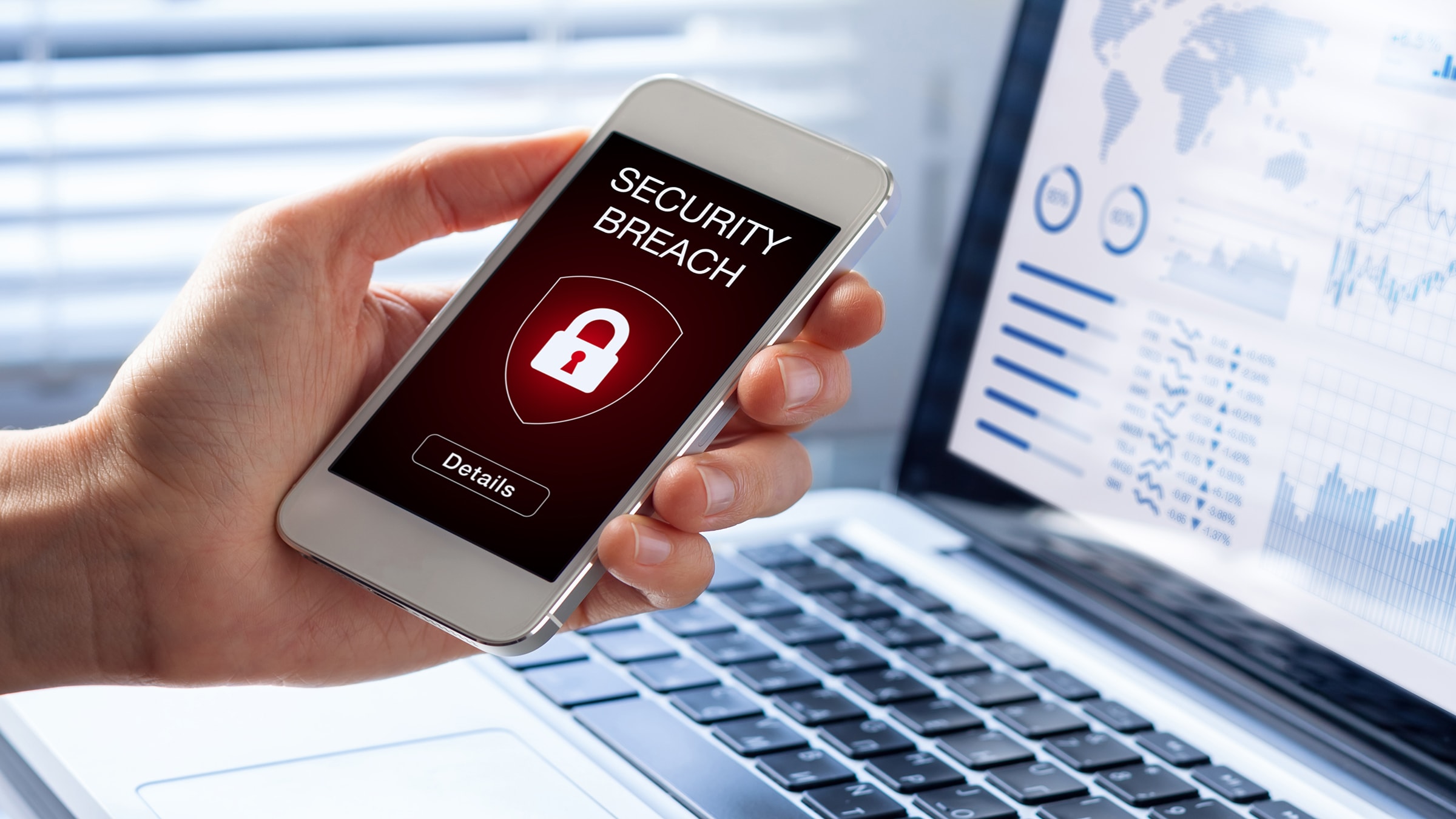
Data usage has surged dramatically:If your mobile data usage is higher than usual, it's possible that spyware is secretly transmitting information.
Unusual interference during the call:Unusual noise or distorted voice during a call could be a sign that your conversation is being monitored.
Unexplained fees:If you detect invalid transactions or subscriptions, especially for premium services, spyware could be the cause.
A strange app has appeared:Apps you don't remember installing, or apps that seem unusual, could be a sign that your device has been infected with malware. Some spyware even disguises itself as ordinary tools like calendars or calculators.
How to remove spyware fromyour phone?
Spyware is often difficult to detect and remove, but you can take several steps to clean up your device. If you suspect your phone is infected, try the following methods:
Scan for malware:Use reputable antivirus programs to scan for and remove spyware. Solutions from security companies like Malwarebytes, Avast, or Bitdefender are often capable of detecting and handling common types of spyware.
Use a specialized spyware removal tool:There are many tools specifically designed to deal with spyware. Download them from trusted sources to ensure the safety of your device.
Delete suspicious apps:Check your list of installed apps and immediately delete any that show signs of unusual behavior or are of unknown origin.
Restart in safe mode:Safe Mode will temporarily disable third-party applications, making it easier for you to detect and remove spyware.
Restore factory settings:If the above measures are ineffective, perform a factory reset on your device. This will erase all data, including spyware. However, make sure you back up important data before doing so.
How to prevent spywareintrusion
While it's impossible to guarantee your device is completely immune to spyware, you can minimize the risk by taking the following steps:
Protecting physical equipment:Use PINs, passwords, or biometric security technologies such as facial recognition or fingerprint scanning. This helps prevent unauthorized access.
Always keep your software updated:Install the latest updates for your operating system and applications. Updates often include security patches to prevent the risk of attacks.
Install antivirus software:Use reliable antivirus applications to scan and protect your device from spyware. Be sure to run regular scans to detect threats early.
Only download apps from official sources:Always use the Google Play Store, Apple App Store, or other trusted app stores. Avoid downloading apps from third-party websites to minimize risks.
Check application permissions:Review the permissions each app requests. If an app requests permissions unrelated to its functionality, consider removing it.
Beware of phishing links:Do not click on suspicious links in emails, text messages, or on social media. These links may lead to malicious files.
Avoid jailbreaking the device:Jailbreaking a device weakens its built-in security measures, making it more vulnerable to spyware attacks.
In summary, spyware is becoming an increasingly serious threat to your privacy, requiring heightened vigilance. Understanding spyware, recognizing infection signs, and implementing proactive protective measures are key to safeguarding personal information against these dangerous attacks.


