
Dell Chromebook 3120: Durable for studying, but is it enough?
The Dell Chromebook 3120 stands out with its ultra-durable design and nearly 11 hours of battery life, making it suitable for school environments. However, the thick screen bezels and poor trackpad experience are points to consider carefully.
Durable design is a top priority.
The Dell Chromebook 3120 is built with durability in mind, targeting students. It features rounded edges encased in a soft material to absorb impact. According to the manufacturer, the device can withstand drops from 30 inches (approximately 76 cm) onto a steel surface and 48 inches (approximately 122 cm) onto plywood.
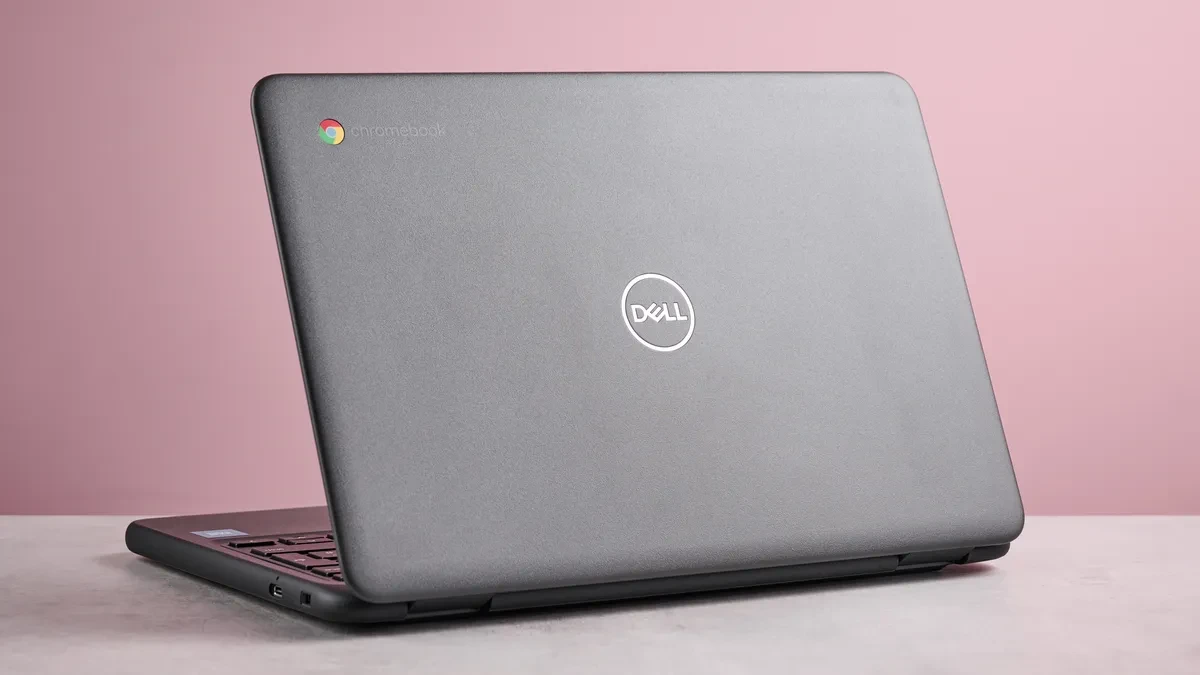
Not only is the Chromebook 3120 durable, but it's also designed for easy repair. The keyboard is mounted on top, and the securing screws make maintenance and component replacement more convenient. The hinge is also very flexible, allowing the screen to open flat 180 degrees, adapting to various usage positions.
However, this durability comes at the cost of very thick screen bezels. This significantly reduces the actual display area on the 11.6-inch screen, creating a feeling of cramped workspace.
The performance is sufficient for academic tasks.
With its Intel N100 processor and 4GB or 8GB RAM options, the Dell Chromebook 3120 handles basic tasks well, such as word processing, spreadsheet creation, web browsing, and online classes. It can also smoothly play HD video and run some light Android games.
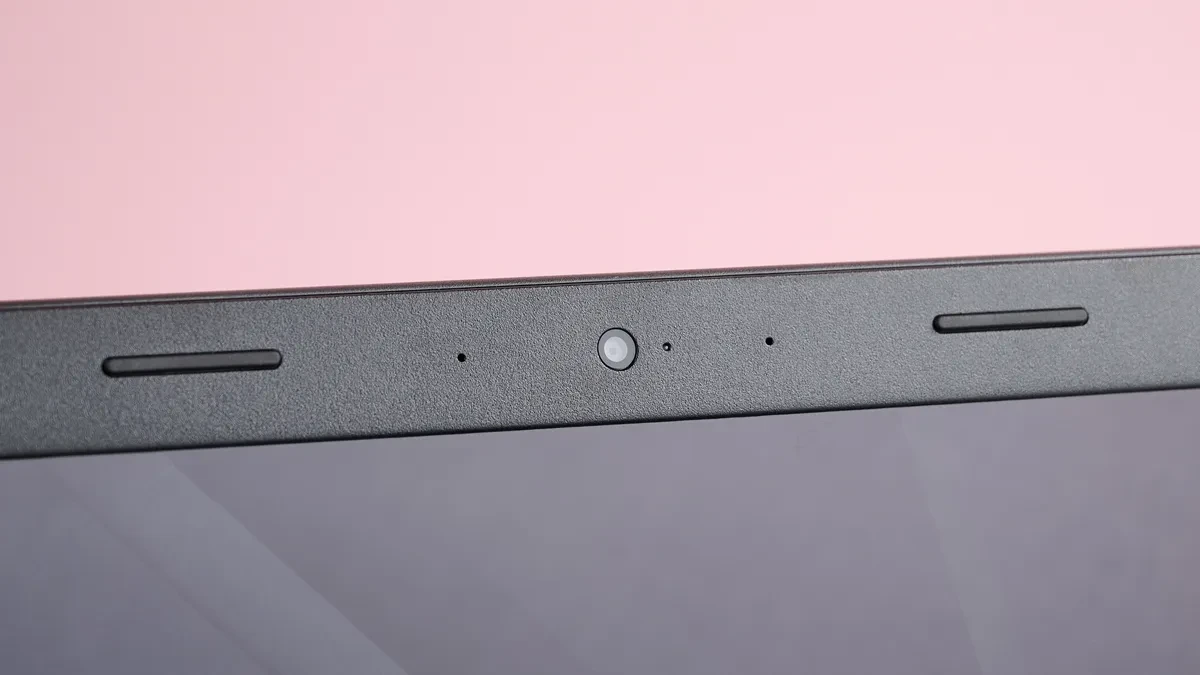
The phone's screen has an HD resolution (1366 x 768p), sharp enough for an 11.6-inch size. Colors are quite vibrant, however, the low brightness level may make it difficult to view content in brightly lit environments or dark movie scenes. The screen surface is also quite glossy, making it prone to reflections.
One positive point is that even the standard version is equipped with a touchscreen, making navigation more convenient. However, the smoothness and accuracy are not yet sufficient to meet the needs of professional users for drawing or handwriting.
The data entry and interaction experience is still limited.
The typing experience on the Chromebook 3120 is a significant drawback. Although the keyboard layout has reasonable spacing, the keys lack responsiveness, leading to missed characters when typing quickly.
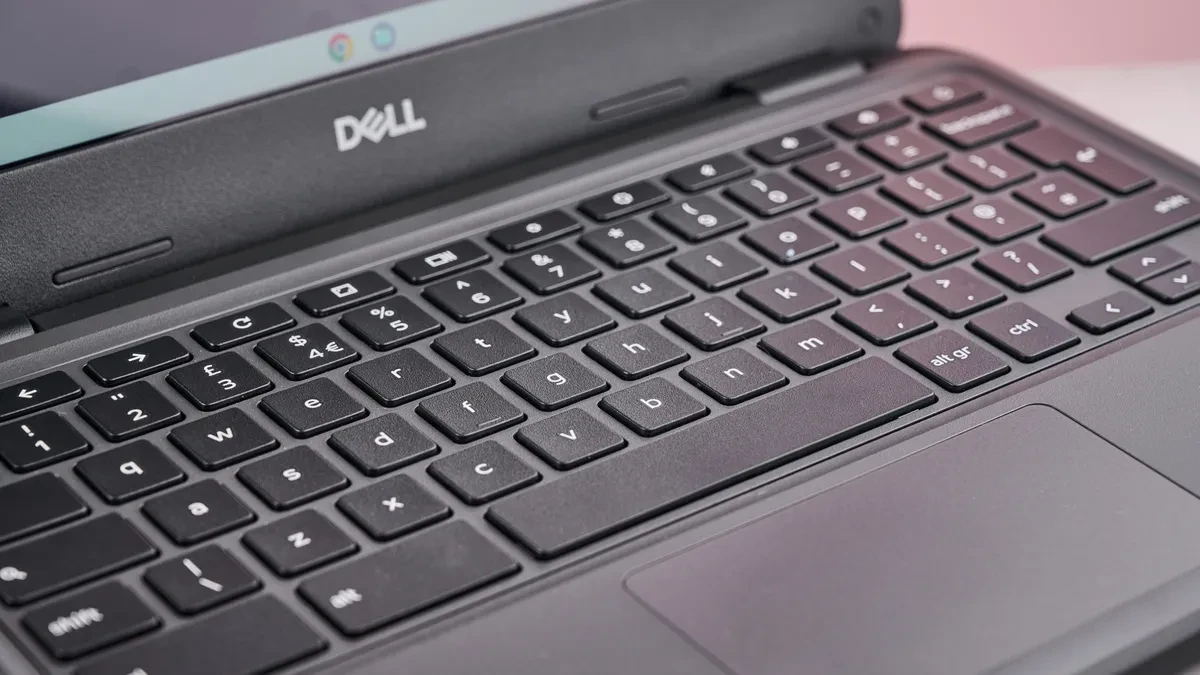
The trackpad is the biggest weakness. Its small size and poor accuracy make cursor movement jerky and unsmooth. Touch gestures are also inconsistent, often failing to register commands. Therefore, using a separate mouse is recommended for a better work experience.
Battery life and connectivity ports
Battery life is one of the highlights of the Dell Chromebook 3120. With a 42WHr battery, it can run continuously for nearly 11 hours in video playback tests. A full charge takes about two hours.
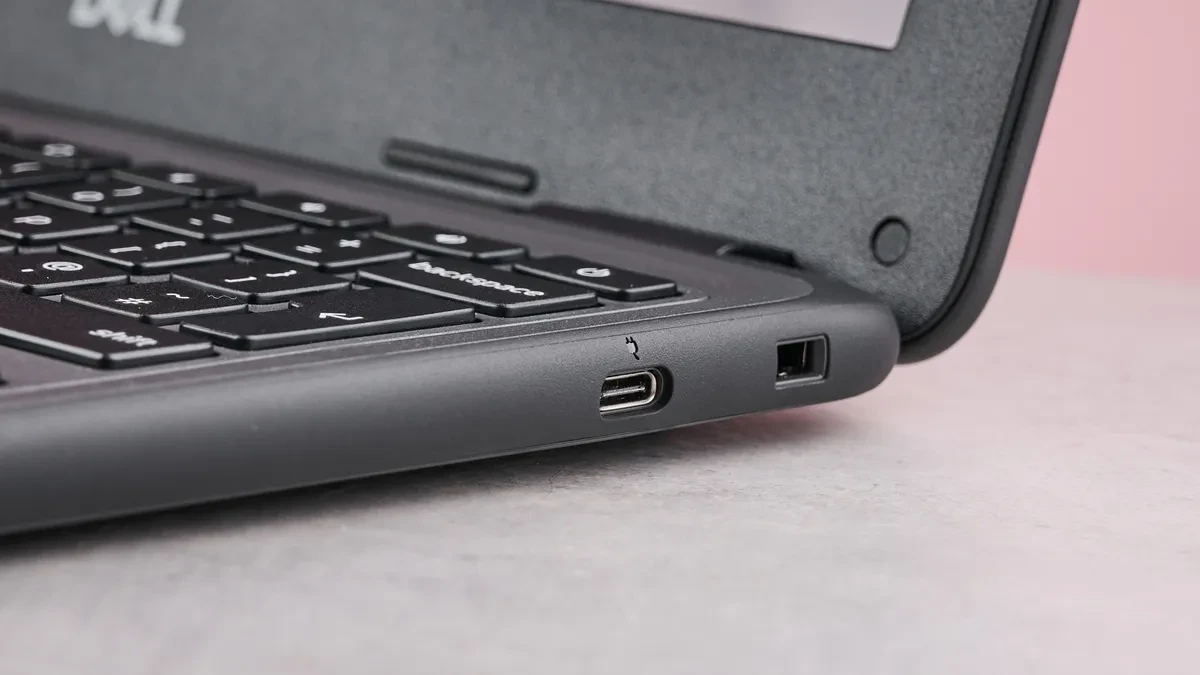
The device is equipped with the necessary connectivity ports, including two USB-C ports (supporting charging and external display output, located on either side), one USB-A port, and a 3.5mm headphone jack.
Detailed technical specifications
| Parameter | Basic configuration (Non-touchscreen) | Evaluation configuration | Maximum configuration |
|---|---|---|---|
| CPU | Intel N100 (4 cores/4 threads, 3.4GHz) | Intel N100 (4 cores/4 threads, 3.4GHz) | Intel N100 (4 cores/4 threads, 3.4GHz) |
| Graphics | Intel UHD Graphics (Integrated) | Intel UHD Graphics (Integrated) | Intel UHD Graphics (Integrated) |
| RAM | 4GB LPDDR5-4800 | 4GB LPDDR5-4800 | 8GB LPDDR5-4800 |
| Screen | 11.6-inch HD LCD (1366 x 768p), Anti-glare | 11.6-inch HD LCD Touchscreen (1366 x 768p), Anti-glare | 11.6-inch HD LCD Touchscreen (1366 x 768p), Anti-glare |
| Storage | 64GB eMMC | 64GB eMMC | 64GB eMMC |
| Connection port | 2x USB-C, 1x USB-A, 1x 3.5mm audio jack | 2x USB-C, 1x USB-A, 1x 3.5mm audio jack | 2x USB-C, 1x USB-A, 1x 3.5mm audio jack |
| Wireless connection | Wi-Fi 6, Bluetooth 5.1 | Wi-Fi 6, Bluetooth 5.1 | Wi-Fi 6, Bluetooth 5.1 |
| Camera | 720p | 720p | 720p |
| Battery | 42WHr | 42WHr | 42WHr |
| Weight | 1.28 kg | 1.28 kg (Standard version) / 1.44 kg (2-in-1 version) | 1.28 kg (Standard version) / 1.44 kg (2-in-1 version) |
| Size | 303.9 x 207.9 x 20.8 mm | 303.9 x 207.9 x 20.8 mm | 303.9 x 207.9 x 20.8 mm |
Conclusion: Who should buy the Dell Chromebook 3120?
The Dell Chromebook 3120 is a worthwhile option for the education sector due to its clear advantages in durability and portability.
You should buy it if you:
- We need a device that is extremely durable, impact-resistant, and easy to repair.
- Portability is prioritized with a compact design that's easy to carry.
- Long battery life is required for a full day of studying.
You shouldn't buy this if you:
- A precise and responsive trackpad is required for this job.
- I want a large screen with thin bezels to optimize display space.
- Frequently working in brightly lit environments or requiring a high-brightness monitor.


