
Google AI Mode introduces new features: Canvas for planning and Search Live for intuitive searching.
Google AI Mode adds Canvas to help organize information effectively, and Search Live integrates Project Astra to deliver an intuitive, interactive, real-time search experience.
Google has just announced new capabilities for AI Mode, an experimental feature that allows users to ask complex questions and sub-questions to delve deeper into a topic directly within Search.
Canvas helps create study plans and organize information.
Google has just announced an upgrade to AI Mode, an experimental feature that allows users to ask complex questions and track details directly within Search.
A standout feature is Canvas, which helps create study plans and organize information across multiple sessions in a side panel. Users can press the “Create Canvas” button to begin, and then AI Mode will build the plan within the Canvas, allowing for refinement through subsequent questions.
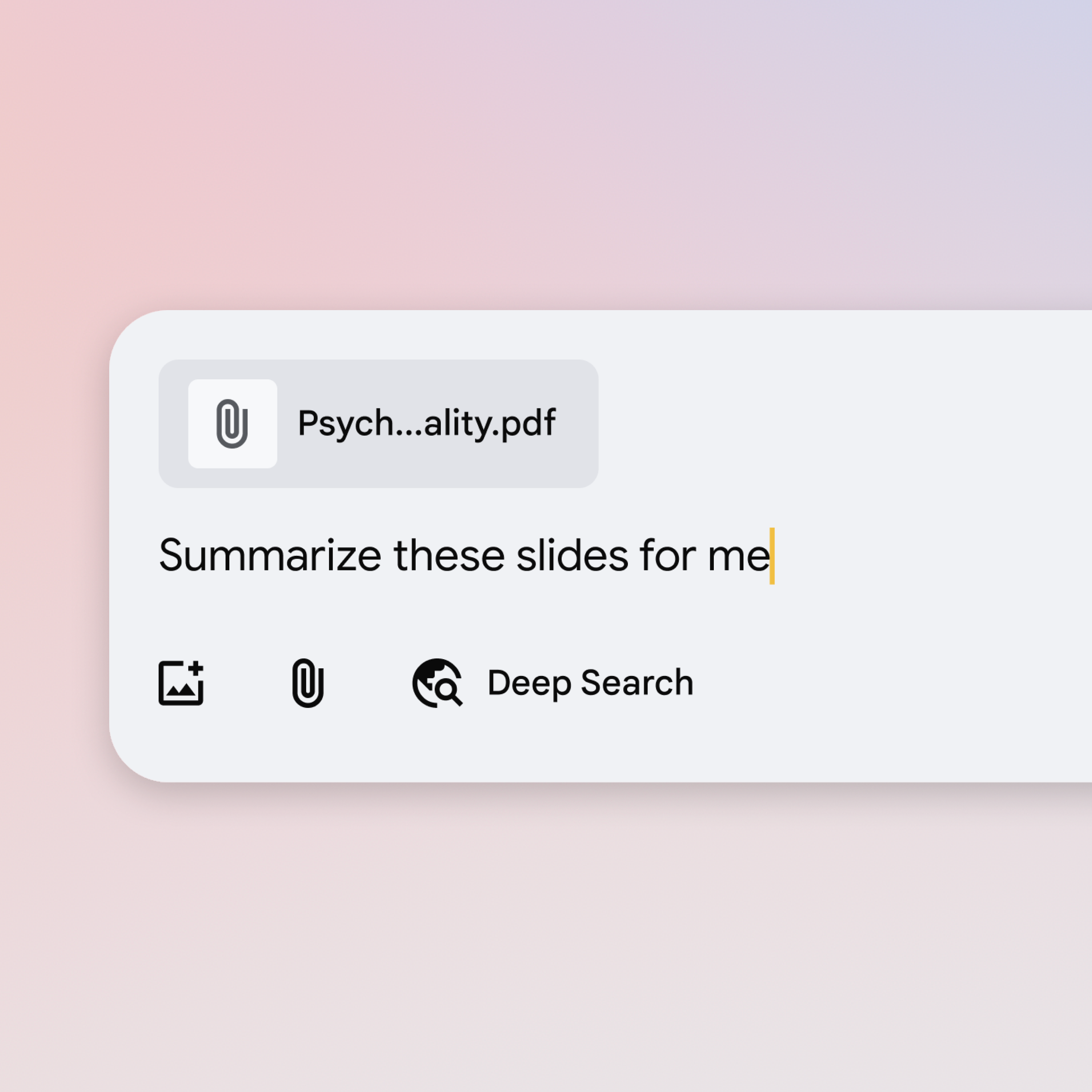
In the near future, users will be able to upload documents such as class notes or syllabuses to customize their study plans. The Canvas feature will soon be available in the US for users participating in the AI Mode Labs trial in the coming weeks.
Search Live: Integrating Project Astra Capabilities
Google also brings the capabilities of Project Astra directly into AI Mode through Search Live, integrated with Google Lens, the tech giant's visual search tool.

Robby Stein, Vice President of Product at Google Search, shared in a press release: "When you use Search Live, it's like having an expert always on hand, able to see what you're seeing and work with you to solve difficult concepts in real time, all while easily accessing helpful links across the web."
To use this feature, users open Lens in the Google app, tap the Live icon, and ask a question while pointing the camera at an object. With this feature, users can have a back-and-forth conversation with Search in AI Mode by using visual context from their camera feed.
Search Live with video input is rolling out this week on mobile devices in the United States for users who have signed up for the AI Mode Labs beta test.
Additionally, Google announced that users will soon be able to use Lens in AI Mode to ask about what's on their desktop screen.
Stein said: "Perhaps you're looking at a geometry problem and want to understand one of the charts better. Click 'Ask Google about this page' from the address bar and select the chart. You'll get an AI Overview with a summary of the key information directly in a sub-panel. And this week, you'll be able to ask more questions through AI Mode, by selecting AI Mode at the top of the Lens search results or by clicking the 'Learn more' button at the bottom of the AI Overview."
Additionally, while users could already use AI Mode in the Google app to ask questions about images, they can now do so on the desktop. Google also added support for uploading PDFs on the desktop, allowing users to ask more detailed questions about documents.
Google AI Mode will support additional file types beyond PDFs and images later this year, including Google Drive files.


