
Google integrates Personal Intelligence into Gemini in Vietnam: Connecting Gmail and YouTube.
Google Gemini in Vietnam can now connect with Gmail and YouTube to personalize the experience. This new feature allows AI to automatically compile schedules and secure personal data.
Google officially launched its Personal Intelligence feature for the Gemini chatbot in Vietnam on April 15th. This is a significant step forward, enabling AI to not only search for publicly available information but also access and process private data from applications within the Google ecosystem to serve the specific needs of each individual.
Gemini's experience personalization mechanism
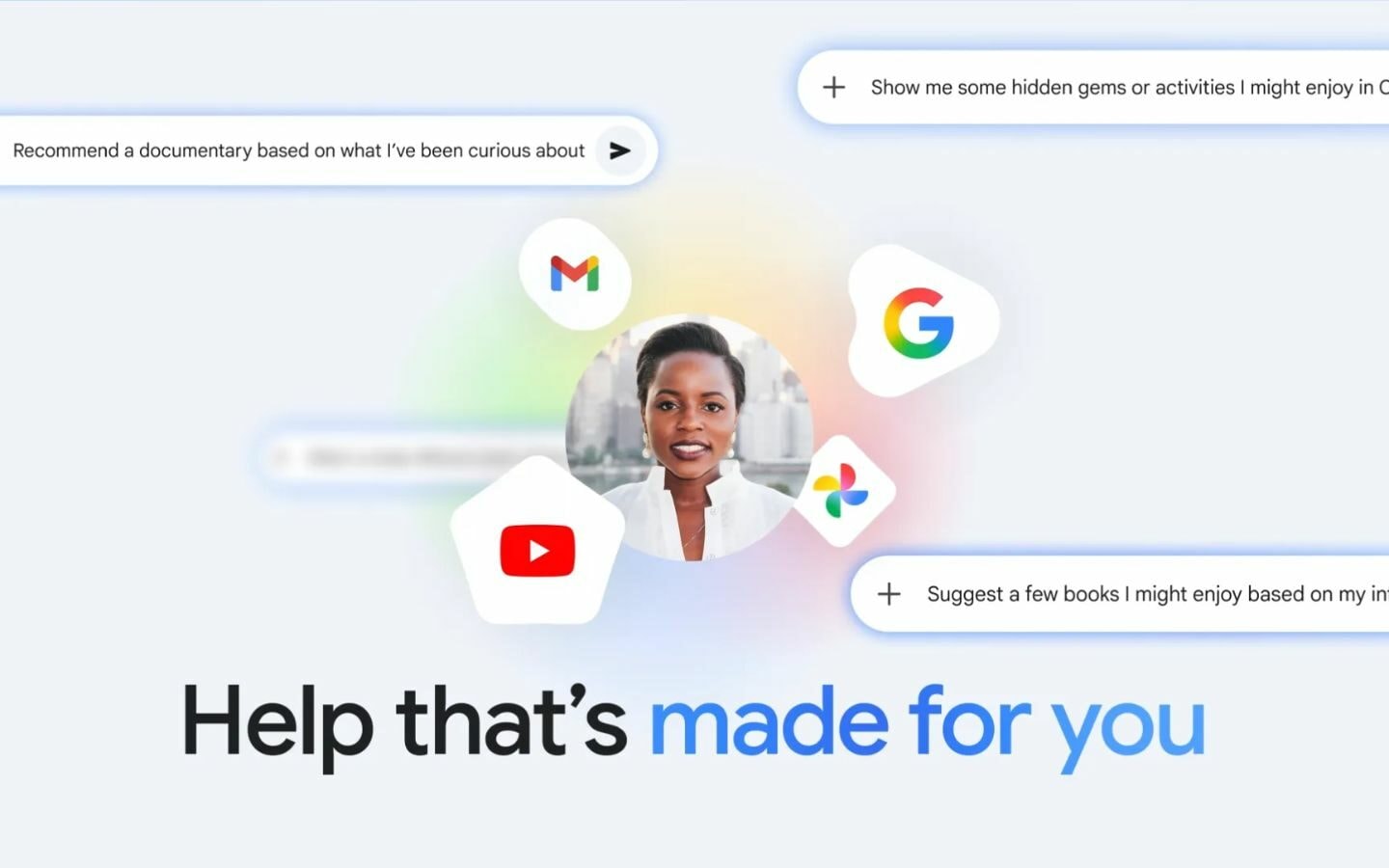
The new feature allows Gemini to connect directly with applications such as Gmail, Google Photos, YouTube, and Google Search. Instead of just providing generic answers, the chatbot can now reason through complex data sources to deliver personalized responses to each user.
For example, when preparing for a trip to Da Lat, users simply ask Gemini to "combine plans." The AI will automatically search for flight booking information in Gmail, suggest restaurants based on food videos watched on YouTube, and extract screenshots of maps or gift images saved in Photos to create a complete itinerary.
Data accessibility and security
Google's personal intelligence stands out with two core capabilities: reasoning on multimodal data and retrieving specific details. The system can answer questions based on email content or images, while clearly citing the source of the information for easy user verification.
Regarding privacy, Google asserts that users have full control over how they link applications. The setup process is streamlined to ensure security and transparency in how AI accesses personal data.
Deployment roadmap and activation instructions
Currently, this feature is available to AI Plus, Pro, and Ultra subscribers in Vietnam. Google plans to expand access to free users in the coming weeks. Once activated, the feature will work seamlessly across Web, Android, and iOS platforms.
To activate, users can follow these steps:
- Access the Gemini interface.
- Select itemInstallation and help.
- SelectConnectable applicationsand customized to your needs.


