
HHKB Pro Classic Type-S: A minimalist philosophy for programmers
With its unique 60-key design and renowned Topre switches, the HHKB Pro Classic Type-S promises a superior typing experience, but requires users to learn from scratch.
The Happy Hacking Keyboard (HHKB) Professional Classic Type-S is a high-end mechanical keyboard designed with a minimalist philosophy specifically for programmers and professional users. However, with its characteristic 60-key layout, this product presents a significant challenge: users must be prepared to abandon old habits and relearn how to interact with the keyboard.
Born from the idea of Professor Eiiti Wada of the University of Tokyo, HHKB aims to eliminate all unnecessary keys, retaining only the most essential ones for work. The Professional Classic Type-S (KB401BSC) is the latest embodiment of this philosophy, but it comes with a hefty price tag, starting at $269.
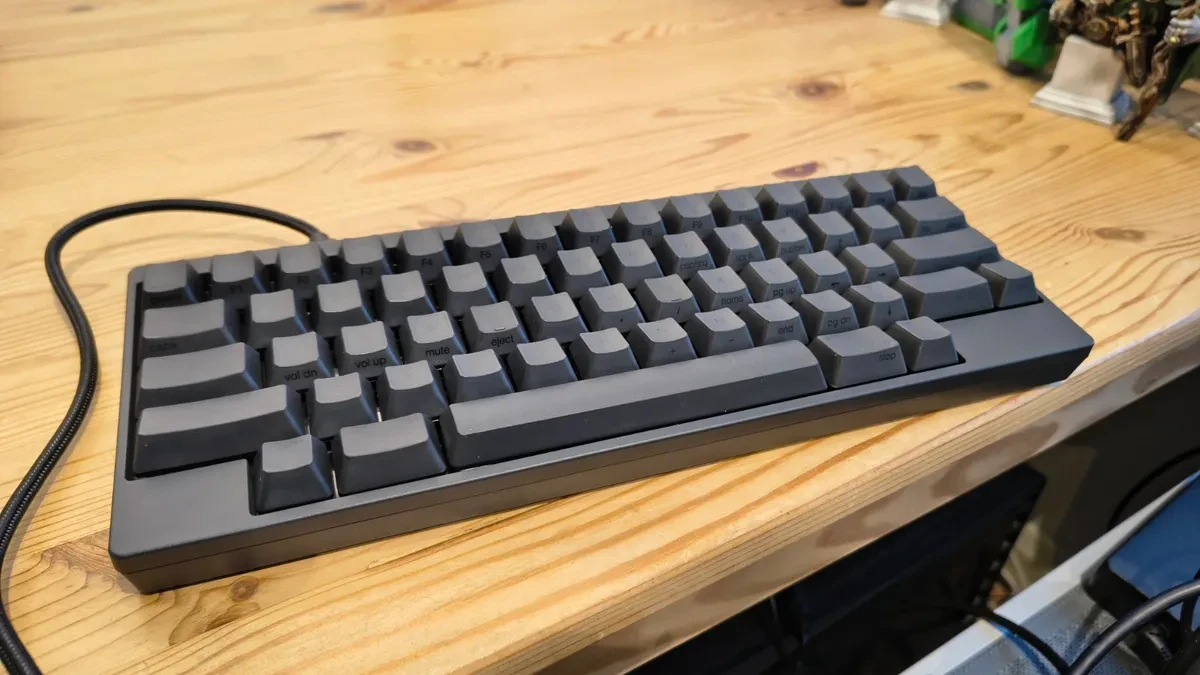
HHKB Professional Classic Type-S Specifications
| Specifications | Value |
|---|---|
| Sample | HHKB Professional Classic Type-S Keyboard (Graphite/Printed Keys) |
| Product code | PD-KB401BSC |
| Layout | 60-key keyboard with nearly symmetrical keys, modified US ANSI layout. |
| Color | Graphite (frame and keys) |
| Key material | Polybutylene Terephthalate (PBT) |
| Pressing force | 45 g |
| Key travel | 3.8 mm |
| Switch type | Topre electrostatic capacitive silent key switches |
| Switch lifespan | 30 million clicks |
| Interface | USB Type-C |
| Adjust the tilt | 3 positions |
| Size | 294 mm x 110 mm x 40 mm |
| Weight | 530 g |
| Supported operating systems | Windows® 10 (32-bit / 64-bit) or later, macOS® Catalina 10.15 or later |
| Origin | Made and designed in Japan. |
Human-centric design or user-challenge design?
The HHKB Pro Classic Type-S features an ABS plastic casing and PBT keycaps, a thermoplastic polyester known for its durability and abrasion resistance. This combination results in a very lightweight keyboard, weighing only 530g, ideal for portability.
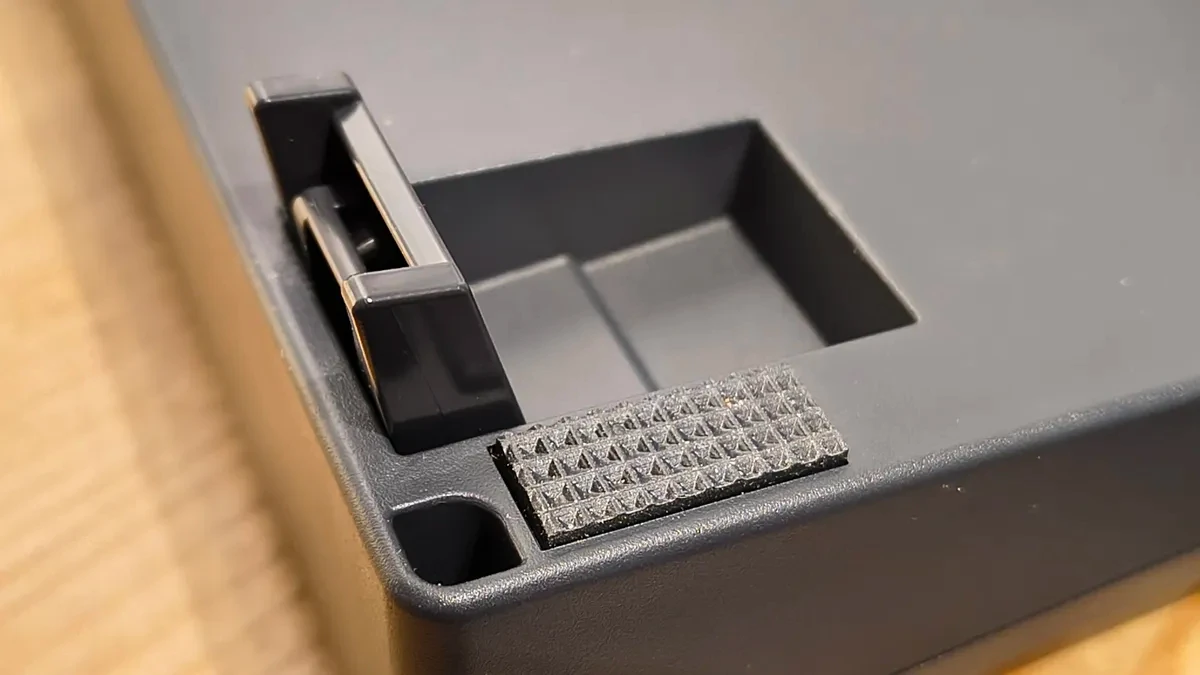
The ergonomic design is evident in the cylindrical ladder-like structure and the adjustable stand with three tilt levels. The keyboard connects to the computer via a USB-C port; however, it only supports USB 2.0 and does not include a USB hub for connecting additional peripherals.
The most controversial aspect of the HHKB is its 60-key layout. This keyboard completely eliminates the numeric keypad, the function keys (F1-F12), the navigation keys, and even the Caps Lock key. The traditional Caps Lock key is replaced by the Control key, a significant change for most users. To access the missing functions, users must use key combinations with the function key (Fn).
The challenge is further increased with the Graphite version, where the characters are printed in a "black on black" style, making it nearly impossible to identify the function of the keys without sufficient lighting. Although HHKB has white versions that are easier to read, this design choice shows a focus on users who have already memorized the layout.
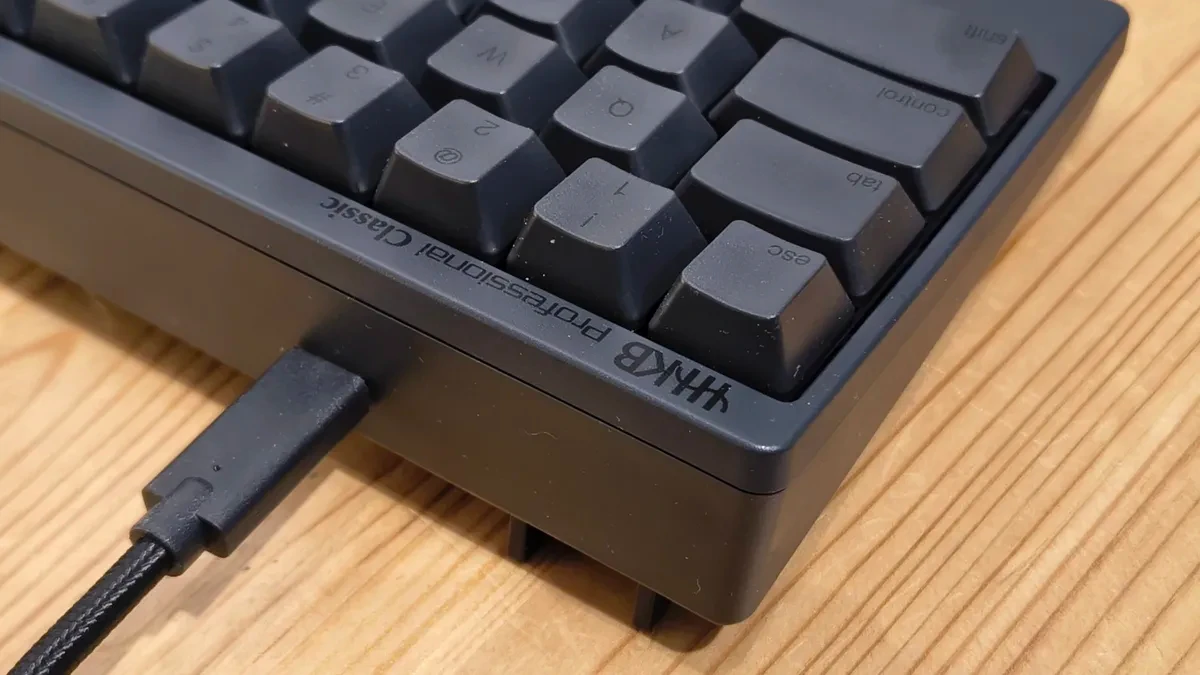
The distinctive typing feel of Topre switches.
At the heart of the HHKB Pro Classic Type-S are Topre switches. These are electrostatic capacitive switches, combining a rubber dome and a conical spring. This mechanism registers key presses through capacitance rather than mechanical contact, resulting in high durability and minimized key bounce.
The typing feel of Topre switches is described as unique, with a distinct yet extremely smooth tactile response, especially on the Type-S version which is equipped with a noise-reducing membrane. The key travel is short, suitable for those who need high typing speed. However, the feel of the switch is very subjective, and not everyone will like this feel from the first time they use it.
Customization and software
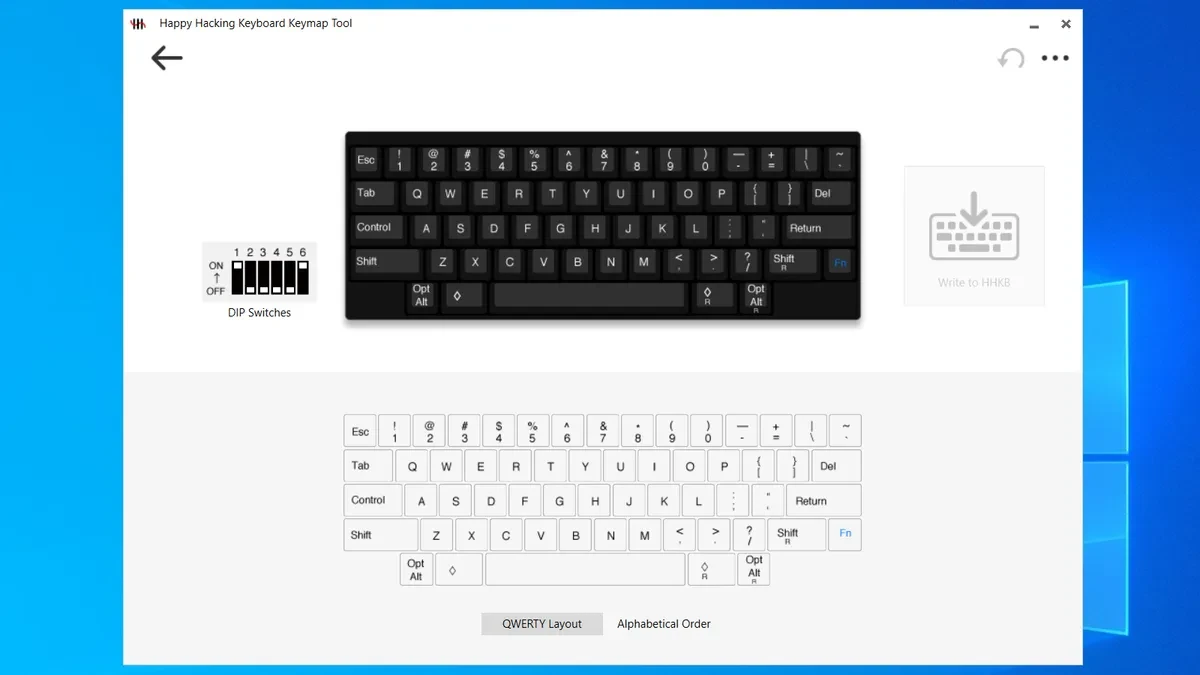
One retro-inspired feature of the HHKB is the physical DIP switches hidden under a small cover on the bottom. These switches allow users to toggle between HHKB, Windows, and Mac modes, as well as change the function of certain keys.
HHKB also provides Keymap Tool software for further customization. Users can swap key positions and save configurations. This software also has a firmware update function for the keyboard. However, it cannot create entirely new functions, and the coexistence of physical switches and software can be confusing.
Conclusion: A product for the minority.
The HHKB Professional Classic Type-S is not a keyboard for everyone. It's a specialized tool, requiring users to invest both financially and in time to adapt to a completely different design philosophy. While the build quality and typing experience from Topre switches are undeniable, the constraints of its layout, price, and somewhat outdated features (such as DIP switches and lack of backlighting) make it a very niche choice.
This product is best suited for minimalist programmers who are already familiar with or ready to embrace the HHKB layout to optimize productivity. For most general users, abandoning a standard layout they've been familiar with for years in exchange for the benefits of HHKB is a trade-off that requires careful consideration.


