
HP OmniBook 7 Aero: Beautiful, super lightweight, but battery life is a major drawback.
Weighing in at just around 1kg and boasting a premium metal design, the HP OmniBook 7 Aero makes a strong impression. However, performance and especially battery life are factors that need careful consideration.
The HP OmniBook 7 Aero is one of the lightest 13.3-inch laptops on the market, weighing only about 1kg (2.2 pounds) and featuring a premium metal frame design. While impressive in terms of portability and appearance, the product reveals a significant weakness in battery life due to the combination of a small-capacity battery and an AMD chip that isn't optimized for power efficiency compared to its competitors.
This creates a paradox: a highly portable device that makes users reluctant to go far from a power outlet. This is a significant trade-off that users need to consider before deciding to purchase.
Detailed specifications of the HP OmniBook 7 Aero
The reviewed model is equipped with an octa-core AMD Ryzen AI 7 350 processor, along with 32 GB of RAM and a 1 TB SSD. This configuration seems to have excessive RAM for an ultra-portable device, while the processor is in the mid-range segment.
| Parameter | Detail |
|---|---|
| Model | HP OmniBook 7 Aero 13-bg1077nr |
| CPU | AMD Ryzen AI 7 350 |
| RAM | 32 GB LPDDR5x-7500 |
| GPU | AMD Radeon 860M (integrated) |
| NPU | AMD NPU (up to 50 TOPS) |
| Screen | 13.3-inch 2560×1600 IPS, 60Hz |
| Storage | 1 TB PCIe Gen4 SSD |
| Webcam | 5MP (1440p) |
| Connect | 2x USB-C (10 Gbps), 2x USB-A (1x 10 Gbps, 1x 5 Gbps), 1x HDMI 2.1, 1x audio jack |
| Network | Wi-Fi 6, Bluetooth 5.4 |
| Security | Infrared (IR) camera for Windows Hello |
| Battery | 43 Watt-hours |
| Size | 11.70 x 8.31 x 0.69 inches |
| Weight | Approximately 1 kg (2.2 pounds) |
| Listed price | $1,299 (trial version) |
Will the ultra-lightweight design come at the cost of durability?
The HP OmniBook 7 Aero immediately impresses with its Ceramic White color option, offering a clean and distinctive look compared to typical silver laptops. Weighing in at just 1kg, it's one of the lightest laptops available.
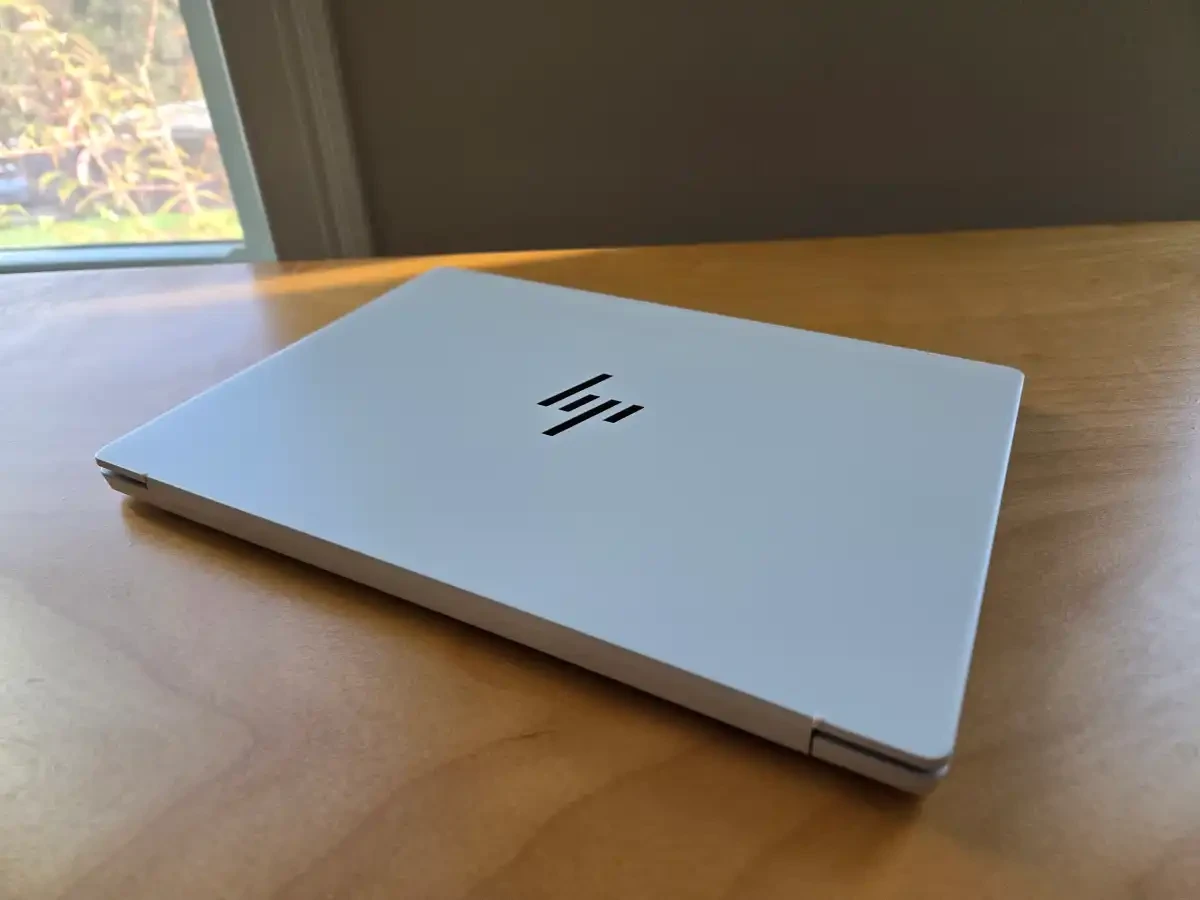
The aluminum-magnesium alloy chassis feels solid and premium, with a pleasant, slightly textured surface for a comfortable grip. Despite the good build quality and sturdy hinges, the laptop is so lightweight that users need two hands to open it. Overall, there's no compromise on durability despite the ultra-lightweight design.
Real-world performance from the AMD Ryzen AI 7 350 chip
For everyday tasks such as web browsing, office work, and communication, the HP OmniBook 7 Aero with its AMD Ryzen AI 7 350 chip delivers stable performance. The machine runs cool and quietly, fitting its positioning as an ultra-portable laptop.
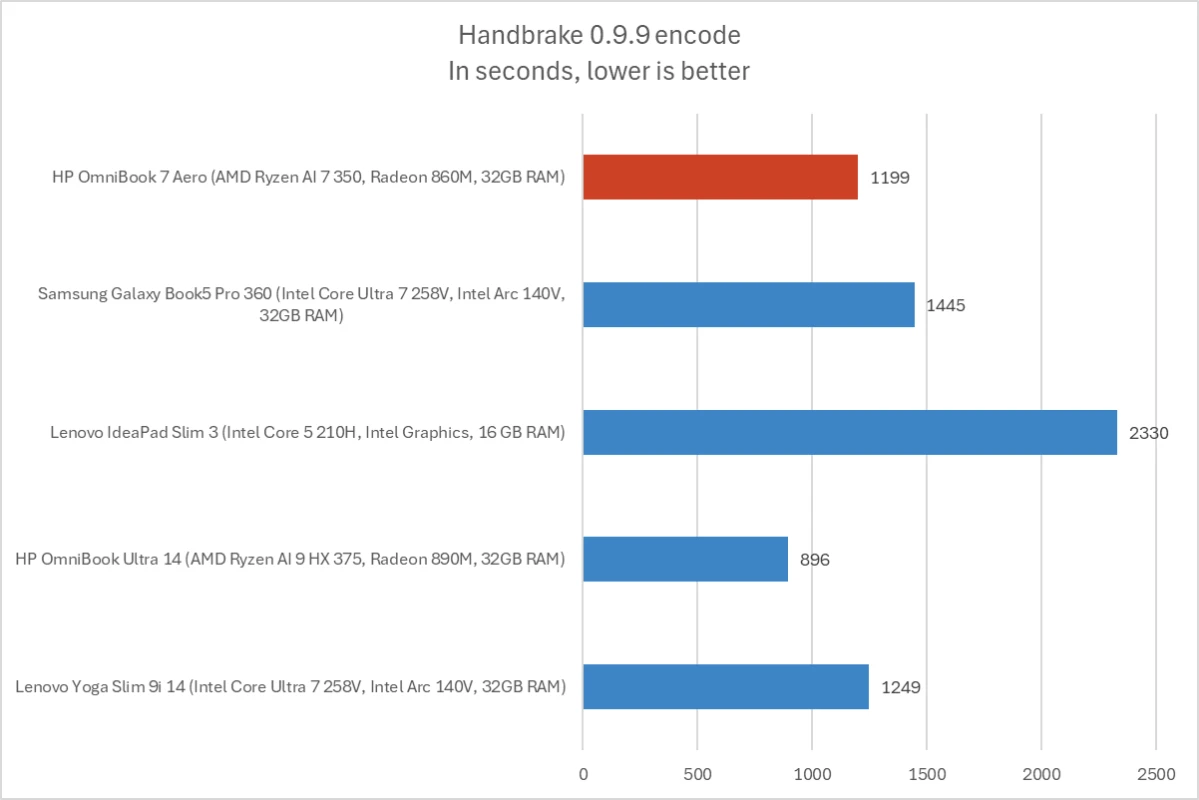
In performance tests, AMD chips showed superior multi-threading capabilities compared to Intel Core 5 chips, especially in tasks such as video encoding (Handbrake) or rendering (Cinebench). However, the 3D graphics performance of the integrated Radeon 860M GPU was a weakness, only about half that of the GPU on the Intel Lunar Lake platform.
Battery life: The Achilles' heel of the OmniBook 7 Aero
This is the device's biggest weakness. With a battery capacity of only 43 Watt-hours (Wh), this is considered small by current standards. In continuous 4K video playback tests, the device achieved approximately 10.5 hours. This is quite good for a small battery, but falls far short of competitors with larger batteries.
In practical use with office applications and web browsing, battery life will be significantly shorter and may not be sufficient for a full workday. HP's decision to equip the product with a smaller battery, perhaps to reduce weight, has significantly compromised its portability.
Experience the screen, keyboard, and other elements.
High-quality display but low refresh rate.
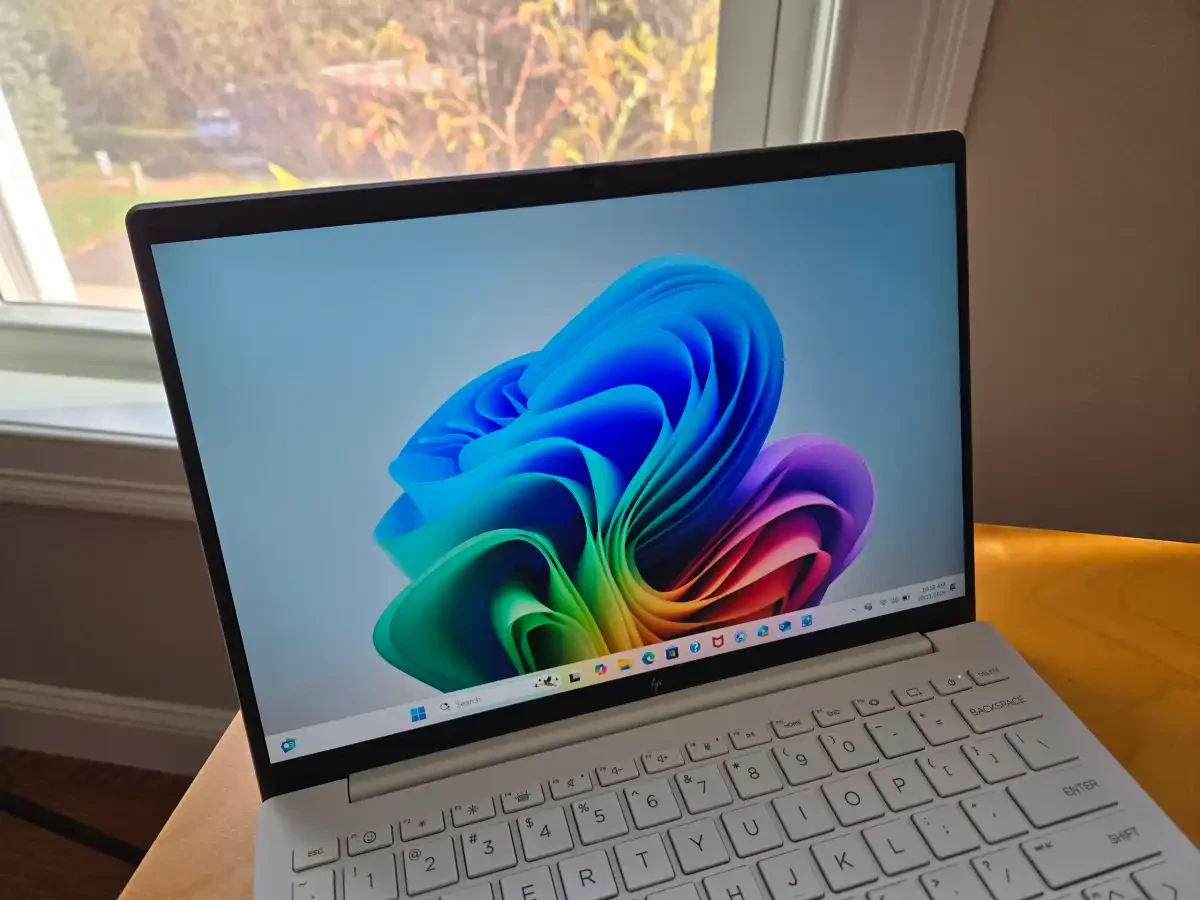
The 13.3-inch IPS display with a 2560x1600 resolution and 400 nits of brightness is a big plus. The anti-glare coating ensures good visibility even in bright light. However, the refresh rate is only 60Hz, a minor drawback compared to other models on the market. This screen does not support touch functionality.
Keyboard and touchpad
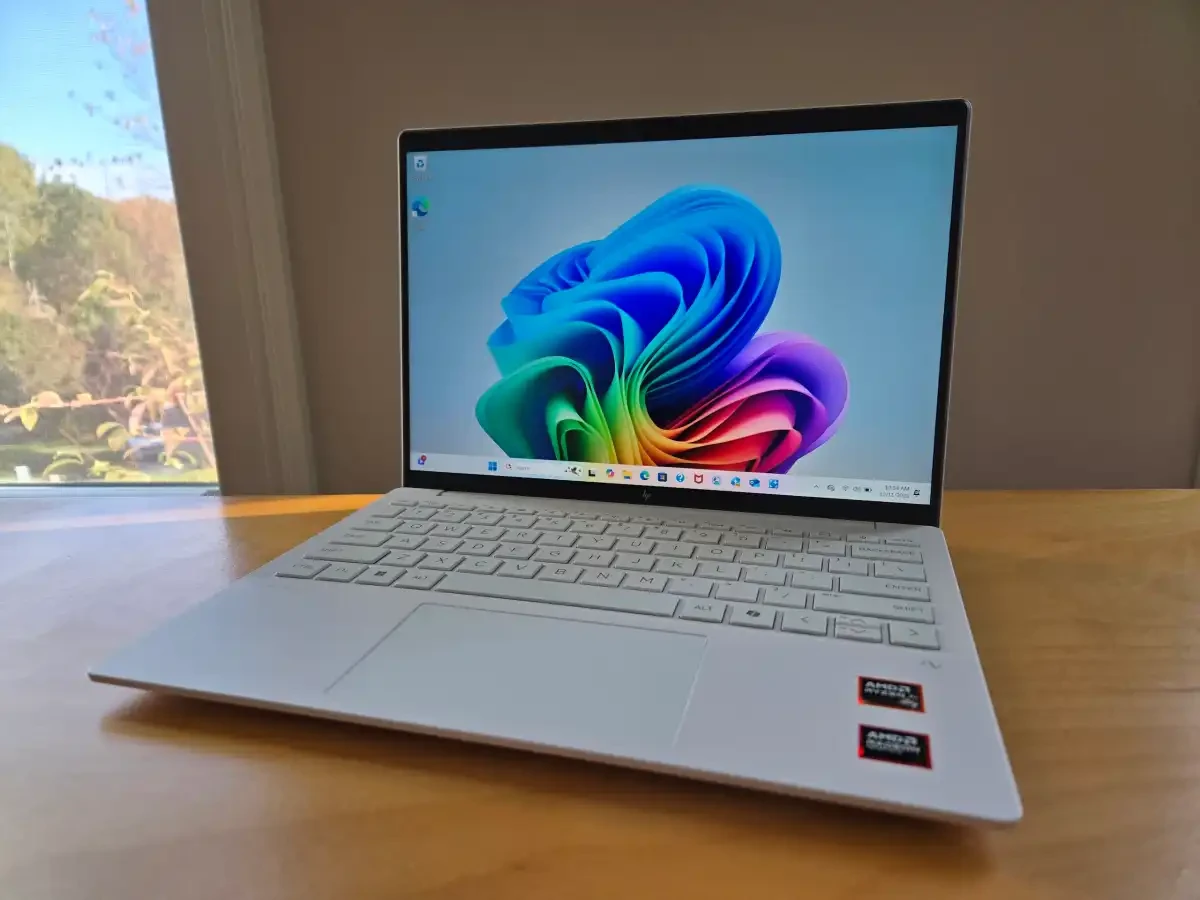
The keyboard offers a good typing feel, is responsive, and is backlit. However, the key travel is somewhat shallow, a common sacrifice in ultra-thin laptops. The mechanical touchpad is reasonably sized, responsive, and accurate.
Webcam, audio, and connectivity ports
The 5MP (1440p) webcam produces slightly noisy images, especially in low light conditions. The external speakers offer decent volume but only average sound quality. In terms of connectivity, the device is equipped with two USB-A ports, two USB-C ports, and an HDMI 2.1 port, but lacks Thunderbolt 4/USB 4 ports and a memory card reader.
Conclusion: Who is this laptop for?
The HP OmniBook 7 Aero is an attractive option for those who prioritize lightweight design, sleek aesthetics, and quiet operation. It's perfect for travel and offers a premium user experience.
However, buyers must accept a significant trade-off in battery life, which diminishes the value of an "ultra-portable" machine. If you primarily work near a power source and prefer a compact machine with good multi-threaded CPU performance, this might be the product for you, especially when purchased at a discounted price.


