
Few people know that iPhones have a hidden feature that helps reduce eye strain when using the phone.
Prolonged phone use can easily cause eye strain and discomfort. However, few people know that iPhones have a hidden feature that helps reduce this problem when looking at the screen for too long.
According to data from Apple's Screen Time app, the amount of time spent using an iPhone each day can be alarmingly high.
This habit is already bad, but it gets worse when the phone is frequently held too close to the face, especially at night when browsing in bed in low light conditions. As a result, the eyes are more likely to experience prolonged fatigue, dryness, or discomfort.
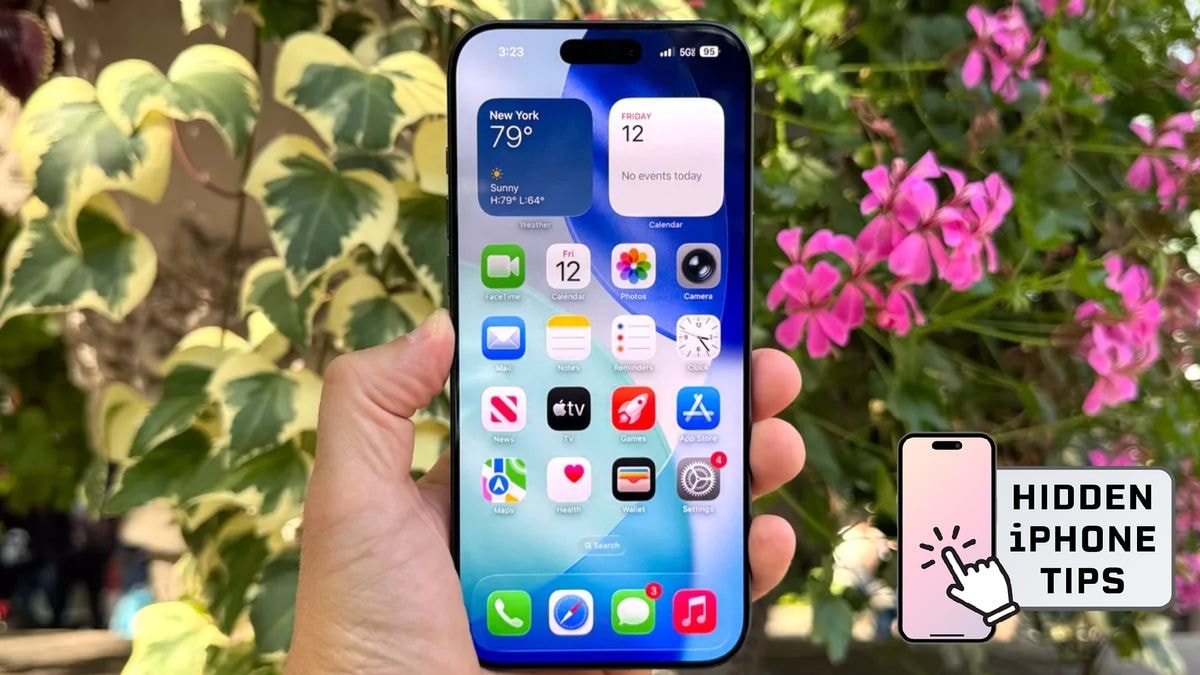
Many people believe that Apple's Night Shift feature, which adjusts screen color to warmer tones at night, can help protect eyes. While this feature sounds helpful, it doesn't actually address the main cause of eye strain: using a phone at too close a distance for extended periods.
However, the iPhone also has a lesser-known feature called Screen Distance, located within the Screen Time app. This tool is designed to help users maintain a safe distance from the screen, thereby reducing eye strain.
Why is Screen Distance considered a noteworthy feature?
The Screen Distance feature uses the iPhone's TrueDepth camera to track the distance between the device and the user's face. When the phone is held closer than about 30 cm for a certain period of time, the screen will be obscured and a warning will appear: "iPhone may be too close to your eyes."
The screen only starts working again when the device is moved further away.
Unlike Night Shift, which passively changes the display colors, Screen Distance directly intervenes in user habits. Instead of allowing users to continue scrolling at too close a distance, this feature forces them to pause and adjust their viewing distance.
After using their phones for a while, many people notice a change in their phone-holding habits. Warnings appear less frequently as the distance is maintained better, and eye strain at the end of the day is significantly reduced.
How to enable Screen Distance on iPhone
To activate the screen distance warning feature, the user must first openSetting(Settings) on iPhone, then scroll down and selectScreen timeUse (Screen Time) to access the device usage time management area.
Because the Screen Distance feature is located within Screen Time instead of the display section, many users are unaware of its existence. In the Screen Time interface, simply find the Screen Distance option near the top of the list and tap it to open.
On first access, the iPhone will display two introductory screens explaining how the feature works; after reading them, the user selects to turn on Screen Distance to activate it. Once the switch is turned to the on position, the feature will begin working.
Once activated, users can use their iPhone as normal. However, if the device is held too close to the face while reading content or browsing the web, a message "iPhone may be too close to your eyes" will appear and temporarily obscure the screen.
Then, simply move the phone further away; once a safe distance is reached, a confirmation checkmark will appear, and the user can press it.Continueto resume use. This interruption is intentionally designed to remind users to adjust their habit of holding their phones too close to their eyes.
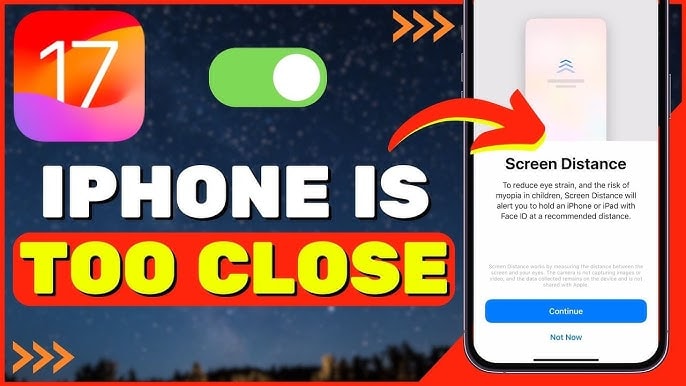
If users do not wish to use this feature, they can go toSetting→Screen Time→ Select Screen Distance and then turn off the Screen Distance switch; the alerts will stop appearing immediately.
The feature can be re-enabled at any time by repeating the steps above, and when reactivated, the iPhone will retain the previous settings without displaying the initial introduction again.
Enabling Screen Distance for at least a week can yield noticeable results. The first few days might be a little annoying due to the frequent alerts. However, as your phone-holding habits adjust, the number of interruptions will decrease significantly.
More importantly, maintaining a proper screen distance can help reduce eye strain after hours of daily phone use.


