
Discover 5 interesting hidden features on iOS 26.
iOS 26 boasts many smart features that help users optimize their experience, from cleaning up spam messages to unique voice commands.
iOS 26 contains many features and "Easter eggs" that Apple hasn't publicly announced. These shortcuts not only change how users interact with their devices daily but also provide deeply personalized experiences, from interface optimization to advanced voice control functions.
Eliminate distracting notification bubbles.
If the red notification icons on an app are distracting or ruin the aesthetics of the home screen, users can easily turn them off. By accessing...Settings, selectNotificationsTo find a specific application, simply toggle the switch off.Badges.
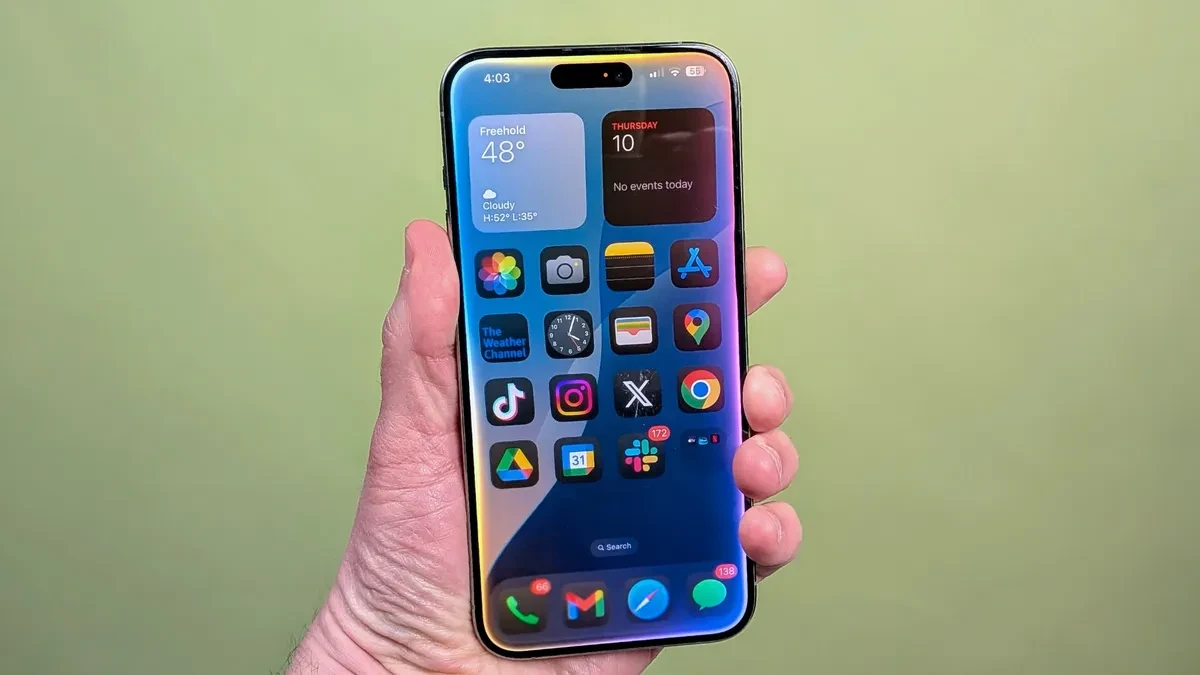
This feature helps clean up the home screen without affecting the ability to receive actual notifications. However, users need to manually clean each app to achieve a completely clean interface.
Automatically clean verification codes in Messages and Mail.
Two-factor authentication (2FA) often fills message inboxes with one-time OTP codes. iOS 26 allows the system to automatically delete these codes after they are used through the AutoFill feature.
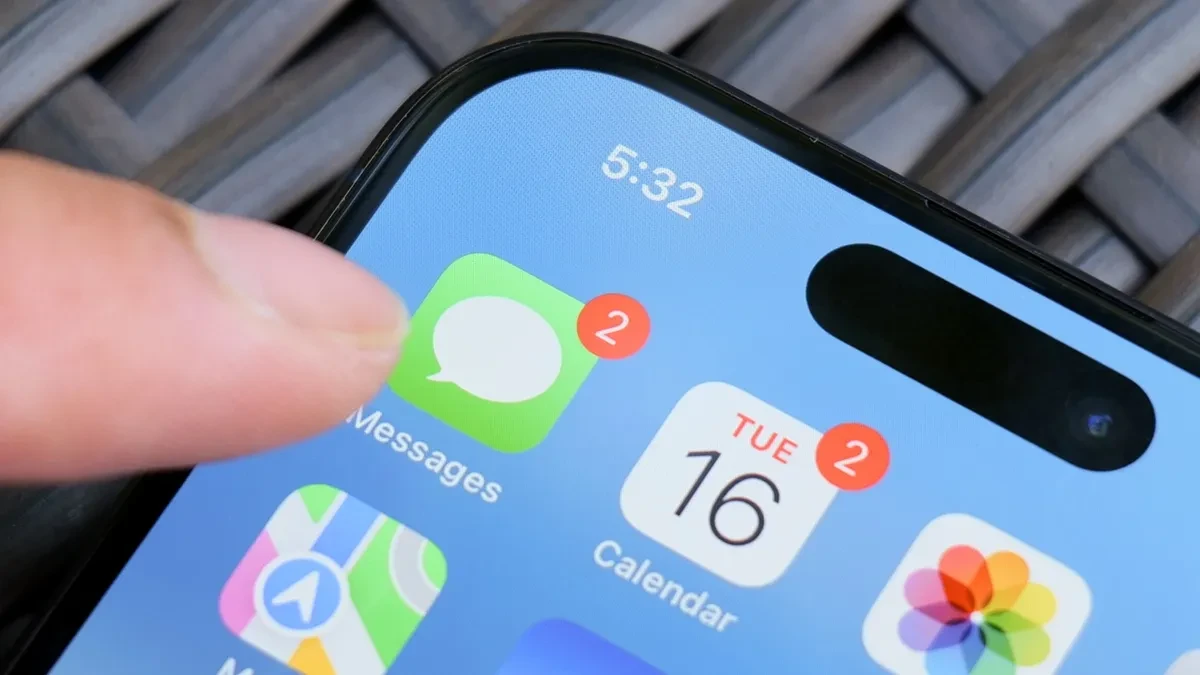
To activate, the user goes toSettingsnewsGeneral settingsnewsAutoFill & PasswordsIn this sectionVerification Codes, please enable the optionAutomatic cleanup (Delete After Use)This feature also works seamlessly across Apple's Mail app, helping to keep your inboxes organized.
Control your flashlight with unique voice commands.
Apple has integrated Siri commands inspired by the Harry Potter series to control basic features. Users can say "Lumos" to turn on the flashlight and "Nox" to quickly turn it off without opening the Control Center.
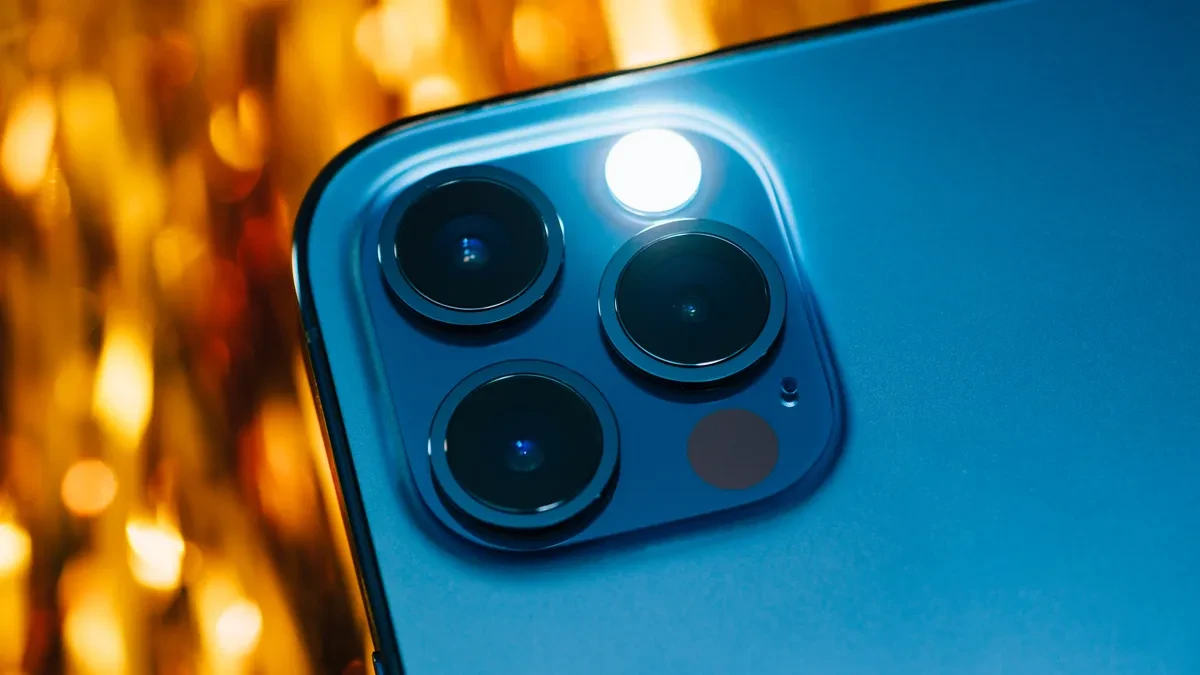
Additionally, the command "Accio" combined with the app name (e.g., "Accio Safari") will allow you to open the app instantly. These tricks work effectively even when the phone screen is locked.
Snowfall effect in the Apple Store app
Here's an interesting detail for users of the Apple Store app (the hardware shopping app). When you type "let it snow" into the search bar, the screen will display a romantic snow effect.
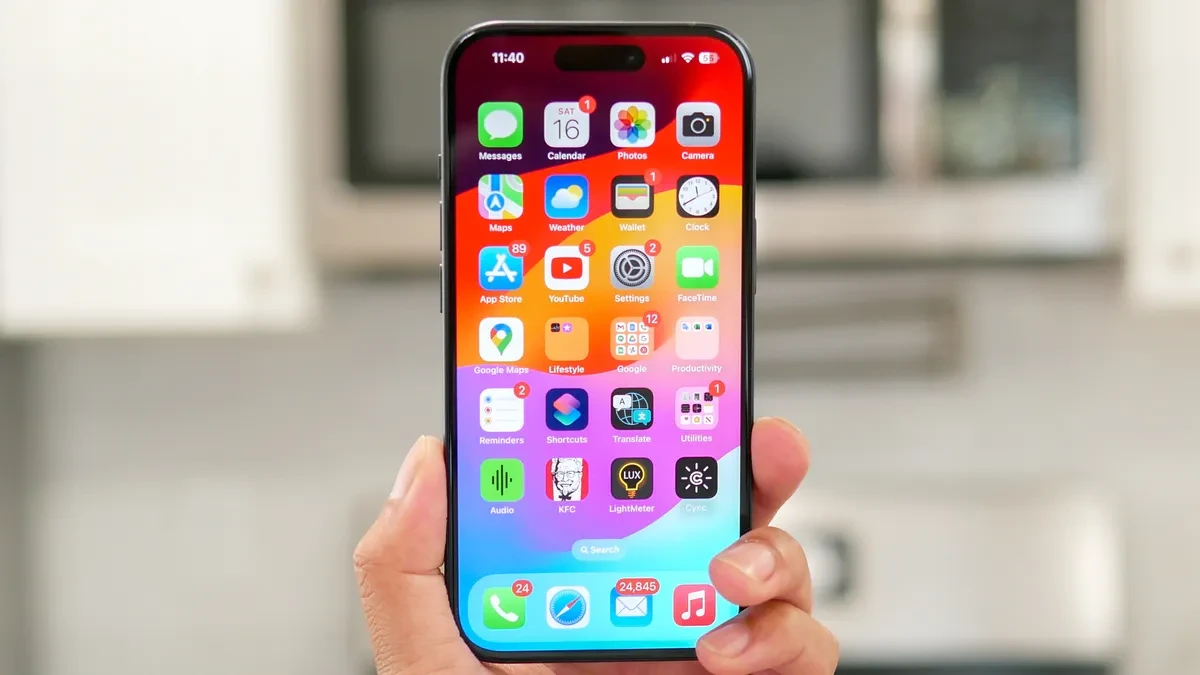
This is one of the small gifts (Easter eggs) that Apple includes to enhance the entertainment and festive experience for users during online shopping.
Color synchronization at the USB-C charging port.
Apple demonstrates meticulous design by matching the color of the internal connector core of the USB-C port to the color of the device's outer casing. For example, the pink iPhone version will have a correspondingly pink charging port core.
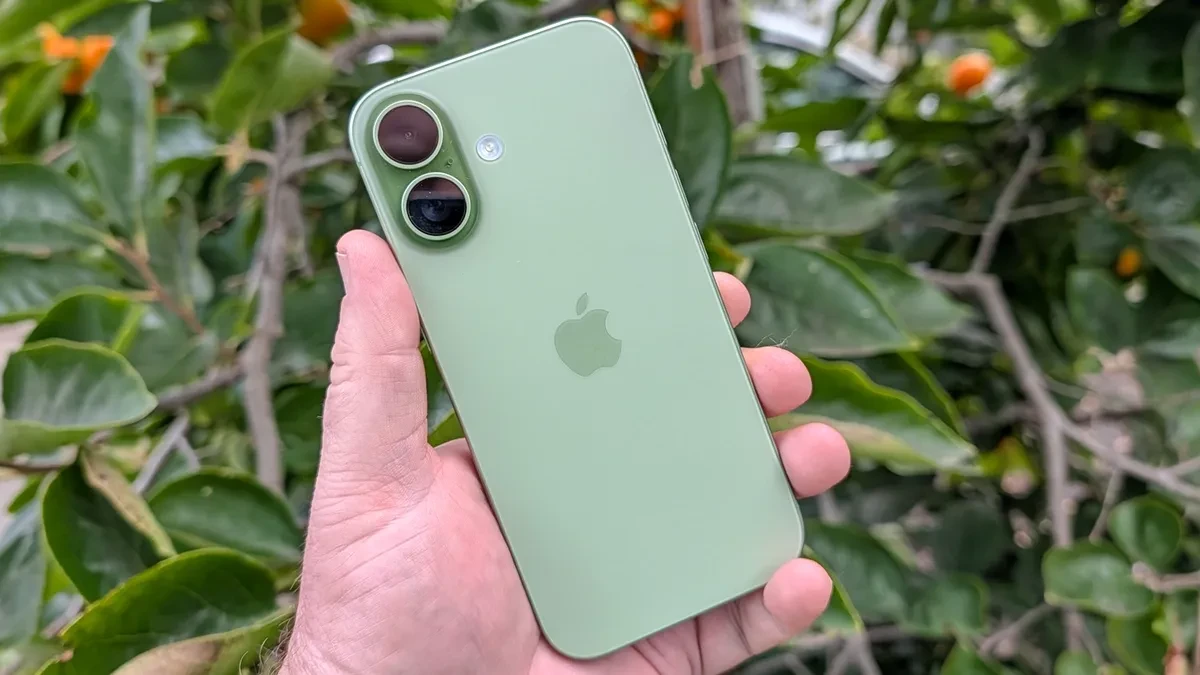
Despite being a small detail and located in an inconspicuous area, this consistency demonstrates the rigorous industrial aesthetic standards that Apple applies to its latest iPhone product lines.


