
Discover Creative Studio on the Galaxy S26: A new step forward in AI image creation from Samsung.
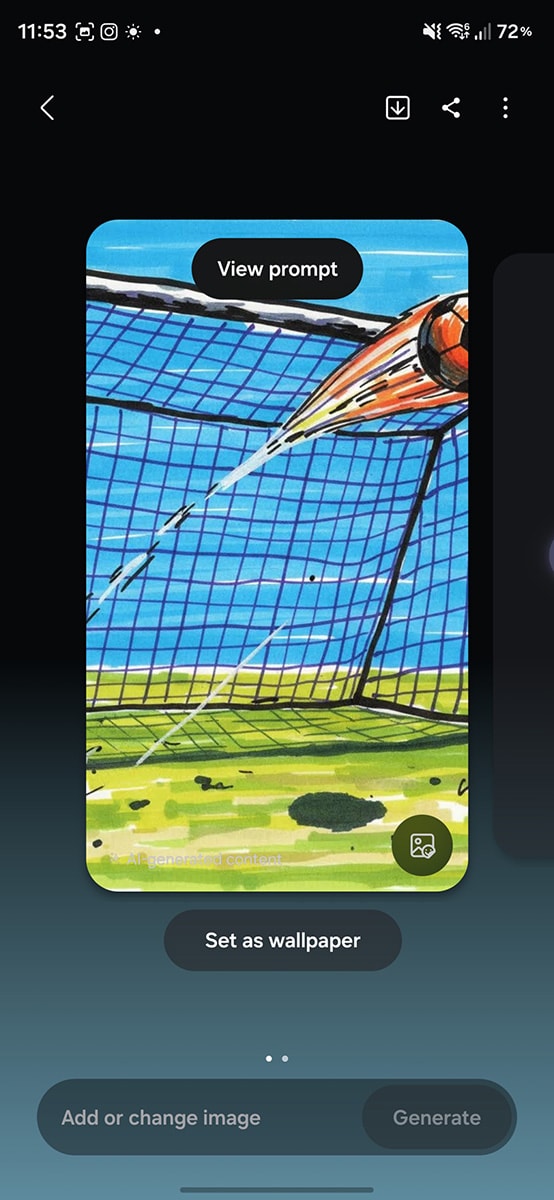
Creative Studio is the third generation of the AI hand-drawing tool on the Galaxy S26 Series, featuring a revamped interface. This feature allows users to easily create stickers and wallpapers directly from Samsung Notes.
Samsung has officially introduced Creative Studio on the Galaxy S26 series, marking a significant upgrade to its AI drawing assist tool. This is the third generation of AI image generation, building upon and developing from Sketch to Image on the Galaxy S24, aiming to provide users with a more professional and intuitive creative experience.
A revamped interface and intelligent project management capabilities.
The biggest change in Creative Studio lies in its user interface. Instead of starting with a blank canvas like its predecessors, the application now displays presets and recent projects immediately upon opening. This improvement allows users to quickly resume work or start new projects without spending a lot of time on manual adjustments.
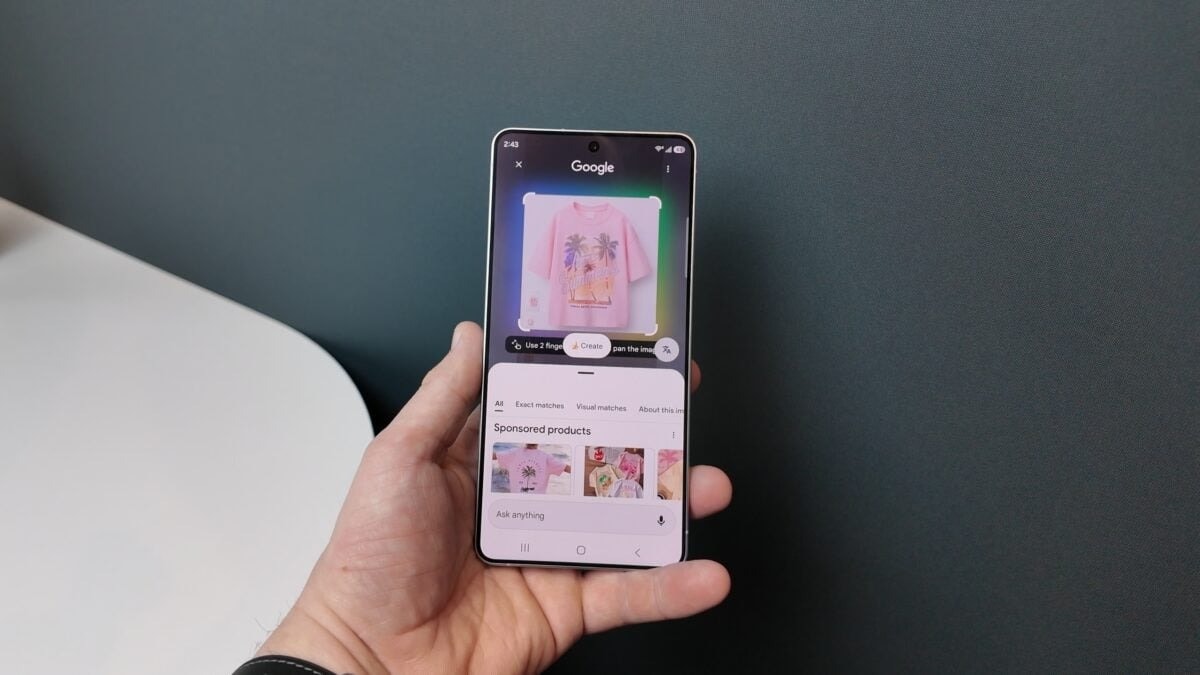
Expand your creative tools from stickers to greeting cards.
Creative Studio is no longer limited to simply converting sketches into images. This AI tool can now create stickers, wallpapers, greeting cards, profile cards, and even invitations. Notably, the wallpaper creation feature now supports multiple aspect ratios and allows users to set them directly from within the app, offering significant convenience in personalizing their devices.
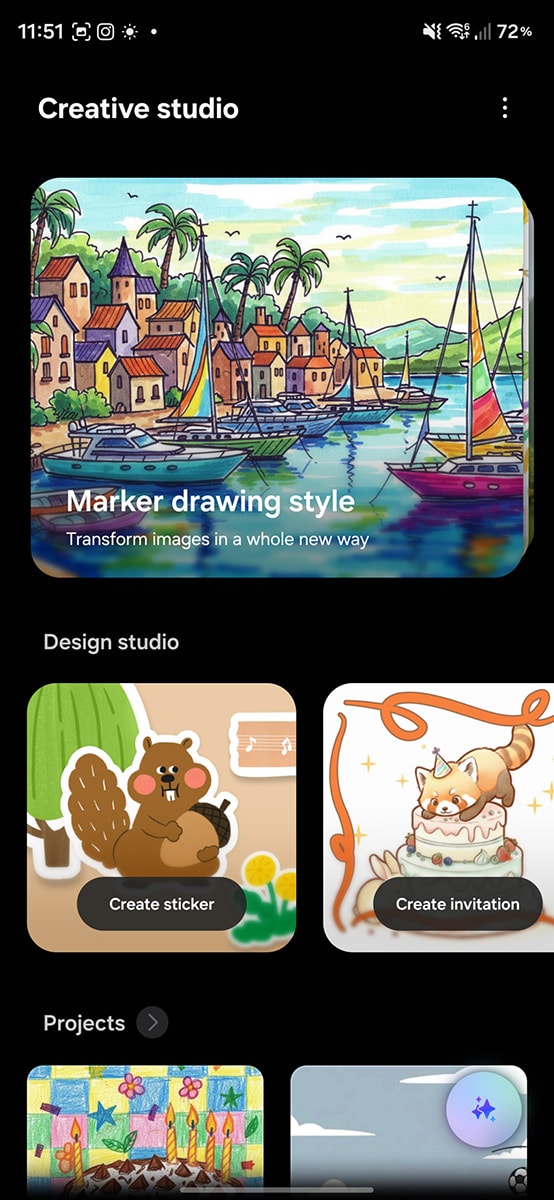
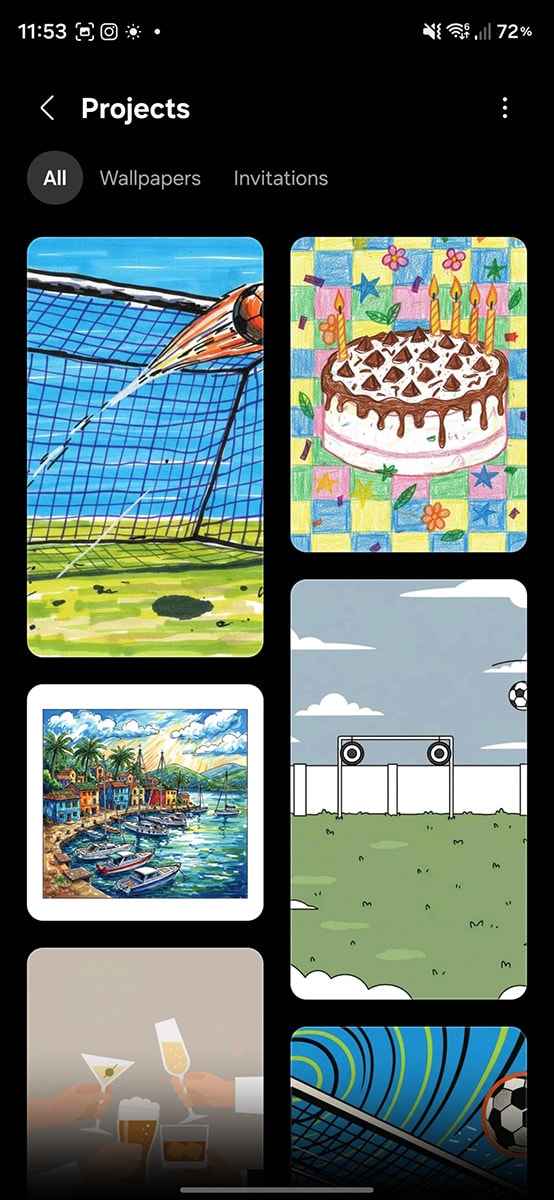
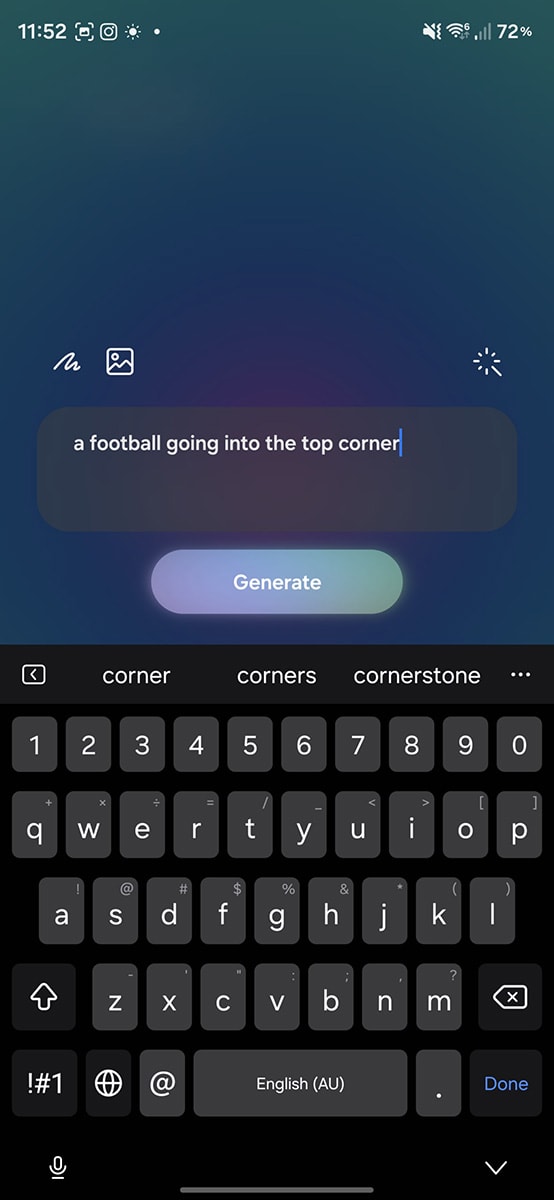
The One UI 8.5 update also adds many new art styles, including a childhood sketch style. The AI image creation process has been simplified through a flexible combination of hand sketches, pre-existing photos, and text commands (prompts).
Deeply integrated into the Samsung Notes ecosystem.
To optimize workflow efficiency, Samsung has integrated Creative Studio directly into Samsung Notes. Users can access this tool by tapping the AI-generated button while editing notes. This feature allows for quick creation of stickers or invitations and embedding them directly into the content being drafted, making the workflow more seamless.
Specifications and availability of the Galaxy S26 Series
Although Creative Studio comes with the One UI 8.5 update, it's still unclear whether older models will receive the full update. Previously, One UI 8 didn't bring Drawing Assist to the Galaxy S22 series. Therefore, the Galaxy S26 Series is currently the best option to fully experience this new AI toolset.
Here are the detailed specifications of the newly launched Galaxy S26 series:
| Parameter | Galaxy S26 | Galaxy S26 Plus | Galaxy S26 Ultra |
|---|---|---|---|
| Microprocessors | Exynos 2600 (2nm) | Exynos 2600 (2nm) | Snapdragon 8 Elite Gen 5 (3nm) |
| RAM | 12GB | 12GB | 12GB |
| Screen | 6.3 inch, 120Hz | 6.7-inch QHD+, 120Hz | 6.9-inch 2K, 120Hz |
| Main camera | 50MP | 50MP | 200MP |
| Batteries & Chargers | 4300 mAh, 25W | 4900 mAh, 45W | 5000 mAh, 60W |
| Reference price | 24,990,000 VND | 28,990,000 VND | 34,990,000 VND |
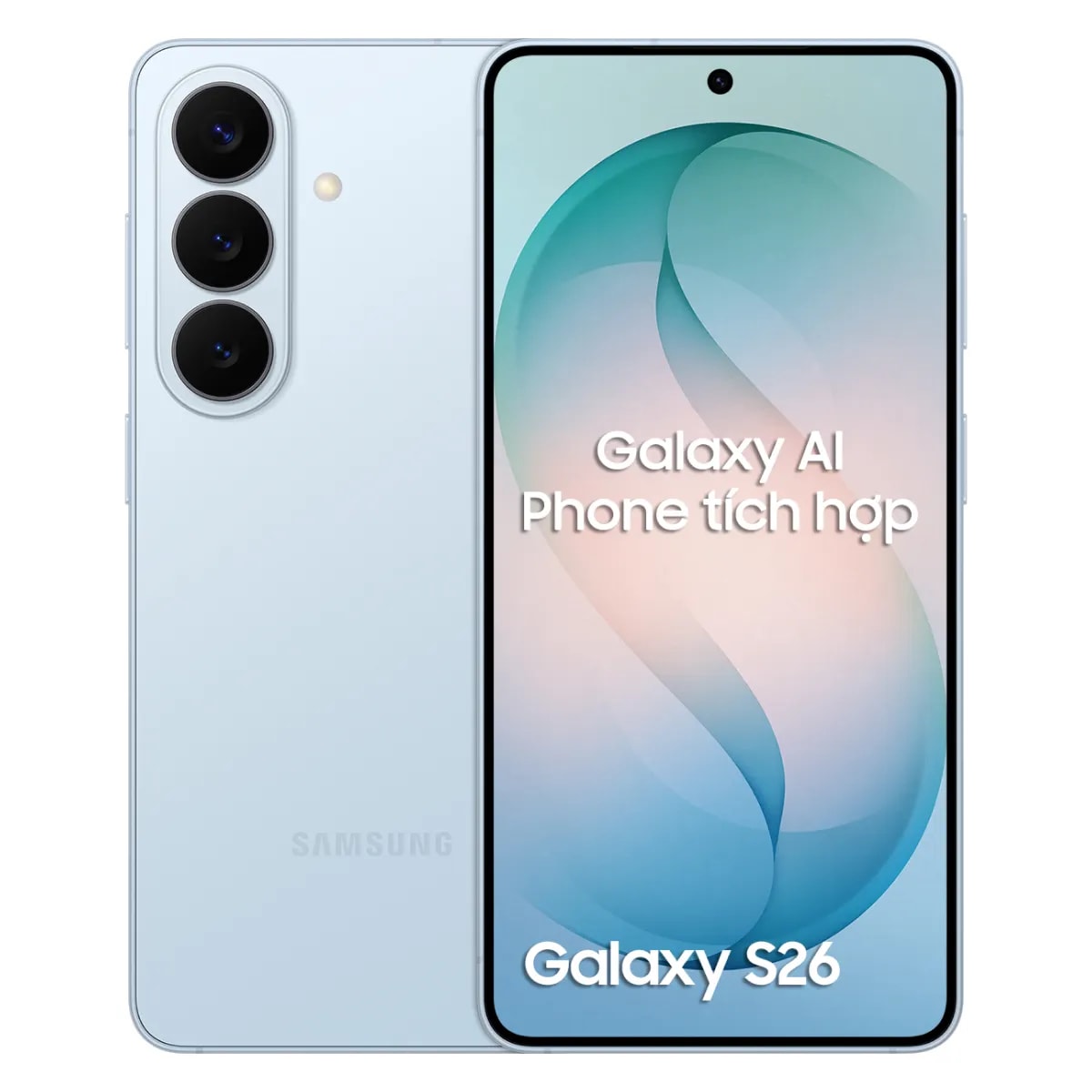
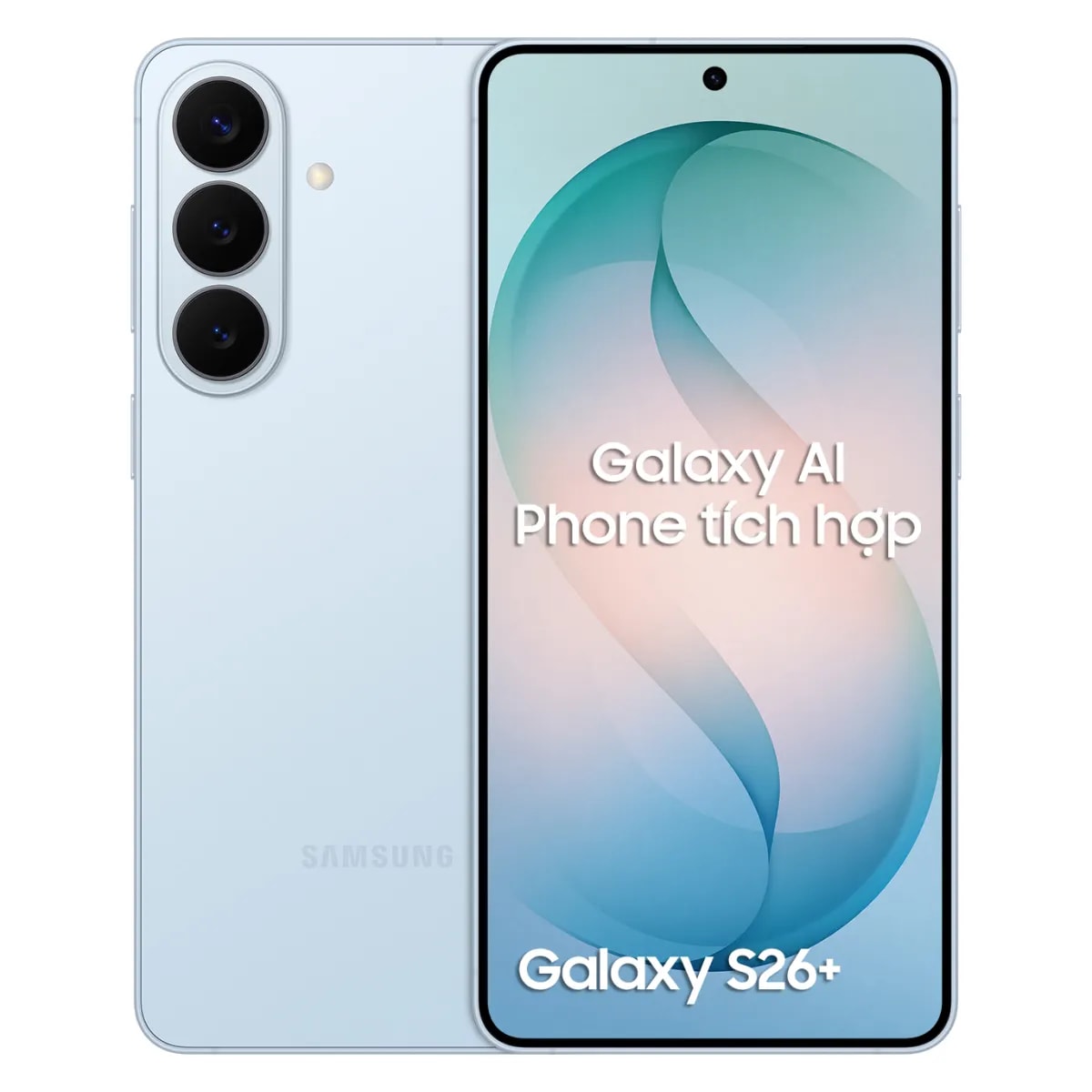
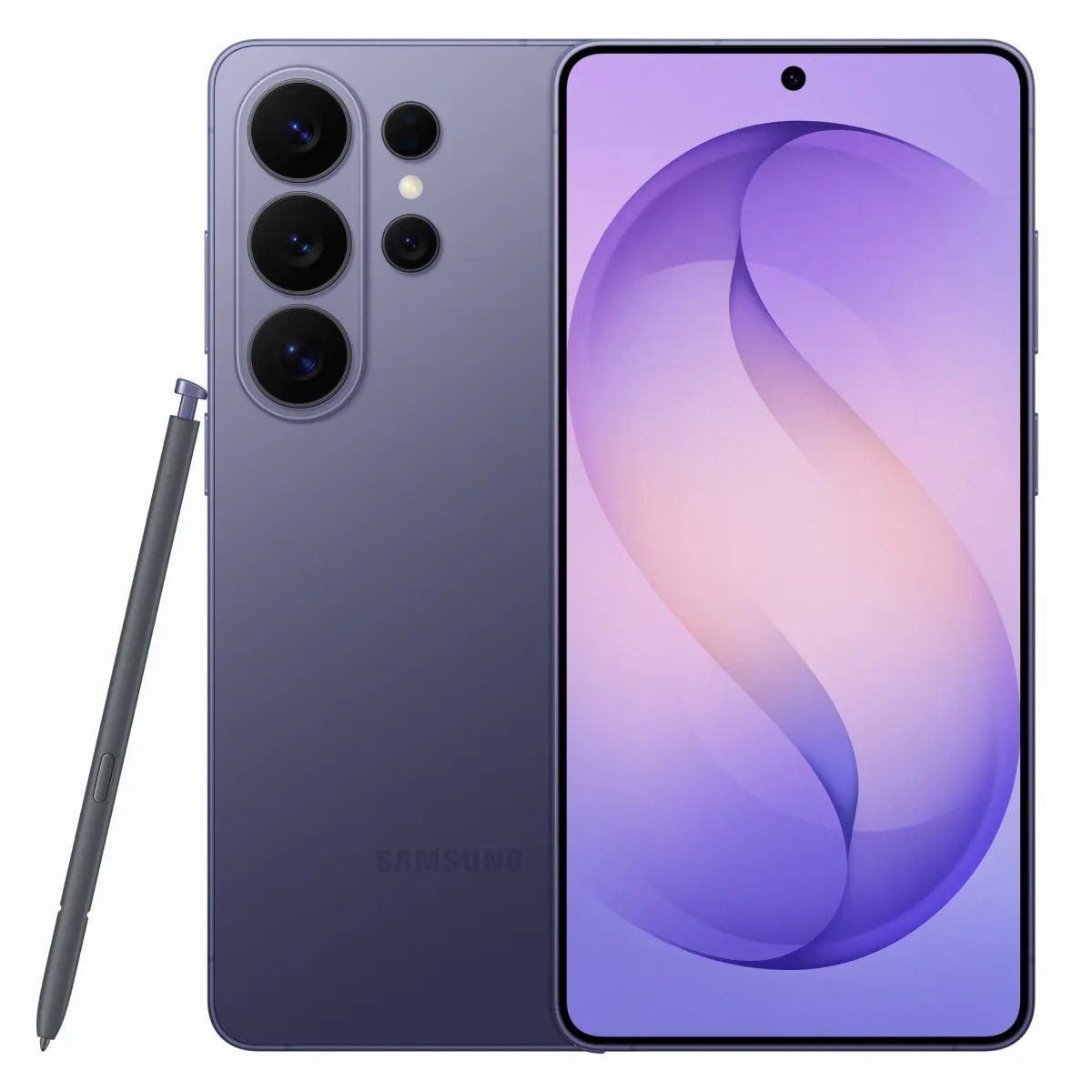
Users in Vietnam can pre-order the Galaxy S26 Series to receive special offers and gifts. The products are expected to be delivered to the first owners on March 6, 2026.


