
Storing important data on a USB drive: Is it really safe?
USB drives have long been a popular storage option due to their convenience, low cost, and ease of use. However, with increasing security risks and hardware failures, the question arises: is storing important data on USB drives truly safe?
For many people, USB drives are the quickest way to store important documents. This simplicity has made USB storage a popular backup method. The low cost, especially compared to other computer components, further contributes to USB's popularity, even as memory chip prices are predicted to rise due to the increasing demand for artificial intelligence (AI).
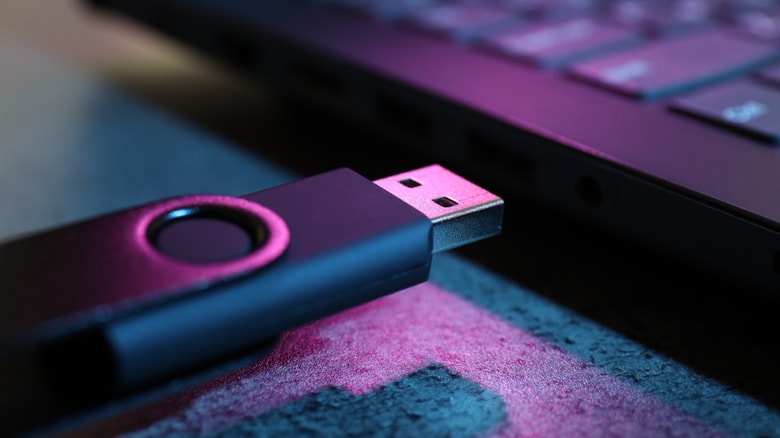
However, that convenience doesn't equate to absolute security. Essentially, the concept of "data security" encompasses two elements: preventing data loss or destruction, and protecting data from unauthorized access. Like driving a car, storing data on a USB drive is never absolutely safe, but adhering to basic principles can significantly mitigate risks.
Never put your trust in a single USB drive.
Not all USB drives are created equal. The lifespan of a drive depends on the quality of its components, the number of data write cycles, and the usage environment. A cheap USB drive on e-commerce platforms will have a completely different lifespan than a high-end SSD costing millions of dollars. Even so, even the best drives can fail unexpectedly; there have been warnings about some USB drives with serious defects.
Besides the risk of physical damage, USB drives are also vulnerable to malware attacks. Simply plugging a USB drive into a computer infected with a virus can spread malware to the USB drive and then to other devices. In some situations, hackers may even encrypt or seize data for ransom. This is also why you should avoid buying used USB drives.
The most important lesson is never to rely on a single copy. Create multiple backups across different devices and platforms. You can use cloud platforms like Google Drive or Dropbox.
Don't overlook security - it's a crucial factor.
From a purely security standpoint, USB drives have a major advantage: once removed from the computer, the data is virtually invisible to a remote attacker. However, if a USB drive is stolen, everything inside will be completely exposed if you don't encrypt it.
To overcome this, users can encrypt the USB drive using BitLocker (Windows) or Disk Utility (macOS). This password protection is strong enough to prevent unauthorized access. Furthermore, physical USB drives can be stored in a secure vault, something cloud storage cannot offer.
Ideally, you should maintain at least two backups: one locally and one in the cloud. If your cloud storage account is hacked, you still have the USB drive; if the USB drive is lost, you still have the cloud storage. Organizations with higher security requirements should invest in a dedicated local backup system with strong encryption.
In summary, USB drives remain a useful storage tool, but they are only secure when used within a properly secured backup system. Experts also recommend simulating data loss scenarios to test your recovery capabilities. Only when you are confident that you can recover your data even if your USB drive is lost, your cloud storage account is hacked, or your hardware fails, is that truly a state of security.


