
Tips for using a laptop charger to charge your phone correctly and safely.
You can absolutely use the same USB-C charger between your laptop and smartphone thanks to the USB-PD standard, which automatically adjusts the optimal charging power and protects battery life.
The widespread use of USB-C connectors on electronic devices today has changed many people's charging habits. Instead of having to carry multiple separate chargers, users can now safely and efficiently charge their smartphones using their existing USB-C laptop chargers.
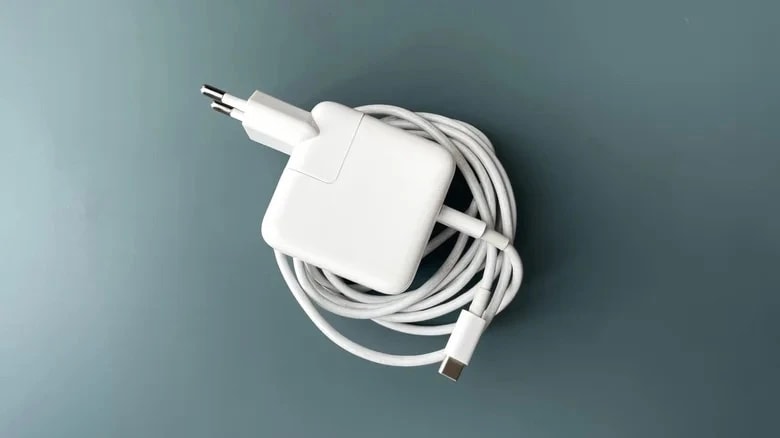
Prioritize the USB Power Delivery (USB-PD) standard.
This solution works best when both your laptop and phone support the USB Power Delivery standard. This is a charging protocol developed by the USB-IF organization, which allows the charger and device to recognize each other's power needs.
When connected, the charger automatically checks how much power the phone needs to provide the most suitable current. The advantage of USB-PD is its extremely high compatibility, working seamlessly from iPhones, Samsung Galaxy, Google Pixel to MacBooks and modern Windows laptops.
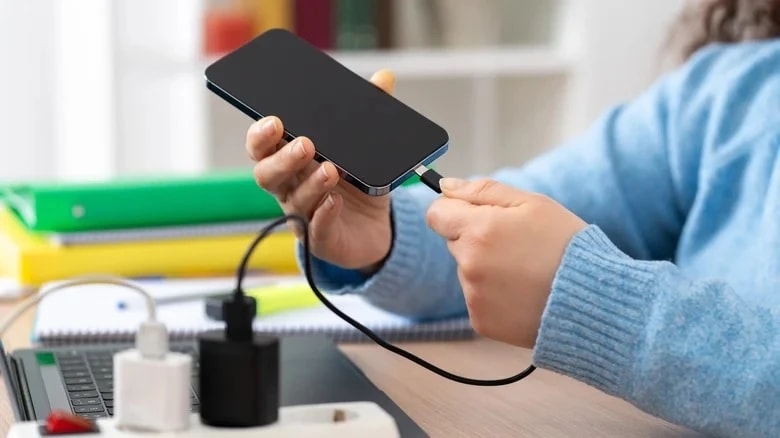
Protection mechanism when USB-PD is not available.
If one of the devices does not support USB-PD, charging will still be safe thanks to the built-in protection features of the USB-C standard. In this case, the charger will default to operating in low-power mode (usually 5V) to ensure safety.
The charging speed may be limited to 7.5W or 15W, depending on the phone's capacity. Thanks to the CC pins on the charger, high voltage will never be output unless explicitly requested by the receiving device, preventing overload or fire hazards.

Important notes for efficient battery charging.
Although sharing chargers is possible, you still need to follow some guidelines to protect your device:
- Use high-quality cables:The USB-C cable plays a crucial role in transmitting power and data via the protocol. Please use the cable that came with your device or one from a reputable brand.
- Avoid counterfeit chargers:Never use laptop chargers of unknown origin or without clear technical specifications.
- Check the temperature:If the device heats up unusually during charging, pause the process and check for compatibility.
In short, if you own a USB-C laptop charger from major brands like Apple, Samsung, or genuine Windows laptops, you can safely use it for your smartphone without worrying about electrical safety.


