
Effective tips to fix slow and laggy smartphones at home.
Discover the four real reasons why your phone slows down over time and how to fix them effectively to get your device running smoothly like new without needing to replace it.
After about 2-3 years of use, many users often experience problems such as smartphones taking a long time to open apps or lagging when switching between multitasking modes. The common misconception that the hardware or CPU fails over time is incorrect. In reality, the performance of the processor chip remains almost unchanged; the problem lies in software and consumable components.
CPUs don't slow down over time.
Unlike car engines which experience mechanical wear and tear, CPUs operate based on the flow of electrons within silicon transistors. A chip manufactured to run at 3.0GHz will maintain that speed for many years. While semiconductors do age, this process takes decades and doesn't significantly impact the user experience in the first few years.

4 real reasons why your phone is sluggish.
If it's not the CPU, here are the main culprits causing your device to run less smoothly:
- The software is getting heavier and heavier:Applications like Facebook, Zalo, and Messenger are constantly updating with new features. An application that once weighed only a few tens of MB can now be several GB in size, requiring significantly more processing resources than when you first bought the device.
- Storage memory is too full:This is the most common cause. When free space is below 10-15%, memory read and write speeds drop sharply because the system has difficulty finding contiguous data areas to store, causing noticeable lag.
- Background processes and caching:The longer you use the system, the more applications start up and services run in the background. Temporary files and activity logs accumulate, causing the system to process a huge amount of extra work that the user doesn't see.
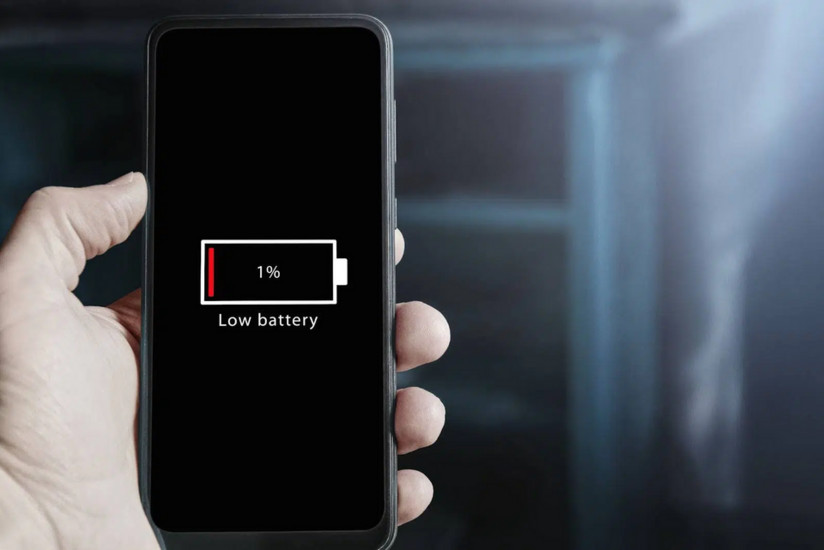
- Battery aging:As the lithium battery's capacity decreases and its internal resistance increases, the system will proactively limit the processor's performance to prevent sudden voltage drops that could cause the device to shut down. This is the only hardware factor that actually slows down the device.
How to restore speed to your smartphone.
To resolve this issue, you can try the following methods:
- Restore factory settings (Reset):This helps to completely clean the software environment, removing junk files and complex background processes. This is the most effective way to restore the CPU to its smooth, new operating state.
- Free up memory:Delete old photos and videos and uninstall unnecessary apps to ensure that free storage space remains above 20%.
- Replace the battery:If the battery is found to be degraded (usually below 80% of its maximum capacity), replacing the battery will help the system unlock the CPU's highest performance level again.
Instead of rushing to buy a new phone, understanding the cause will help you save money and effectively extend the lifespan of your current device.


