Tips to increase the lifespan of your Android phone: 14 bad habits you need to stop immediately.
Optimizing performance and security for Android isn't difficult if you know how to avoid common mistakes like incorrect battery charging, skipping software updates, or connecting to public Wi-Fi.
Daily usage habits directly affect the performance, durability, and safety of an Android phone. To ensure stable device operation and extend its lifespan, users should avoid the following common mistakes.

1. Ignore software updates.
Updates not only bring new features but also patch security vulnerabilities and fix system bugs. Using an outdated operating system makes your computer vulnerable to attacks and application incompatibility issues. You should visit...Settings > System > Software UpdateFor regular inspection.
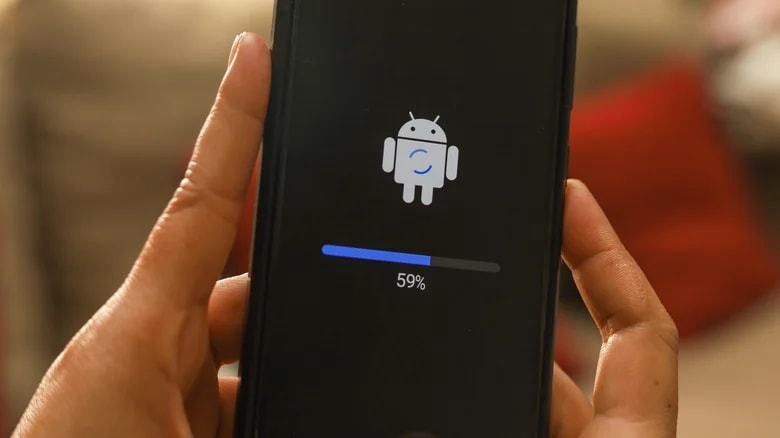
2. Not restarting the computer periodically.
Restarting your device helps clear the cache, close frozen background processes, and free up resources. The US National Security Agency (NSA) recommends that users restart their phones at least once a week to optimize performance.
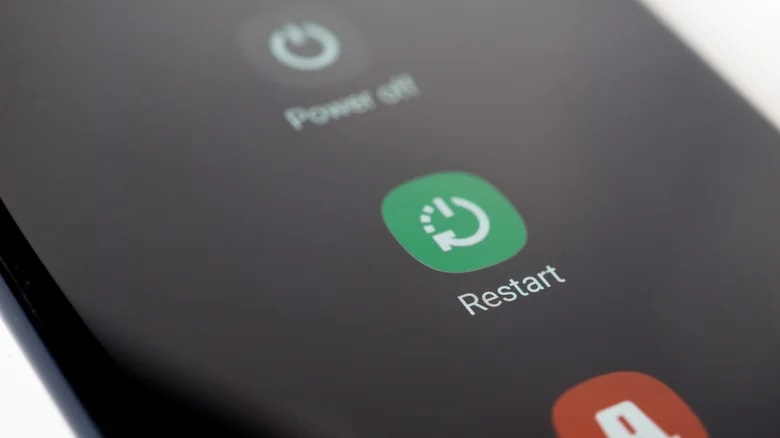
3. Installing apps from unknown sources.
Downloading apps outside the Google Play Store carries the risk of malware, spyware, or fake applications. These apps can run silently in the background, draining battery power or stealing users' personal information.
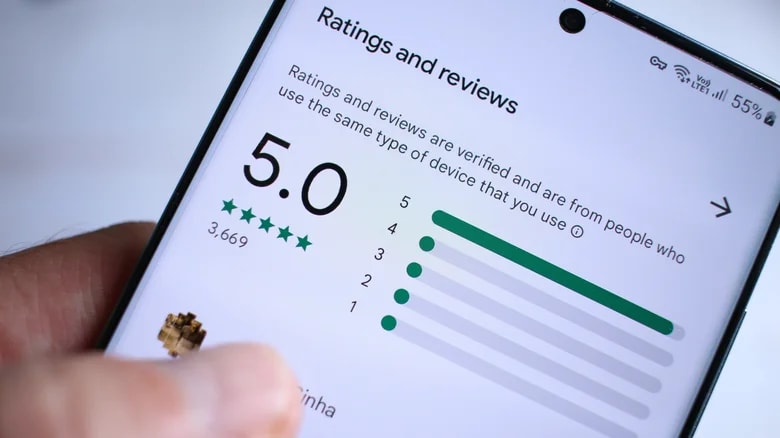
4. Granting application permissions indiscriminately.
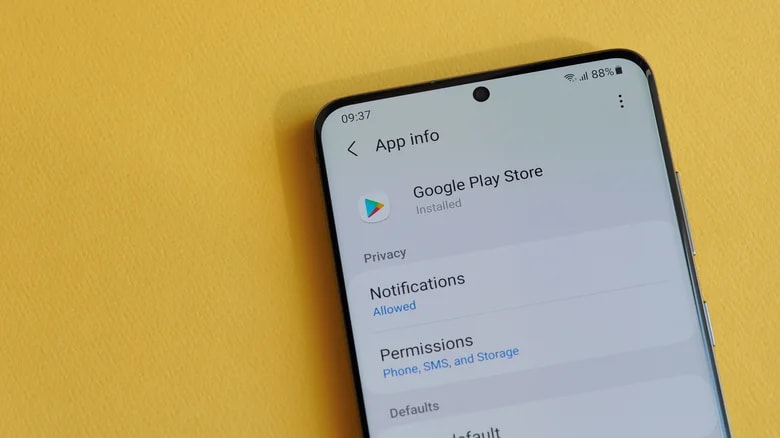
Many apps request access to the microphone, camera, or location even when unnecessary. Please check the settings.Settings > Apps > Permissionsto revoke sensitive permissions for unrelated applications.
5. Mistakes in battery charging habits
Regularly letting the battery drain to 0% or charging it to 100% puts significant stress on lithium-ion batteries. Experts recommend maintaining the battery level within a certain range.50% - 80%To ensure the battery lasts as long as possible.

6. Allowing storage space to become too full.
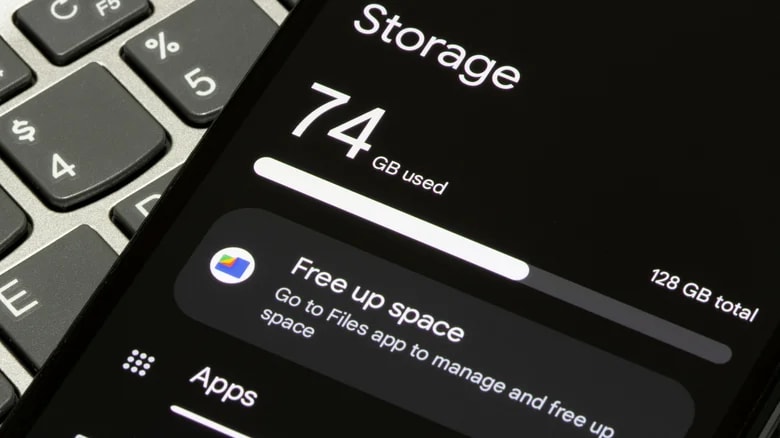
Android performance will noticeably decrease when free memory is below 10%. This prevents software updates and slows down the interface. You should regularly delete unused apps, clean up old photos, or use cloud storage.
7. Not clearing the cache.
Excessive accumulation of temporary data (cache) can cause application errors. Please go toSettings > Apps > Select app > Storage > Clear cacheTo clean your device periodically without losing personal data.

8. Using public Wi-Fi is unsafe.
Wi-Fi networks at cafes or airports are often unencrypted, making them vulnerable to man-in-the-middle attacks. When forced to use public Wi-Fi, use a VPN and absolutely avoid conducting banking transactions.
9. Other important notes
- No data backup:Always use Google Drive or back up your data to your computer to avoid losing it if your computer fails.
- Connecting to an unfamiliar computer:Malware can be transmitted through USB ports.
- Leaving too many applications running in the background:It causes the device to overheat and drain the battery quickly.
- Root the device:Deep system modifications will void the warranty and disable built-in security measures.