
Microsoft has officially ended support for older printer drivers on Windows 11.
Starting January 15th, Microsoft ended support for printer drivers V3 and V4 on Windows 11, marking a major turning point in its roadmap for modernizing and enhancing the security of printing systems.
Microsoft has just made a significant change to the Windows 11 ecosystem by officially ending support for older V3 and V4 architecture printer drivers. This decision, effective January 15th, is part of a long-term strategy to phase out outdated hardware components and transition to more modern printing standards on Windows 11 and Windows Server 2025.
The roadmap for ending support and its impact on users.
According to the latest announcement, printer drivers V3 and V4 – which were discontinued in September 2023 – will no longer be officially supported by Microsoft. From this point on, submitting new printer drivers to Windows Update will be blocked by default. Any exceptions requiring maintenance of older drivers will undergo a rigorous manual review process with specific technical reasons.
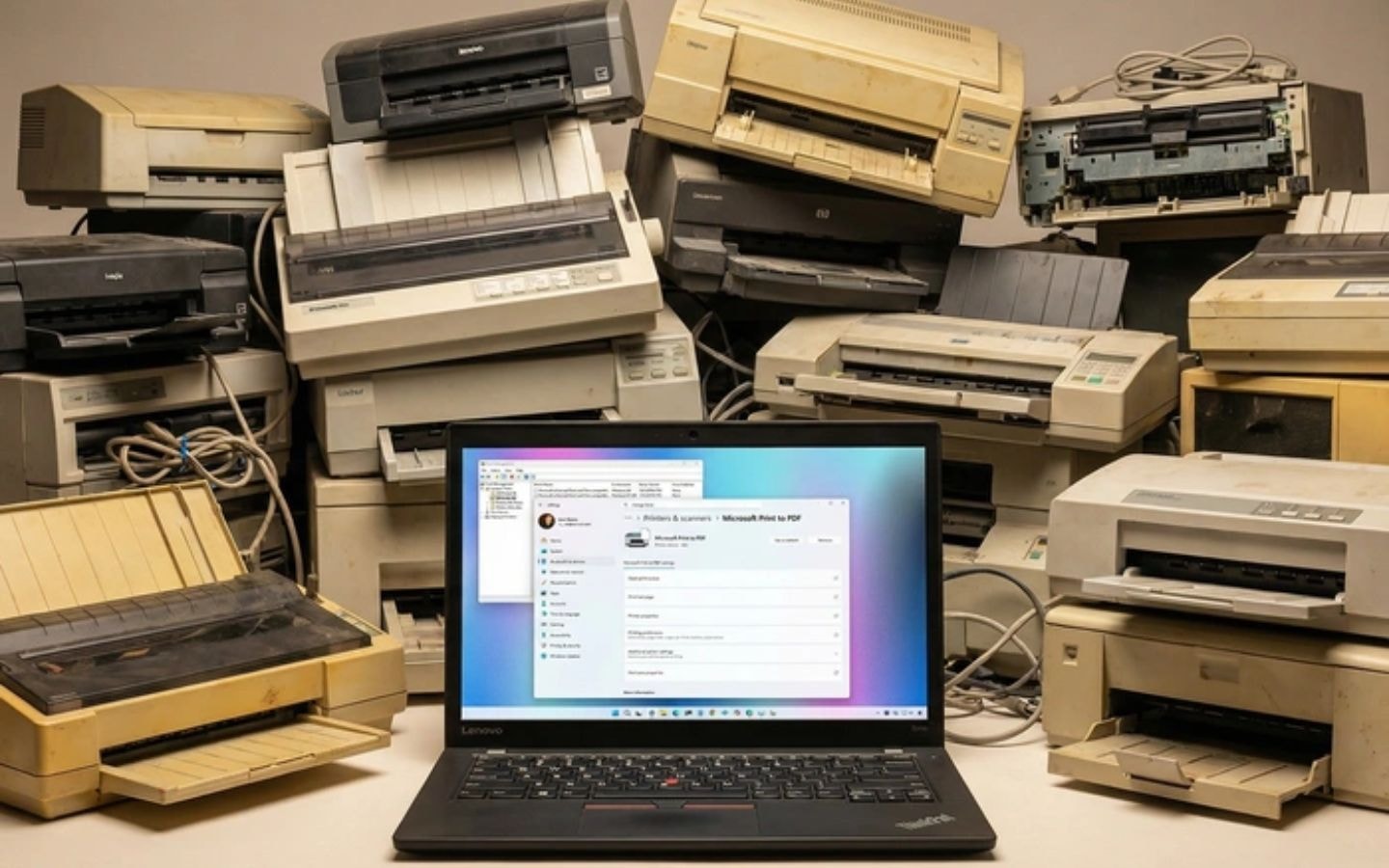
This change primarily affects older devices that still rely on traditional driver architectures. Users of older printers may experience issues installing new drivers via Windows Update or their devices may stop working altogether. However, Microsoft asserts that the majority of individual users will not be affected, as modern printers have already switched to the new driver architecture.
Windows printing platform modernization plan
The discontinuation of V3 and V4 drivers follows the release of Windows 10 version 21H2, when Microsoft began removing the requirement for manufacturers to provide separate installers for each device. Instead, the company is moving towards using class drivers with higher compatibility.
| Timeline | Significant change |
|---|---|
| 15/01/2024 | Discontinue support for drivers V3 and V4; block sending new drivers to Windows Update. |
| 01/07/2026 | Prioritize Microsoft IPP class drivers integrated into the internal ranking. |
| 01/07/2027 | Only provide security fixes for third-party drivers through Windows Update. |
Notably, Microsoft is laying the groundwork for Windows Protected Print Mode (WPP). This feature, which appeared in recent Windows 11 24H2 updates, allows the system to completely remove third-party drivers and only use Microsoft-provided layer drivers to optimize system security.
Advice for users of older devices
For users experiencing printer connection issues after this update, Microsoft recommends contacting the device manufacturer directly to check for compatible driver updates or considering upgrading to printing solutions that support the modern IPP protocol. This transition will not only ensure stability but also help the system avoid security vulnerabilities commonly found in older driver architectures.


