
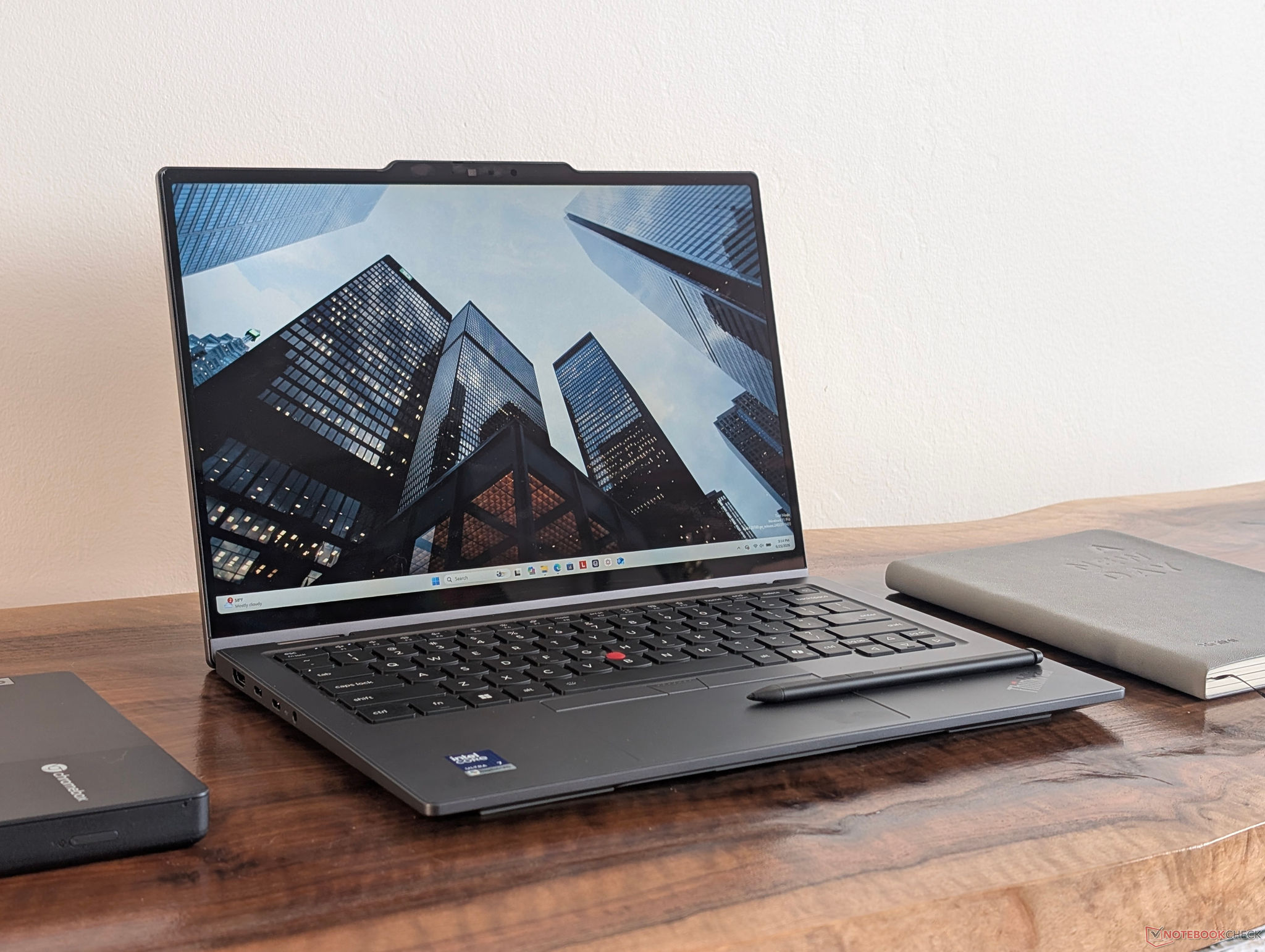
ThinkPad X1 2-in-1 Gen 11 Upgrade: Only one configuration truly delivers groundbreaking graphics.
Surprisingly, most versions of the ThinkPad X1 2-in-1 Gen 11 have weaker graphics than their predecessors. Only the Core Ultra X7 configuration with the Arc B390 delivers a real breakthrough in performance.
Lenovo has officially launched the 2026 version of the ThinkPad X1 2-in-1 Gen 11 convertible laptop to replace its Gen 10 predecessor. The core change lies in the switch from Intel Lunar Lake to Panther Lake processors. However, an in-depth technical analysis reveals that not all configurations of the new generation deliver the expected improvements, especially in the graphics department.
The paradox of graphics performance on the Panther Lake series.
The ThinkPad X1 2-in-1 Gen 11 line offers a variety of processor options including the Core Ultra 5 325, Ultra 5 335, Ultra 7 355, Ultra 7 365, Ultra 7 366H, and the top-of-the-line Ultra X7 368H. Notably, most of these options utilize standard Xe3 integrated graphics, which offer rather modest performance.
Real-world data shows that the Xe3 iGPU on the lower- and mid-range Panther Lake versions performs quite poorly. Even the Arc 140V graphics core (Lunar Lake architecture) on the older ThinkPad X1 2-in-1 Gen 10 outperforms almost all SKUs of the new Gen 11 generation. This creates a paradox: users upgrade to the newer generation but receive inferior graphics performance unless they choose the highest-end configuration.
The real power lies in the Core Ultra X7 and Arc B390.
The only highlight, and the most noticeable difference, lies in the version running the Core Ultra X7 chip with integrated Arc B390 graphics. This is the only configuration that allows the ThinkPad X1 2-in-1 Gen 11 to make a significant leap in performance. According to comparison charts, graphics power can increase by up to 2.5 times compared to versions running regular Xe3 cores.
Below is a table comparing graphics performance based on standard tests:
| Device / Configuration | Integrated GPU | 3DMark Fire Strike (Points) | 3DMark Time Spy (Score) |
|---|---|---|---|
| MSI Prestige 14 Flip AI+ (Ultra X7 358H) | Arc B390 (12 Xe3) | 16,885 | 6,982 |
| ThinkPad X1 2-in-1 Gen 10 (Ultra 7 258V) | Arc Graphics 140V | 10,056 | 4.105 |
| ThinkPad X1 2-in-1 Gen 11 (Ultra 7 355) | Graphics 4 Xe3 | 7,227 | 2,989 |
CPU performance analysis
Despite the significant differences in graphics performance, Panther Lake's CPU performance still shows considerable progress. In the Cinebench R23 multi-core test, the Core Ultra X7 358H achieved 17,457 points, approximately 52% higher than the 11,504 points of the Core Ultra 7 355 in the same Gen 11 machine. Compared to the Gen 10 generation (10,185 points), this growth is very significant for demanding tasks such as rendering or data processing.
Which option is best for professional users?
Owning the most powerful configuration with a Core Ultra X7 and Arc B390 processor won't come cheap. Users can expect to pay around $3,000 (over 75 million VND) or more for this version. However, it's a worthwhile investment if you need a thin and light 14-inch laptop that's still powerful enough to handle demanding graphics tasks.
In short, for the ThinkPad X1 2-in-1 Gen 11, the message for performance-prioritizers is clear: Skip the lower-end versions if you don't want to experience a step backward in graphics compared to the previous generation. Only the top-of-the-line Core Ultra X7 version truly represents the power of the Panther Lake architecture.


