
Helpful tips for effectively saving battery life on your smartphone.
With smartphones increasingly handling multiple tasks from work to entertainment, battery life remains a major concern for users. The following simple yet effective tips can help extend your battery life each day.
When thinking about optimizing battery life, many people immediately look for ways to turn off this feature or limit that feature. However, reality has shown that the screen is the most energy-consuming component on smartphones today.
The screen acts like a "mini flashlight" that's always on. It needs to be bright enough for outdoor viewing, sharp enough for 4K video, and responsive enough for every swipe and scroll. This means each pixel consumes power continuously. When you multiply that by millions of pixels, the consumption becomes enormous.
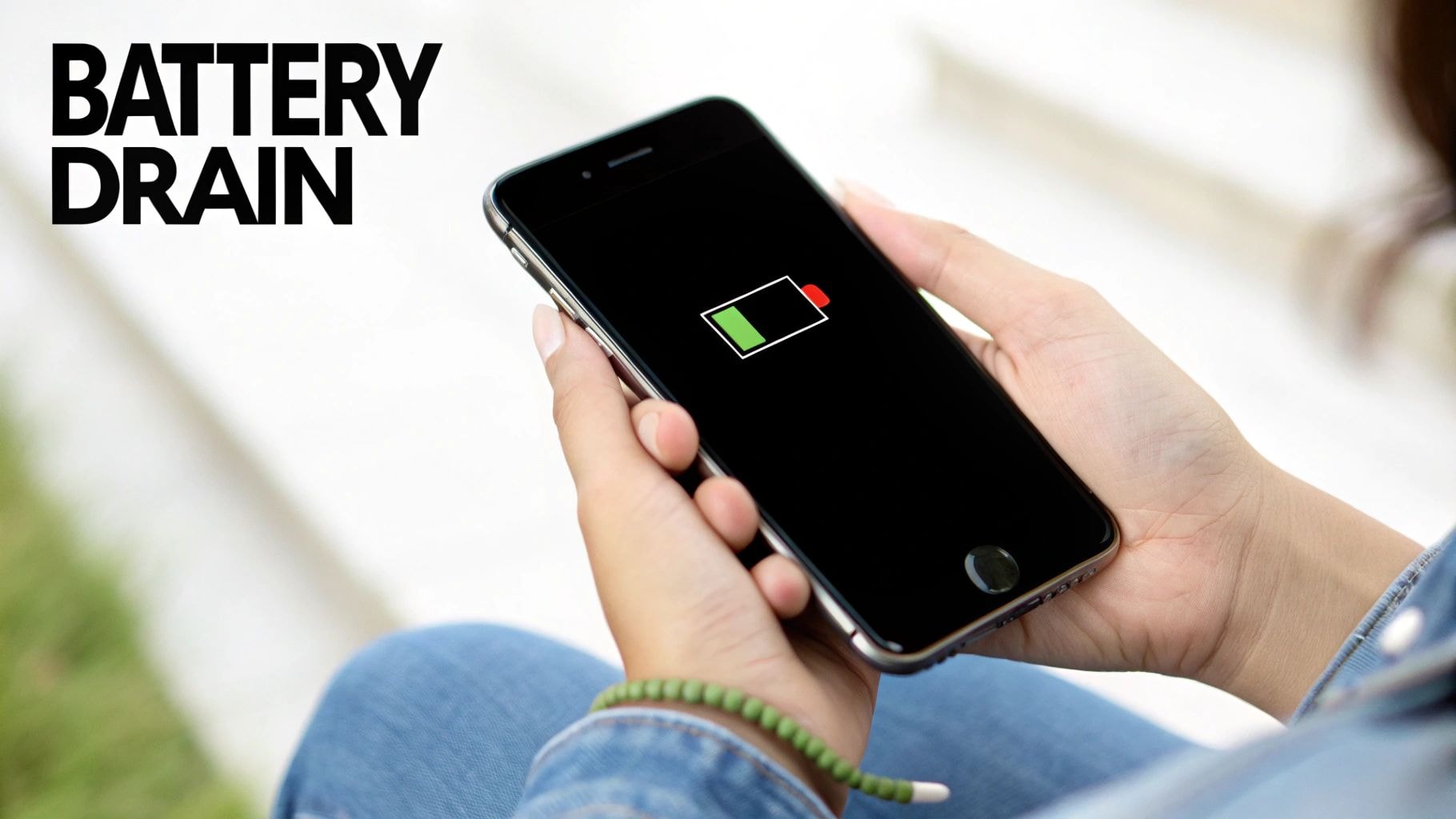
In practical use, the screen consumes more battery power than the processor, camera, network connection, and all applications combined. Even the "always-on display" feature, which only shows a few pieces of information, still consumes significant energy because it never turns off completely.
It's easy to understand why smartphones with large, bright screens or high refresh rates tend to drain battery faster. And from this, simply adjusting the display settings correctly can significantly improve battery life.
Screen brightness: A small change with a big impact.
You might not realize it, but screen brightness is the biggest battery drainer among all display settings. When set too high, the system has to expend a lot of power to maintain that brightness, even in a dark room.
Reducing the brightness by just 10-20% can make a noticeable difference without affecting the viewing experience.
Adaptive lighting mode provides automatic optimization.
Instead of manual adjustment, Adaptive Brightness (Android) or Auto-Brightness (iPhone) automatically sets the brightness to suit the environment. The phone will learn your habits over time, maintaining a reasonable brightness level, reducing glare indoors and slightly increasing it outdoors.
This is one of the most effective battery-saving settings without compromising the user experience.
Dark mode - the best battery-saving feature on OLED screens.
Most smartphones today use OLED or AMOLED screens. On these types of screens, true black pixels are completely turned off, consuming no power.
This means that the darker the interface, the fewer bright pixels there are, resulting in significant battery savings. This is especially effective when using the device at night or in low-light environments.
When continuously activated, dark mode can save between 8% and 20% of battery power, depending on usage and app interface.
Reducing screen timeout helps optimize every second.
Screen timeout is the amount of time the screen remains illuminated after you stop interacting with it. A default of 30 seconds is usually sufficient for most situations.
However, many people use a brightness setting of 1-2 minutes, causing the screen to unnecessarily light up dozens of times a day. Therefore, users should adjust it to around 15 to 30 seconds.
Modern phones also have a feature that keeps the screen on while you're looking at it (Screen Attention/Attention Aware), so you don't have to worry about the screen turning off mid-reading.
Consider turning off the Always-on Display.
The Always-on Display feature is convenient, but it still consumes energy because it has to maintain a minimum brightness level for a portion of the screen. In battery usage statistics, this feature is often among the top energy-consuming features.
If your phone's battery drains quickly, you can turn off the Always-on Display feature completely, reduce background effects, or only turn it on during work hours and when the phone is charging. This solution can help the battery last a few extra hours each day.
Reducing the refresh rate - a small trade-off, a big benefit.
A 120Hz refresh rate provides an extremely smooth experience, but it's also a major drain on battery life because the screen has to refresh many more times per second. Therefore, to save battery, users can set it to 60Hz or enable automatic refresh rate (Adaptive Refresh Rate).
In fact, many phones support dynamic mode: 120Hz when scrolling, and reduced to 10-30Hz when viewing photos. This maintains a smooth experience while saving significant energy.
Smooth animations when opening apps or switching screens also consume energy because they require more processing power from the GPU and CPU.
Why is simply optimizing the screen enough to improve battery life?
The entire smartphone system is well optimized: chips are becoming more energy-efficient, modems are more effective, and cameras only turn on when needed.
The screen alone is constantly active whenever you use your phone. Therefore, the brighter the screen, the more power it consumes, and the larger the screen, the more battery it drains. Similarly, higher refresh rates and resolutions consume more power. That's why manufacturers are now investing heavily in energy-saving screen technology, flexible refresh rates, and low-power modes.
In summary, among the numerous factors affecting battery life, the screen remains the most power-consuming component on any smartphone. Adjusting brightness, using dark mode, reducing standby time, turning off always-on display, or adjusting the refresh rate can make a big difference without sacrificing performance or user experience.


