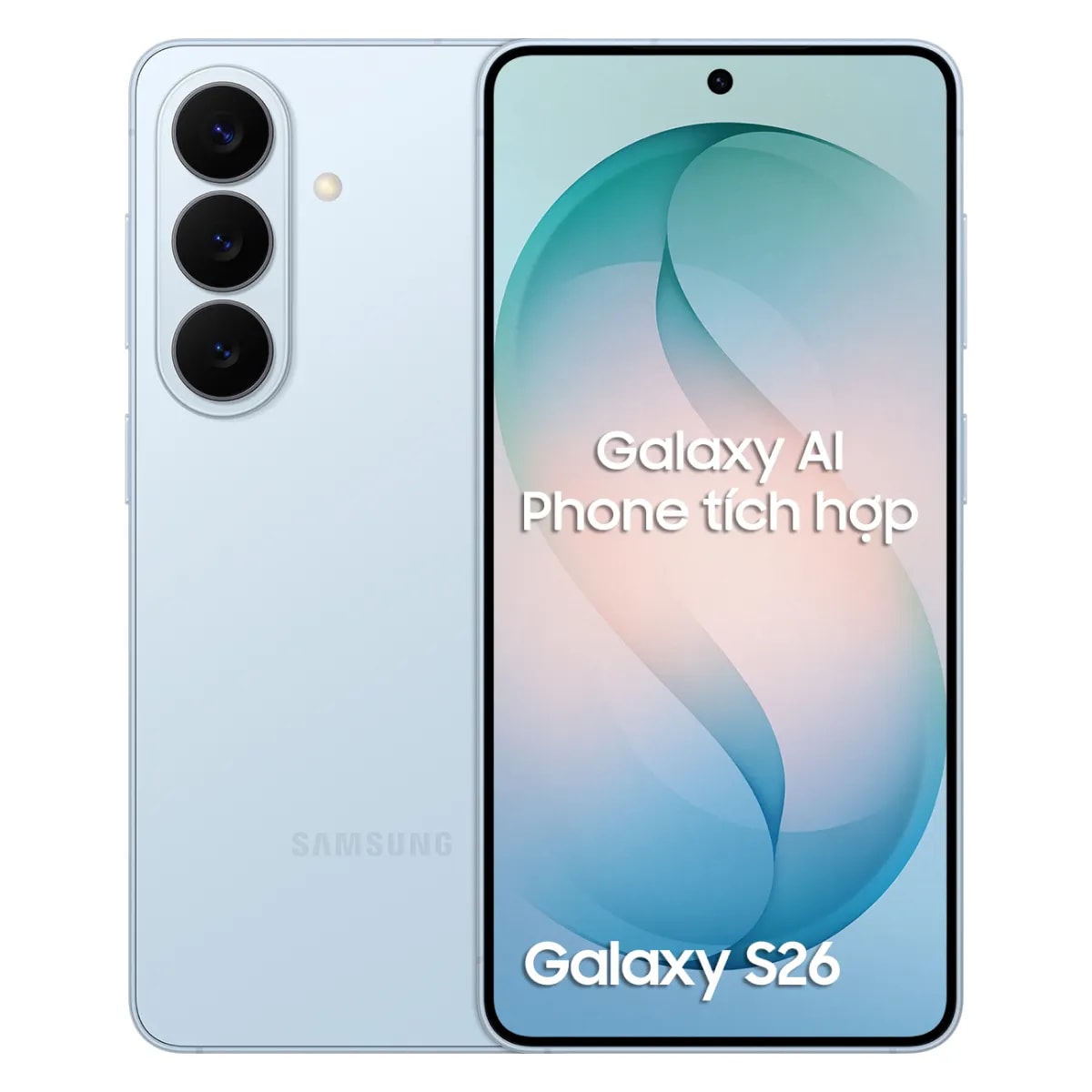
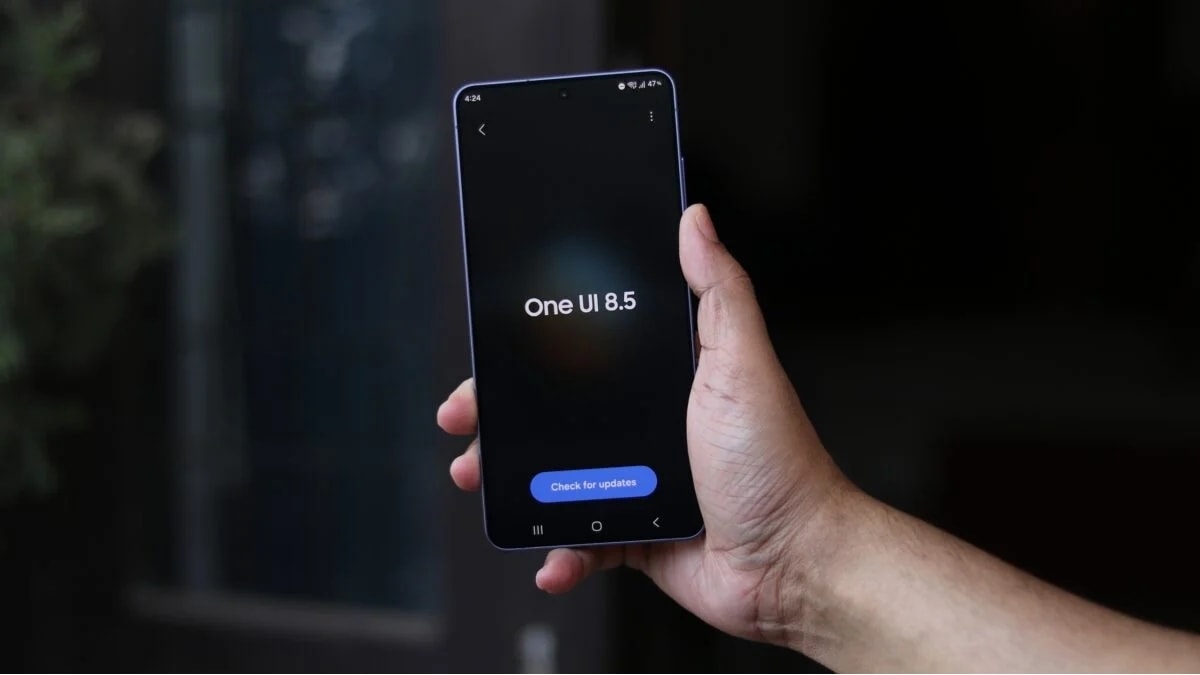
One UI 8.5 allows you to turn your Galaxy phone into a high-quality webcam via a physical cable.
The One UI 8.5 update supports using Samsung phone cameras as high-quality webcams for both Windows and macOS via a stable wired connection.
The One UI 8.5 update brings a notable technical feature, allowing users to utilize the high-end lens system on their Galaxy phones or tablets as a webcam for their computer. The biggest difference from previous solutions is that this feature works via a physical cable connection, offering superior stability and cross-platform compatibility for both Windows and macOS.
Multi-lens control and intelligent focusing capabilities.
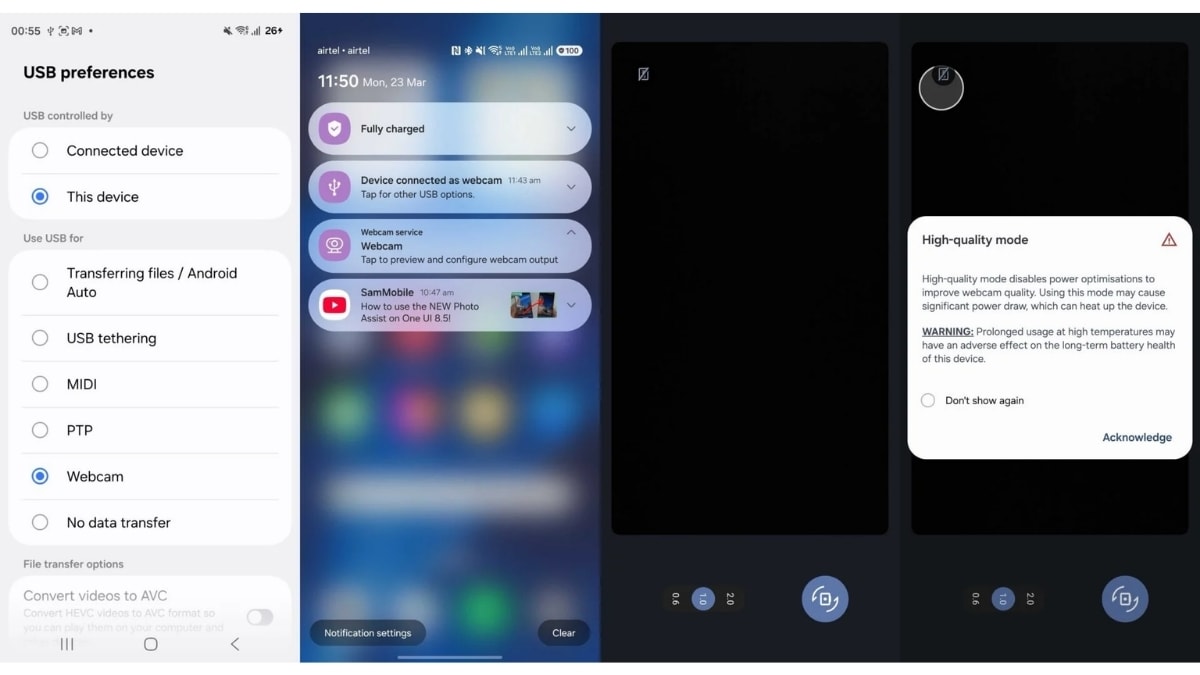
Instead of using just a single fixed lens, One UI 8.5 gives users full control over the diverse camera system on their Galaxy device. When connected to a computer, a settings menu will appear to select between lenses: from the 0.6x ultra-wide-angle camera, the 1x and 2x main cameras on the back, to the front camera.
This system also incorporates an intelligent focusing mechanism, automatically switching between lenses based on the subject's distance to ensure consistently sharp images. Additionally, a high-definition (HD) mode is included to optimize detail, although this may increase power consumption.
Performance differences between Windows and macOS
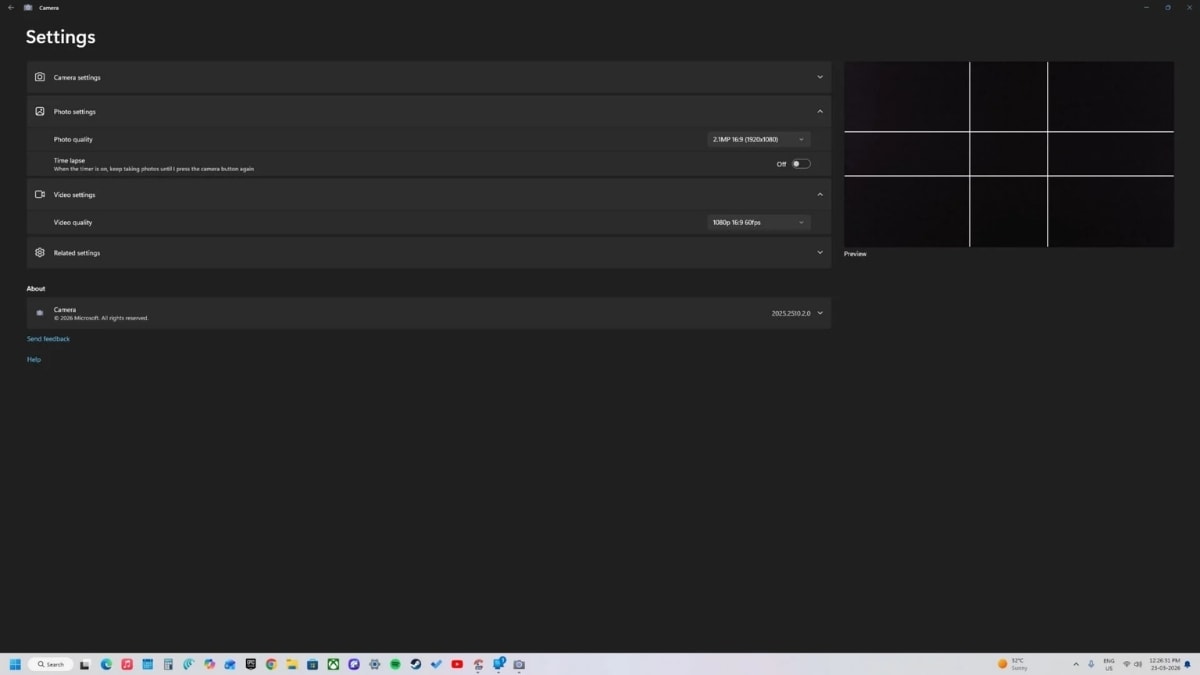
Although it supports both of the most popular operating systems today, there is a clear difference in actual performance based on specifications. Windows users benefit the most with the ability to output Full HD 1080p video at 30fps or 60fps.
Conversely, on the macOS platform, this feature is currently limited to 720p HD resolution at 30fps. Another technical note is that the system currently only transmits video signals; users still need to use the computer's microphone or external headphones because the phone's built-in microphone does not support audio recording in this mode.
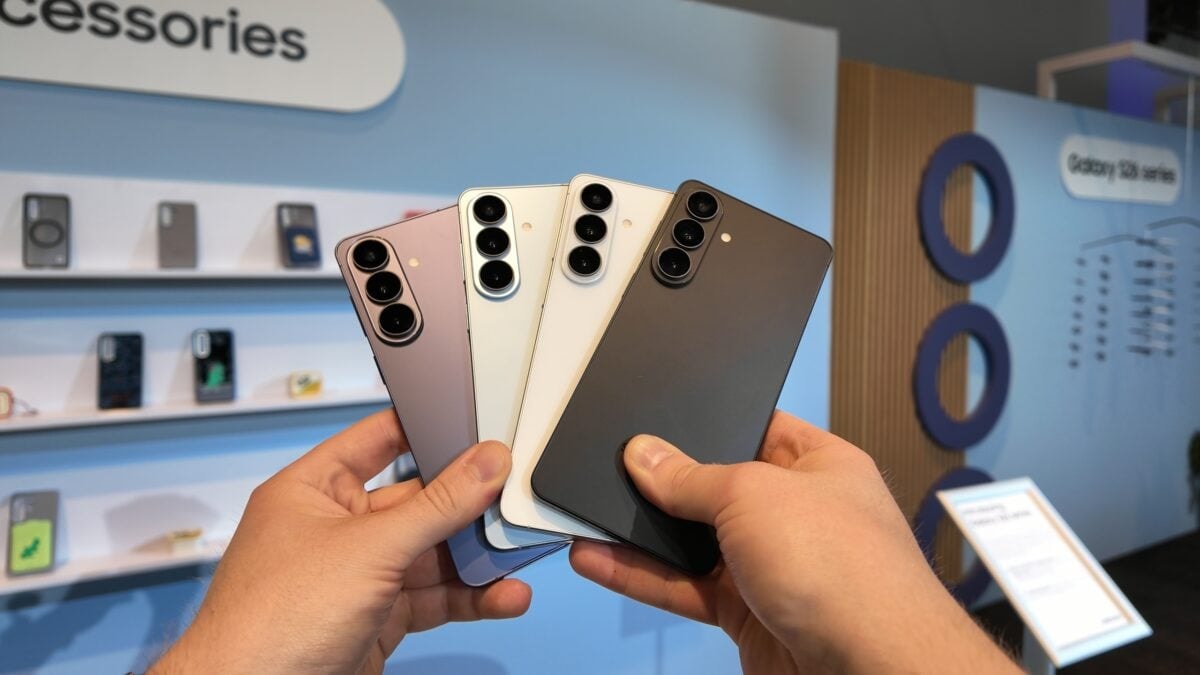
Typical specifications of the Galaxy S26 series
This new webcam feature is best optimized on newer product lines like the Galaxy S26, where powerful hardware supports smooth real-time image processing.
| Parameter | Detail |
|---|---|
| Microprocessors | Exynos 2600 (2nm process) |
| RAM | 12GB |
| Camera System | 50MP (supports 10-bit HDR Log recording) |
| Screen | Dynamic AMOLED 2X 6.3 inches, 2600 nits |
| Batteries and Chargers | 4300 mAh, 25W fast charging |
Integrating the ability to turn a phone into a webcam via a cable connection is considered a practical move by Samsung. This solution not only maximizes the use of the high-end camera hardware of the Galaxy series but also helps users save on the cost of investing in specialized peripherals.