
Distinguishing between turning off and restarting Android: Which method makes your device run smoother?
Understanding the difference between powering off and restarting helps you optimize your Android phone's performance. Discover when to use each mode to protect your device.
When a phone shows signs of lag or slow performance, users often wonder whether to turn it off or simply restart it. While both methods help refresh the system, understanding how they work will help you make the best choice for your device.
The difference between turning off the power and restarting.
Essentially, when you power off or restart your phone, it closes all background processes. When the system restarts, it restarts everything from scratch, including the operating system, hardware configuration, and system applications. This frees up RAM and resolves minor software conflicts.
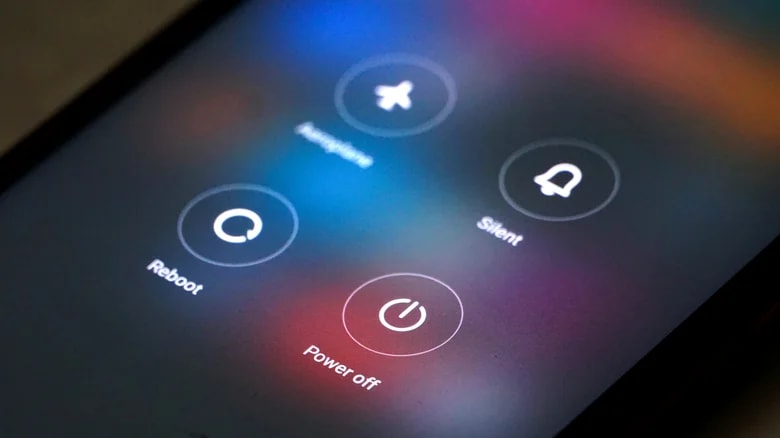
The only difference lies in the duration of the shutdown state. Restarting is an automatic cycle; the machine will turn on immediately after processes have stopped. Meanwhile, powering off allows you to actively control the amount of time the device remains in sleep mode before manually turning it back on.
Why is restarting often the better option?
Many people mistakenly believe that turning off the power will give their phone a "deep clean," but in reality, there is no technical evidence to suggest that this offers a significant advantage over restarting. Because the restart process is faster and more convenient, it is almost always the optimal solution for maintaining the phone's smoothness.
- Recommended frequency:Technology experts recommend that users restart their phones at least once a week to stabilize the system.
- Speed:Restarting takes less time than turning off the power and having to wait to manually turn it back on.
Specific cases where a complete power shutdown is required.
While restarting is convenient, there are times when completely shutting down the power provides practical benefits for the hardware and device safety.

1. Cool down your phone if it gets too hot.
If your device experiences performance degradation due to heavy gaming or outdoor use in direct sunlight, turning it off is the most effective way to cool it down. When the power is off, all power-consuming activities of the processor and screen stop, allowing the components to cool down more quickly.
2. Saves battery power over the long term.
Turning off your phone is only really worthwhile if you're not using it for hours, such as while sleeping. It's worth noting that the startup process also consumes a small amount of battery power, so if you're only going to be using it for a few minutes, turning it off is unnecessary.
3. Hardware maintenance and repair
When you need to replace the battery, remove or insert a memory card, or interfere with internal components, completely turning off the power is mandatory to avoid electrical short circuits. Additionally, accessing Android's Recovery Mode also requires the device to be completely powered off before performing any physical key combinations.


